I am trying to run an Interval Test in the latest version of Lightburn and I think there is an issue. The Minimum and Maximum Interval inputs previously showed “mm” and I would use the Line Interval (in mm) from my Layer settings to input to the interval inputs. Now the Interval Test Min and Max intervals say “in” and appear not to accept my LPI ( ie 300 LPI) or the Line Interval in mm ( ie 0.085). I have reviewed the Support Documentation and it also shows the Min amd Max interval uits to reflect “mm”. Is this a bug or is there a new change that is not yet updated in the Lightburn support docs. I can not figure out what to input to these two settings to have oit reflect the LPI or Line Intervals I need to test. Hope you can help. Thanks!
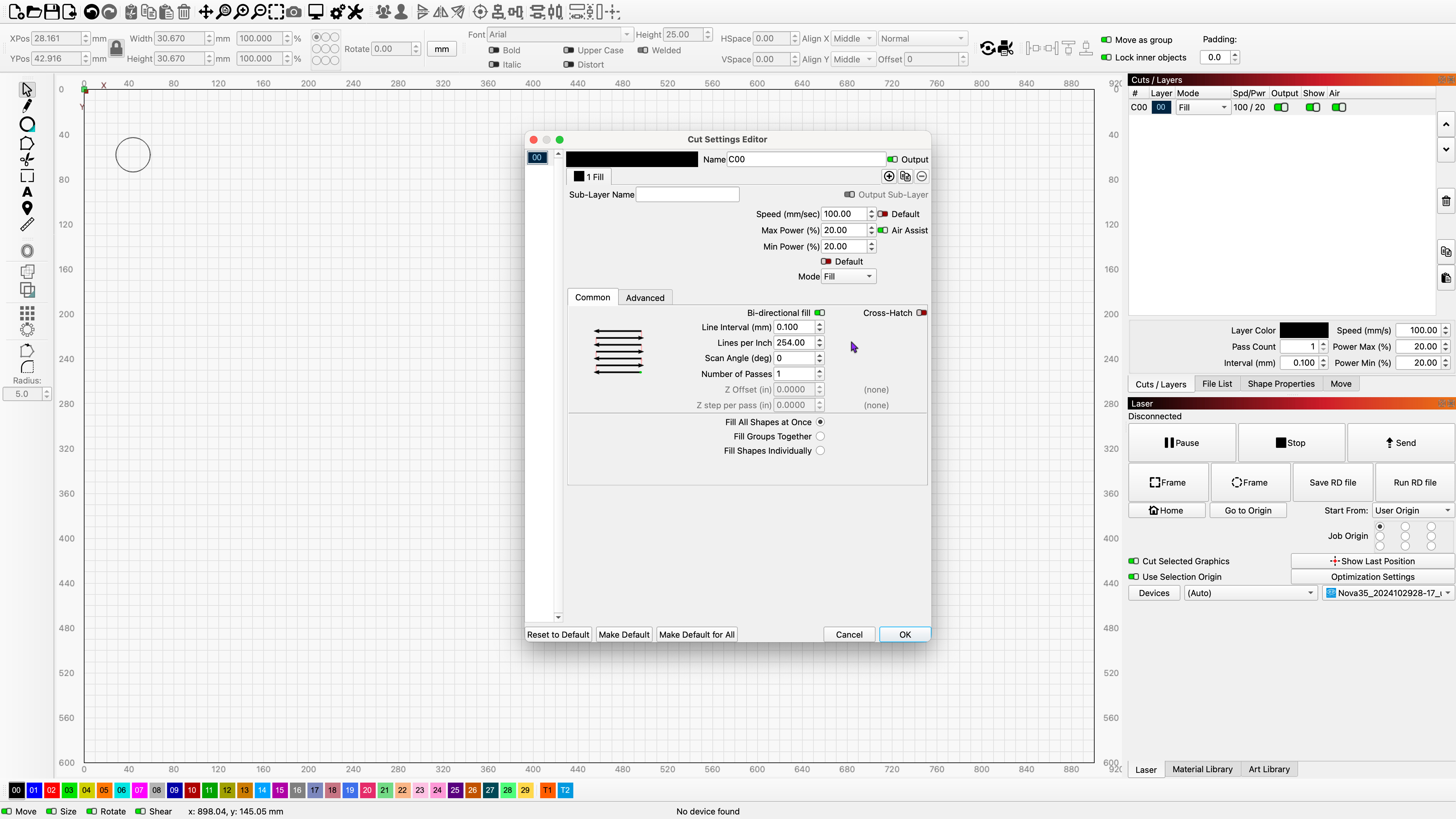
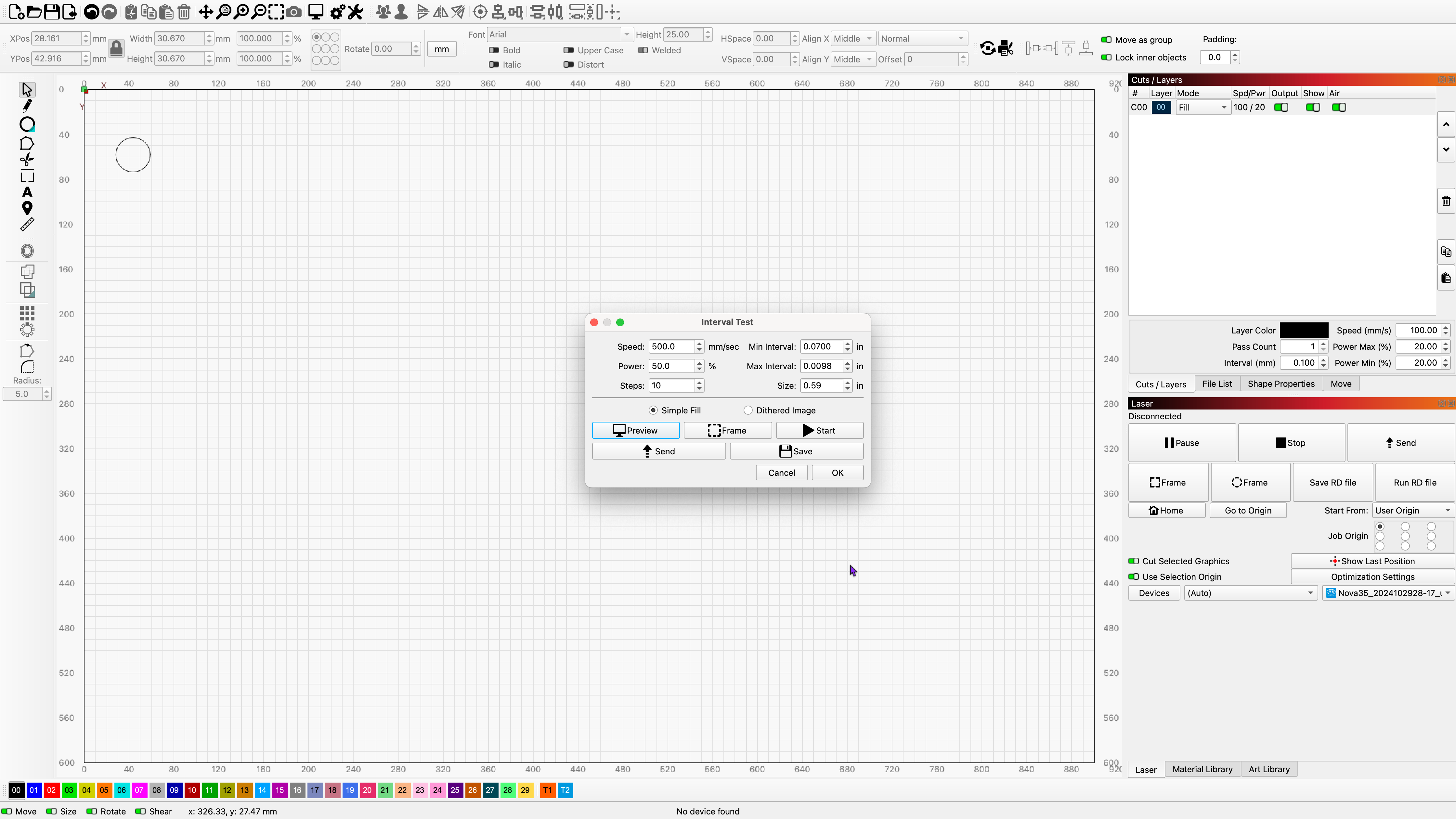
Might want to send a note to support, I see what you are speaking about and it looks like you are in mm, not inches.
If you send a note, include a link here, will save you some time.
Maybe @gilaraujo can advise (again) about the possibility of this being a bug.

Good morning and thanks Jack. I will. Cheers!
This topic was automatically closed 30 days after the last reply. New replies are no longer allowed.