Excuse me, a novice with a perhaps simple question but for me it is not clear. Some files that can be purchased often have an image that is inverted. What should I do in the LB settings when I have opened the image in LB so that I can make the engraving correctly on the slates? Thanks
For slate (or any dark colored medium) you will want the image to be inverted. But to answer your question, click on the image, select Adjust Image. In the second row of options click Negative Image. This will turn a “normal” image into a a negative one suitable for engraving on slate.
1 Like
That being said, if the image is already inverted then you don’t need to make any other changes.
1 Like
Really depends on the color of your slate when it’s lased. Some lase leaves it white, some leaves it black.
Both of these are slate.
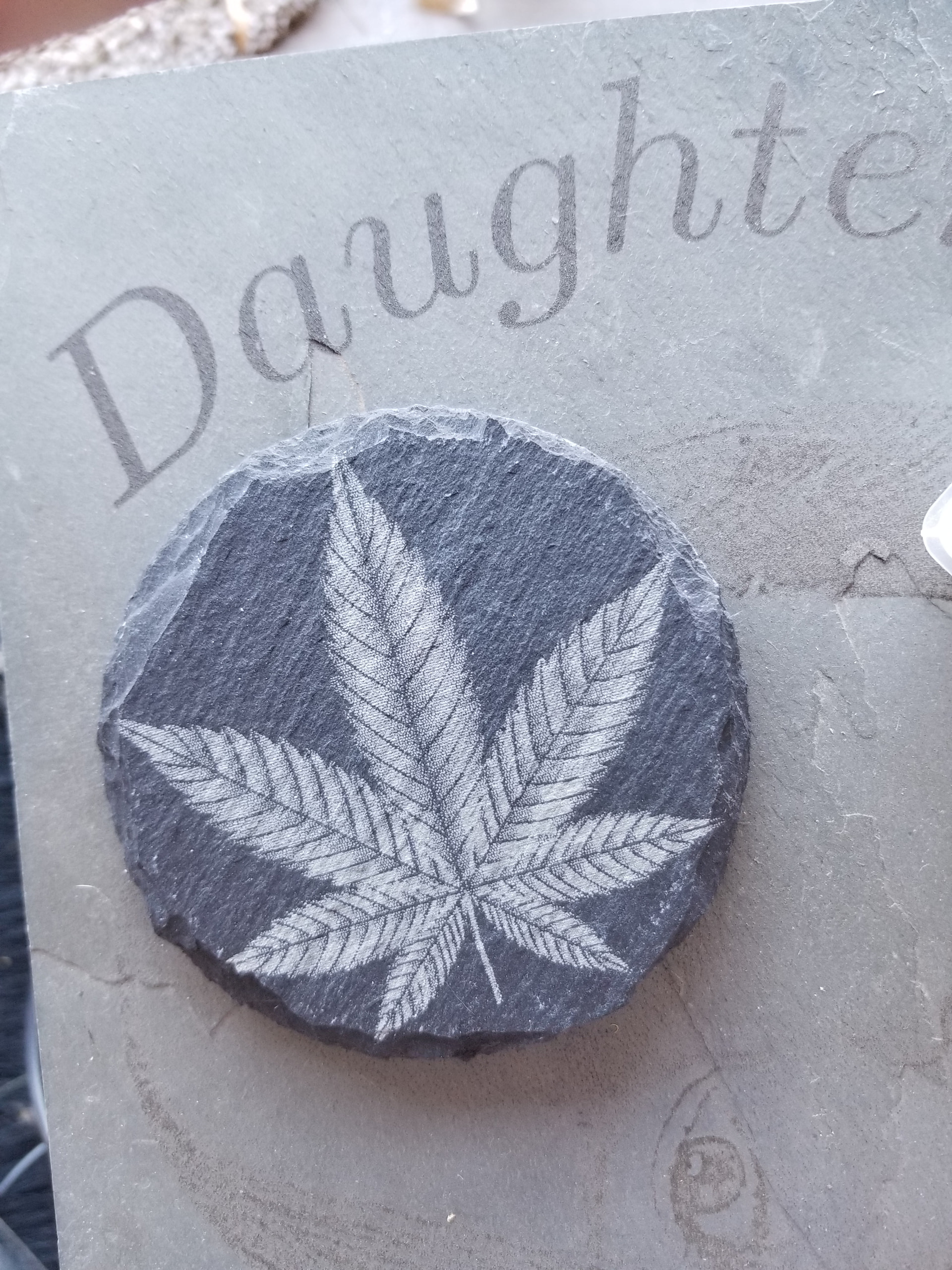

1 Like
This topic was automatically closed 30 days after the last reply. New replies are no longer allowed.