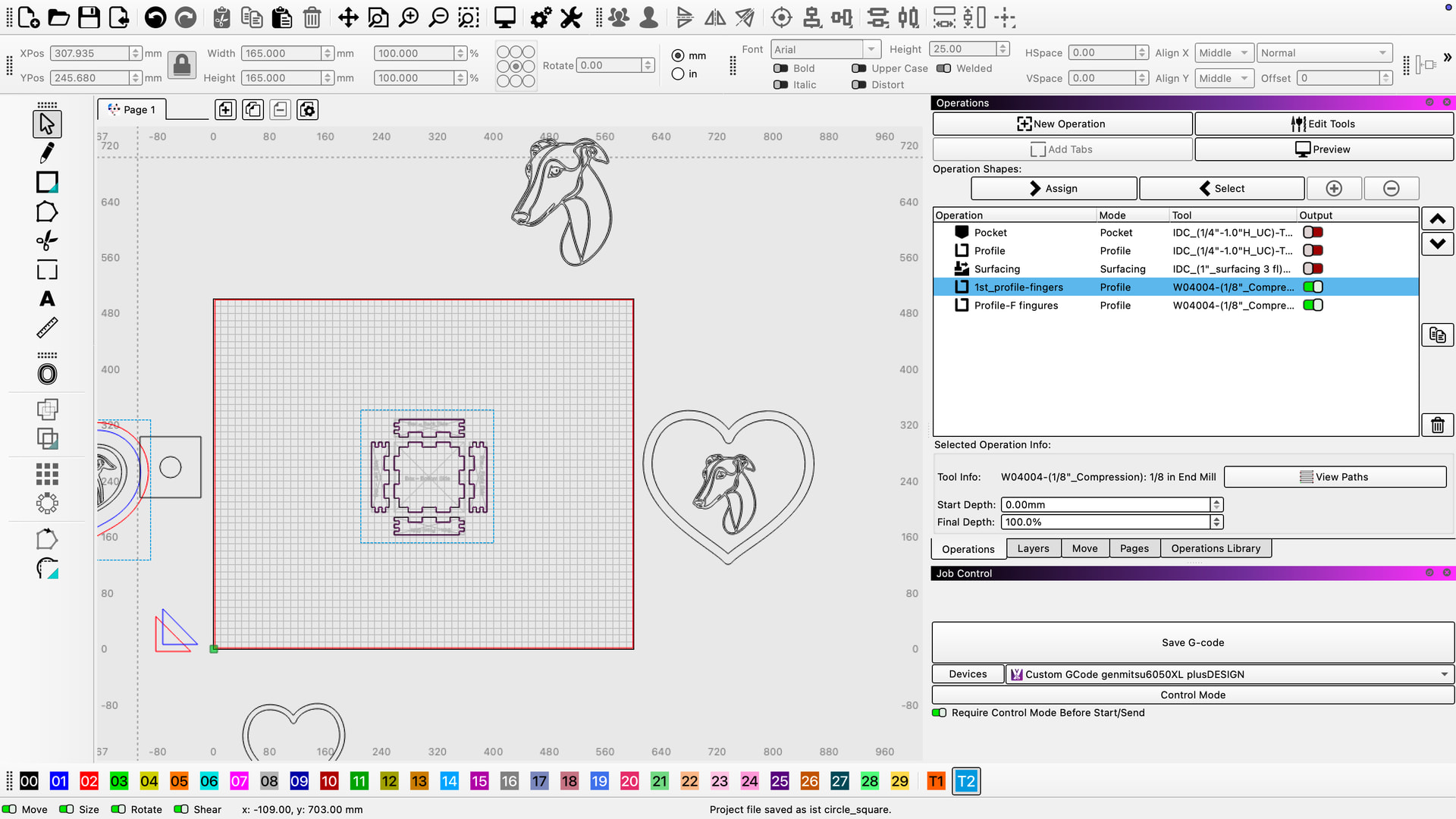
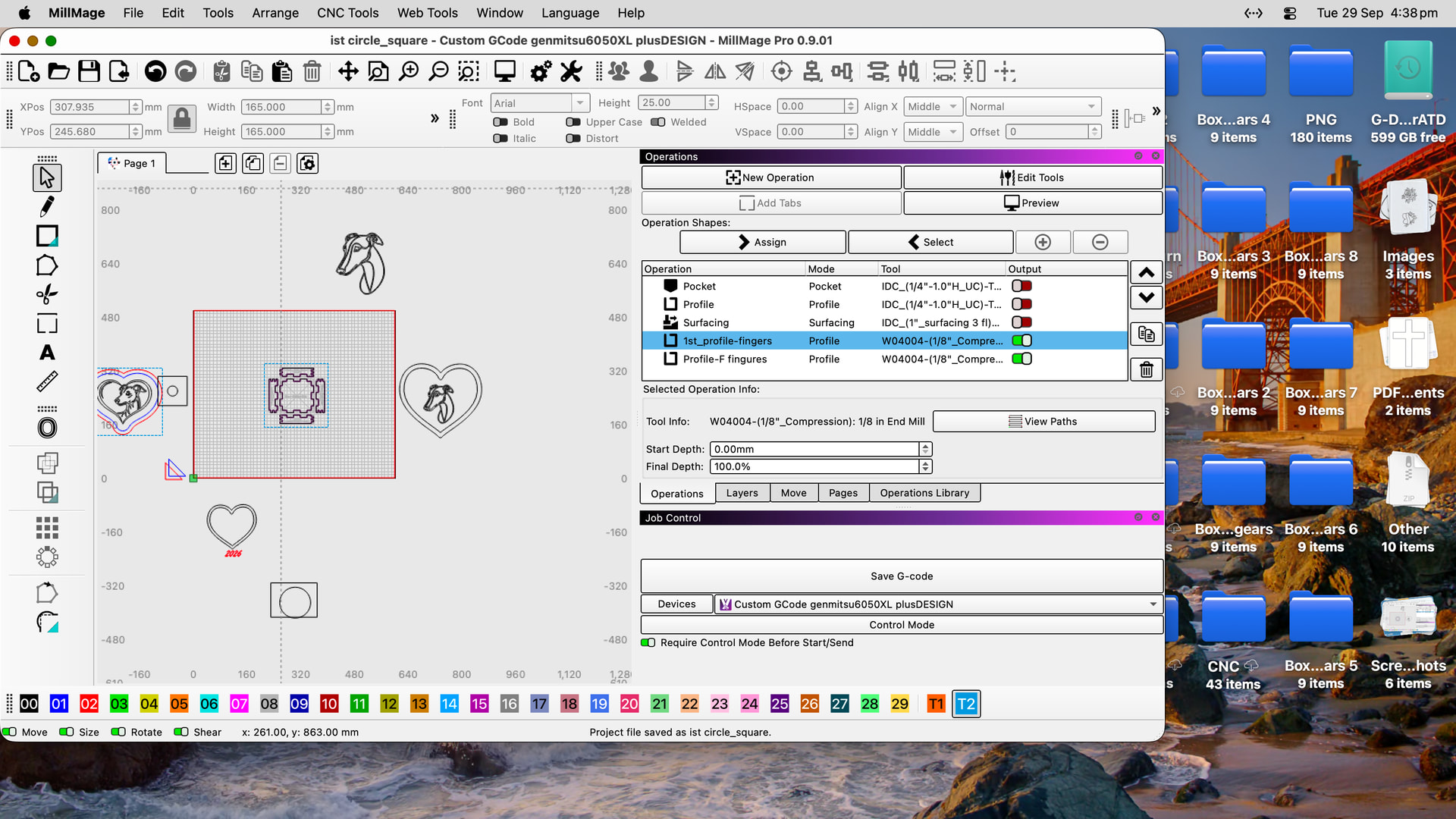
I have had this happen only when up grading to IOs 27 iMac when you press the green button it gives u full screen . but then your stuck there talked to apple and its only happening with millmage app ? you move the arrow up to the upper left corner as normal and nothing appears . no buttons , red amber and green ? I have a workaround but very time consuming …figure this is a need to know!
also when I updated it said when I tried for the first time to open millmage that I needed to download ???ROSETA ??? or when iOS 28 comes out it won’t work yet gave me no choice as it wouldn’t open till I downloaded ROSETA ???
pat
Yes, this is the intended function for that button in MacOS and has been for quite a while.
The green button [Maximize] puts most any app into a fullscreen mode on its own virtual desktop to encourage focus and productivity, and can be moved out of by accessing Mission Control in MacOS. You can either do this with trackpad gestures, or keyboard/mouse shortcuts.
To exit fullscreen mode, move your mouse cursor to the very top of the screen to reveal the menu bar, then click the green button in the top-left corner of the window, or press Control + Command + F at the same time to toggle full screen on or off.
If there’s some other issue or anything is preventing you from moving out of MillMage at all, please let us know.
As for the Apple Silicon notification you received, we have a post covering that here:
LightBurn 2.2.00 Early Access: True Nesting! Center Line Trace! Multi Page Projects! More!
Apple has announced that with the release macOS 28 (anticipated fall 2027), they will no longer support apps that are not specifically built for ARM. Any user that has a Mac with an “M series” chip and updates to macOS 28 will be required to update to LightBurn 2.2.00 (or later). Previous versions of LightBurn will not run on macOS 28. This will also affect any user who purchases a new Mac after the release of macOS 28.
The post linked above is for LightBurn, but we’re looking to follow a similar rollout with MillMage
Sorry Joseph ,
but that’s not correct as only millmage is doing this and possibly lightburn!
all other apps of any kind do not do this . spent a fair time with apple and they’re saying its your end ,and I tend to agree as no where else is it happening!1
Thanks for getting back to me
PAT .
PS and its only since upgrade to IOS27 . SO maybe there not talking??? I see 27.1 is due hope that fixes it , but defiantly needs more investigations you end please
and none of this works either FYI
only going to Mission Control and dragging it down and inlaying it twice to get back to a call screen …
that’s defiantly a step BACKWARDS
thanks for your effort
Pat
Would you be able to post a video of what you’re experiencing then?
We have not received any reports of this from any other users and we have not been able to replicate this on our in-house macs.
To post a video here, upload your video to YouTube (or a similar host) and paste the link/embed into your forum post so we can take a look at it.
hey Joed, pat here mate I did solve the problem myself , well maybe through a back or side door ,dinosaur at the helm here hehe. I changed the resolution in settings_display_ resolution slider down a few something by 900 ?? can’t recall but that allowed the green red and amber buttons to appear.
thanks anyway, bt problem solved