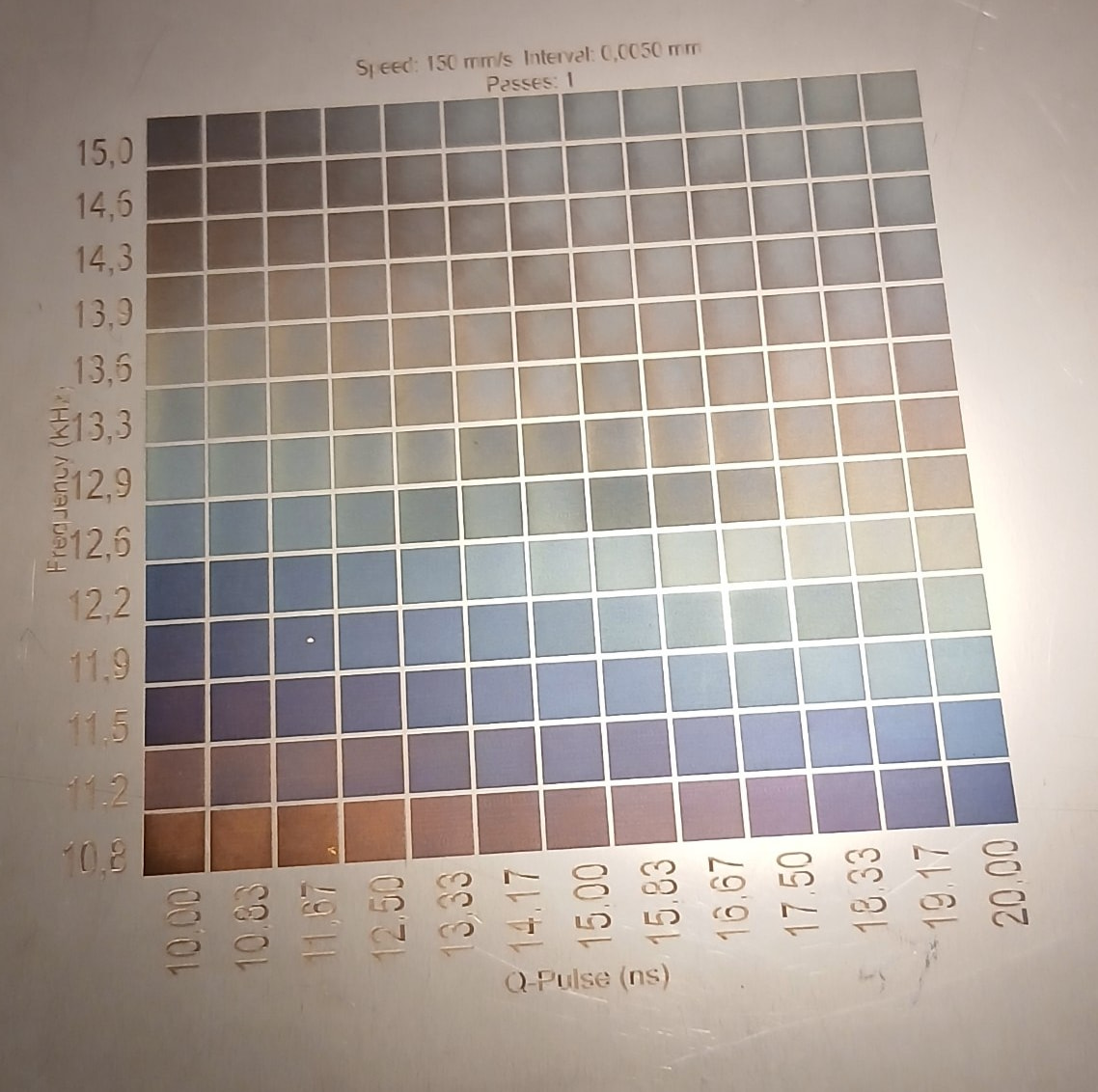
I am using a ComMarker Omni 1 (5W) and am doing some color patterns on steel
A while ago, i had my laser misaligned on the axis that it stays on the frame so when doing marking, the flat surface hit the point with slightly varying dot size. When i was trying to get a blue circle, as a result, the top half of the circle became purple. Most likely because it was getting less surface energy due to the dot size being larger. This got me thinking, when my setup is proper how do i achieve this effect ?
The best would be to have a speed profile or a function that dictates what the speed in mm/s would be depending at our angle of orientation around the circle. This would give a very smooth transition from one color to the other.
Is it possible to do this in Lightburn in its vanilla form or would i have to directly touch the output code of the software before it is cached as a job?
I think the easiest would be to put your material on a ramp in the laser (prop up one side, a purposeful-misalignment.)
Alternatively, you could apply a fade across an image by adjusting the gradient of the input from top/bottom or side/side. Darker areas would receive more power. Image Mode - LightBurn User Guide
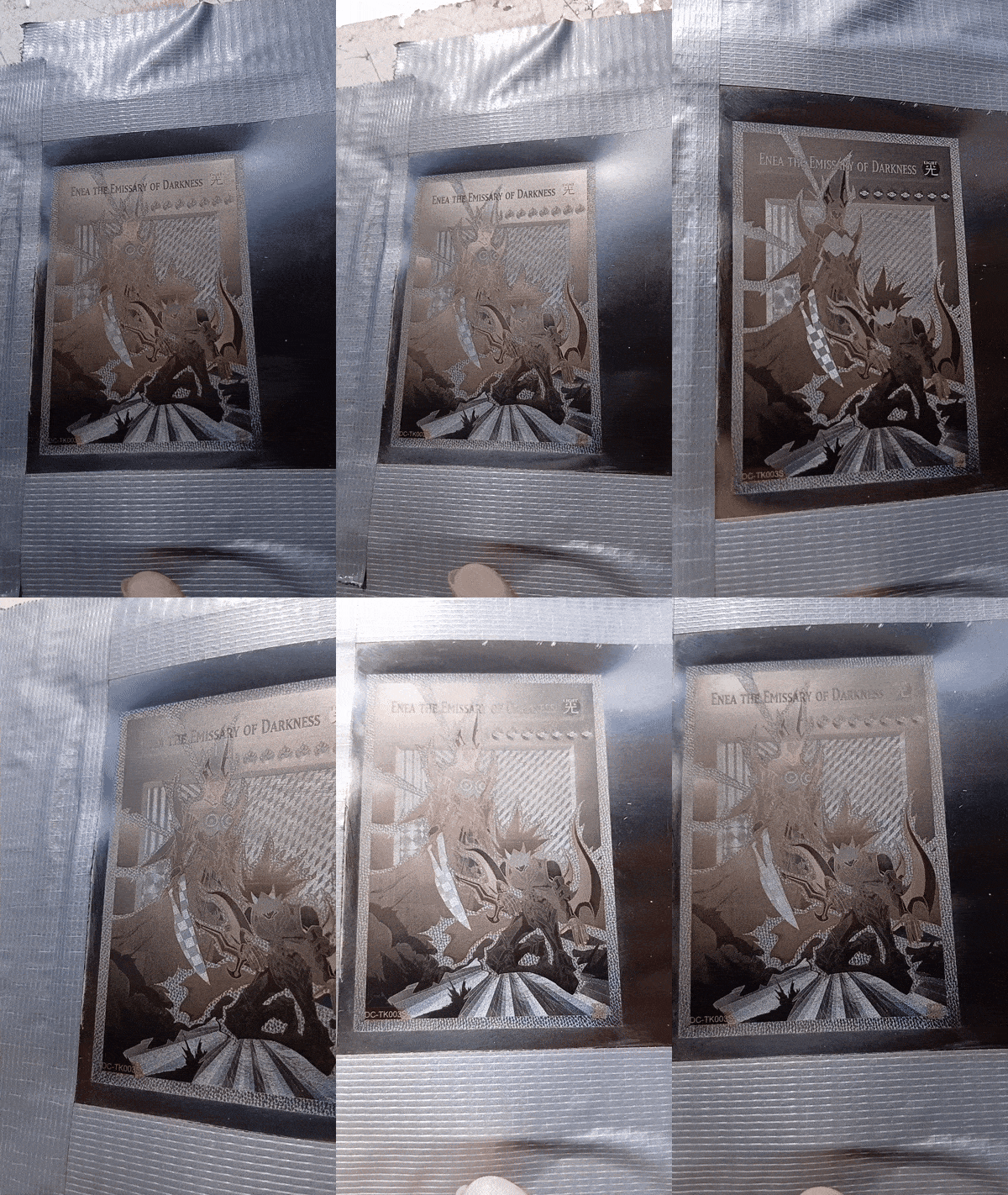
The etch patterns follow the same principles as Guilloche, reflecting patterns at certain angles. Those are a post process after the whole card is done.
Would you know who makes the UV source in these… I’ve tried to google it many times and even AI advises it can’t find it.
I have a 60W fiber and I’ve got setting down for a specific sized object. However when I attempt to enlarge or shrink it, the colors are not maintained.
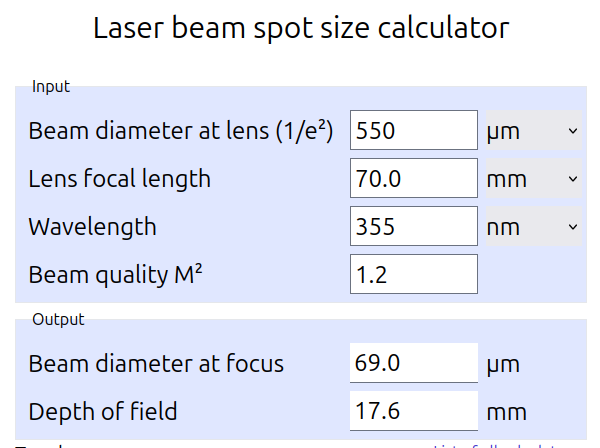
I tried to see if I could figure out what the depth of focus (dof) this system has. I’ve used this spot size on-line calculator, but I get numbers that are a bit out of line.
Do my numbers look ok? One of the AI responses was a spot size of about 2 microns (0.0016mm). This suggests it’s 690 microns, which really doesn’t make sense to me.
If this is correct, you have a dof of nearly 18mm, kind of refutes the spot size suggestion.
A lot of basic information, I gleamed from the JPT site.