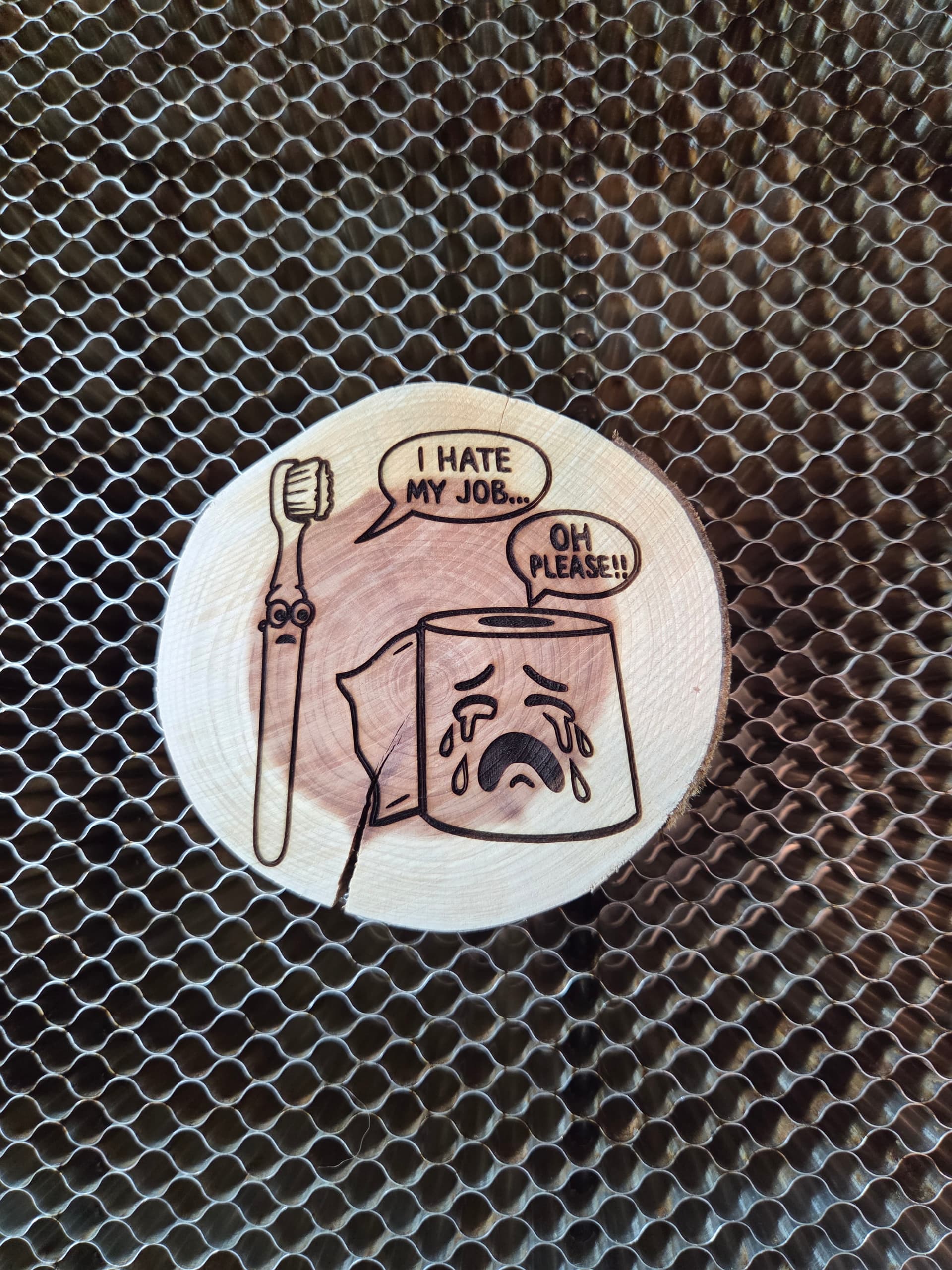
I have a question about Lightburn 2.0.00 thru 2.0.03.
I am currently using a AlgoLaser Diode Laser 10W and use the paid versions of Lightburn.
I installed 2.0.00 when it was available and it run fine for about a week, then when I tried to engrave a project using Offset Fill, I noticed that the laser beam started the project fine then about half way through design the laser beam shut off but the laser head continued finishing the design.
I have checked everything that I know to do, and I could not fix it. So, I uninstalled 2.0.00 and reinstalled 1.7.08 and my laser worked great on the same project which I believe will eliminate that it might be my laser machine.
So, I waited until I saw the 2.0.02 (I did not install 2.0.01) was out and installed it. But the results were the same after a week or so of use. So, I uninstalled 2.0.02 and reinstalled 1.7.08 and there again it works great.
Then I saw that 2.0.03 was released and installed that hoping for the best, but with the same results except this time not only did the laser beam shut off in the middle of using the offset fill mode it also shut off when I tried to engrave a different design in the line engraving mode.
So, I am back to using 1.7.08 version, but would really like to fix this issue because I do like some of the new features in the 2+ versions.
Note: I have the up to date Window version and drivers on my laptop and I shut down my laptop everyday.
Thanks for any suggestion in solving this issue.
HTCraftsmen77
Lightburn does not tell the laser to shut off in the middle of a burn. It is more likely you have an overheat issue with the laser.
To test, using v2.x.xx run the job at half power and half speed. If it runs longer, you can suspect the power supply or laser module. Power supply: Replace with one of a little greater amperage and same voltage. Laser Module: This is likely due to it having gunk on the cooling fins, or less likely the little cooling fan is bad.
Hey MikeyH,
Thank you for your reply. I thought that too about the fan, so I did clean the laser module fan. I also ran the projects (several different ones to see if it does it on other projects) at 30% power and 1200mm speed which is less than 1/4 of the machines max. speed. I tried them all in line, fill and, offset fill with the same results.
I maybe wrong in thinking this, but why would my machine work great (with doing the exact same projects with the same speed and power) using Lightburn 1.7.08 compared to the 2.x.xx’s? If it is the power supply, won’t it do the same thing with both versions? Just wondering…
Anyway, thanks for your help.
HTCraftsmen77
There are a couple changes on 2.0 vs 1.7.08
Do this test for me
Laser Tools > Device settings
Locate the Gcode tab and enable “Emit S value with every G1 command”
Check if the laser stays on:
Also make sure you are in fact using GRBL profile and not LPC or M3
If both versions are set up the same, yes. But there is apparently a settings difference we have not identified yet.
Go into the Prefs Backup folder and identify the last one created while using V1.7.08 and put a little “x” in the file name. Load 2.0.03 and then restore that Prefs from backup. Now run the program that has been failing mid-burn and see if it does it now.
IF IT FAILS. Do a Save GCode to a text file with .TXT at the end of the filename. Upload both that GCode file and the Lightburn (.lbrn2) file that created it.
Hello,
I reinstalled 2.0.03 and made sure that it is running gcode also I clicked on the “Emit S value with every G1 command” button and the laser is not on constantly. It only comes on when I run a project.
Hello,
I ran the project that I had the issue with when all this started and it burned just fine.
Not sure if just turning on that G1 command helped or not. But it seems to be OK right now, running 2.0.03. I’ll keep an eye on it.
Thank you very much for your help.
HTCraftsmen77