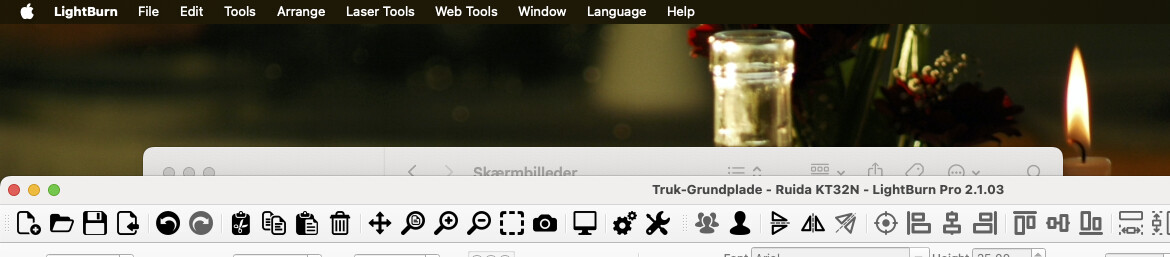
After the recent up date all the fonts at the top of the screen, file,edit,tools, arrange, etc have shrunk in size to a point I can no longer read them, even with my reading glasses on I have to squint my eyes to see, I managed to make all the window tools larger as these were the same, but I’m not able to see how to make the top fonts bigger, not all of us have the eyes of a 18yr old.

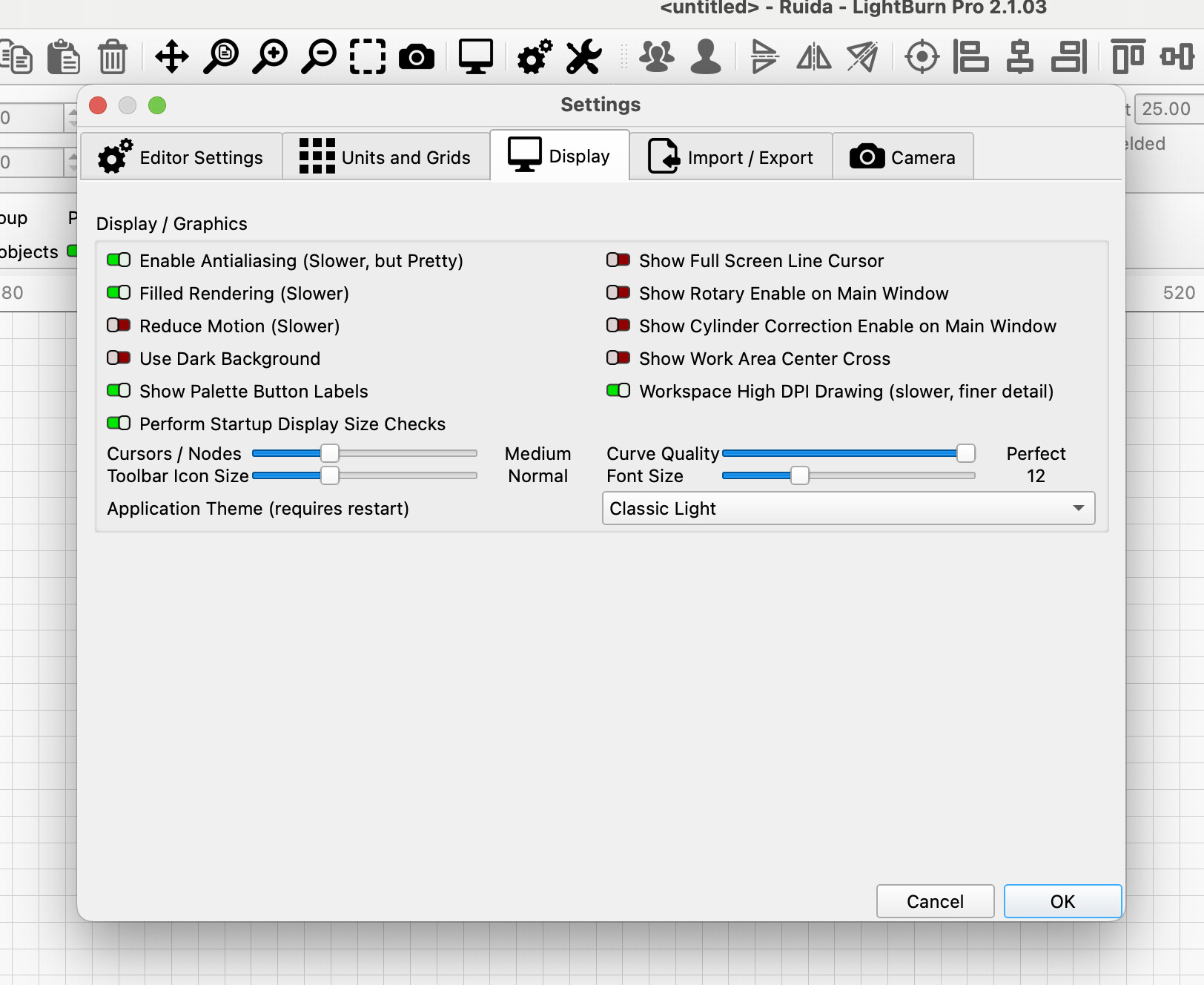
Cheers but it’s not the icons or font size i need to have larger, it is the menu at the very top. file,edit,tools, arrange, etc
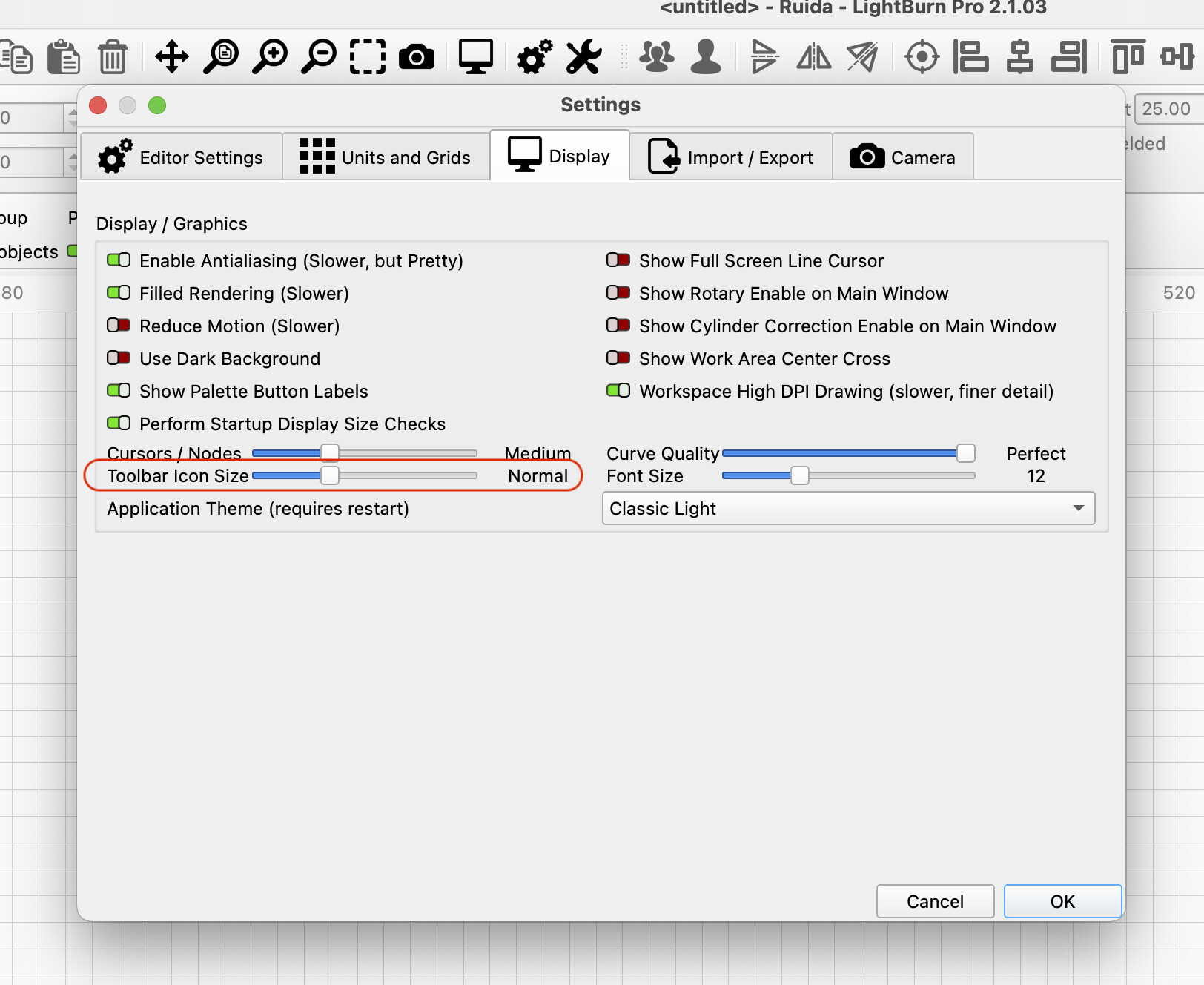

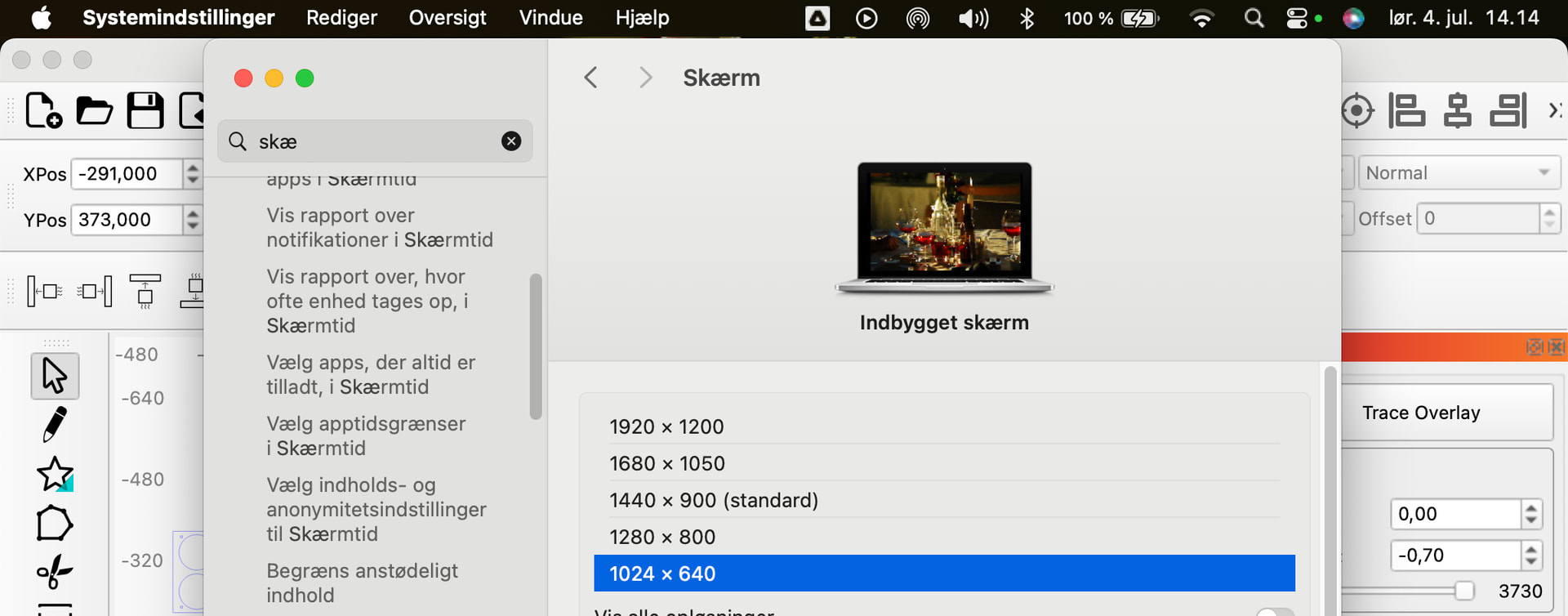

Awesome, thank you very much. I thought that was just for when you added text.
I had the same problem when I downloaded it about a month ago so I went back to what I had.
I don’t know what’s new that I might need. I’m still getting used to what I have .
Old mind, ya knoiw?