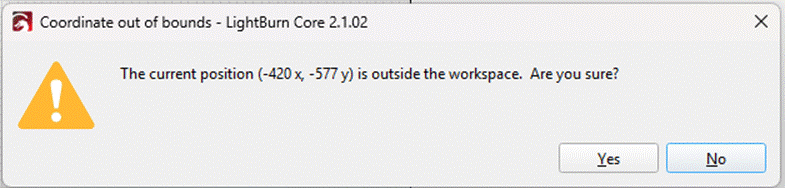
I am having an issue with Lightburn version 2.1.02 “Set Finish Position.” I hope the following explains the issue I am having and you can provide some insight and resolution.
I’ve passed this along to the engineer responsible for this part of the code. You shouldn’t have to enter negative numbers, and it shouldn’t be reporting them there.
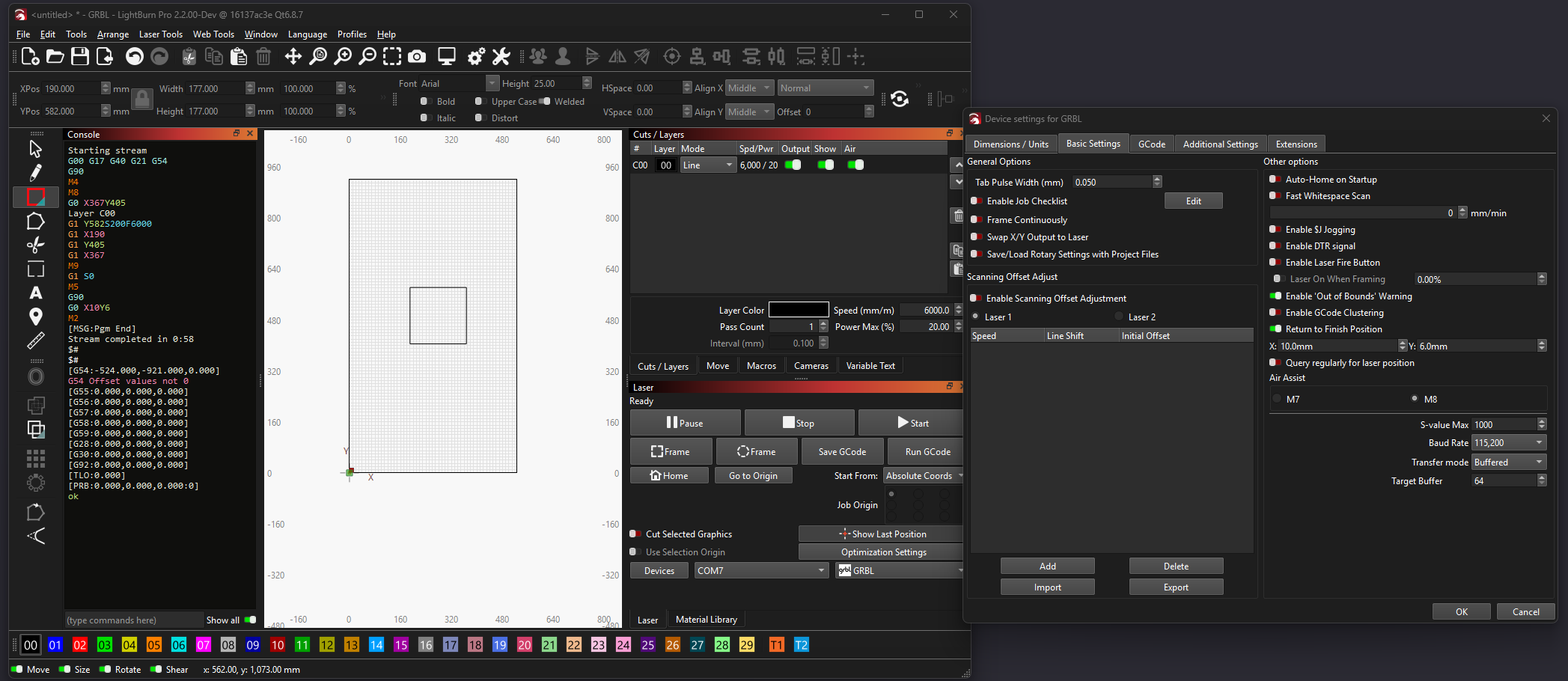
To be able to understand where your problem comes from, it would be best if you could share a sample file that gives you the error, along with the configuration bundle for your device.
At present I have only fragmentary information to fully understand how you’re getting these negative numbers to show up in a warning. What little I was able to reproduce from the above information doesn’t give me the issue, even though I used the same G10 command you gave us.
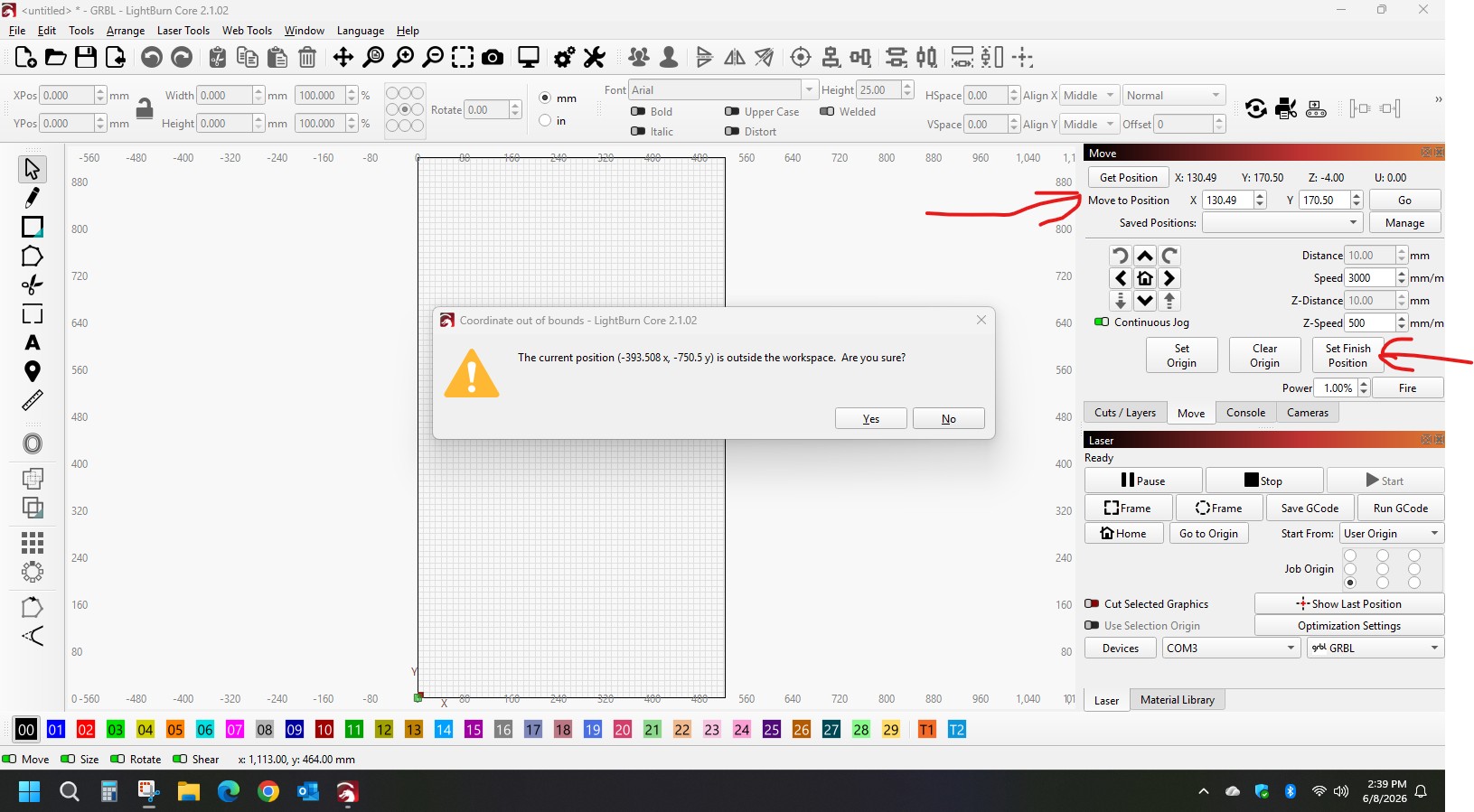
See the below screenshot - please help us understand what is different with your machine configuration that would cause the issue.
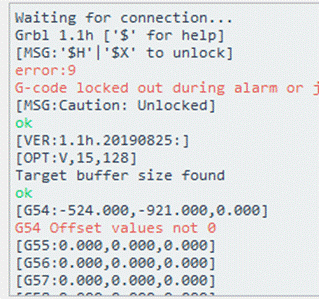
Ok it took me a bit to grasp the problem. Essentially it’s because you’re in User Origin coordinates.
It’s unfortunately a rather deep bug since we added features to work with CNC machines in MillMage. There are 2 ways to resolve the issue until we have a deeper fix:
Use Absolute Coordinates for the job. That will work just fine with a G54 offset - the Absolute Coordinates just means it will run a G90 G1 X<jobOriginX> Y<jobOriginY>. Less convenient maybe, especially if you have a jig.
This is going to be significantly more work:
Reset G54 to 0,0
Enable CNC Machine in the device settings
Reset your User Origin correctly.
User Origin will only work in 2.0 and 2.1.02 so long as G54 is set to [0,0] for X and Y. I am trying to see if we can resolve this without introducing more bugs, but it’s in the middle of things where there are lots of critical things happening. Meaning it will take time to test it.
That will indeed work, but we’re trying to remove the friction in your workflow.
I’m making progress, so there may be a patch coming that will resolve your issue. Just give us a week or two to make sure we don’t break anything else while fixing this
Quick follow-up, we’re testing the fix for the user origin now, but I can’t promise that it will be in the next patch release, it may be in the one after that or the next major release. I do apologize for the inconvenience of having to wait so long to get that sorted out.
I’m relieved if you’ve managed to find a way to manage your workflow without it, but the fix will be available “soon”







 Thanks Jon for staying on this. You rock.
