Hello!
I’d like to ask for your help. I have an M1 Pro and am having trouble with the LightBurn software; the framing isn’t working the way it should—it’s failing. The link includes a video where the problem can be seen: https://drive.google.com/file/d/12QZjX4Sam4PvXmlxdn1Ic7NlVYvbSA6H/view?usp=sharing
Hi Ryan, welcome to the forum!
What’s your “Frame Speed” in the Device Settings?
Please send us screenshots of the first two tabs of “Edit > Device Settings”.
It’s probably best if you could use the latest version of LightBurn, 2.1.04 as of now.
you can download it from here:
@RyanSoaresRj good to see that this solved the framing issue!
Can you let us know which of the suggestions solved it for you?
Changing the Framing Speed, or updating to 2.1.04? (Or both?)
Hi Aaron, how are you? Thanks a lot for your help—I’m extremely grateful!
I downloaded update 2.1.04, and the process ran exactly as expected! I didn’t touch the framing speed; apparently, updating to the latest version solved the problem!
Sorry if the translation is bad; I’m using Google Translate! I’m Brazilian.
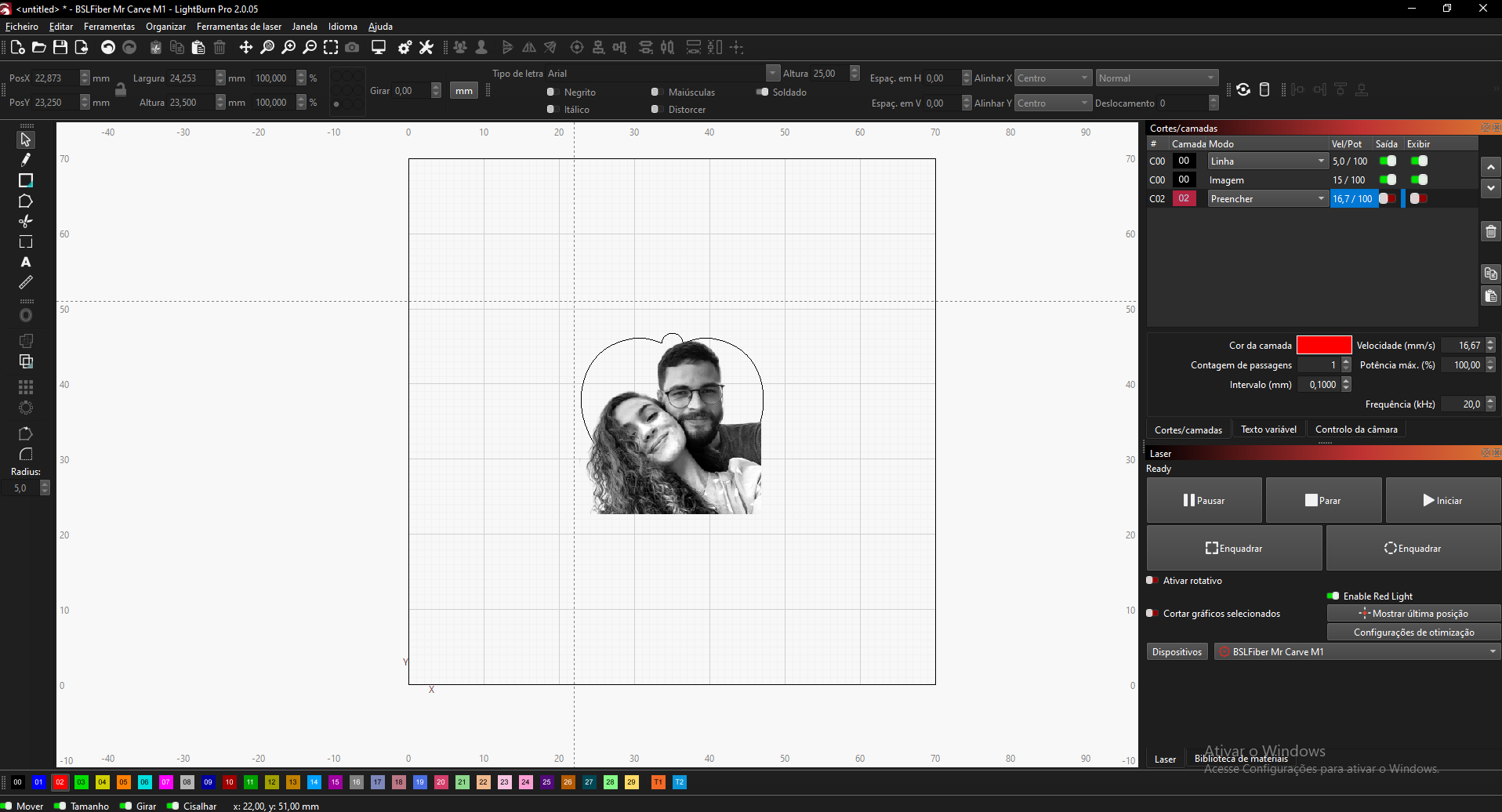
Hi Aaron, sorry to bother you via private message. I managed to solve one problem but discovered another! When I set up the file and try to engrave, it simply doesn’t engrave anything. I’m using the Mr Carve M1 Pro; it only has 2W of power but engraves metal very well. I’ve tested it before using its native software and got good results, but I’m not getting the same outcome in LightBurn right now. One thing I noticed is that the other software has a laser focusing system, whereas LightBurn apparently doesn’t have that option—could that be the problem? The video shows the issue I’m having.
Checking the Frame Speed and the first two Device Settings tabs seems like a good place to start. I’d also update to the latest LightBurn version before testing again, since framing issues can sometimes be version or device-setting related.
Thank you for that detail. In version 2.1 we added a couple adjustments that could be responsible for the framing issue. This includes an updated version of the BSL library, which we need to use to communicate with the controller in the Mr Carve.
I can barely see the settings in the video, but it looks like you are using 100% power here, so it should leave a mark on this piece if the focus is correct.
This page will be of help: