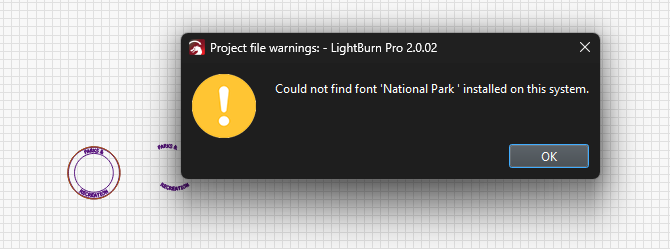
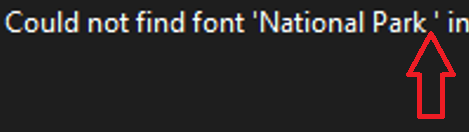
When opening certain older files we are running into some issues. Initially this message is provided. This is not specific to this font, this is just the project that is next in our que. Also this font is installed on this PC and the other two I am testing these files on.
Once loaded we are not able to change the text. It will let me select text and change but it does not update the font on the screen or provide any of the text editing functions.
Also for some files it will not load anything to the workspace both text or vector points.
The issue does not show up with all files but it does follow the file so even when I opened this up on another PC running 2.0.02 all the same issues persist. This I assumed meant the files were possibly corrupted. The reason I’m posting anything is that by chance we loaded these same files to an older version of Lightburn specifically 1.7.07 and it does not have any of these issues.
We currently have a workaround so I’m posting this more to get some opinions of how to proceed if at all and to hopefully avoid having to spend time recreating old files going forward.
This file is a version saved using 2.0.02, the issues and results are the same between this file or the original.
The font was installed on all three PCs that I tested the file on. To be thorough I deleted the font from the folder and installed from a fresh download to this laptop. It did not change the symptom, before and after I get the same message.
If I create a new set of text in this file it acts normally.
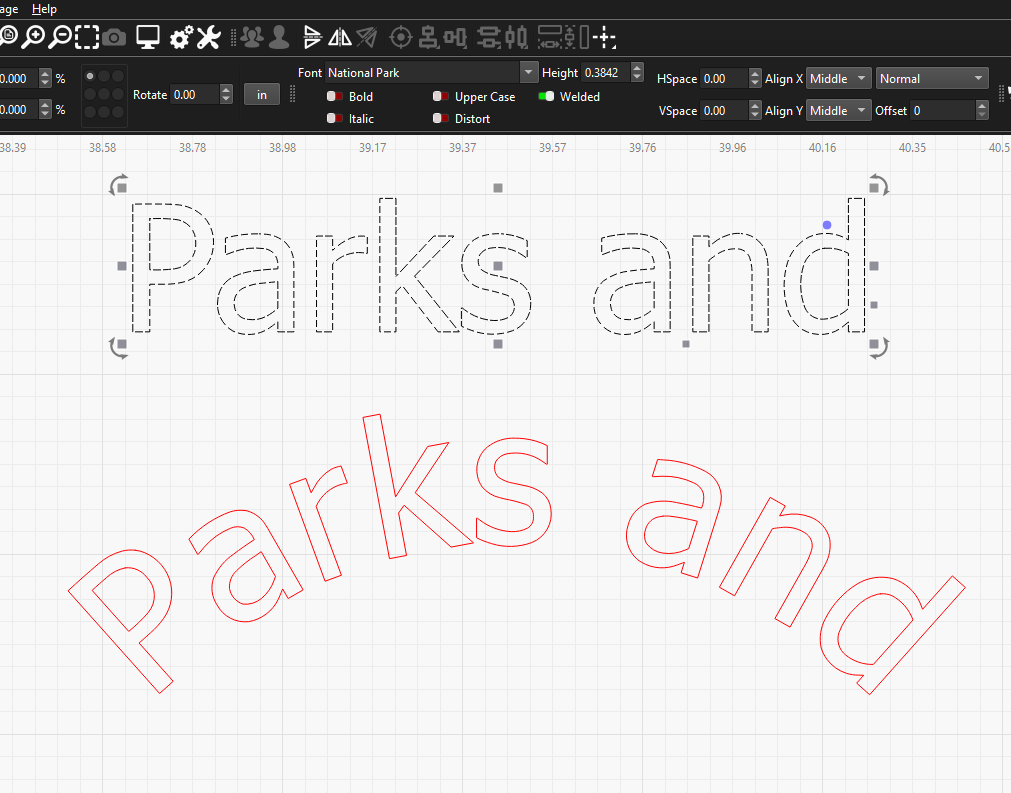
If I double click the bottom text it switches to the text editor as if it is text but will not allow me to modify it. Also if I highlight the bottom text and select the Nodes Editor it shows no option for grouping or ungrouping and no nodes are visible.
These symptoms are identical when opened on this laptop (before and after the font being re-installed) and a desktop both running the current version of Lightburn. The laptop running 1.7.07 does not have any of these issues.
To me I would think my file is corrupted but we have no issue with this file and the older version of Lightburn. I was told we have had issues with other older files, I am looking for them now to see what fonts were being used.
I’m going through file by file and so far it seems the issue is limited to files created in v1 and using the National Parks Font. I was told other fonts had the same issue but I can not recreate that issue. If I open the files in v1.7.07 it functions without issue and if I create a new version using v2 by importing the SVG and typing out using National Park Font in v2 it seems fine. So for now we will keep one of the computers at the older version until we can convert all the files over.