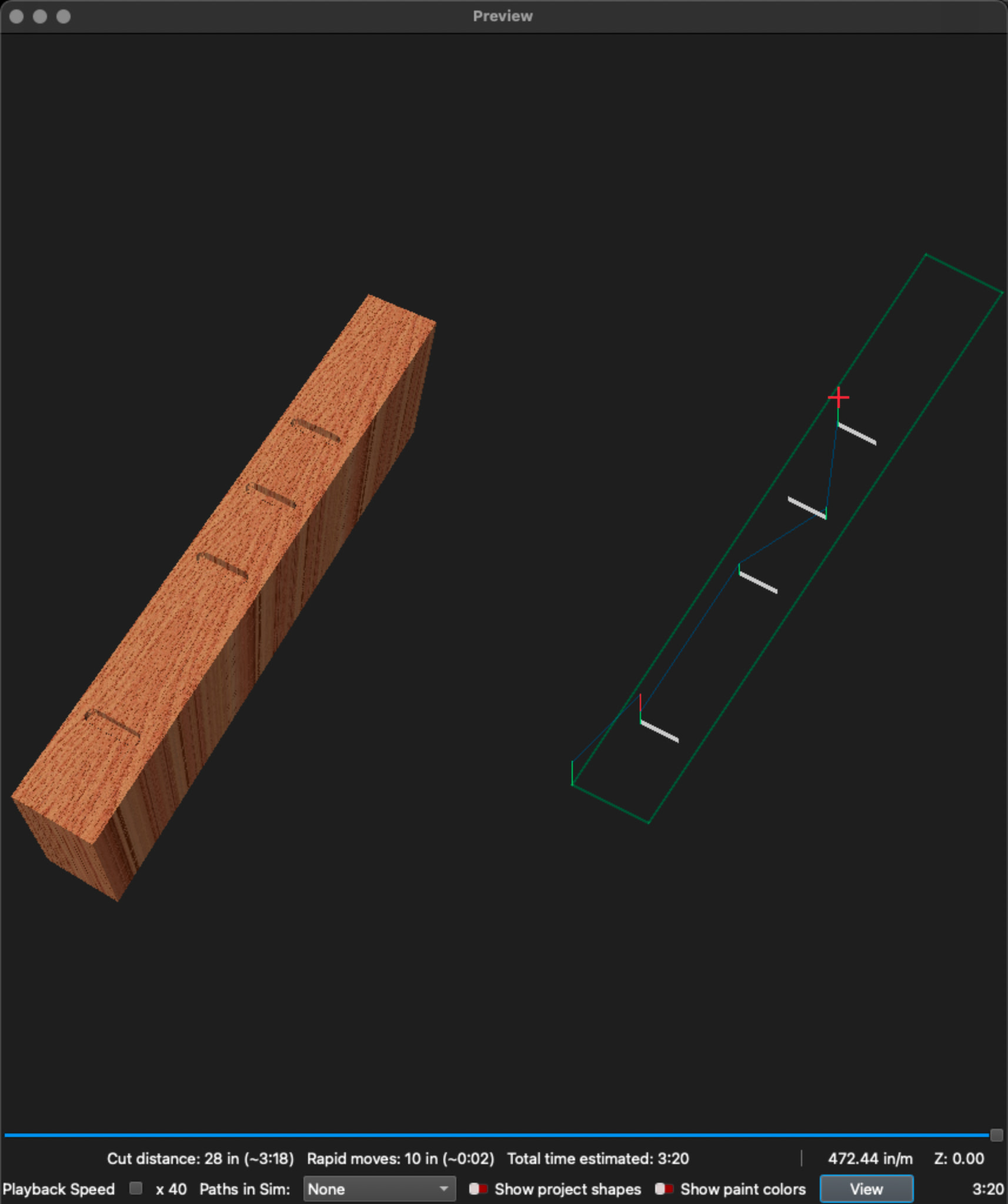
Five items selected and assigned to operation. Preview shows only four items. Have deleted three middle items. Duplicated either end item and placed in middle positions. Preview still shows only four items. What is going on?
When I copied the design into Lightburn to look for oopsies, I found none. I copied back into MillMage, replacing the original, and now the middle slot is missing.
I have shared this internally, and we are working to understand what is (well, what is not) happening with this file. Will respond once we have something more definitive to share.
Update: We continue to investigate the cause of this. An official report has been generated and assigned to one of our devs.
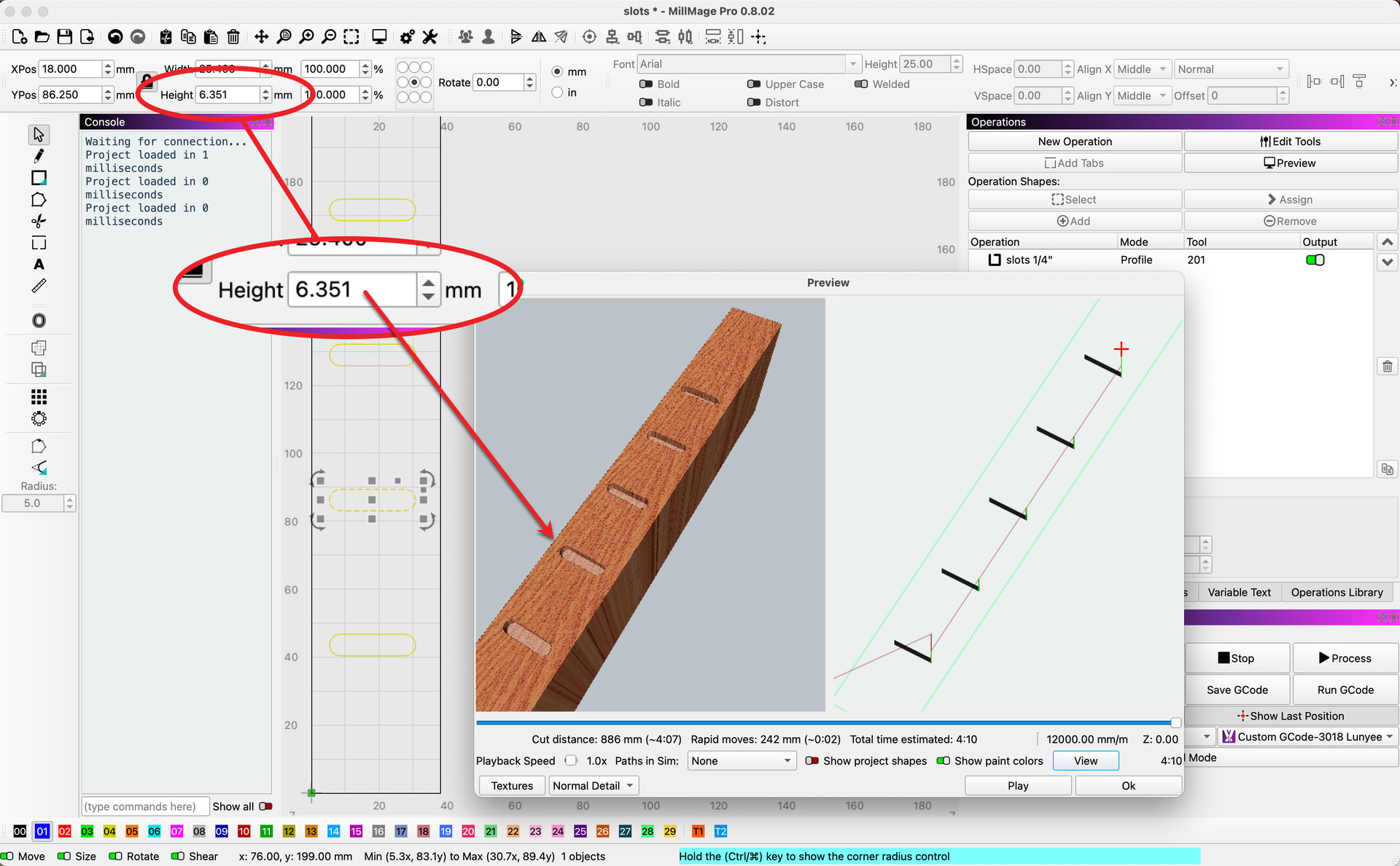
Well, that was not easy to find. There is a floating-point error on our side. The slot is 6.350 mm. The bit is 6.350 mm. For this one case, it somehow decides not to build the cut because it is microscopically over the limit (no error happens because the error fails to show as well). Identified in the report, and we will address.
To fix your file for now, I made the slots 6.351 mm wide, and the file will now produce as expected.
it dint show when i opened it , i duplicated one of the other ones rotated it 90 deg moved it down previewd it showed , rotated it again and still showing at 6.35
As a general rule, a pocket that is exactly the width of the bit will not work - Use a line, or make the pocket a tiiiiny amount larger than the bit, like 0.01mm.
This is normal, and likely to happen even in high-end CAM packages. If you offset the lines from the shape by 1/2 the bit diameter, the resulting shape has no area, so there’s nothing to pocket.