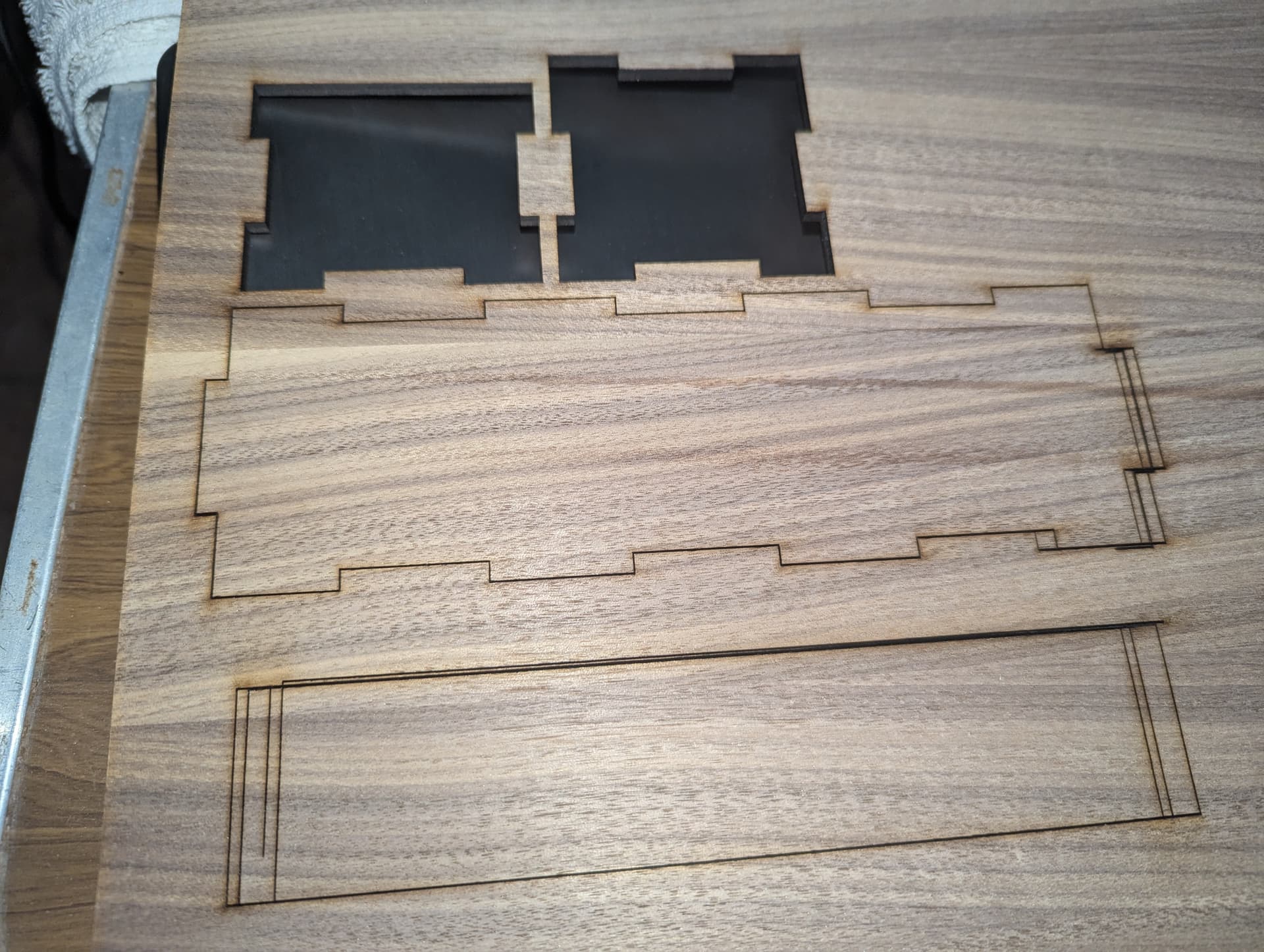
Dear friends: I’m working with Light burn core 2.0.04 and an Acmer P2 33w. It was working perfectly for a few months and two days ago something unexpected happened. I was cutting some shapes and set the pass count to 4 passes, but on the second pass it machine went out of alignment. Then on third pass, went out again and again on fourth pass. Could somebody tell me why this happened? Belts are tight, guide rails clean and pulleys too. It only happened on x axis.
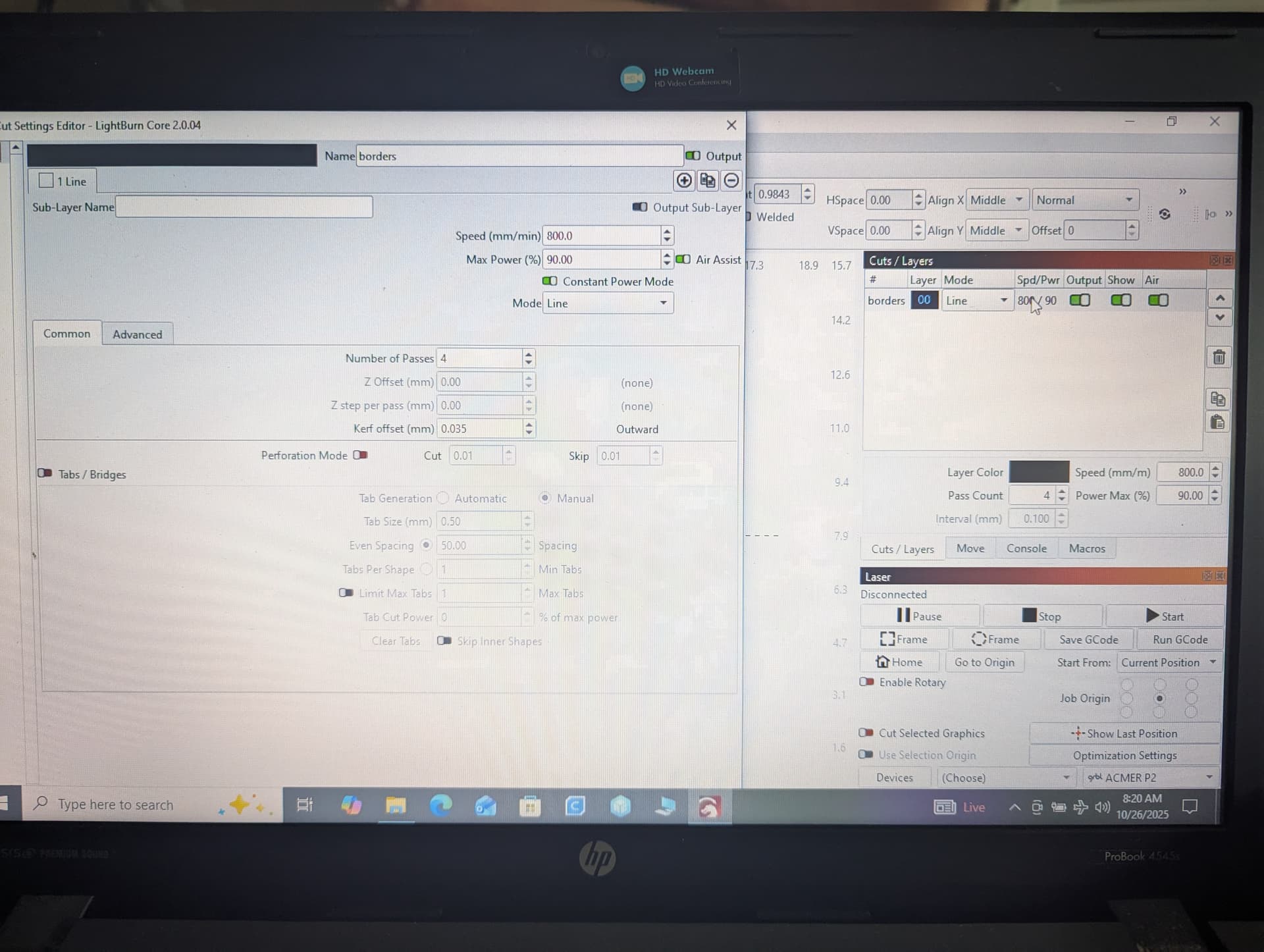
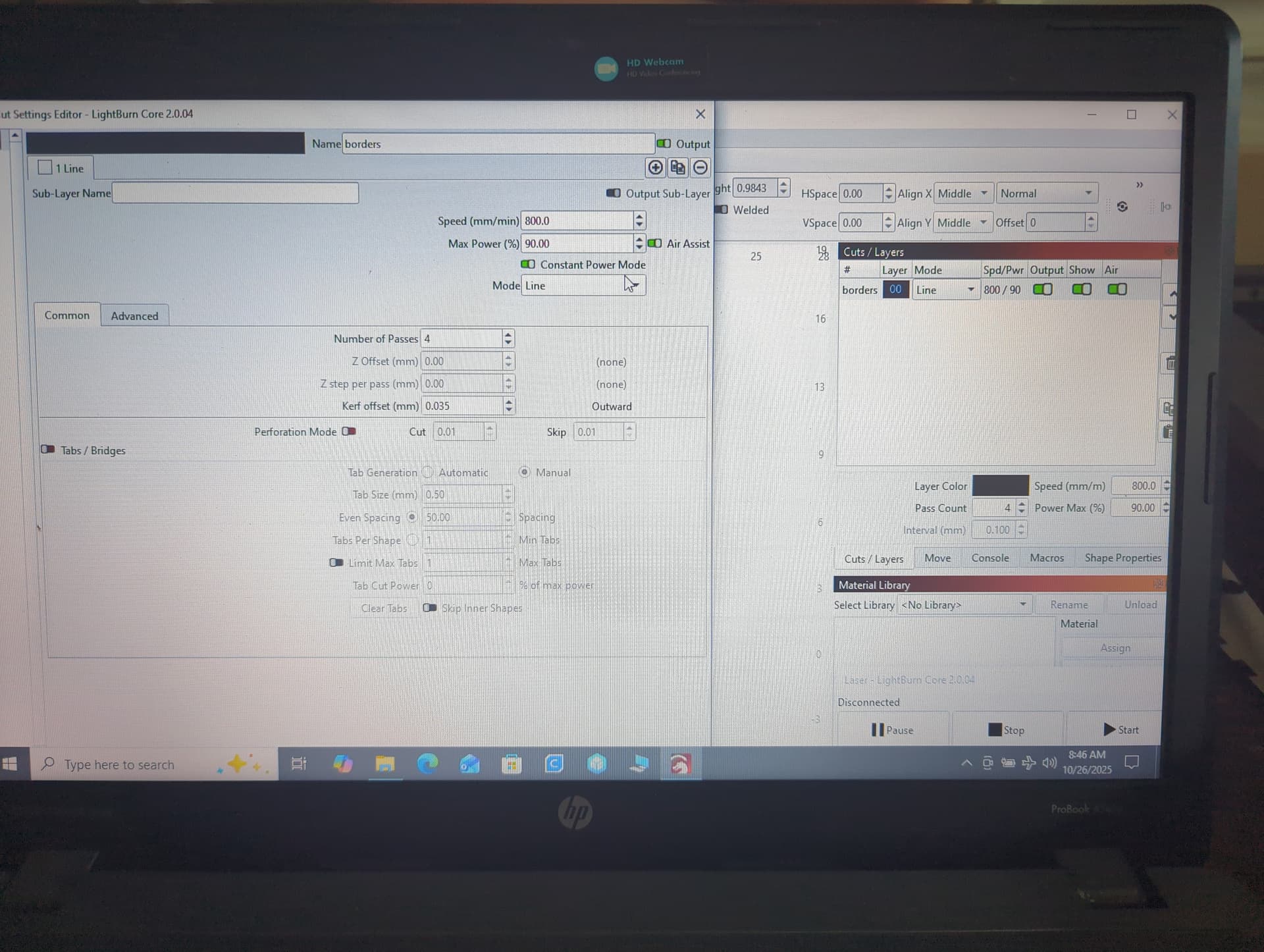
Show us your preview and your cuts/layers window.
My immediate guess would be excessive speed settings
My second guess is that those pulleys are not as tight as you think.
Speed is 900 and power is 85% and 4 passes.
Yes are tight. Axis isn’t moving soft with hands. I don’t know why, but some software settings were changed without any reason. Air assist setting was needed to be restored because it was disabled without any reason.
Software settings will not cause what you have shown in your image. If that 900 is mm/m, then you have a mechanical problem. If it is mm/s, then @JimNM may be right and you are losing motor steps.
Restore the preferences & machine settings to a date before all this happened:
If it still misbehaves after restoring the backups, then this test pattern is useful to identify mechanical problems:
Scale it uniformly to fit the platform and run it as fast as it will go in Line mode with optimizations turned off and power set to mark a sheet of cardboard. Any differences from the design will be informative; a photo will let us look over your shoulder.
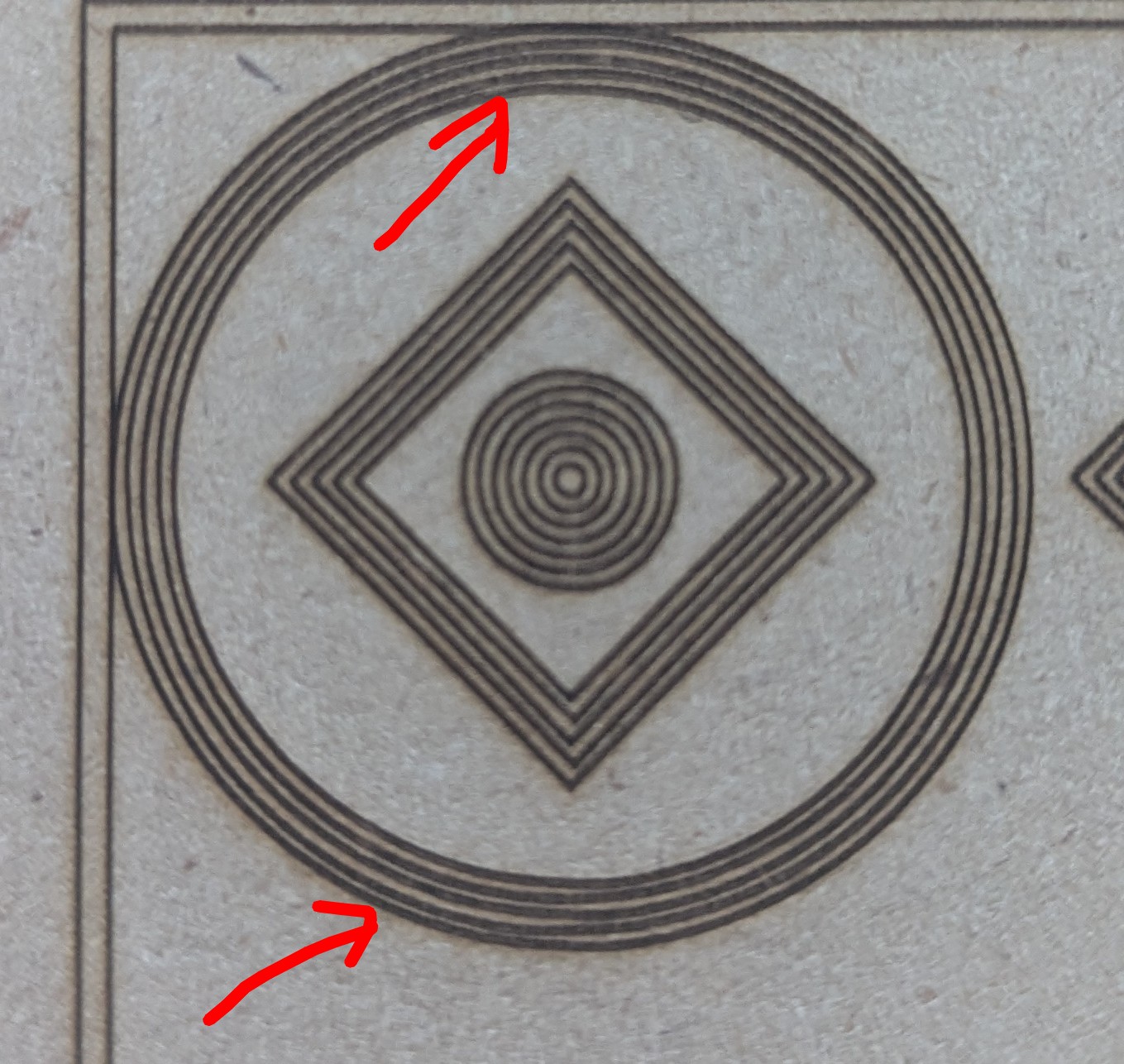
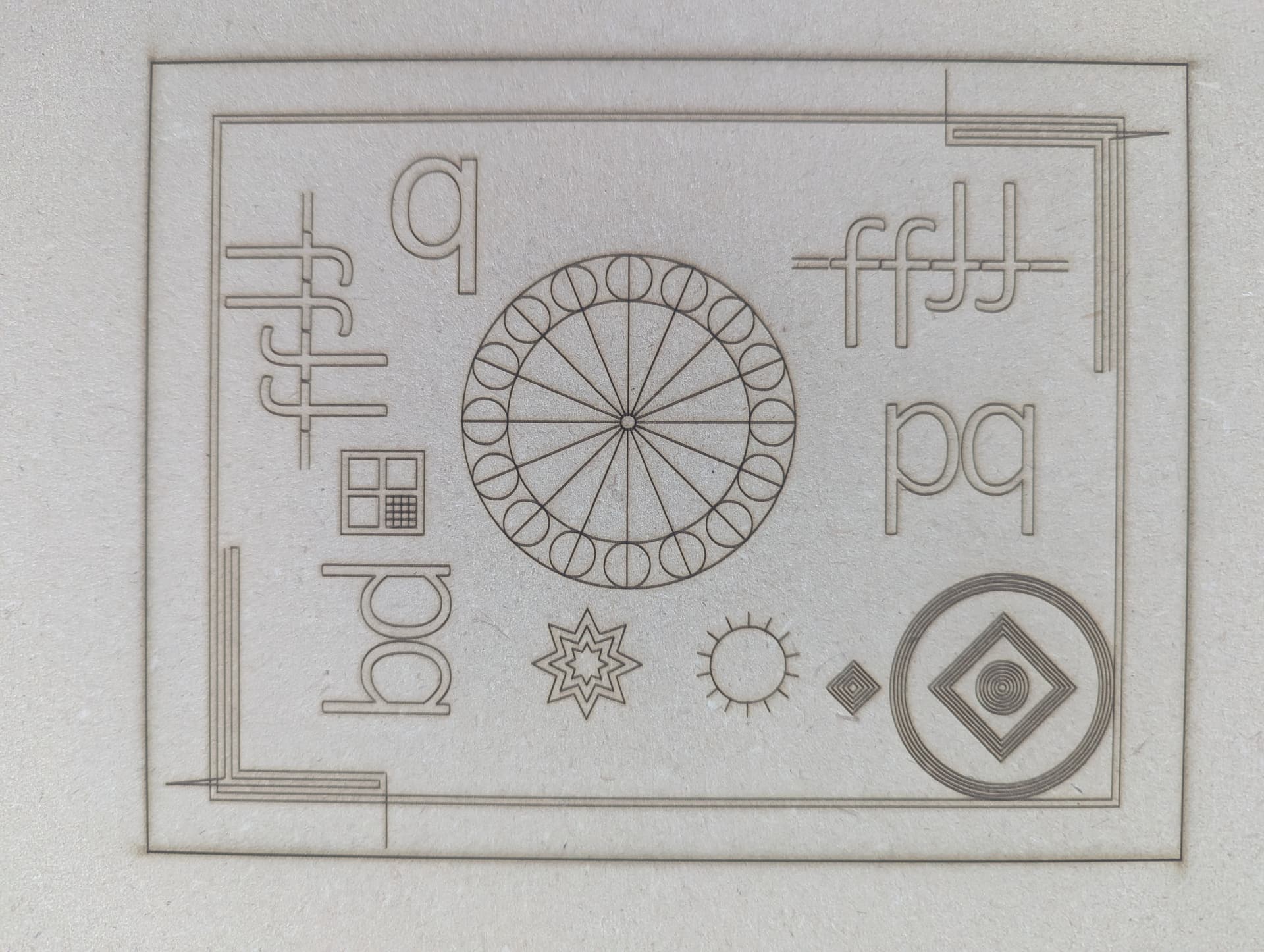

Assuming the test pattern ran at about the same speed as the problems shown in the first picture, it rules out gross mechanical problems. The Y axis has a slight wobble, but that may be mechanical flexing of the heavy laser head on the (small) X axis bearing follower and is likely not fix-able.
The Y axis has similar problems:
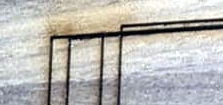
The key difference between the test pattern and your design is the laser power: minimal to mark cardboard, 90% to cut plywood.
Based on that, I think this is another instance of USB communication glitches, because errors / dropouts will trash parts of the commands controlling the laser head position.
Higher laser power can cause both power supply brownouts and USB glitches. Unfortunately, there are no definitive tests to isolate the problem or verify the solution, so it comes down to trying a few things to see if the situation improves.
Some previous discussions provide suggestions:
Protip: Use cardboard until you’re certain the problem is resolved.
I am going to guess a loose belt instead of a slipping coupling or pulley. Or it might be loose wheels on the trolley (X) or gantry (Y). The rest of the test pattern looks good to me.
Based on this test, I would say the belts are too tight and it is cogging (skipping steps). Tilt the machine 45° and the gantry or trolley should fall smoothly and slowly the full length of travel.
I admit I am guessing based on your images, but I am positive you have a physics and not a software issue.
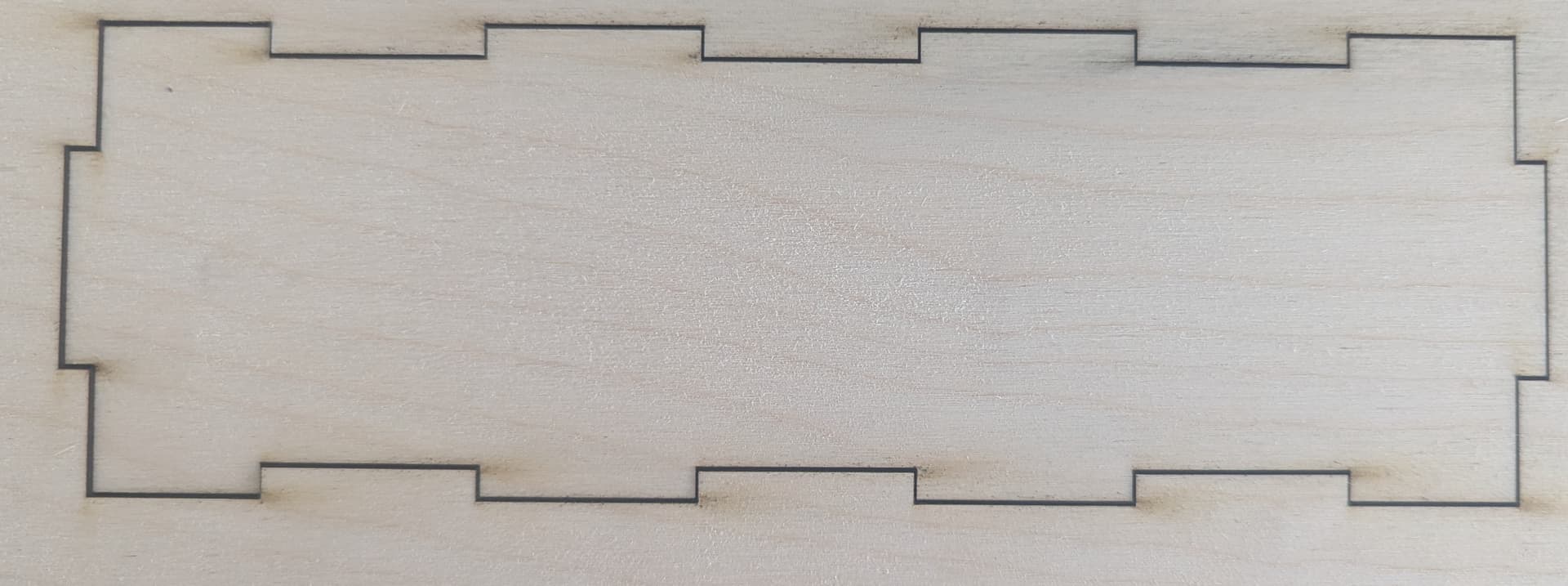

It could be possible in Y axis at this moment because I installed an extension kit to the machine and I’m in the fine tuning yet. But on the cuts with optimization disabled the problem disappeared. I don’t know if this could make some effect on the cuts. Any suggestions?
I am a very simple kinda guy.
IOW, If it works, do it. Occam’s laser is my new motto.
That will definitely contribute to Y-axis wobbling.
Some folks have had trouble with homing after installing the extensions. Does the machine home correctly when it’s turned on?
Save the optimized and un-optimized G-Code files:
Then import the files into blank (New) LightBurn workspaces. That will remove the laser control settings and show just the geometry.
If those are identical (and correct!), then the problem is in the controller’s interpretation of the G-Code commands or the machine’s ability to follow them.
If a G-Code files has the errors shown in your first picture, then the problem is in LightBurn’s creation of that G-Code, which will require attention from the programmers.
Yes. The machine home correctly. I did some cuts after optimization disabled and all is working good. Not perfect. I think that axis needs to be calibrated for a perfect job.
That will affect only the scale of the axis and cannot fix anything else that may be wrong.