HELP! I have a Monport Onyx 55 - running Ruida Software version Pro 2.0.03. I finished cutting a wood project at 10s/70p. I changed the material and set my new design. Framed it to position, it start. Machine start button turned from green to read, but laser never fired. I have been trying to troubleshoot. I have uninstalled and reinstalled. Deactivated License and re-activated. When I open console window, my laser is not showing … when I change devise to CanCam - Cansole window reads “waiting on connection.”
I cannot figure out what changed all I did was move material. I have closed and restarted machine, even walked away overnight and it still frames but doesn’t start job.
If it frames OK, then it’s likely overscan exceeding your work area.
The Ruida computes how much area it need to reach speed when doing a scanning operation. If the overscan goes outside the defined work area, it will get an error.
One of the issues with these, the error is displayed on the console, which you don’t have. Just a red idiot light to tell you there’s an error.
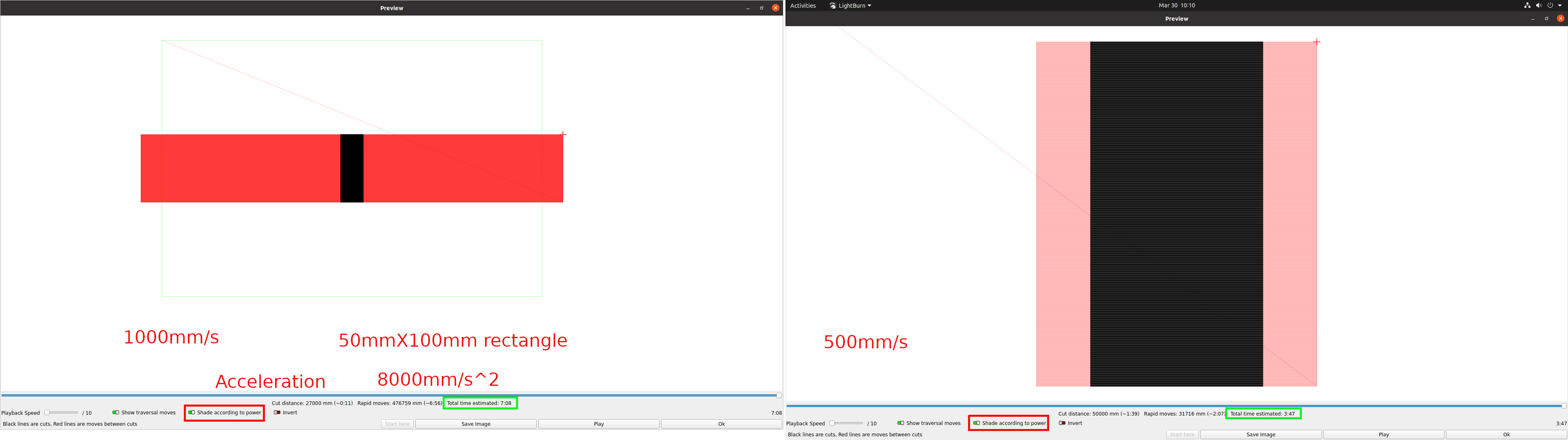
You can preview this on your computer to see how far it’s going. This shows how much overscan there is between 1000mm/s and 500mm/s. Both rectangles are 50x100mm.
If you look closely to the left one, you can see a green rectangle, this is your defined work area.
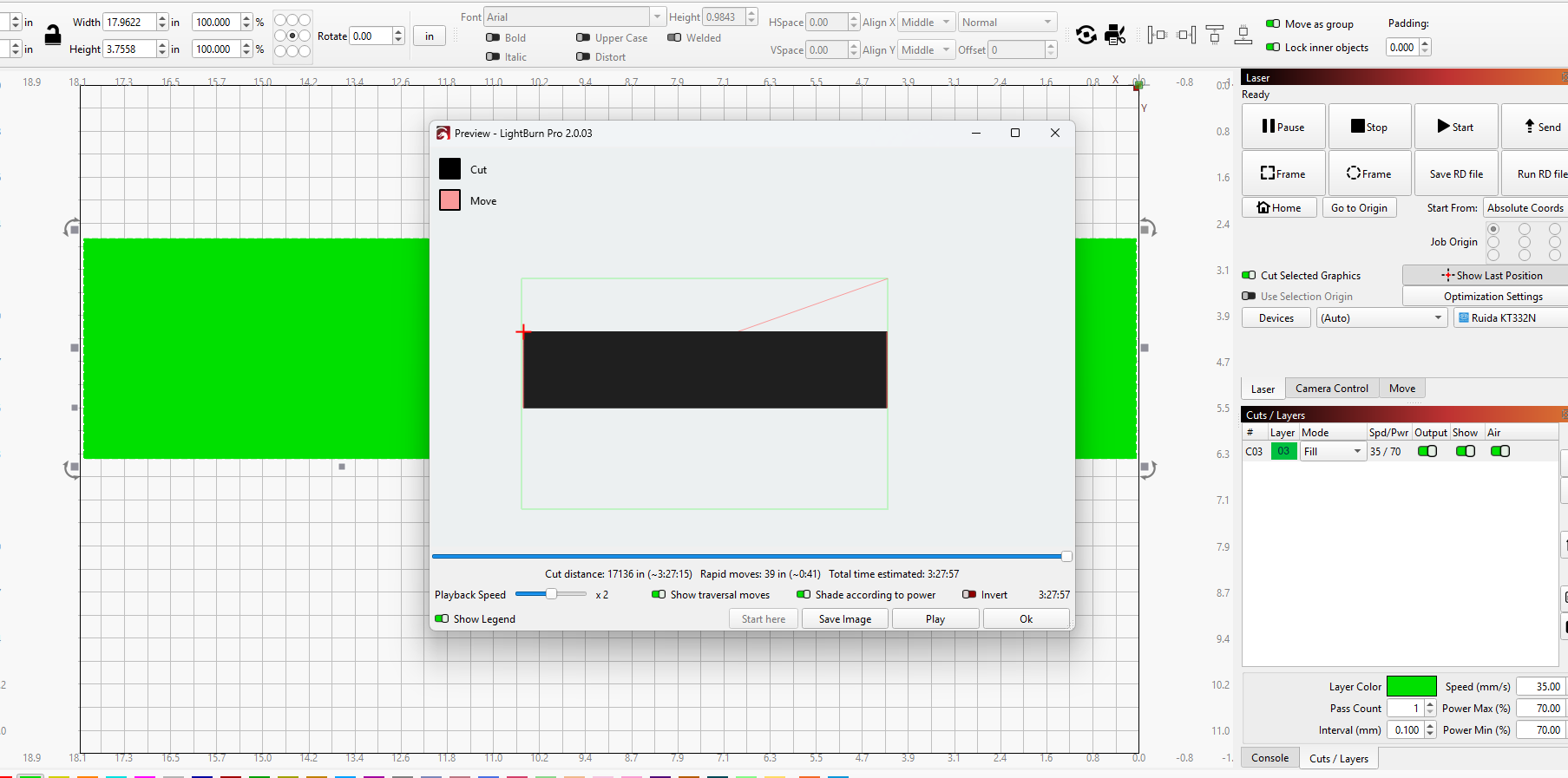
Thank you for your response. I checked the overscan to determine if that was the issue. In fact, I started a completely new project with a much smaller design and I am getting the same result.
I did add additional coolant as it was low. Same action happening.
pump is running and when I remove the panel, I can hear and see the coolant running through the lines and tube. Thank you for recommendation, I did top off the coolant
Windows cheerfully (re)assigns COM port numbers on a whim, so if you’ve been using, say, COM3 for the laser, it may now be COM5 without any other indication.
The “CanCam” name suggests that’s the built-in camera, rather than the laser controller, so the next time it’s not connecting, look through the other USB devices to find where the laser has popped up.
I reached out to Monport, the issue was my tray drawer was not completely closed.
It looked closed but it was not pressing against the trigger in the back of machine behind drawer… thanks everyone for input.