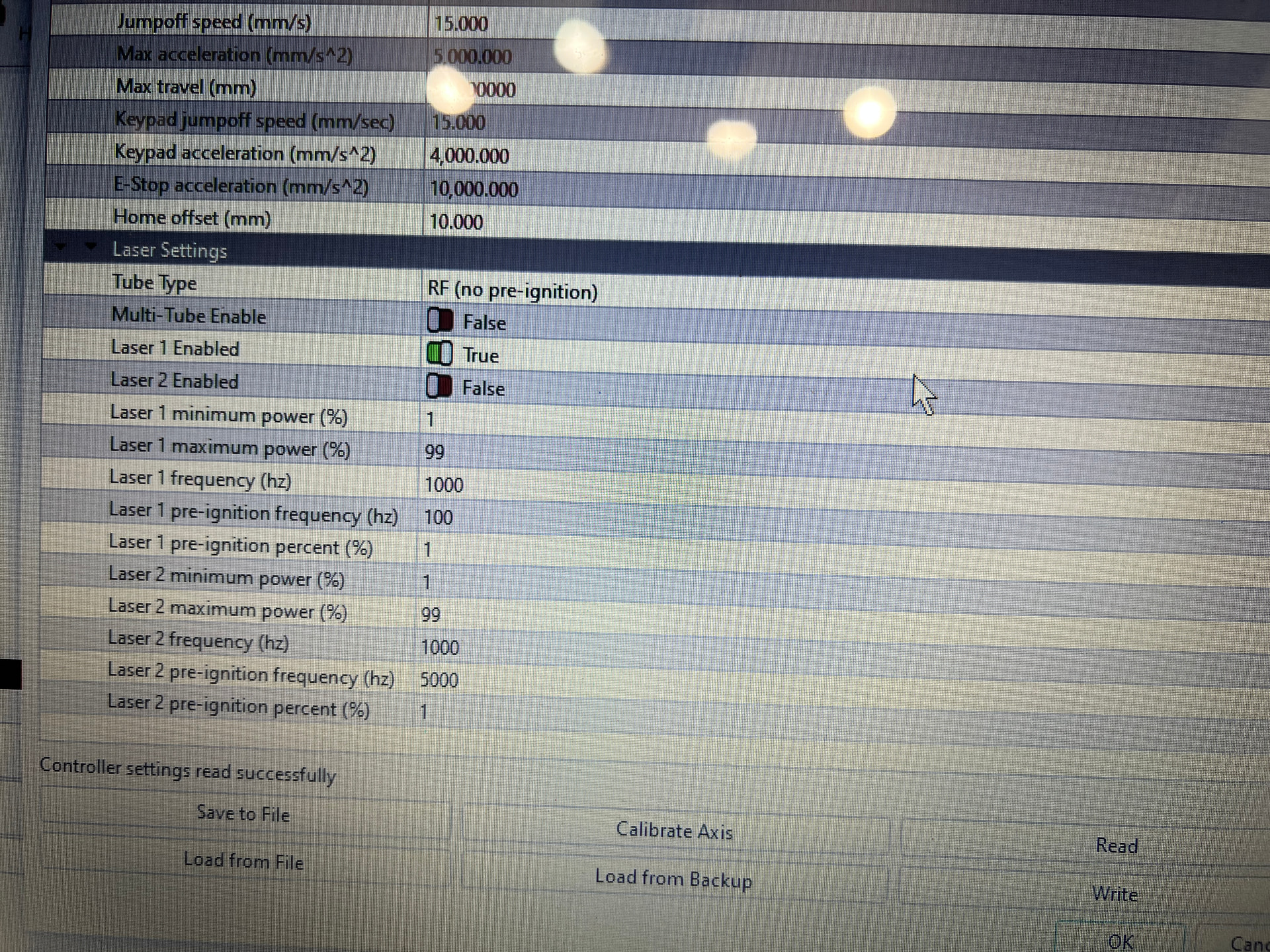
Just upgraded my neje 40640 to the laser tree k20-pro due to wanting a bit more power. trying to find out at what frequency lightburn defaults too? Issue is if I run the material test which it states is being ran at 20k hz….if I try to cut with the best out of that material test, it fails to cut?
Example: 5mm plywood
material test ran was 6x6 grid, 10% - 100% power, 100mm/m - 600mm/m, 5 passes
best cut was 40% power and 400mm/m
If i try those settings on say a small rectangle, it fails to cut through?
What did I do wrong?? where can I check this setting?
Latest lightburn , ruida 6442s controller, K20-pro states 5k hz
Hi, it is running a diode laser, setup as RF mode It is a DIY build…
just puzzled on why it will burn through on the material test, but not doing a simple cut using the same settings, which is why I believe there is a setting that is being changed and thinking the pulse rate?
Does it allow for you to have min/max power settings?
You diode module will work with 20kHz for a pwm base frequency (it’s called a period and is usually in seconds) Period for a 20kHz signal is 1/20,000 or about 50 microseconds (0.00005 seconds).
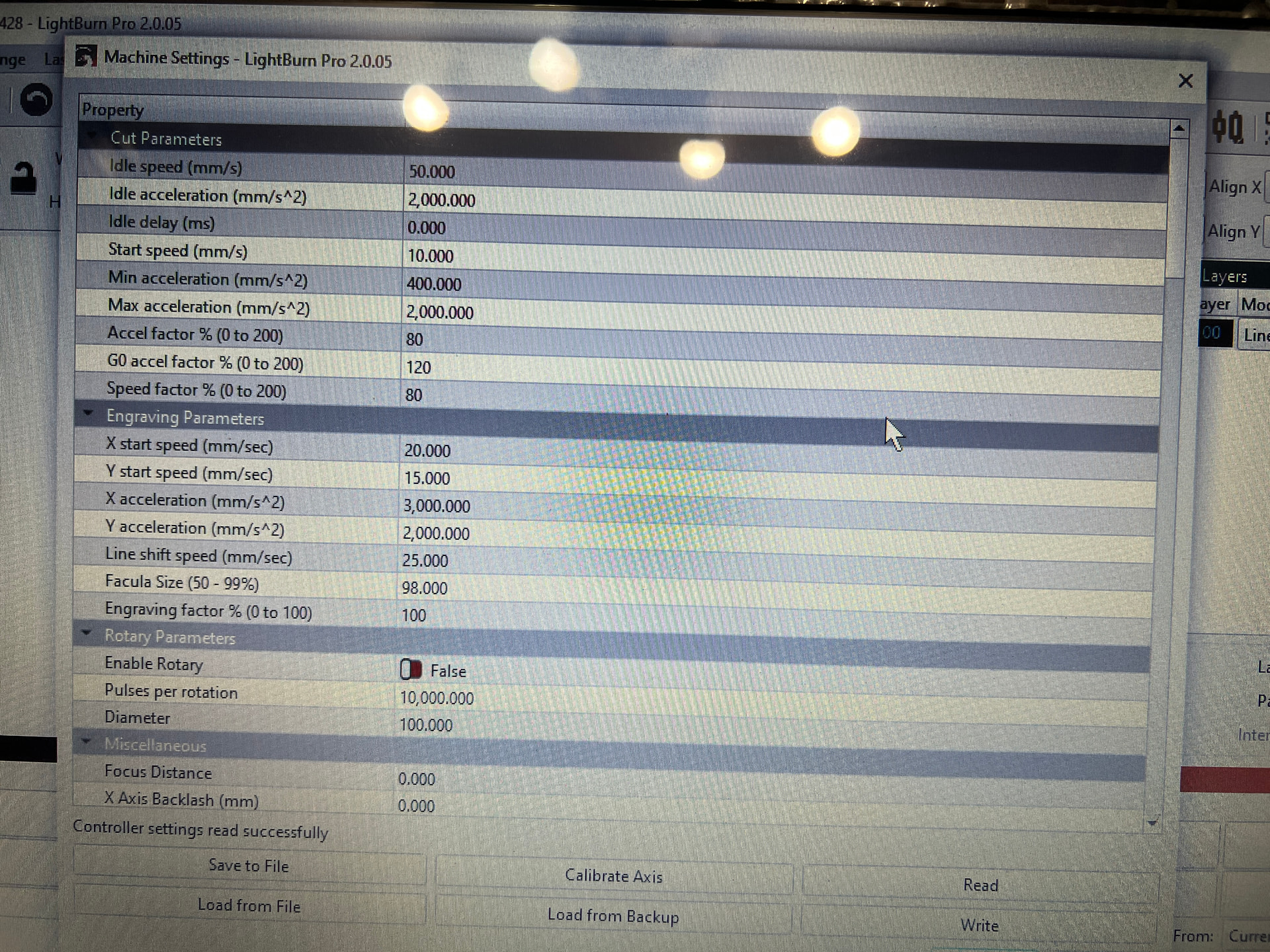
If you can input minimum values it could be your speed vs the start speed setting within the Ruida.
I think it should work… How fast and what size are the rectangles?
Hi yes it is adjustable through lightburn or the controller, as i had stated best cut doing the material test was 40% power @ 400mm/m.
but if i try to do any cut using those “optimum” settings, it fails.
basically trying to find out if lightburn is indeed firing the laser at 20khz during the material test and overwriting what is entered in the machine settings? something is changing between that test and manually doing it?
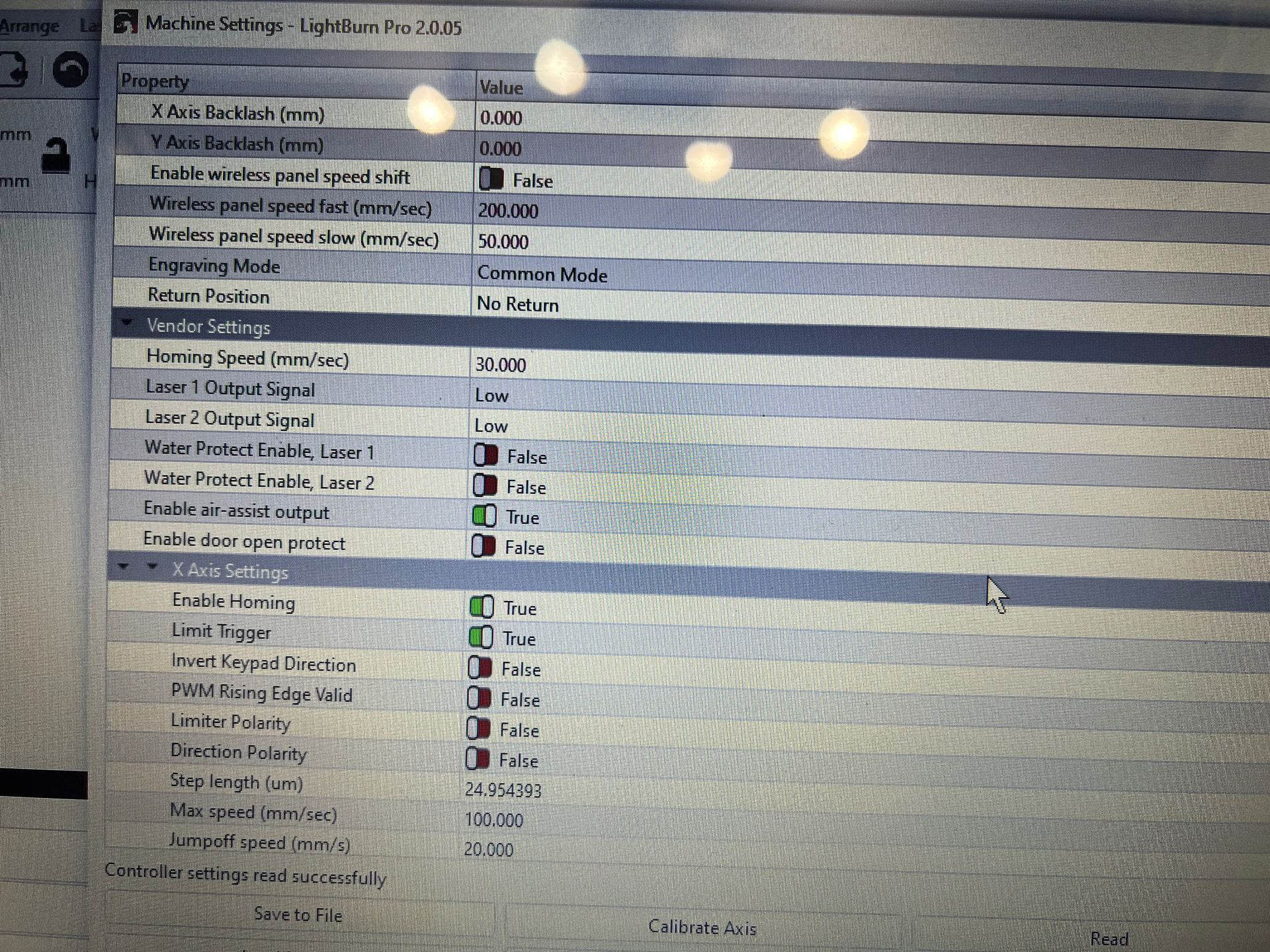
I think you are heading in the wrong direction. A diode laser has a fixed frequency that can’t be changed by software commands at all. It is driven by a PWM 0-5V logic level signal giving 0-100% power to the diode. In most cases, the frequency can’t be changed at all, if it’s possible, it’s a fixed parameter setting in the firmware.
Or are you talking about the frequency of the PWM signal?
The most common mistake is to do wrong material tests. The shapes used in the material tests are often much smaller than the ones used in later cuts. In those cases, the laser can’t reach the desired speeds and runs much slower in the material test. Which speeds did you use?
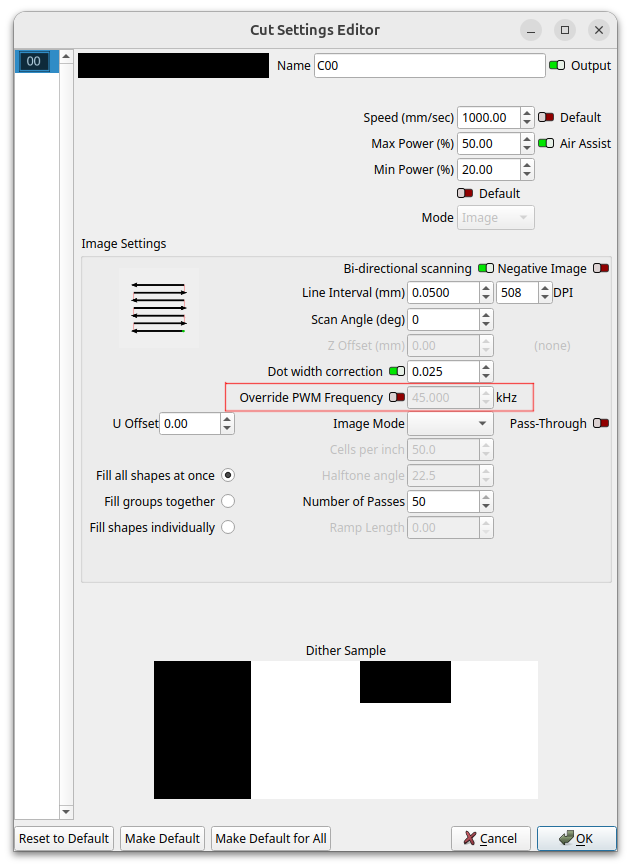
MikeyH had stated lightburn does not change the frequency, however when it does the material test it does burn in the words frequency 20kHz, and on the above override box on mine it has 20kHz if i turn it on……
was hoping a lightburn developer would chime in here?
Yes, that’s what I meant. You can set in firmware as a machine setting, but you can’t change it on the fly, there is no control for the frequency (in contrast to Ruida, as Jack mentioned).
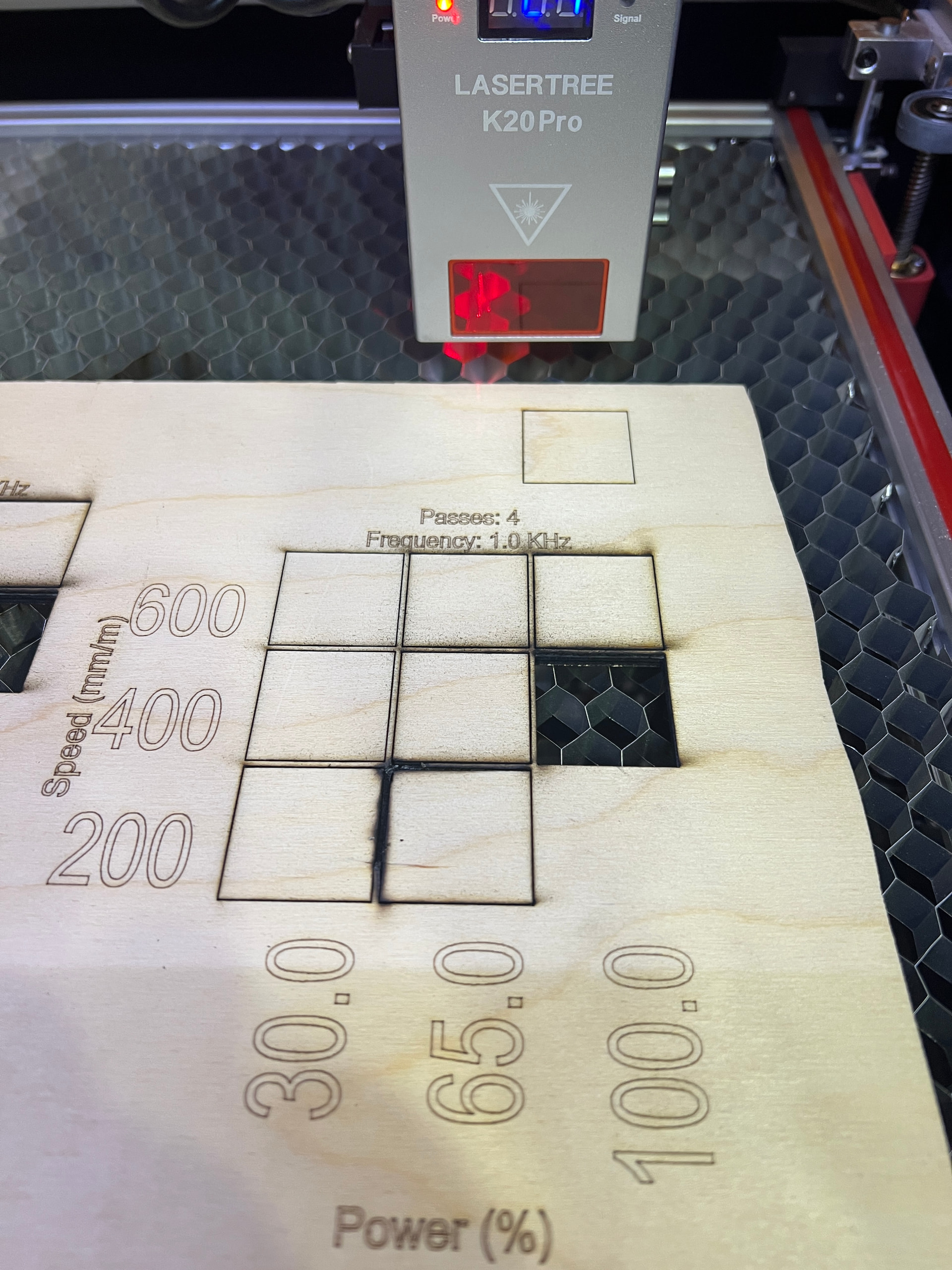
did a 3x3 grid of 30mm squares. selected 30-100 power and 200-600mm/m
best cut was at 400mm/m and 100% power, so i made a 30mm square and used those settings, did not cut even 1/2 way through? ( see box at top in pic) So something is defiantly different… I also went into the advance settings and enabled over ride freq set to 1k than disabled, this basically just changed what was written…..was engraving 20kHz, after the change engraved 1kHz, made no difference in the cut. So still at a loss as to why?
It’s kind of frustrating when you don’t answer our questions. I asked this a while back.
If you are using different values for minimum and maximum power these are controlled by the start speed setting. Have you checked those.
You are running very slow, the Ruida works in mm/s, I know yours is set to mm/m, so I don’t know what the Ruida is actually doing. Mine doesn’t have an option for mm/m, it’s all mm/s.
Suggest you set both X and Y axes start speeds to less than the 3mm/s you’re running. At this point, I’m still thinking about what could be going wrong.
I’m going to sleep on it, hopefully I’ll think of something.
Update to the solution for others that may run across this situation.
Lightburn disregards the material cut file section and any settings in the cut/layer section while performing a material test. It only powers the laser at the wanted power% and ignores the min setting.
So if you select 80% power, it will do the entire cut at that level and not lower to Min for corners etc. this is what had changed between the material test and the manual cut that was failing, by increasing my min to 50% from 20% corrected the cut.