I have a WeCreate 45w Vision Pro. Today I was attempting to start a project, I had my material set, I was able to set the origin, Auto Focus and frame the work area, when I hit start the laser went to the very back center of the laser bed and started engraving. I made a few attempts, i even restarted the laser and my computer with no luck. I have not had this issue before, do I need to make any changes to the settings? What is my fix?
What do you have selected here?
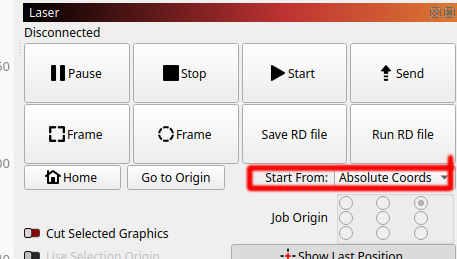
Absolute coordinates determines where it starts the job. There is also user origin and last position.

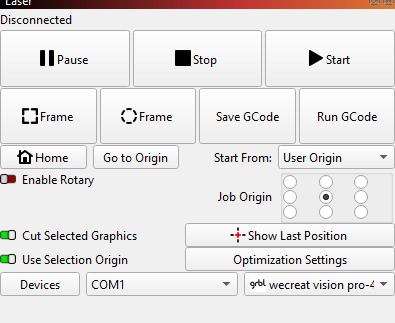
If you use Current Position or User Origin, you must have a solid knowledge of coordinate systems and how they apply to your machine. Use Absolute Coords as @jkwilborn suggested. That way you can visualize your Lightburn grid hovering over your laser work space. Wherever you draw a line (vector) is where the laser head will be traveling. In other words, the burn path will match the design.
You also need to know the Preview window is likely the most important Lightburn feature. If it does not look right there, it will not be correct on the laser.
1 Like
You should only use current position or absolute coordinates. User origin is a special mode, where you need to know what you are doing, as Mike said.
This topic was automatically closed 30 days after the last reply. New replies are no longer allowed.