I have recently reinstalled lightburn to a new laptop. When I hit start, my laser head is moving, but I do not have fire. However, when I hit line it works fine. So there is a pulse. Am missing having a setting correct?
Have you checked your cut settings for the layers? Can you post a screenshot showing the cuts/layers window for a shape that works fine and one that doesn’t?
Can you show us the settings for the layer you’re trying to Fill? Double-click the layer in the Cuts/Layers window and post a screenshot of the Cut Settings window.
In particular, we need to see the Speed, Min Power, and Max Power. Your laser will need at least around 12% power to fire.
In addition to the other suggestions, Migrate the LightBurn settings from the old PC:
Which will start all the settings with your expected values.
I am engraving on plastic. My speed is 400. Max and minimum power is 70. This is what I have used in the past.
Hi @Donnie10
Thanks for those settings.
Since Line mode is firing normally at the same power, this doesn’t look like a tube/power issue.
Could you post a screenshot of the full Cut Settings Editor for the Fill layer? You’ve given the speed/power values, but seeing the complete layer settings should help narrow down what’s different on the new installation.
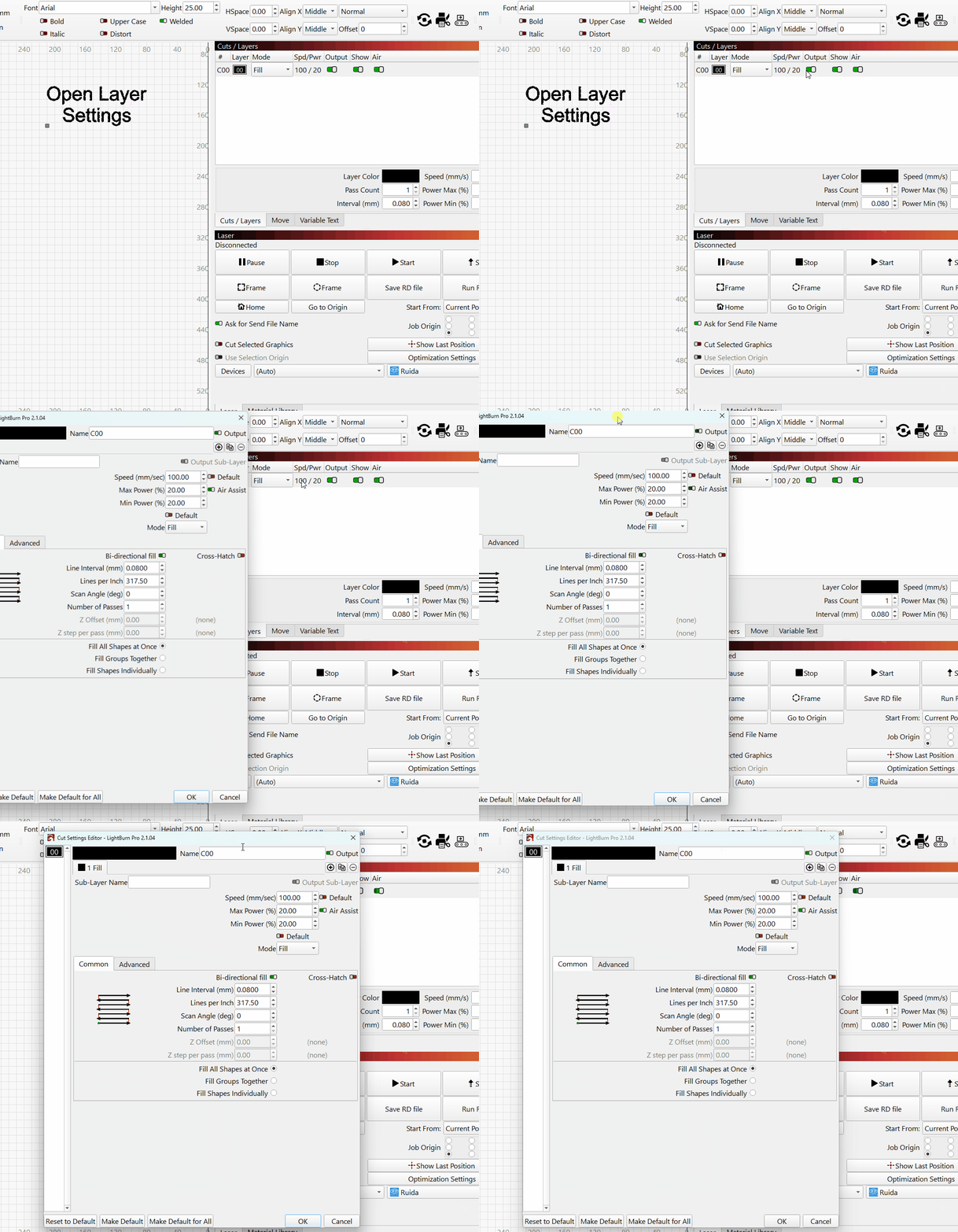
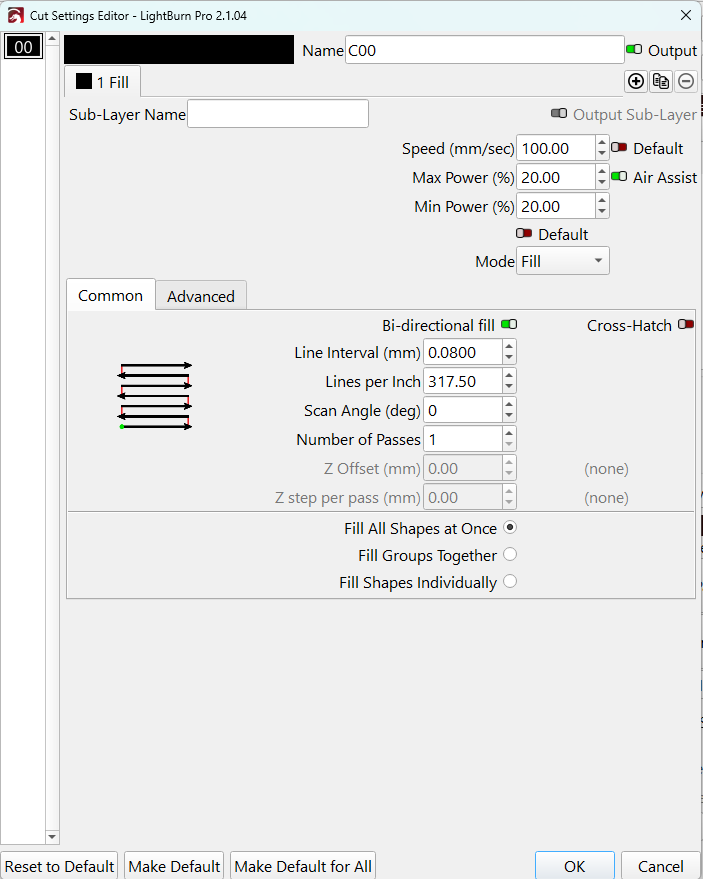
Here is a picture
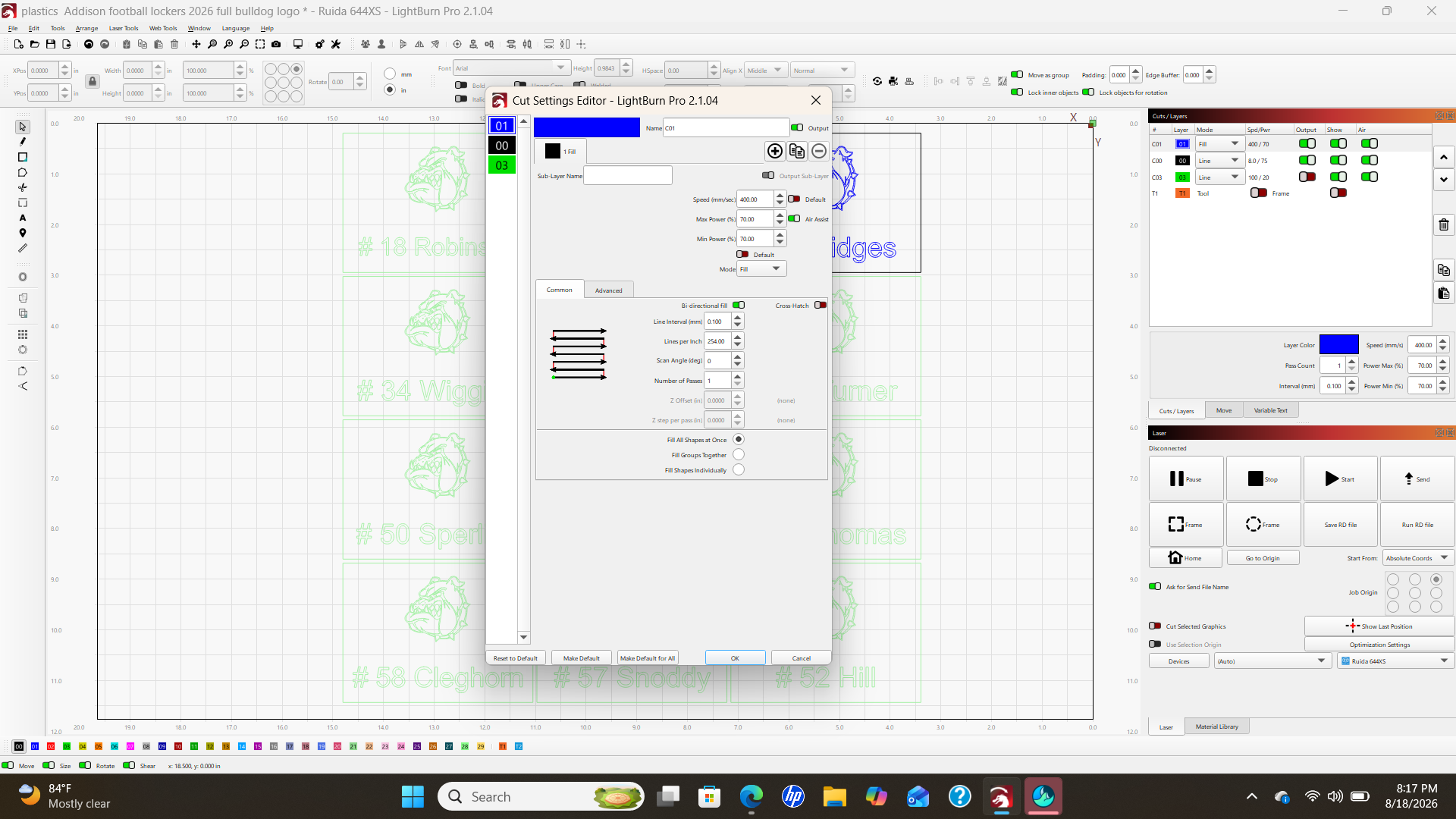
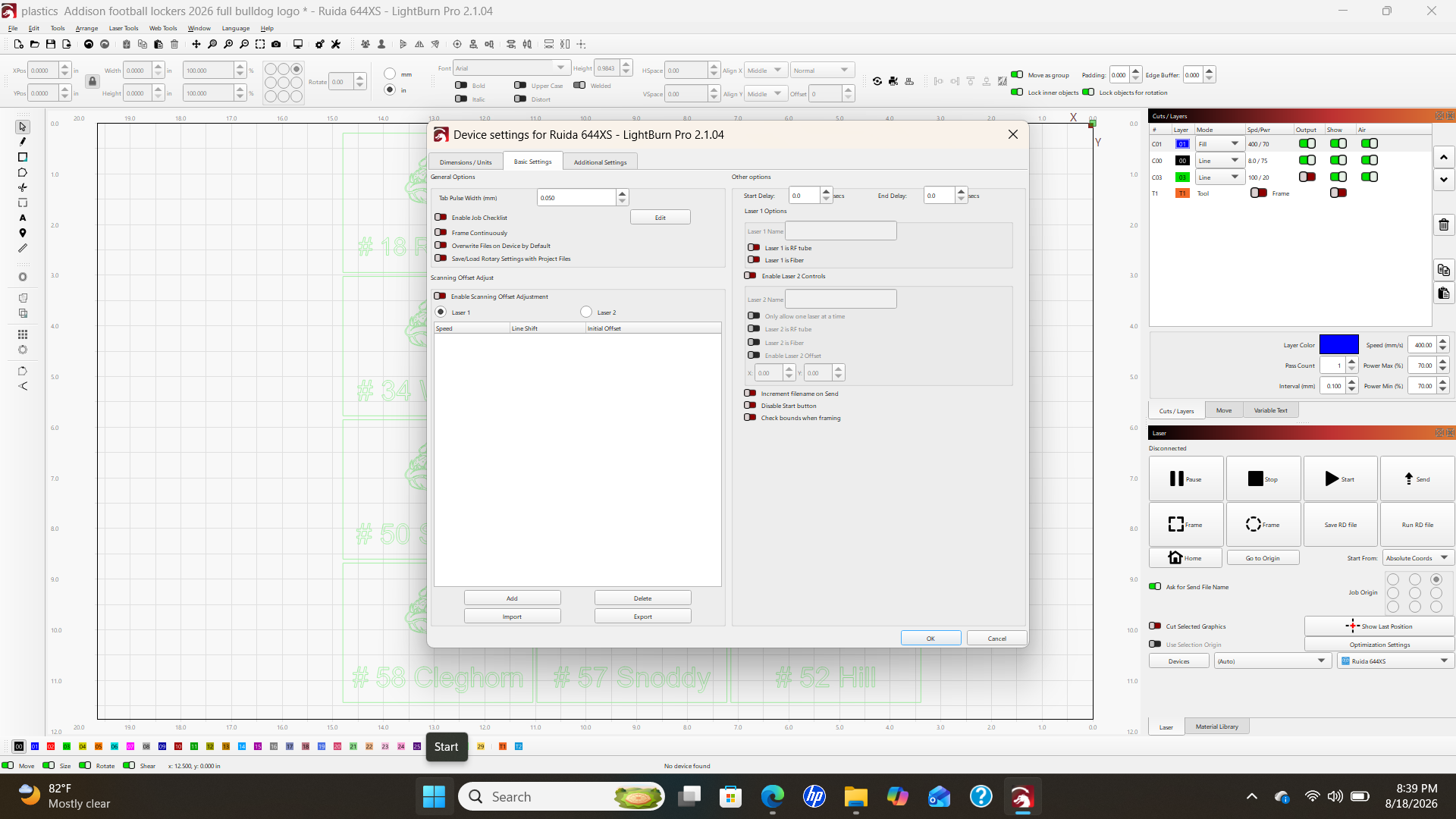
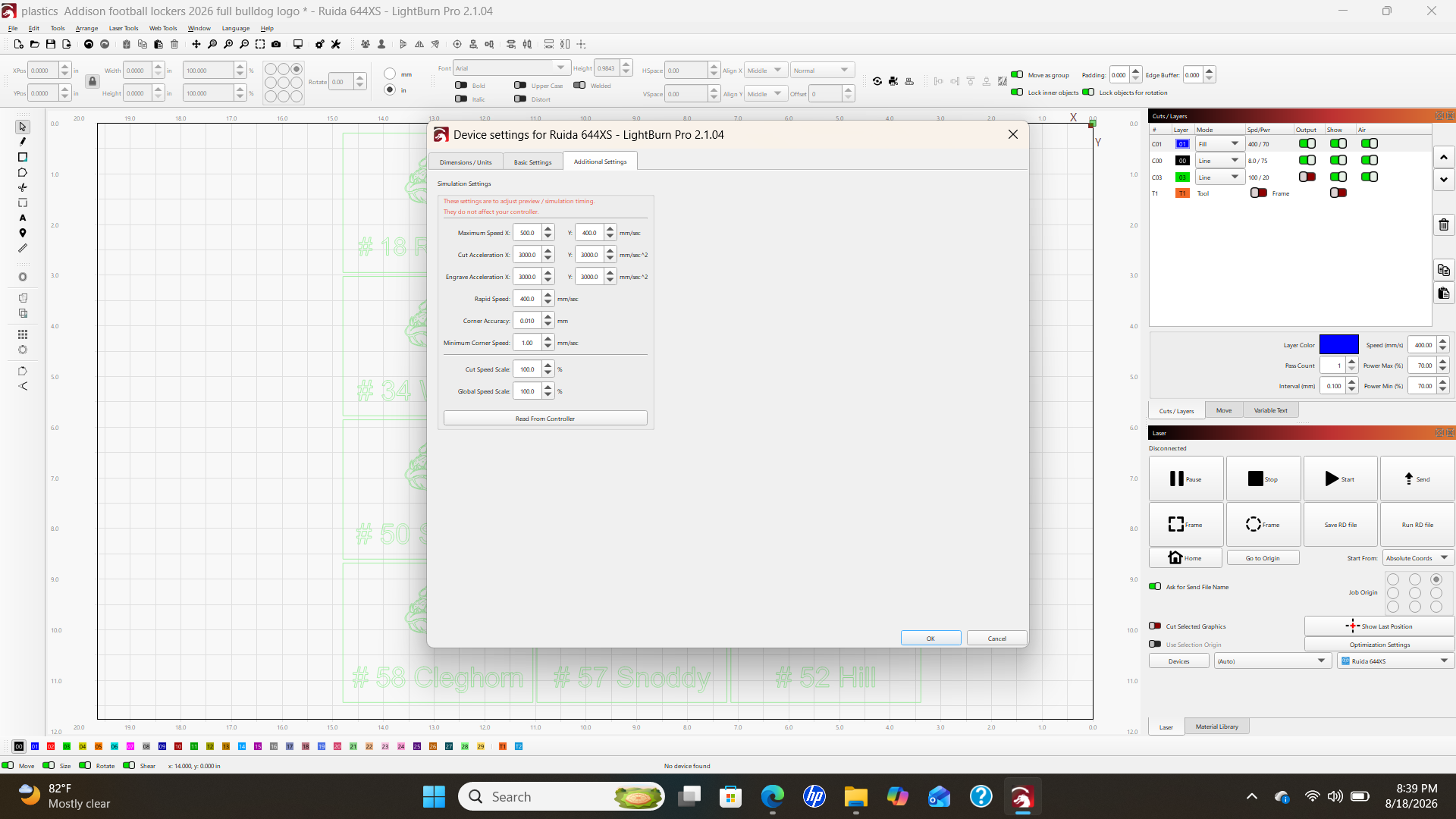
Hi @Donnie10
Those settings look normal. Could you click the Advanced tab in that same Cut Settings window and post a screenshot of it as well? I’d like to check whether Override PWM Frequency is enabled.
Thanks for replying. The PWM was on disabled. Should it be enabled? If so, what setting should I use? When enabled, it is on 20.000 currently.