Hi all, I’m new here and have been looking through multiple posts.
However, I have used laser engravers before ( I have an Xtool D2pro)
The company I work for have purchased a Creality Falcon 2, which is run from a windows 11 laptop.
I originally set it up to work with LaserGRBL to check the hardware works, and it does (it cut and engraved). But there isn’t a great deal you can do creatively with that software so I installed Lightburn demo to see how it runs.
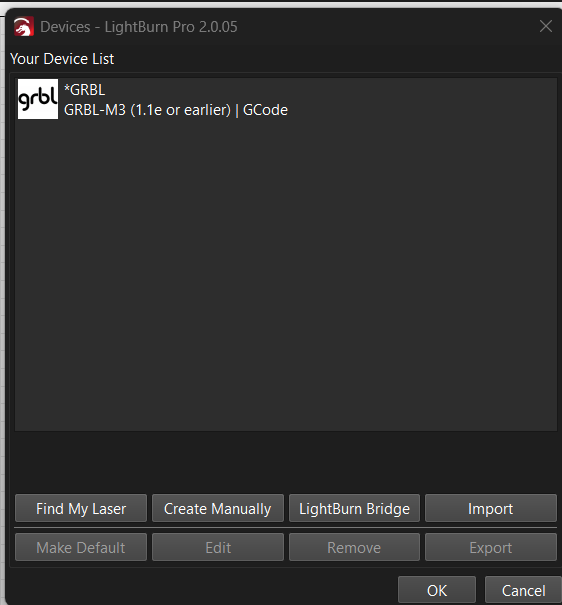
So I followed the setup and added my device (*GRBL) and it then proceeded to communicate with the laser, and it homed itself correctly.
Drew a simple star shape, applied the correct settings for the layer from the materials database for a Falcon 2 (which I had downloaded).
Selected Line. (score or whatever you like to call it)
Framed the work as per normal and it worked fine.
When I pressed start the problems began!
The laser head follows the correct path, but the laser itself does not turn on and burn the wood.

As you can see, speed/power and output have been set.
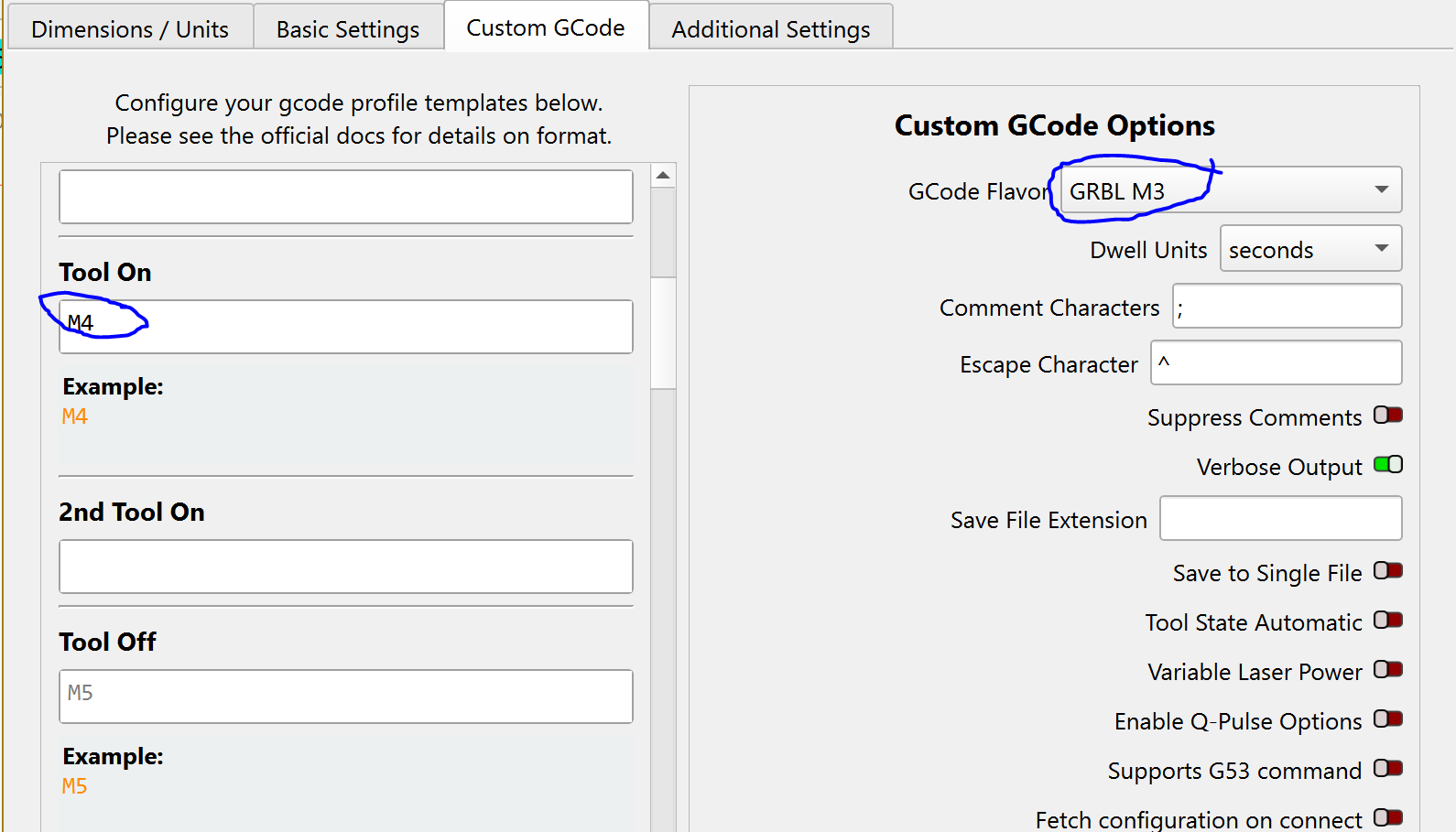
I’ve checked the S-value max setting is at 1000 and that its in constant power mode (I read this is M3?)
I’m not a G-Code wizzard in anyway, but in the console it does show the following on start up:
[OK]system start-up CV50-MASTER-Release V3.0.4 20231113-0956
[OK] ILmp_app_init OK
[OK] gas_init OK
usb connect succeed
<Idle|MPos:0.000,0.000,0.000|Bf:127,65535|FS:0,0|WCO:0.000,0.000Idle|MPos:0.000,0.000,0.000|Bf:127,65534|FS:0,0|Ov:0,0,0|A:S>
[OK] ILmp Link connect ok
[MSG:Using cpu_map…esp32-s3]
Grbl 1.1f [‘$’ for help]
ok
[VER:1.1f.20220810:]
[OPT:VHL,127,65536]
Target buffer size found
<Idle|MPos:0.000,0.000,0.000|Bf:127,65535|FS:0,0|WCO:0.000,0.000,0.000>
ok
[G54:-nan,0.000,0.000]
[G55:-nan,0.000,0.000]
[G56:-nan,0.000,0.000]
[G57:-nan,0.000,0.000]
[G58:-nan,0.000,0.000]
[G59:-nan,0.000,0.000]
[G28:-nan,0.000,0.000]
[G30:-nan,0.000,0.000]
[G92:0.000,0.000,0.000]
[TLO:0.000]
[PRB:0.000,0.000,0.000:0]
ok
Homing
**inquire_info->power:22W ,CV50-LASER-22W-Release V3.0.5 20231129-1001
so I think its all communicating etc. especially as the head is following the required path.
I have noticed that when I press start the following message comes up in the console:
ok
Starting stream
Layer C00
error:20
Unsupported or invalid g-code command found in block.
On or near line 1:
Stream completed in 0:01
ok
ok
ok
ok
ok
ok
[MSG:Pgm End]
I have looked up Error 20 on the forums and followed some advice (updating firmware to the machine and the head, manually setting the device) but to no avail.
I’ll attach the GCode as well. Perhaps someone can point me to where its all going wrong 
cheers
test.gc (438 Bytes)