To say I’m a noob is an understatement. I had to stop a project to fix a graphic. When I tried to rerun it, my laser started to do unexpected things. It wouldn’t go to job origin. I repositioned it home position, hit job origin and it moved about a 100m straight back and stopped. I used the position button, and it moved to the center of the work area which I selected. I hit the frame button, and it moved all the way forward and to the left and stopped. Tried several different things but got the same results. I went into device manager and removed my laser. Shut everything down and restarted. Manually reselected my laser. Now my laser will not move, it will move with the controller on the laser but not in Lightburn. I checked my coms and it’s correct. What am I missing.
Try loading a prefs file from the Backup when it worked.
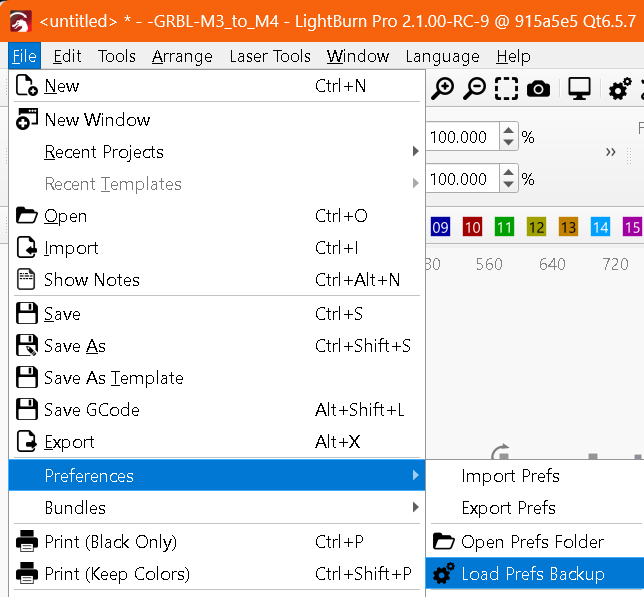
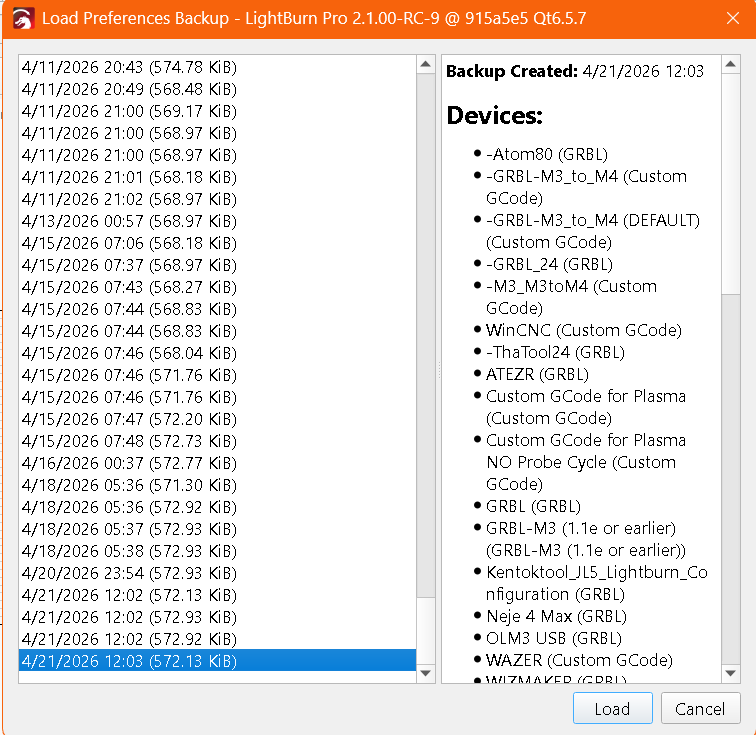
In future when the same thing happens try resetting the connection first by right-clicking the Devices button.
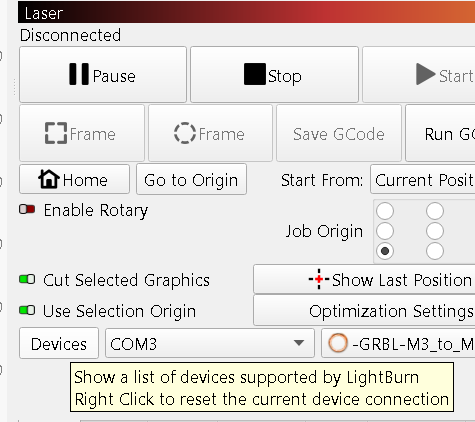
What start from position did you use? There are 3:
Do you have a ‘return to finish position’ specified in your device settings?
Thanks for the reply. I was able to get it working not really sure how, but it works. I will try that if the problem occurs again. Thanks again for the reply.
Thank you for the reply. I was able to get it working not really sure how but it works. I will try that if the problem accrues again. Thanks again.
1 Like