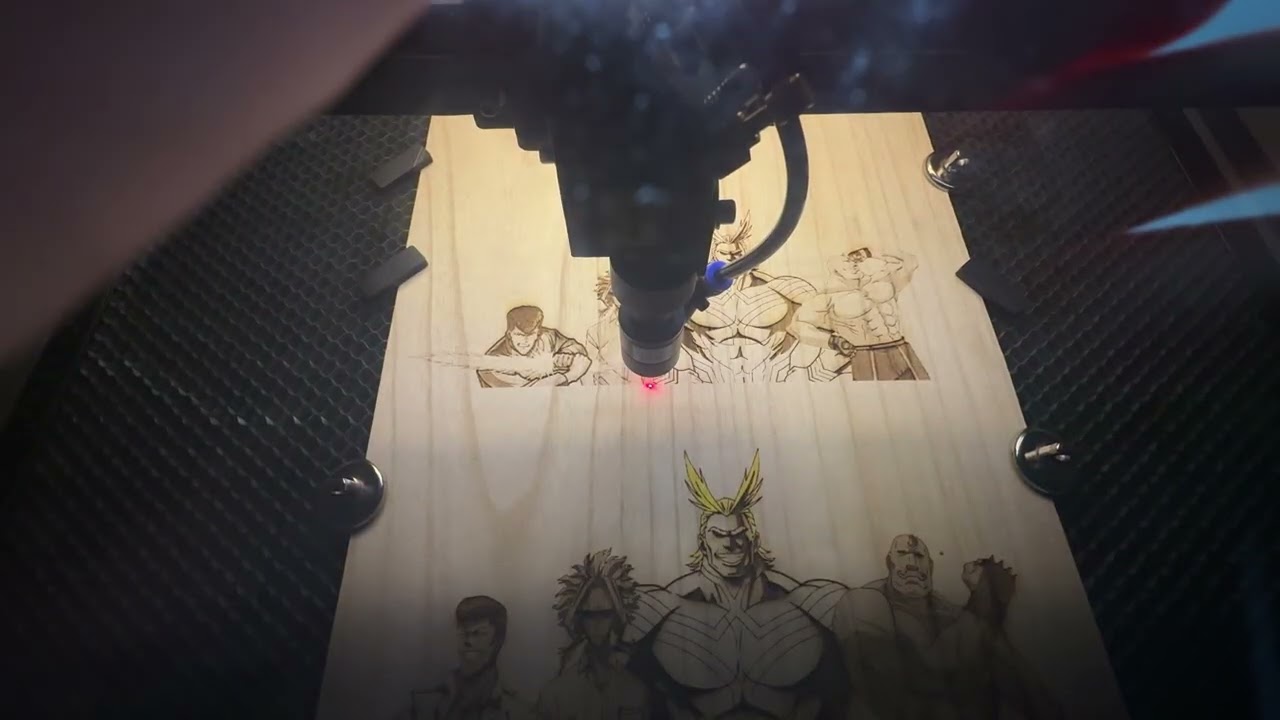
Apologizes for starting a new thread, I thought I had submitted the below response to your message! If there is a better way for me to re-open this troubleshooting thread please let me know.
Profile updated.
I don’t feel like it’s fail elsewhere, I feel like the controller has just frozen. In the “paused” but showing “run” state, I can select stop and the machine will move the head to the home position. I agree the stepper drivers don’t send position feedback back to the controller, but the controller is still able to move the laser head back to home without crashing which means it’s assumption of where the machine is is correct.
Motor drivers are fine as they drive the head when I select stop.
I uploaded a video to youtube at the following link, shows what the machine is doing below.
I do have a meter for doing some measurements. I can also confirm this has been happening to multiple different jobs of differing lengths, but it seems to only affect jobs that last longer than about 20 minutes. And only fails at about the last 5 to 10 percent of the job, i.e. a 22 minute job failed with about 2 minutes left and an hour and a half long job failed with about 10 minutes left.
Once again thanks in advance for all the help and advice!
If the thread is not solved or closed you can usually add to it. If you’re looking to edit the original, the most simple way it to click on the pancake menu and select edit…
Usually you have to have certain credentials on these sites to re-open or add to closed threads. Although we can usually find where you posted originally, it always helps to put a link back the original thread.
If this is a different type of issue, then for all means, start a new thread.
No worries, I’m sure you are busy answering all manner of requests.
I am doing a couple more tests on my end and will get back to you with the results, specifically if the same job fails at the same point exactly or if there is a window where it fails. Secondly I’m going to run the job with the laser turned off and see if that affects it. Thirdly I’m going to try loading the job on a thumb drive to see if excluding the network and the bridge has any change.
Another possibility is the Windows USB energy saver setting.
To fix USB disconnection issues in Windows 11, disable the USB battery saver toggle in your system settings or turn off the power-saving feature in the Device Manager. This stops Windows from cutting power to your external drives, mice, and keyboards to save energy.