lightburn 1.7.08 connected to Ruida 6445G by Ethernet cable
new machine from Liaocheng Julong Laser Equipment 100w 600 x 400
lightburn sends filed to Ruida no problems, reads the controller info can make controller changes nmo issues so lightburn is talking to laser controller et
any file put into the Ruida by USB or sent from Lightburn will run the path but no laser
so far only been able to run demo file that came in the controller and it work perfect
I can run a file from lightburn and the head follow the cut path only - no laser
laser wont pulse from lightburn either
on the Ruida the pulse button works and every thing else on the controller does what it supposed to, so I have deducted that it has to be a setting Lightburn somewhere
or could it possibly be that I use windows 7 ultimate, it that too old?
It seems lightburn is not sending the laser fire on code?
my back ground, retired engineer, fluent with cnc lathes mills GCode 3D printers et
yes I have checked in lightburn the the output is set to on - green
after a week I know pretty much all the settings in Lightburn and and the Ruida and what they do
I’m stuck with a brand new toy and I cant play with!
open to any suggestion
thanks Ric
Seems like it ought to come ready to use, doesn’t it? 
Your observations help rule out a whole bunch of the usual problems:
- head follow the cut path
- so lightburn is talking to laser controller
- laser wont pulse from lightburn
Good work! 
Upload screenshots of the Machine Settings so we can take a look at Laser Settings section:
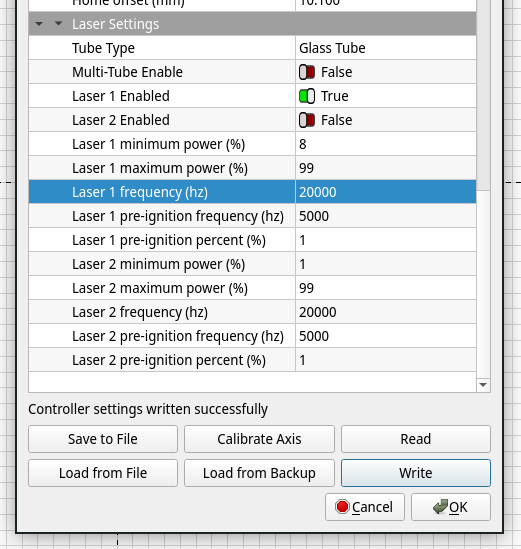
Also upload a screenshot of the window you’re using to pulse the laser, because IIRC the Fire button should not be available for machines with Ruida controllers.
If this is a new machine, I’d contact the vendor, number one. It usually takes 24 hours to get a return email, so the sooner you send them notification of the issue the better.
A very simplistic layout of controller (Ruida) and it’s connection to the lps/motor drivers.
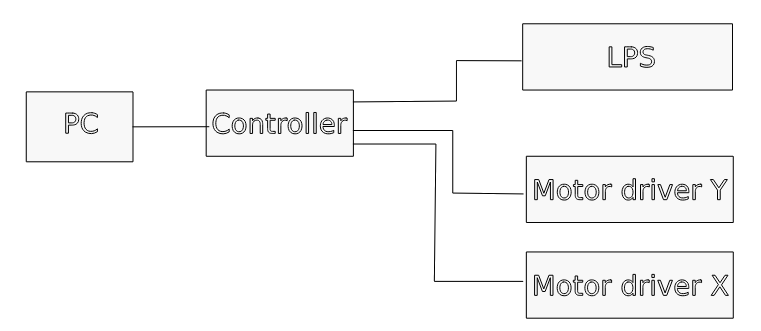
If the controller will pulse the laser, then the controller is likely working, as you surmised. However, I know of nothing in Lightburn that can cause this kind of anomaly.
As @ednisley advised, there is no pulse button in Lightburn, can you explain what you mean?

thanks for the reply
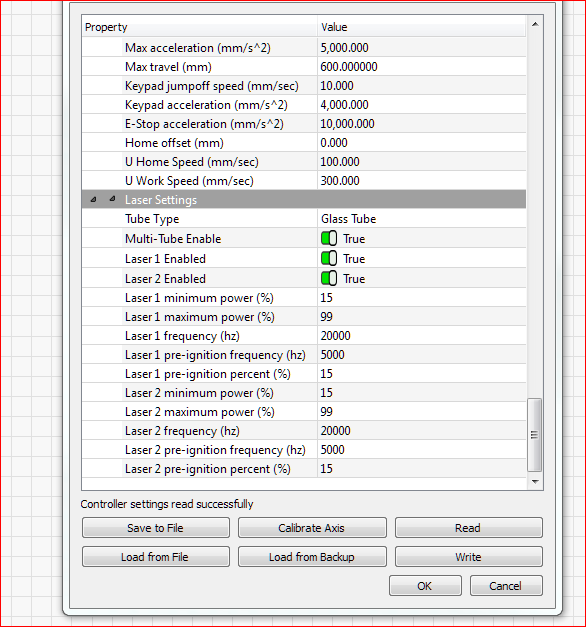
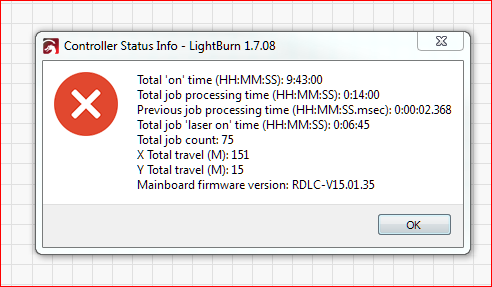
attached the screen shots
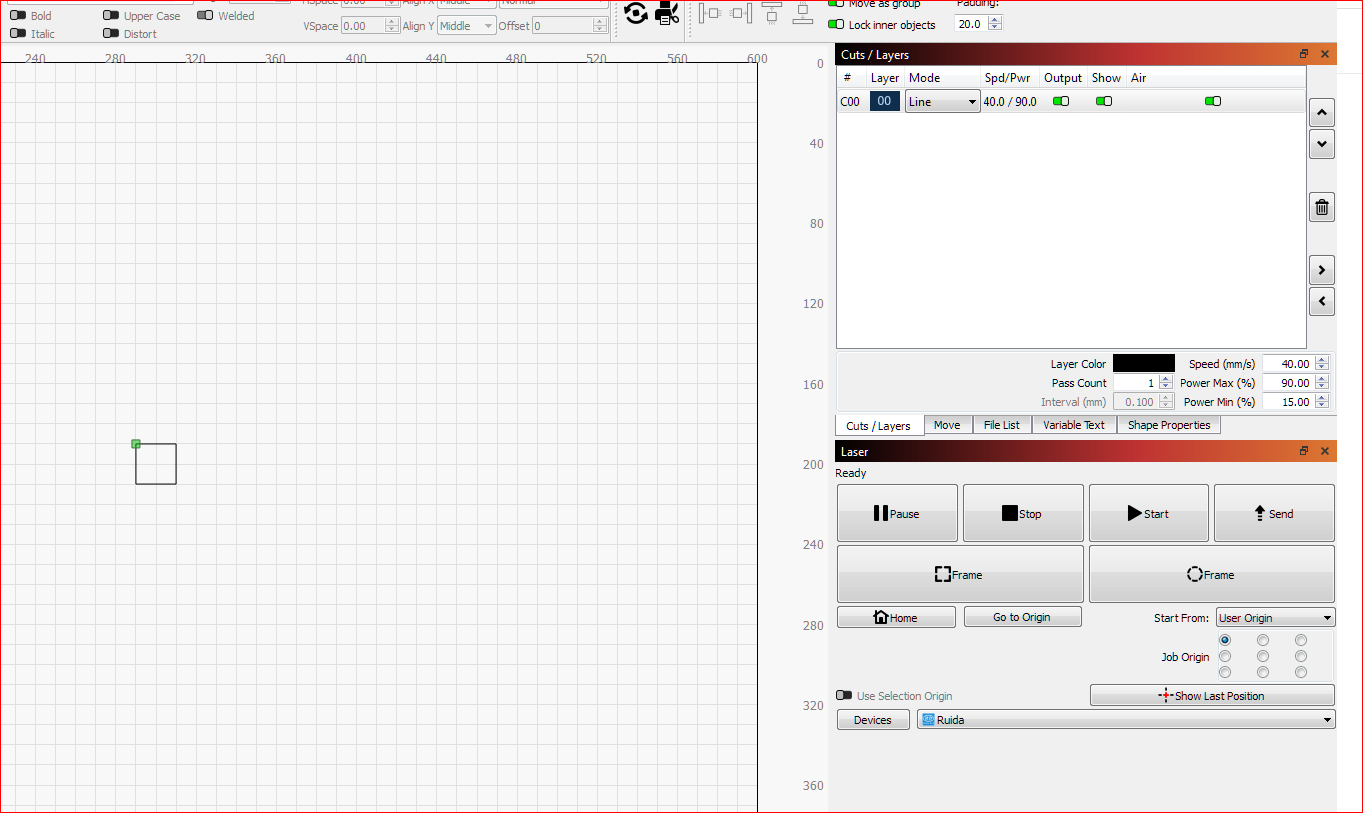
also a 20mm Sq made in lightburn for test setup
it loads into Ruida, follows path but no laser on
test.lbrn2 (3.1 KB)
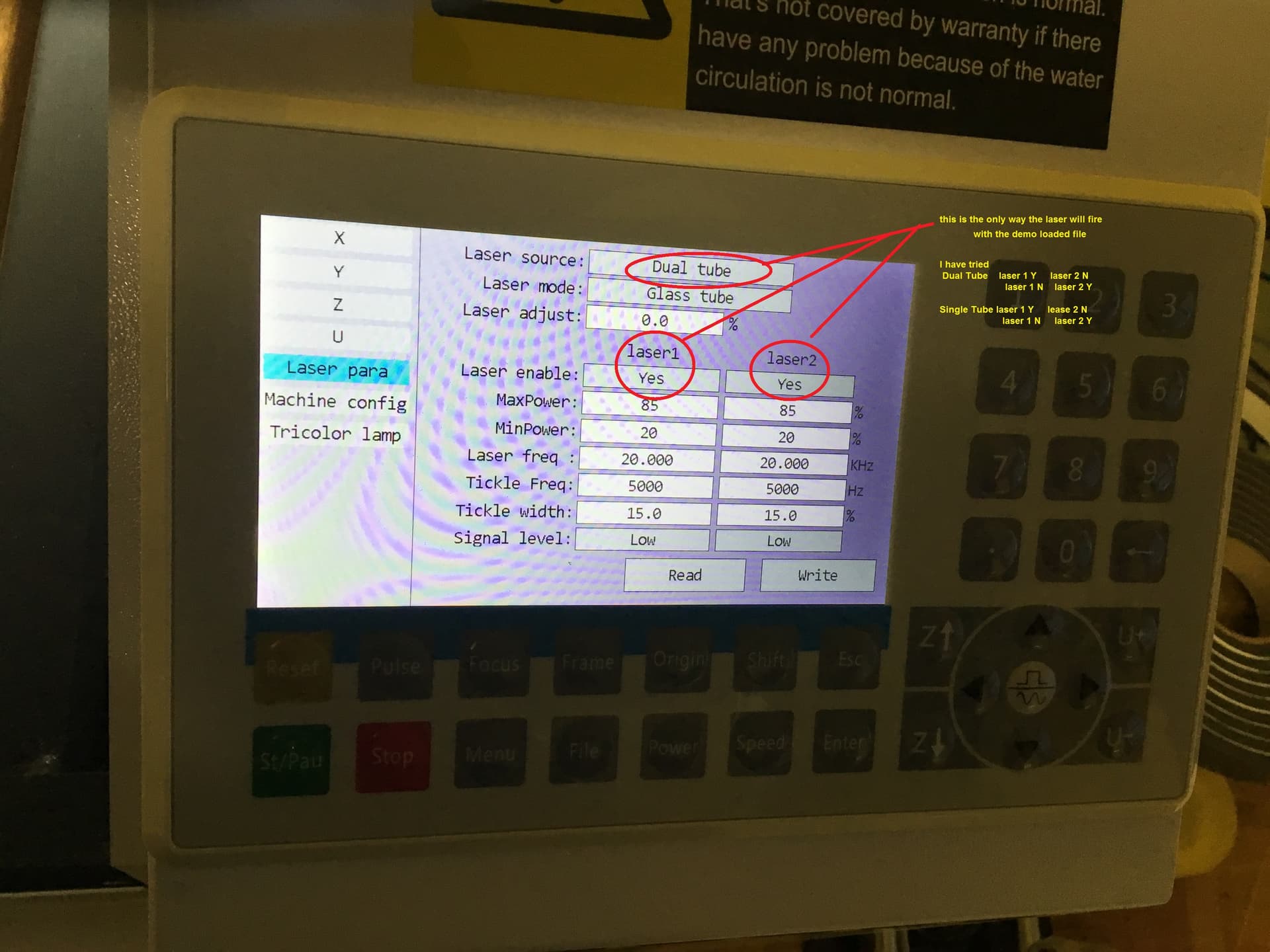
In the Ruida it is set up for 2 lasers, if I turn either off the supplies demo follows path but no laser
Any known issues with using Ethernet?
cheers Ric
Go into the Lightburn machine settings and save your current settings in a file, just in case you hose things up.
Did you change the items that @ednisley suggested?
Is this a two tube system?
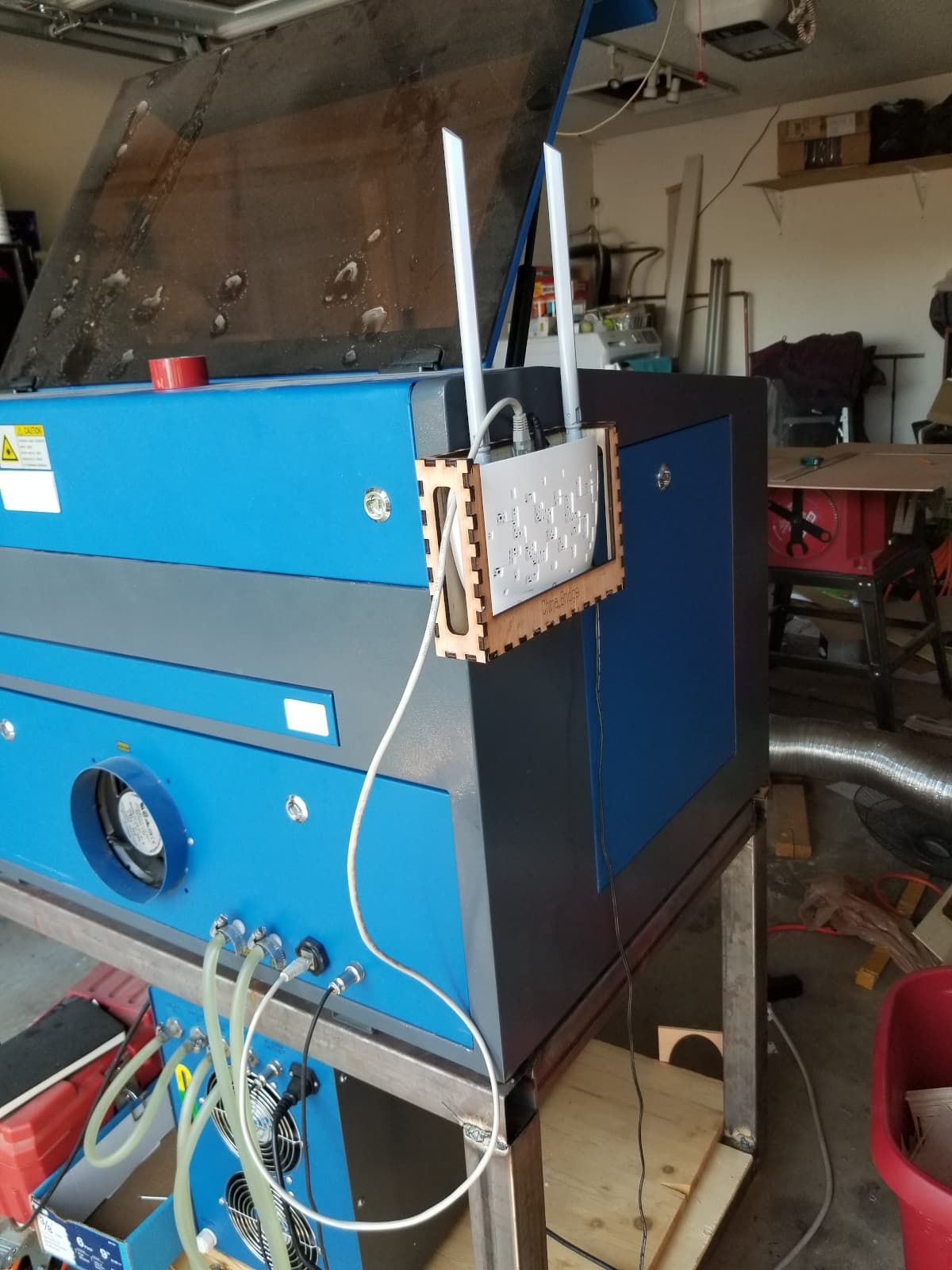
I spent about a week or so with usb, after total frustration, I wired Ethernet up to my pc directly.
My main computer is inside where it’s cooler, so I put in a low cost wifi bridge. Been working off Ethernet with no issues ever since. Lightburn has a better solution using a PI.
First of all, turn Beginner Mode Off so you get the full set of choices everywhere; you’ll eventually need them and it makes things easier for us to debug.
Assuming the machine homes correctly when you turn it on, then:
- Use
Start From: Absolute Coordinates - Turn on
Cut Selected Graphicsso LightBurn will cut / engrave only the things you select, which eliminates a ton of heartache & confusion
Assuming:
- It has a single glass tube
- The controller’s
L-On1andL-PWM1are wired to the high-voltage power supply
Then:
- Set
Multi-Tube Enableto False - Set
Laser 2 Enabledto False
With a 100 W tube, set the layer power to 20%, because more than about 75% will use up the tube entirely too quickly. Practice on cardboard until you gain confidence in your control over the machine.
With all that set up, select that little square, hit Start, and report what happens.
hit start, follows the profile no laser
tried the demo file, profile & no laser
spoke to the china factory, they said forget Lightburn use RD Works
That probably my next try
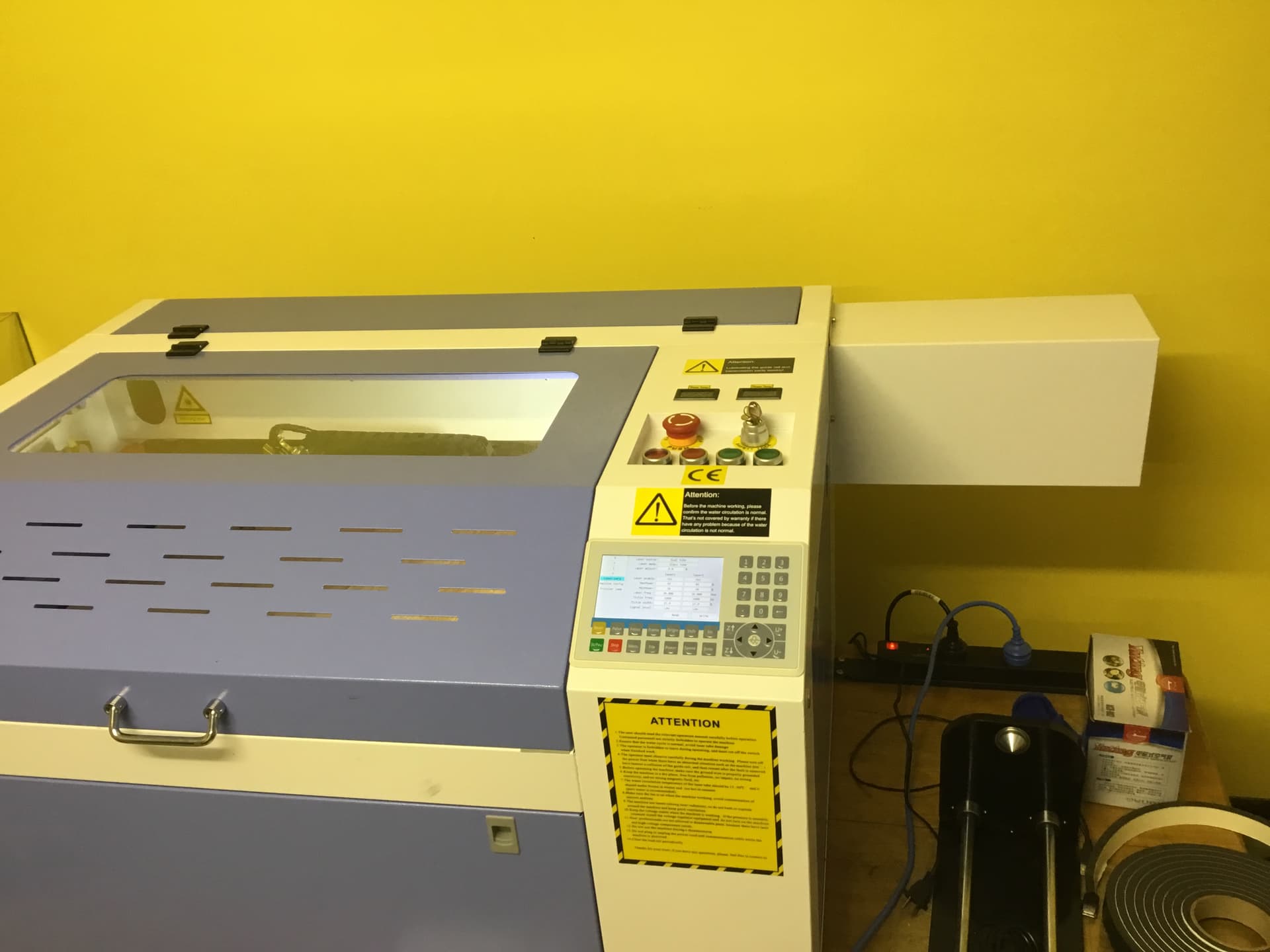
single Reci tube
here’s the test sq lightburn file, can I trouble you to see if it works on your laser?
test 20mm Sq.rd (525 Bytes)
Ha hows that!
almost no idea and first time looking using RD Works, set the IP number, uploads, cuts etc, does what Lightburn supposed to do, I’m excited… but I want to use Lightburn so still open to try fix it.
If the machine was advertised as being compatible with LightBurn, I think you’ve got your answer as to how well you can expect LightBurn to work with it.
Both the LightBurn file and the RD file work fine, although I reduced the power level to a level suitable for cardboard:
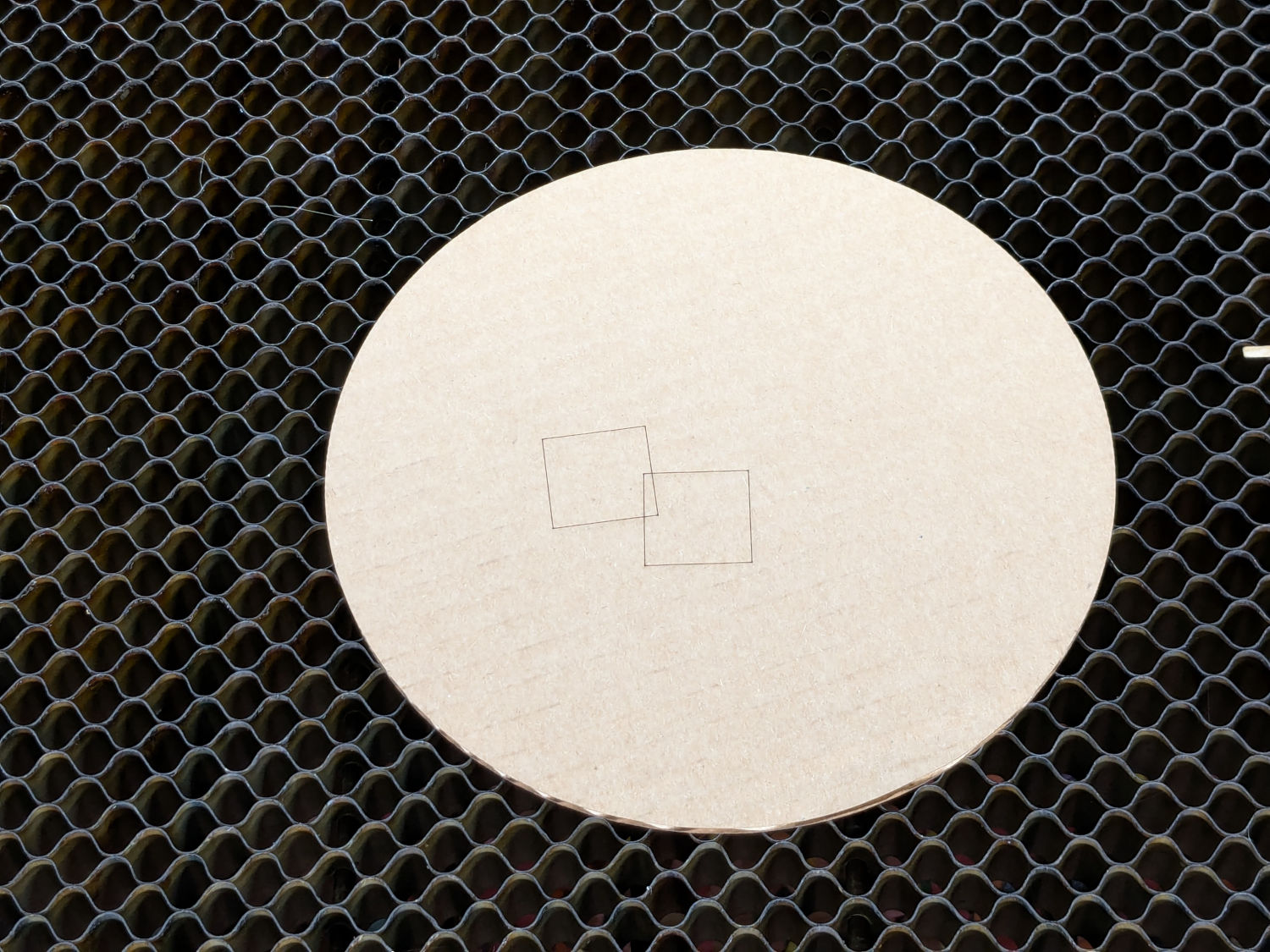
Without knowing any more about the machine, they may have wired the power supply to use both laser tube control outputs, perhaps with L-ON from tube 1 and L-PWM from tube 2. The reason may have nothing to do with good engineering practice and everything to do with the length of the wire harness.
Perhaps telling LightBurn the machine has a second tube would work, but it would definitely require some careful experimentation with close attention to detail.
The hole seems to be in the Liaocheng Julong Laser Equipment’s end of the boat and they obviously have no motivation to fix it.
This topic was automatically closed 30 days after the last reply. New replies are no longer allowed.