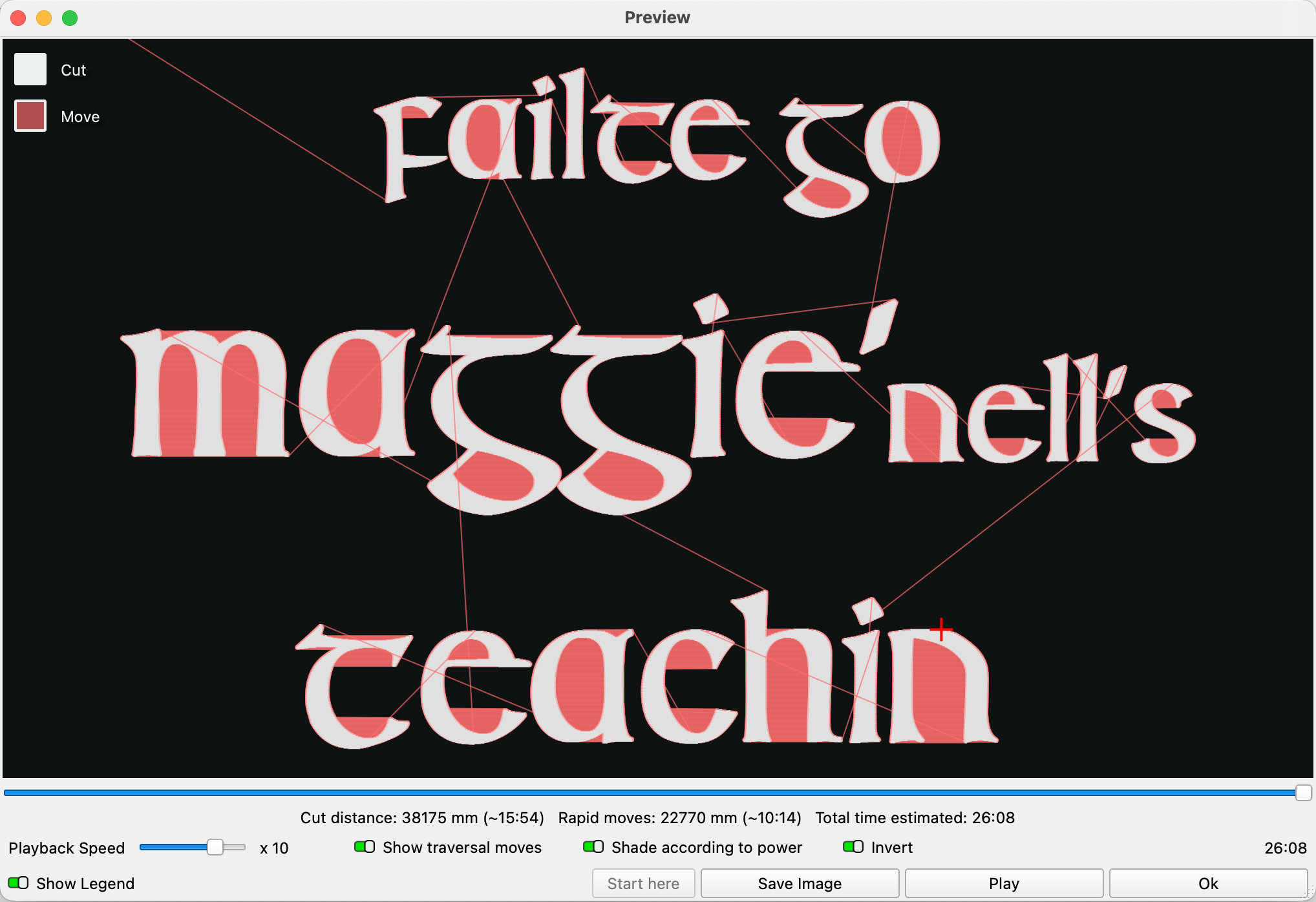
When lasering text my machine will burn the first letter and then travel all of the way to the last letter in the line and burn it, then all the way back and burn second letter, and all the way back to the end and burn next-to-last letter, and then to the middle of the line and burn just part of a letter , etc, and this really slows the job down.
Isn’t there some setting that would cause it to just start at first letter and then burn each succeding letter in order?
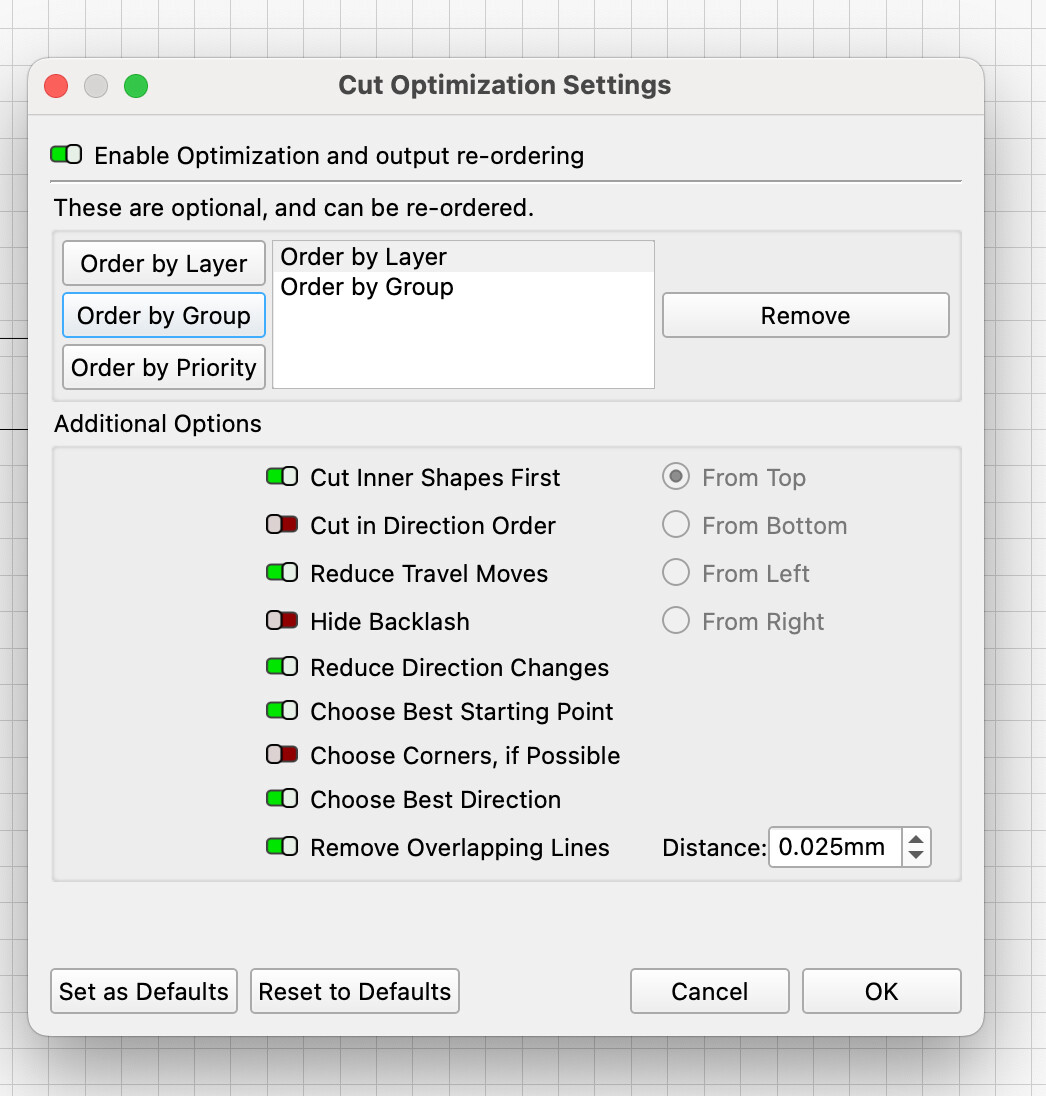
Hi Lewis, it looks like you haven’t “optimized” your cut order.
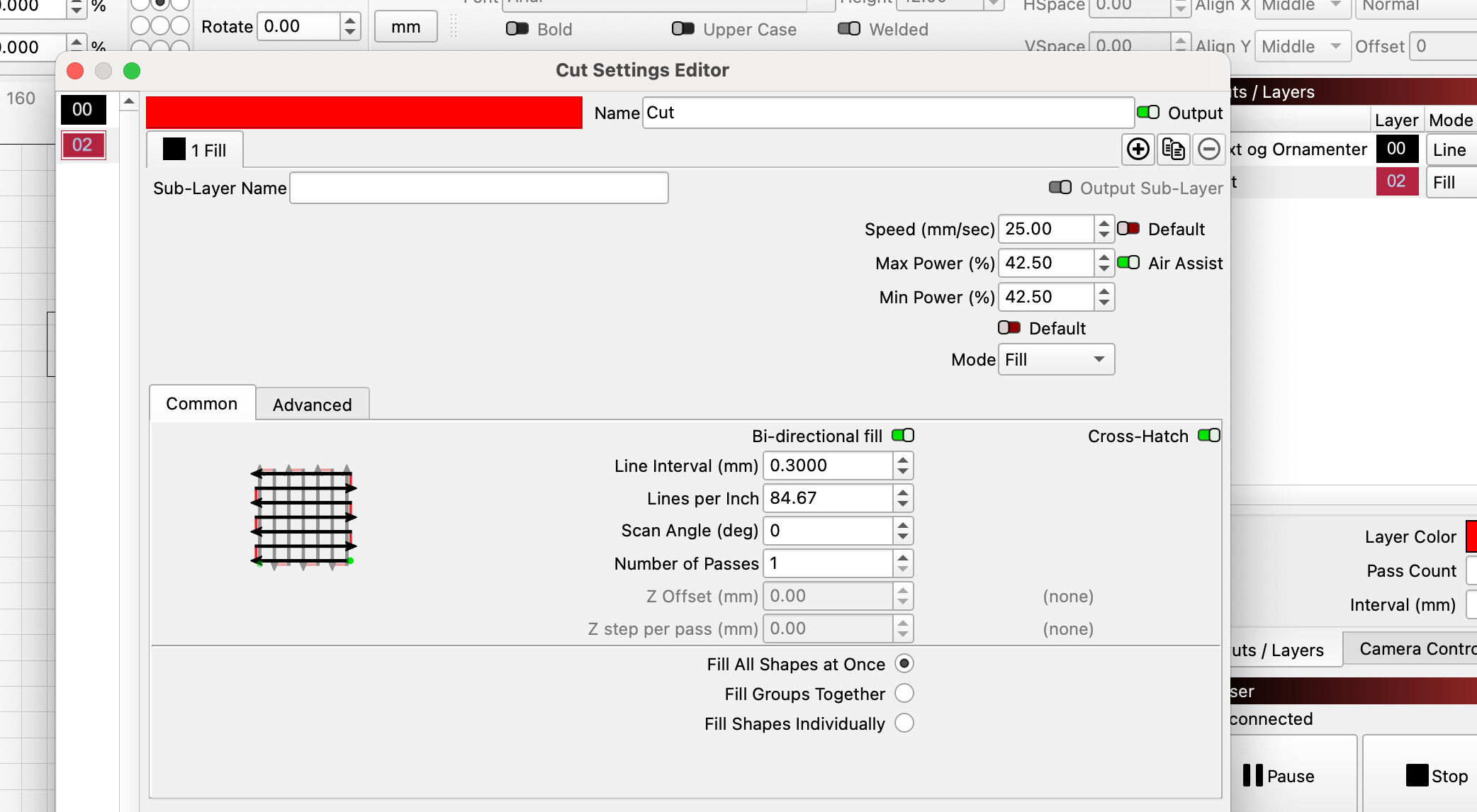
Try to see if you can use some of these settings, especially the image on the left, at the bottom, should be interesting to you.
I made the settings as shown, and it maybe helped a little. It still skips around a lot but perhaps that is just the way it is supposed to work. Thanks for the help.
I can “only” optimize the text itself as you see in the preview. But your entire project with your settings takes over 6 hours to produce, is that correct???
There are significant improvement possibilities such as turning your images into traced shapes…
The other one with the complete border I was able to reduce to 35min for font and image and 35min for the border by tracing and offset fill, as opposed to 57mins using Fill.. for the border alone.