Machine is OneLaer Vertigo
The controller is DSP
Running the latest version of LightBurn 2.2
New [repeating] issue: Generic laptop computer running Windows 11
______________________________________________________________________________
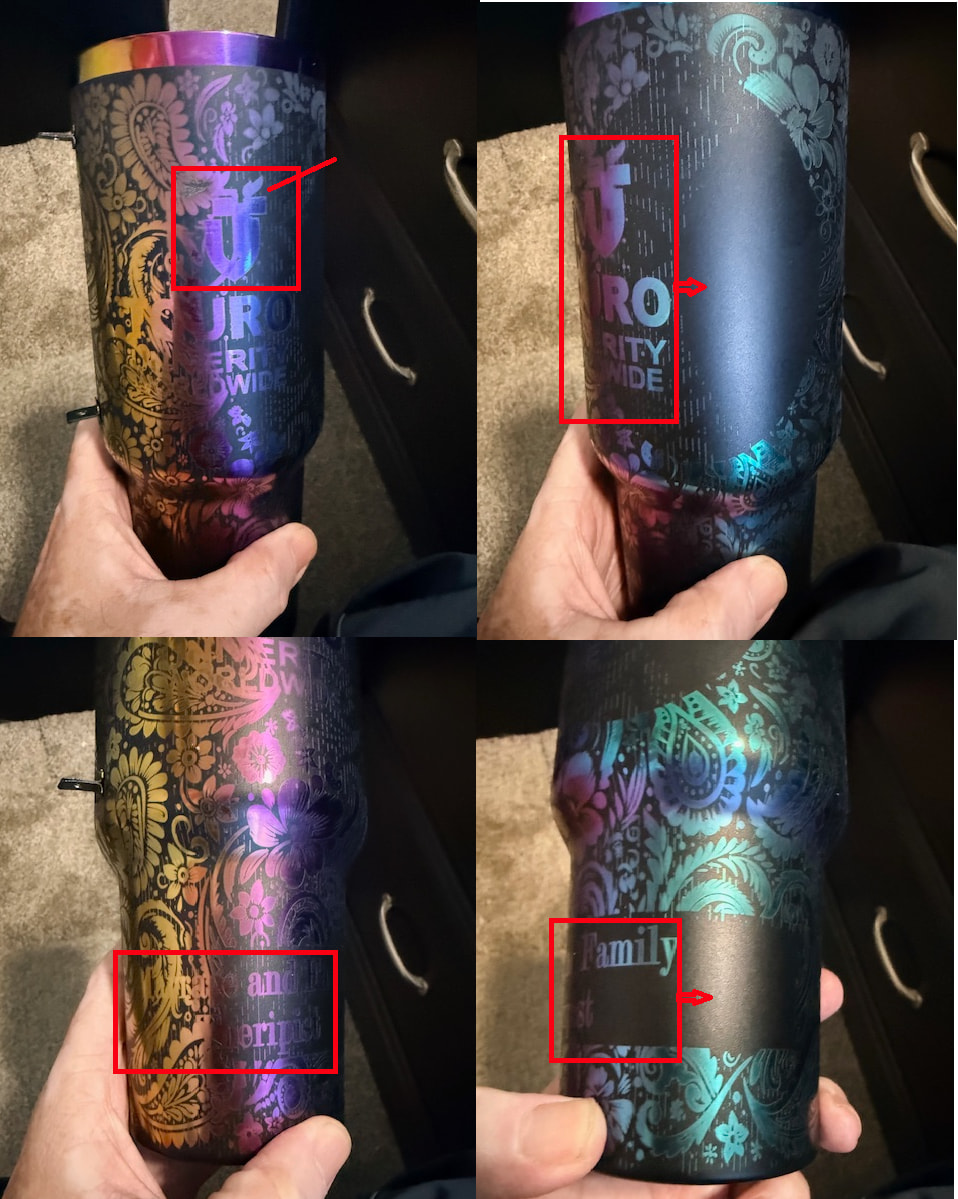
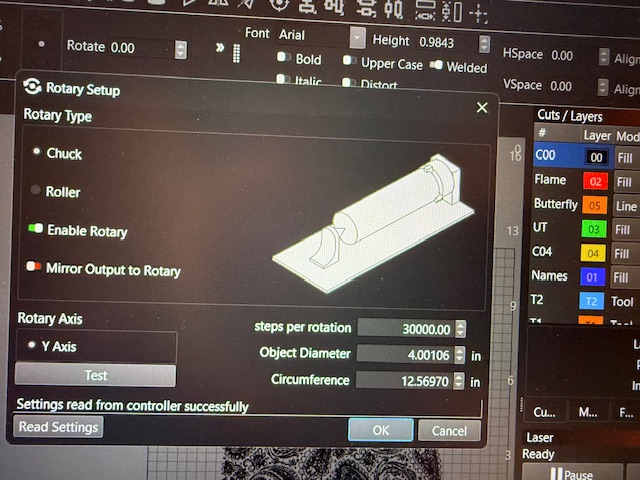
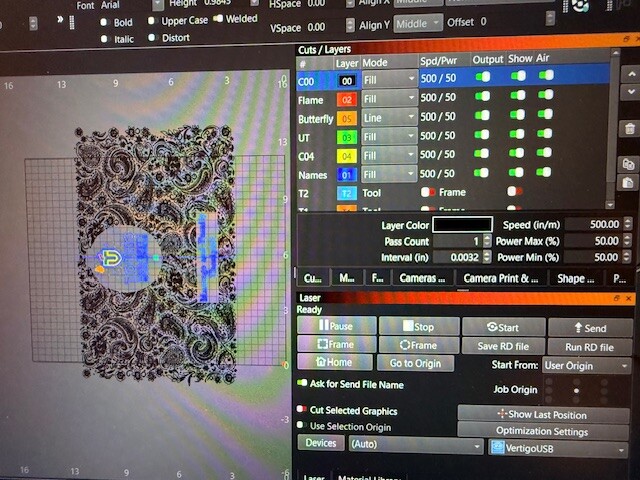
I am trying to make a wrap for a 40 oz tumbler using three different files. In LB, everything looks great, but when I laser the design onto the tumbler, the design layers don’t align.
The first image shows the flame not directly over the “T,” and the “T” isn’t centered over the “U.” The whole logo should be shifted right by about 1 to 1.5 inches. On the bottom, the same problem
I ran this twice; on the second go-round, I grouped everything and made sure everything was locked in, and I still had the same issue as before.
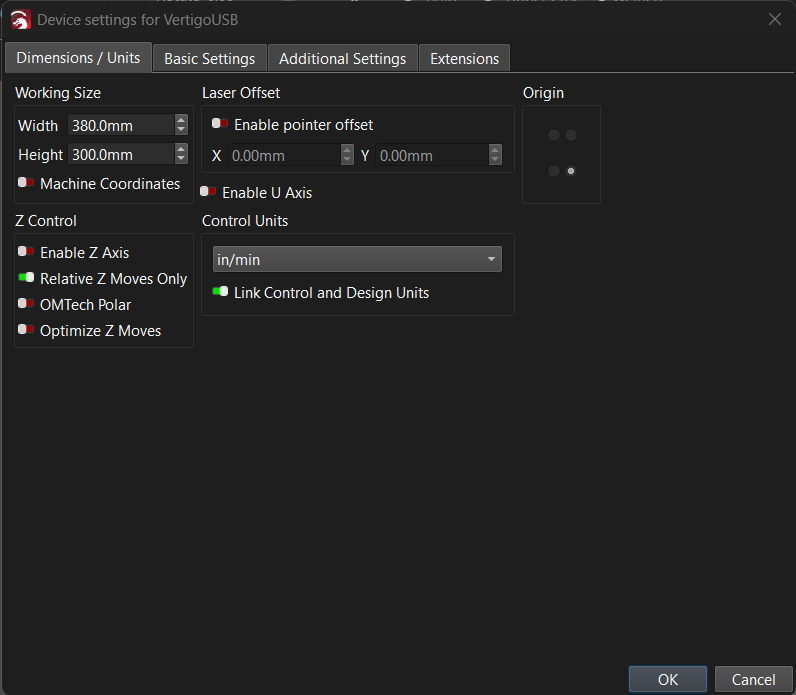
If you are using Current Position for the Start From: position, which is normal for a rotary, then confirm the finish position for the first layer is exactly the same as the start position for the second layer.
Is this even the settings I am looking for? If so, by adjusting the setting, wouldn’t it adjust all the layers since this is a device setting and not a layer setting?