You can try reducing the font and toolbar icon size in settings, the cut settings editor will adjust size to ensure it can correctly fit all the text, buttons, images etc.
If Enable High DPI Scaling is turned off, it will behave the same as 1.7.08, meaning that moving the font size slider fully to the left will set the font size to default, moving it one step right of that is actually the smallest font size.
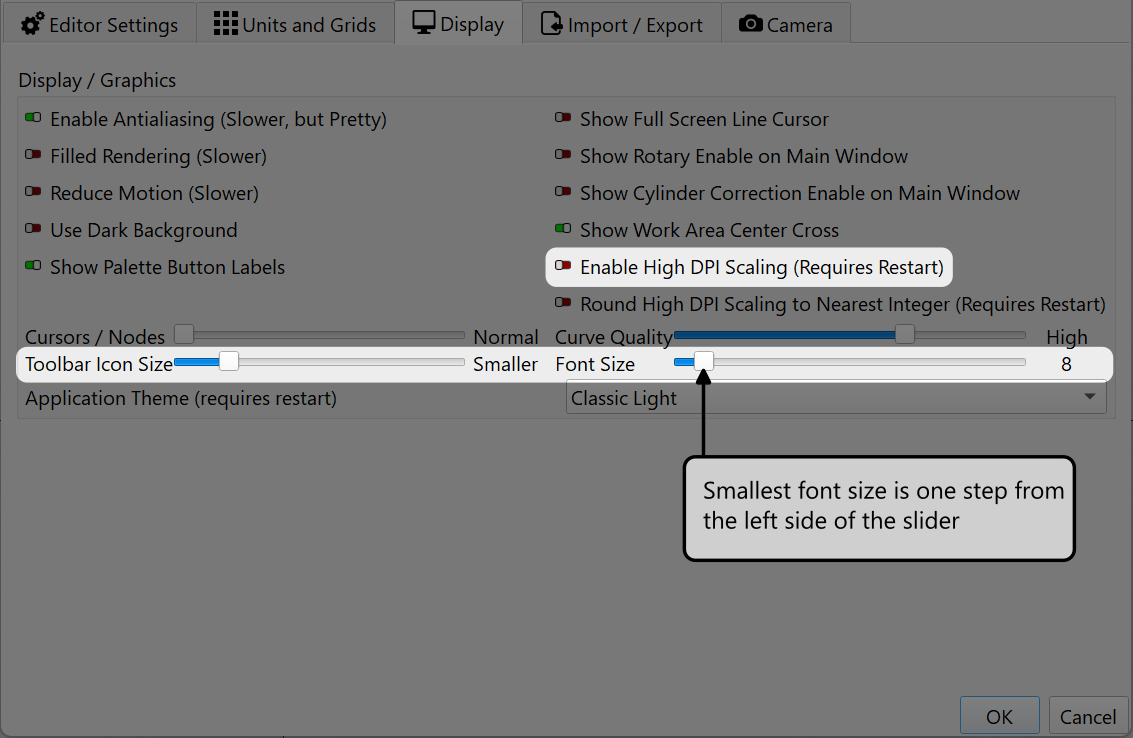
If Enable High DPI Scaling is turned on, moving the font size slider fully left is the smallest font size.

Hopefully this helps.