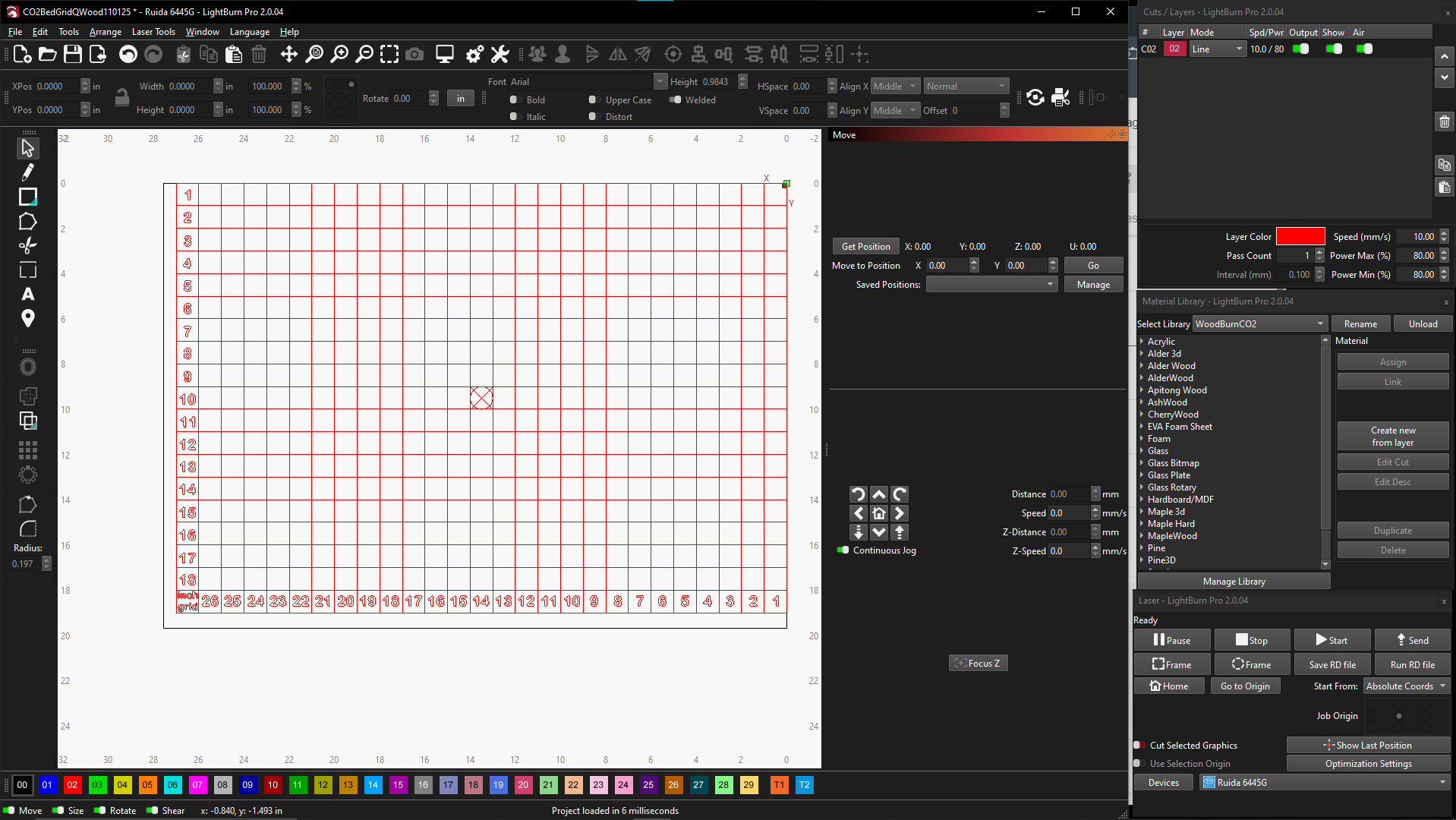
However, when rinning the spoil board file as seen, the laser head moved to the upper right corner of the file to burn the file. This pushes the file about 7-8mm off Home. I’ve watched videos on how to set 0,0 in absolute coordinates to start at the corner of the file but no luck with my machine. Can someone list the steps to achieve absolute 0,0 on my grid (700x500mm top right corner)?
There’s no relation between the Home position set by the switches and the platform underneath.
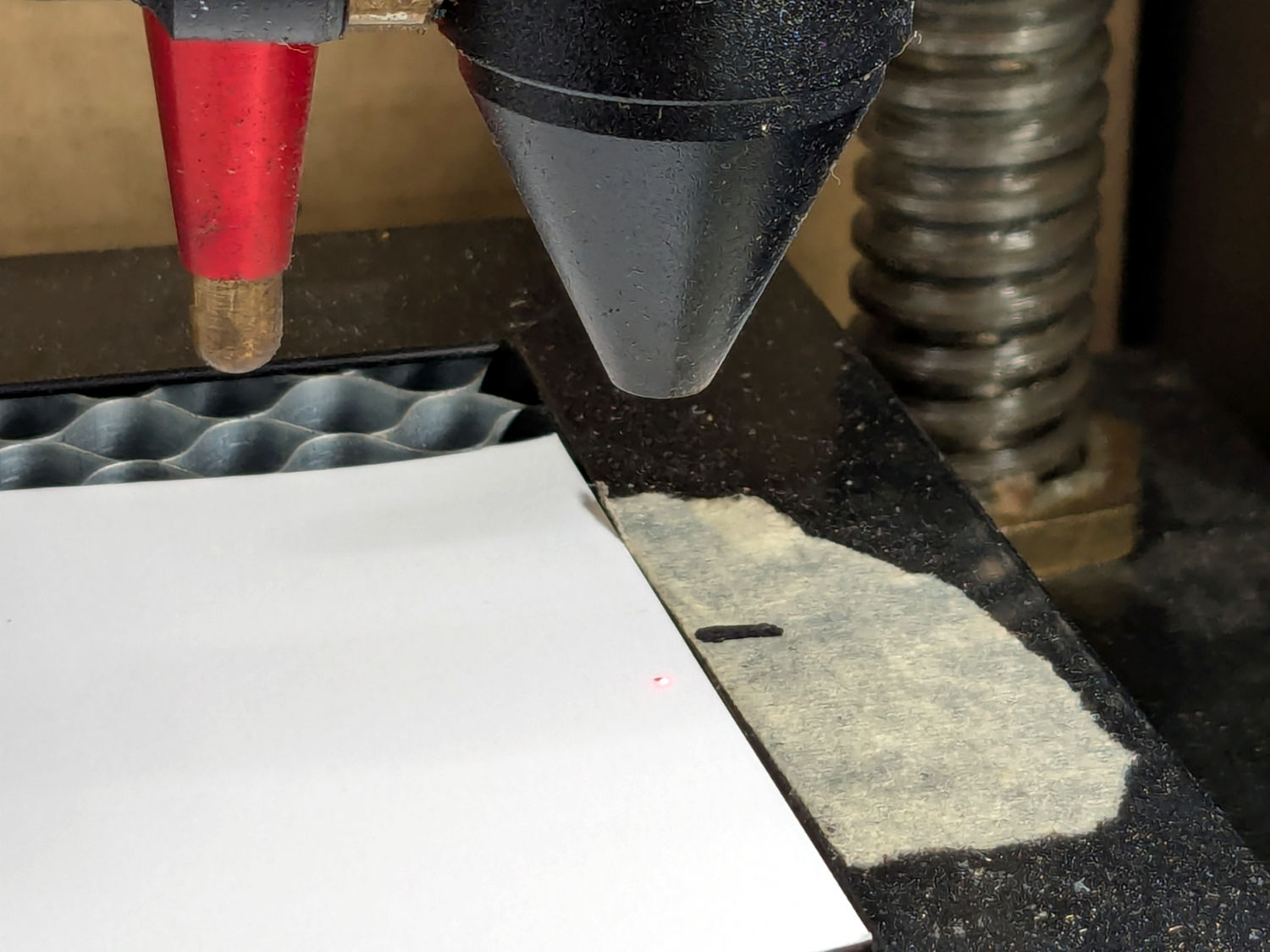
When you manually pulse the laser after it’s homed, the hole shows where the Home position is. On my machine, that hole (marked by the red dot) is far from the honeycomb corner:
If that what you’re seeing, then the upper right corner of your grid is exactly at the Home position, even though it’s not at the corner of the platform.
Run this through preview and enable show transversal moves. If the machine has moved, you should see it where it starts on the screen.
My machine doesn’t work that way. You can set the return position to any of three values, one of which is user origin. You should probably check return position and the start speed in the controller.
Since you’re running in absolute coordinates, it should put the image in the same location on the table as it is on the screen.