PC system: Lenovo 81x7 laptop running Win 11.
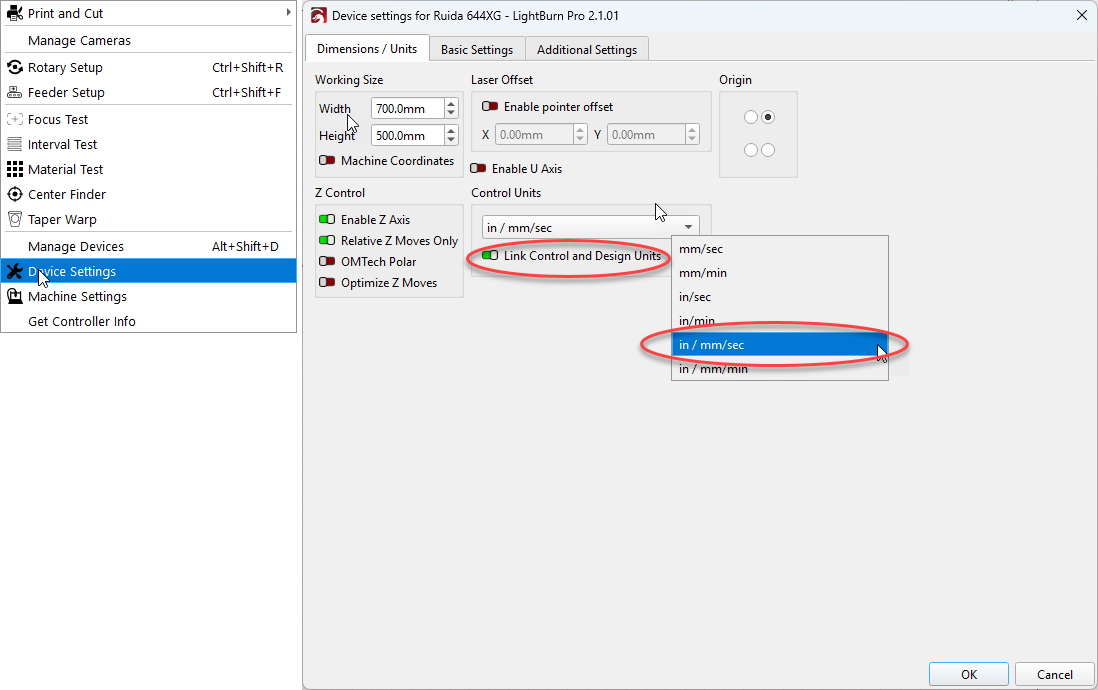
Lightburn fails to change into metric units. It defaults to Inches, but neither the menu icon radio button nor the file menu settings will change it into metric units. The radio button will highlight and darken when I press it, but will remain in Imperial units. Same with the menu settings. I can change the units there to metric, but when the menu goes away after accepting the change, the software remains in Imperial.
This is new behavior. I’ve been able to change from Imperial to Metric in previous versions of the software on the same laptop.
Repro is 100% on my laptop. The behavior seems to be only on my laptop. The software works fine on my PC desktop and allows me to change between the units at will.
I’ve re-installed LB v2.1.01 twice and restarted my laptop both times without any change in behavior.