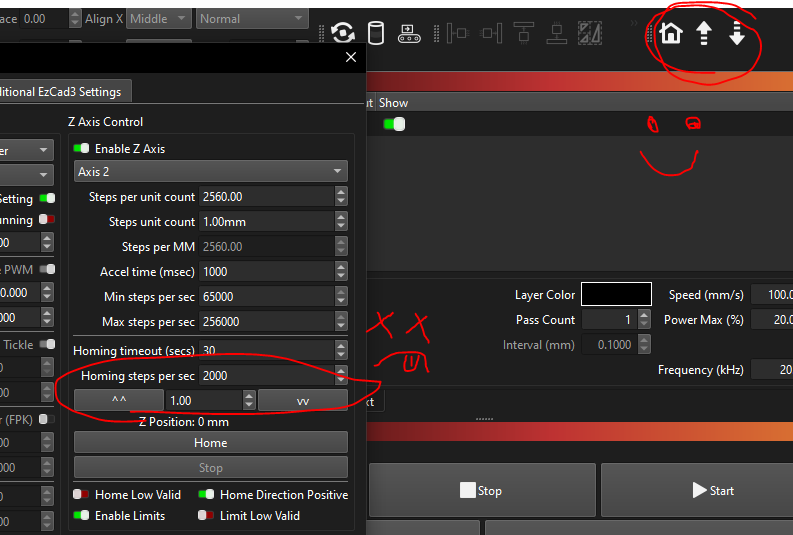
Z/Focus/Height is still a mystery. I have “Z” enabled and homing and up/down buttons in “Galvo Z Control” work - but unsure of how we (practically speaking) as supposed to focus. (We use a manual physical measurement) – aside from homing then clicking the down button a hundred times. i.e. There doesn’t seem to be any options to do things like “this is my focus position”, “go to last focus position”, “offset focus by X mm”, etc. (BTW this almost make it impossible to use - I haven’t actually even fired a real job because this is so difficult!). ie I should see some sort of simple “position” and “go to pos” and “reset pos” buttons, etc…?
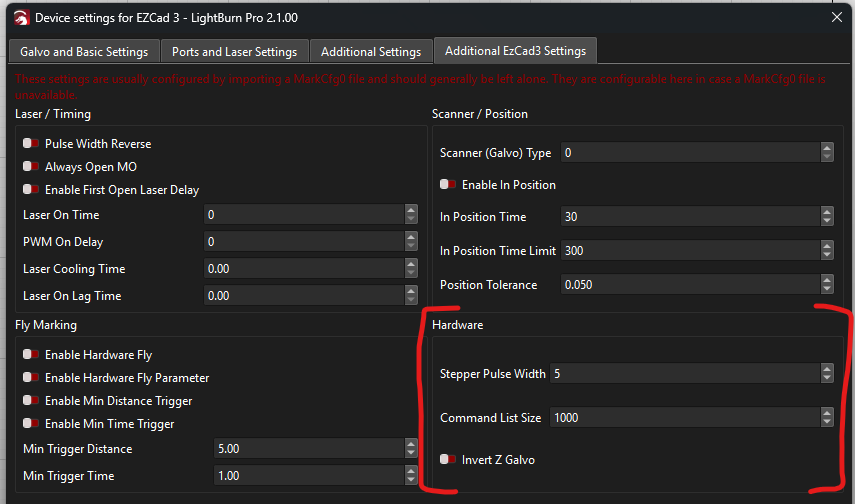
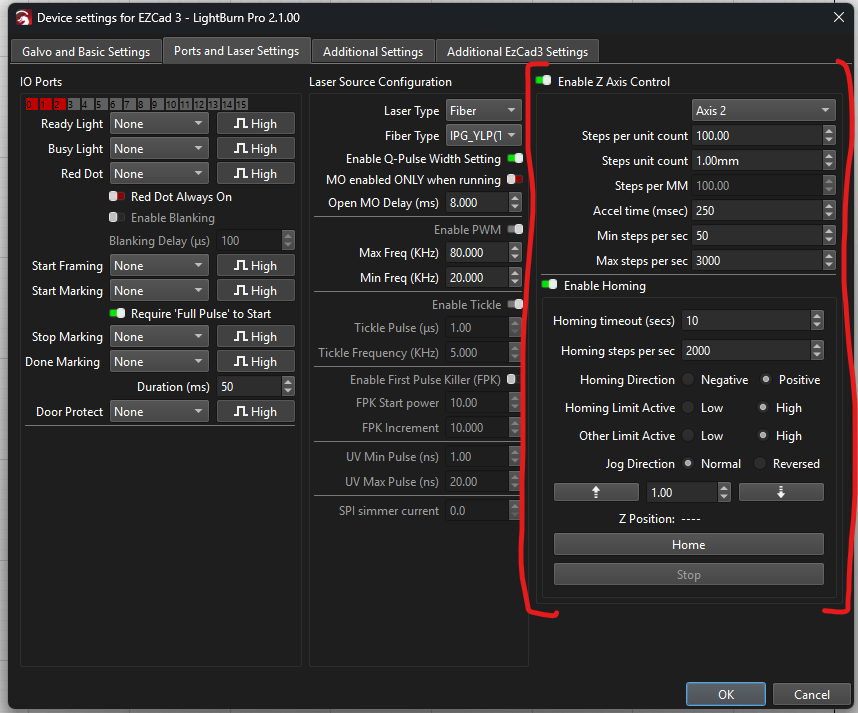
There is also another odd issue: The Galvo-Z Control buttons work fine. But when I use the up-down buttons in the “Device Settings, Z Axis Control” my laser makes a horrible noise. It looks like the physical Z mechanism is slipping. There is an obvious discrepancy of what the Galvo-Z Control buttons vs the Device Settings ones are doing - I am guessing the later is maybe stepping so fast the motor isn’t working properly. (I also tried upping the acceleration time, but that made no difference)