I need help in making lead-in properly
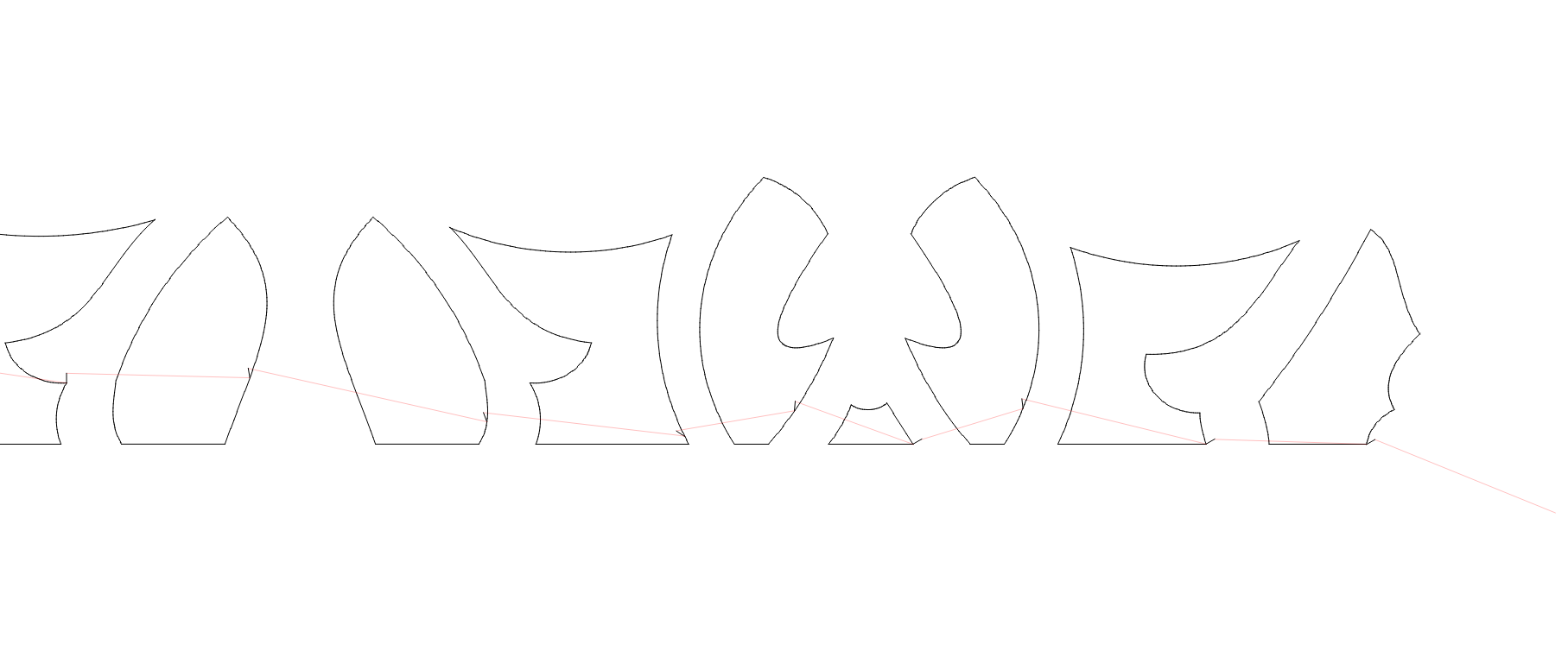
Leads are not consistent. please check attached image
I’m going to assume these are inside shapes and that you want the lead in on the inside, here are a couple of suggestions:
-
in Optimization Settings - disable ‘Choose corners, if possible’.
-
use the ‘Start Point Editor’ to choose a different node as the start point, preferably in straight(ish) area and not on a corner. If you cannot find a suitable node use the ‘Edit Nodes Tool’ to insert one.
This topic was automatically closed 30 days after the last reply. New replies are no longer allowed.