Hi, I am new to xtool and to light burn. I have a D1Pro 20w. When I had it initially set up it worked fine with Light Burn. Now I have the extended sides and I can not for the life of me get it to home properly. It will move on the X axis but not on the Y. This is causing me all kinds of issues, especially if I want to replicate something. I have my setting for burn area 430m for width and 940m height. I have gone through the updated software a couple times through xcs and it is the most current as well as Light Burn. I do have AUTO-HOME on startup marked and I have return to finish position on, however, my limit alarm is off. My Job origin is set to absolute Coords.
I do not know what to do to get the machine to home properly. I have scoured this forum, the internet and youtube for answers and haven’t found anything that helps and corrects this issue.
Please advise on what I should do to get my machine to home properly. thank you so very much.
Lori
While LightBurn can request the machine to home itself LightBurn plays no role in the actual homing process.
Homing itself is handled entirely by the controller on the laser.
If X is homing correctly but Y is not then it’s likely that the wiring is incorrect. Check that the wiring for the Y axis is well seated into their connectors and that they’re oriented correctly. It’s also possible that the wiring has been damaged in some way so watch out for that.
If that doesn’t seem to be the issue check for every failure point between controller to Y stepper motor and see if something doesn’t look right.
PY,
Thank you for your quick response.
I have checked these items and they appear to be fine. The controller seems to work properly while framing and in use. Meaning it will frame and move along the Y axis properly.
It just won’t move to the upper left hand corner when I hit home. it only moved to the left at the position it is on the Y.
My biggest issue with this is the ability to repeat or add to a project with accuracy.
Thank you
Lori
Disable auto-home on startup. It doesn’t seem to do a normal homing command and only commands one axis. Instead either hit the home button in the Move tab, or type $H in the console. Or, you can do like I do, and put $H in the header gcode, so it homes first everytime I run a program. I’m all about that repeatable setup. 
EDIT: Note, it’s a capital H.
When you push the Home button, do you see any attempt for the machine to move along the Y at all?
What happens after the laser moves all the way left?
Do you hear any noises coming from the motor?
Check the Console window. Can you copy/paste all the content of that window from power-cycle to final attempted homing?
berainlb - when I hit home it moves to the left only and stops it does nothing else. If it is already to the left and I hit it again it appears to jump forward just a bit then returns to where it was. There is a sound of engagement but then stops and nothing else happens.
here is the copy and paste I hope this helps
Waiting for connection…
Project loaded in 24 milliseconds
Waiting for connection…
�ok
ok
[xTool D1Pro:ver 40.31.006.01 B2]
ok
Homing
ok
start_home x
left limit trigged
start_home y
up limit trigged
MPos:0.000000,0.000000,0.000000
M28
ok
start_home x
left limit trigged
start_home y
up limit trigged
MPos:0.000000,0.000000,0.000000
M28
I see that the Y says up limit trigged. that happens regardless of where on the Y it is.
Thank you
Skreelink - I don’t think I am putting the $H in the correct spot. I went to Device Settings then to GCode then to Start GCode. I also tried to put it in the console. neither worked.
This is the fundamental problem. Look over the limit sensor for Y to see why it might be showing as activated. Check for wiring issues or some sort of mechanical issue with the sensor. Did the extension come with a limit sensor replacement? If so, make sure it’s installed properly.
One test, unplug the sensor and attempt to home. You should now see movement. If so that confirms the diagnosis. Be prepared to stop the machine so it doesn’t crash.
Turn the Xtool off and back on, then try $H in the console window again. Also can you post a screenshot of your device config?
You can also do as @berainlb suggested and unplug the limit switch and try to home again.
berainlb - No the extension did not come with new sensor. Also unplugging it didn’t change anything. does that mean I need to get a new sensor? I have already researched Y wiring and not finding it specifically.
Skreelink - didn’t work. Neither did what Berainlb suggested. I have attached the setting.
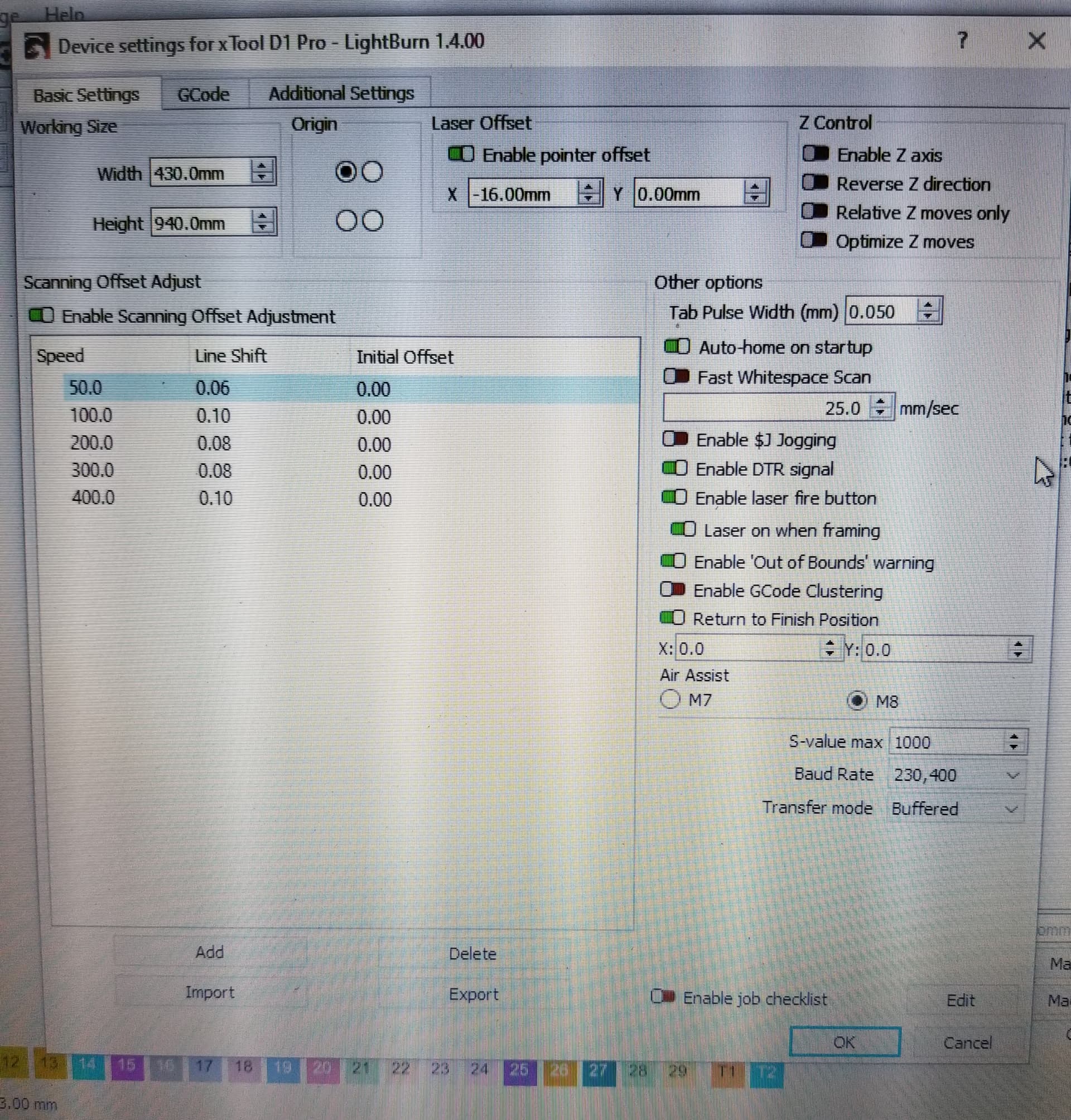
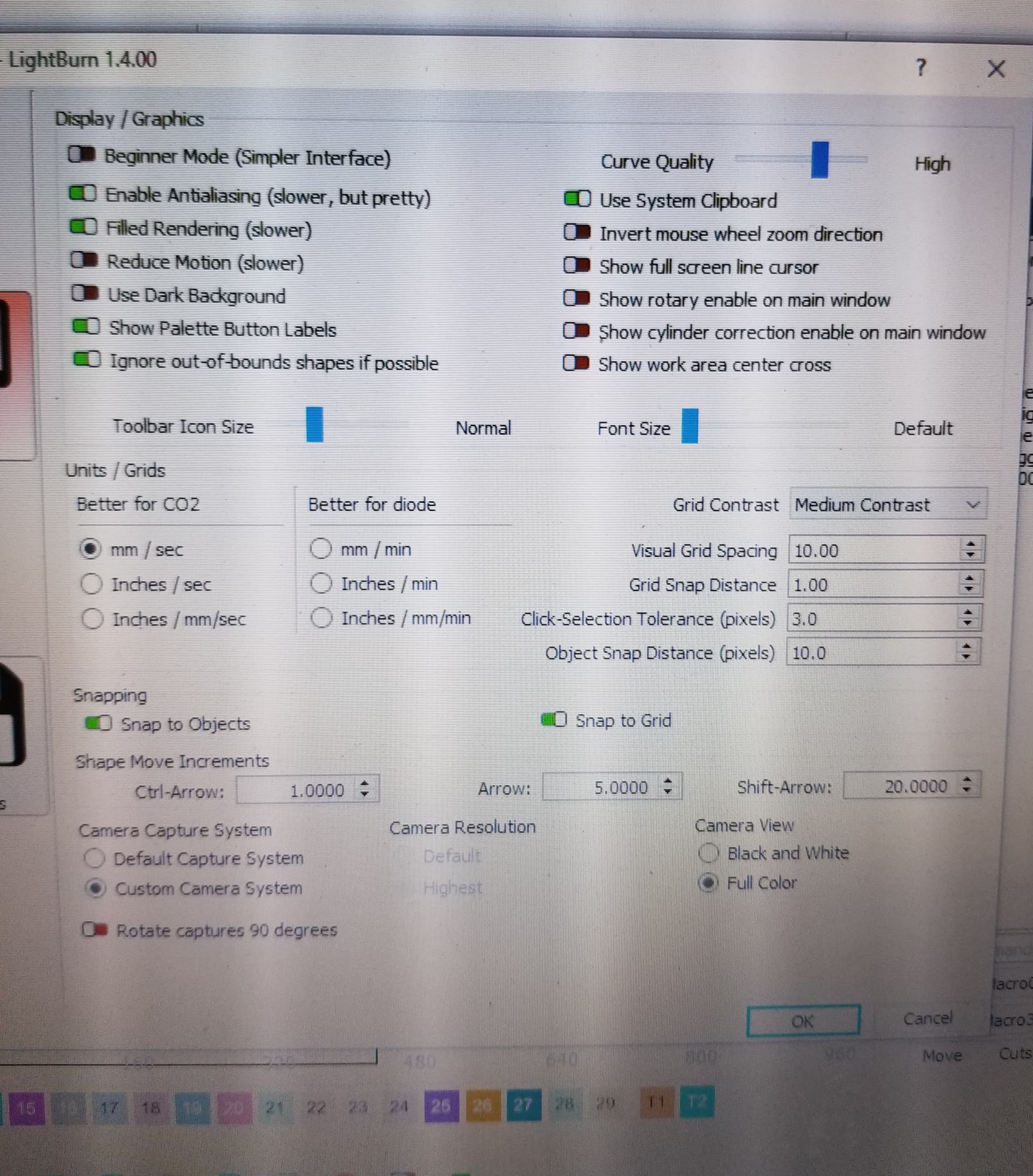

I hope this helps.
Thank you.
Disable “Auto-home on start” and “Out of bounds warning”, then turn the machine off, close lightburn, then turn it back on and open lightburn, followed by a homing command. Also, if you’re using absolute coords and repeatable setup, disable pointer offset at the top.
Skreekink. Completed tasks. (I thought I had turned off Auto home start earlier) Still didn’t work.
Hm… hard to say then. You could check the cable provided with the extension kit with a multimeter for continuity. Maybe open XCS, enable limit switches and see if it alarms. If it does, then it’s a limit switch fault.
If you unplug the sensor and attempt to home, what is the message in Console?
I have a D1 20w Pro with the extension as well. When I received it I had to transfer the sensor to the extension rails and I believe it was in a different position than the original. If you’ve done that go into XCS and set the size on the upper left to “Extended rails” and save. You’ll also need to go to support and download the firmware for the extended frame. Once that’s done you should be fine barring any electrical connection issues. By the way I occasionally have to hit the home button a second time because the head stops at the old standard frame position. Unless something has changed all your base settings need to be in XCS before Lightburn seems to see them correctly. This has been my experience. Hope this helps.
This topic was automatically closed after 30 days. New replies are no longer allowed.