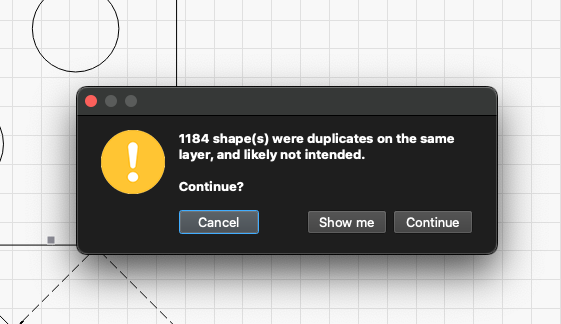
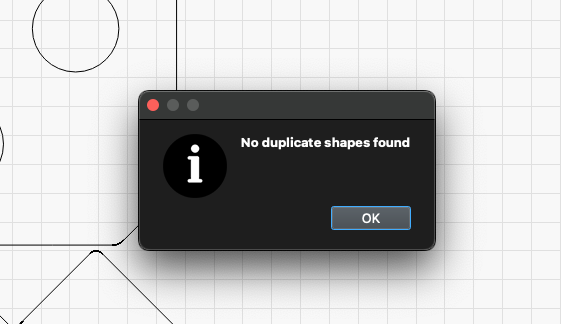
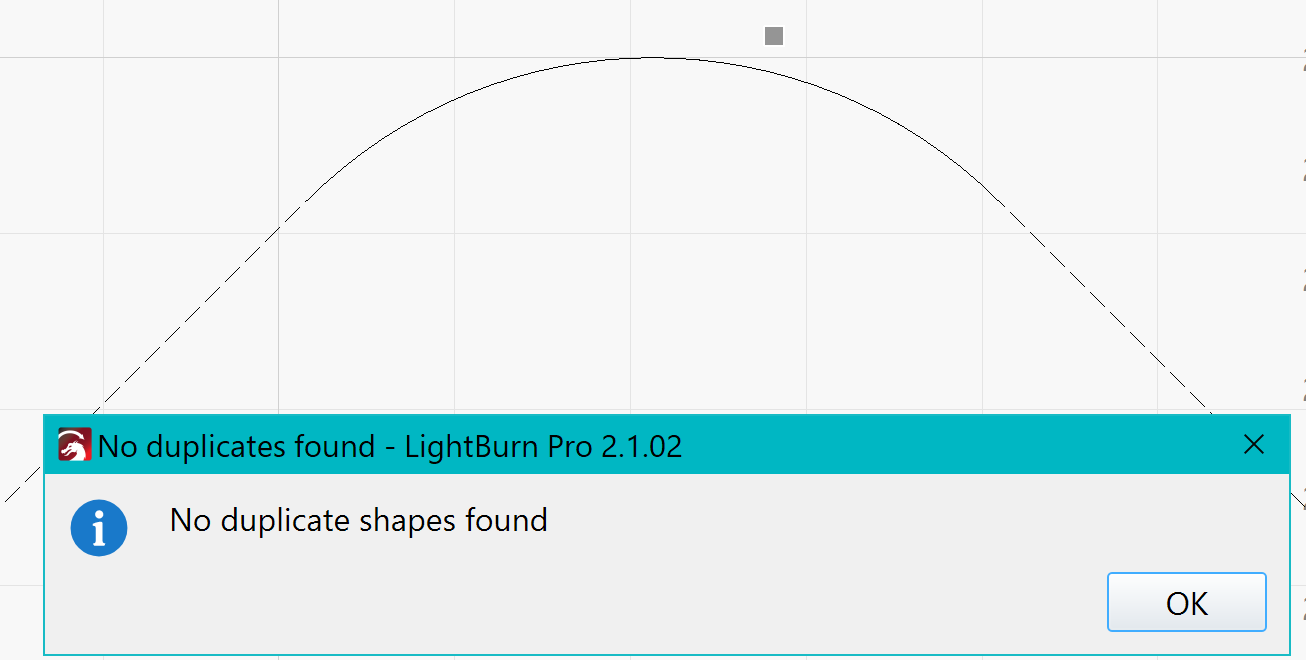
Is it a drawing you have imported?, the message says what it says, you have (had) many duplicates, which you have been able to remove.
Regarding your radus addition, it should not cause any problem.
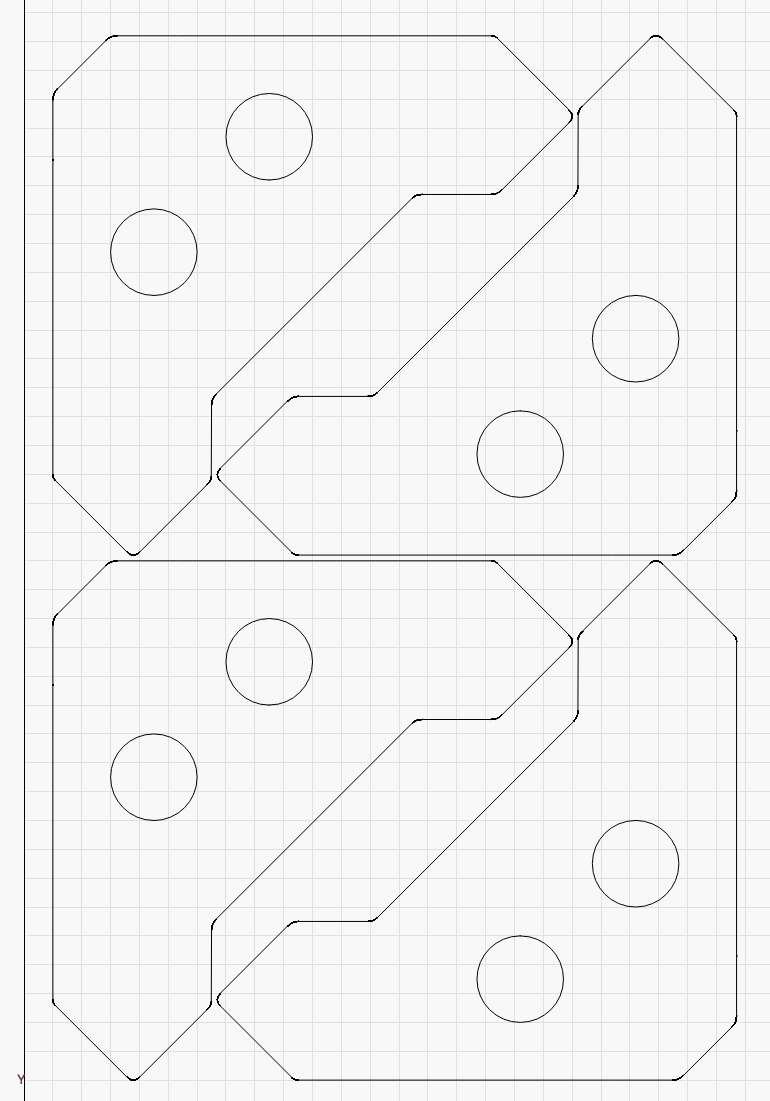
Can you upload the file here for review?
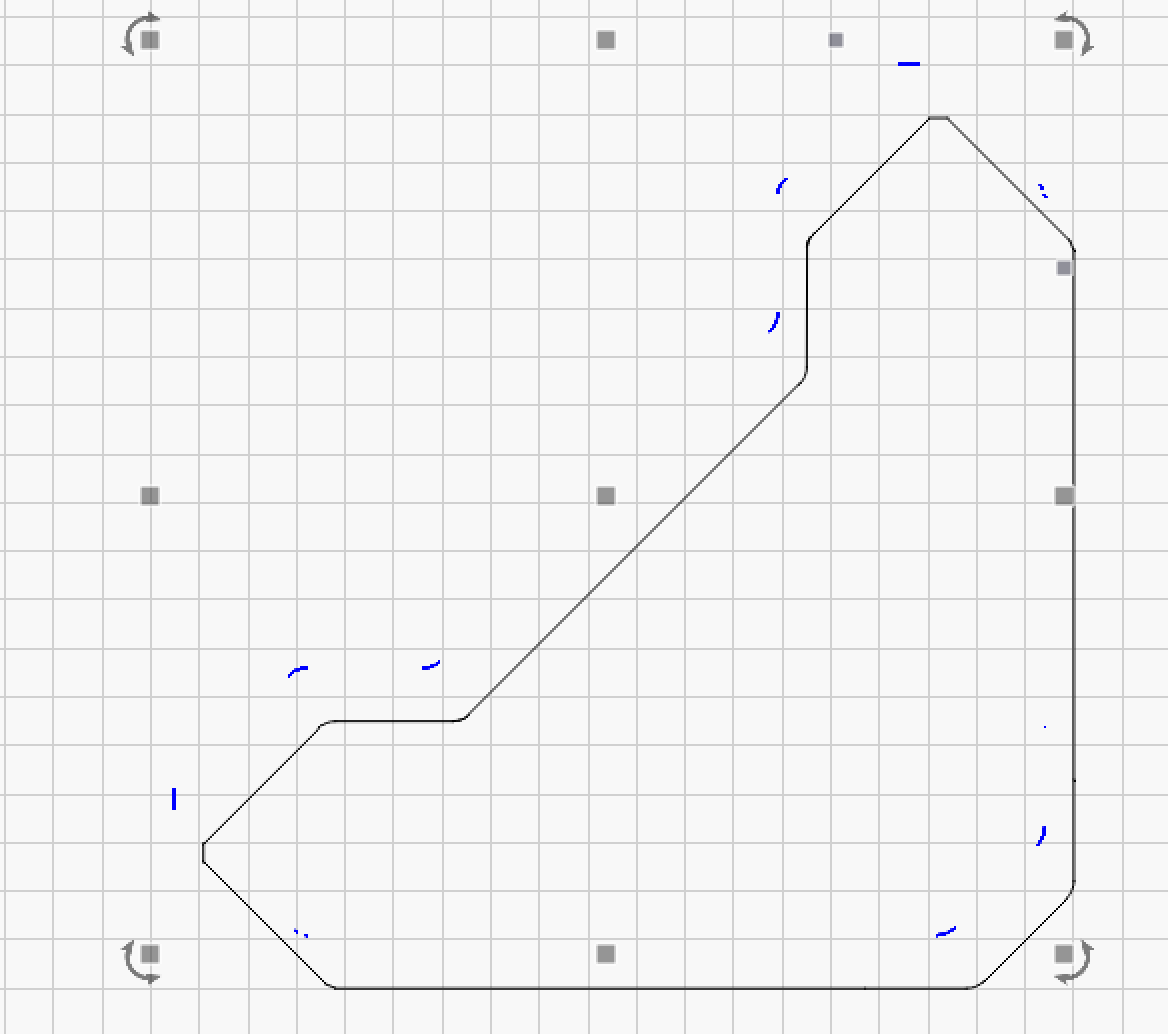
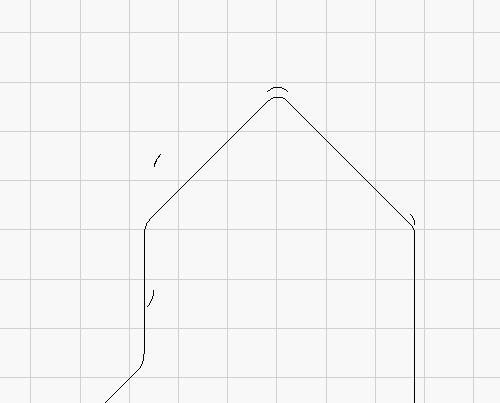
I looked at your file. Your radius corners are the source of the duplicates. Not sure how you ended up with that many duplicates in just those portions if you created it in Lightburn.
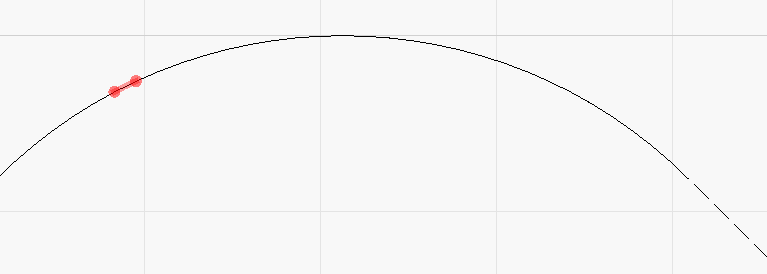
The process I used to find them was first, with the object selected, Arrange Menu> Break Apart. Then I went to preview. When it showed the error of 383 duplicates I selected show me then grabbed the selection and moved it to the side a bit to see what the duplicates where. You could just delete at this point, but I wanted to see and show you where the issue was. I also made the duplicates blue for clarity.
Yeah, it was weird. The first time I did it, it didn’t find all the duplicates and there were a few leftovers like you found. I reopened the file and it caught them all. I didn’t change anything about the detection process. Who knows?
I’ve also had a look at your file and I think it’s the way you’ve constructed the shapes. There are at least 2 broken line segments of the “basic construction” itself, plus the extra radius on all corners.
When I re-construct your shapes and then use 5 degree radius on all corners I don’t get duplicates. So something has happened during your construction.