Lightburn 2.0.5 laser status always BUSY. No other software running, nothing connected to usb port except mouse. (tried both bluetooth and wired mouse}
USB cable to laser is new factory provided from WeCreat.
Laser works fine with WeCreat Makeit software.
Laser works fine with Lightburn 1.7 software
I am in my Lightburn trial period, I would like to use 2.0
I am starting from a fresh boot with no apps running on my computer. I have disabled Defender and Malwarebytes with no change. What else might be using a usb port?
I was using LightBurn 1.7 and saw a suggestion to try homing the laser. I loaded lightburn 2.0 and it worked just fine.
The next time I started everything up again I again could not use the laser because the status was busy. I uninstalled lightburn. Installed Lightburn 1.7 and jogged the laser away from the home position. Reinstalled lightburn 2.0. Status again showed busy. I homed the laser and the status cleared. I was able to use lightburn 2.0.
I cannot be expected to uninstall and reinstall both lightburn 1.7 and 2.0 every time. Can I ?
I am starting from a clean boot - nothing running. I am not running any other laser software.
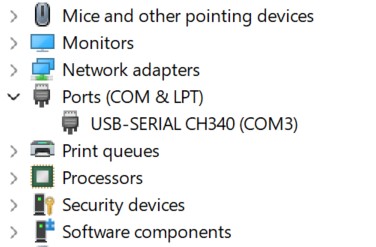
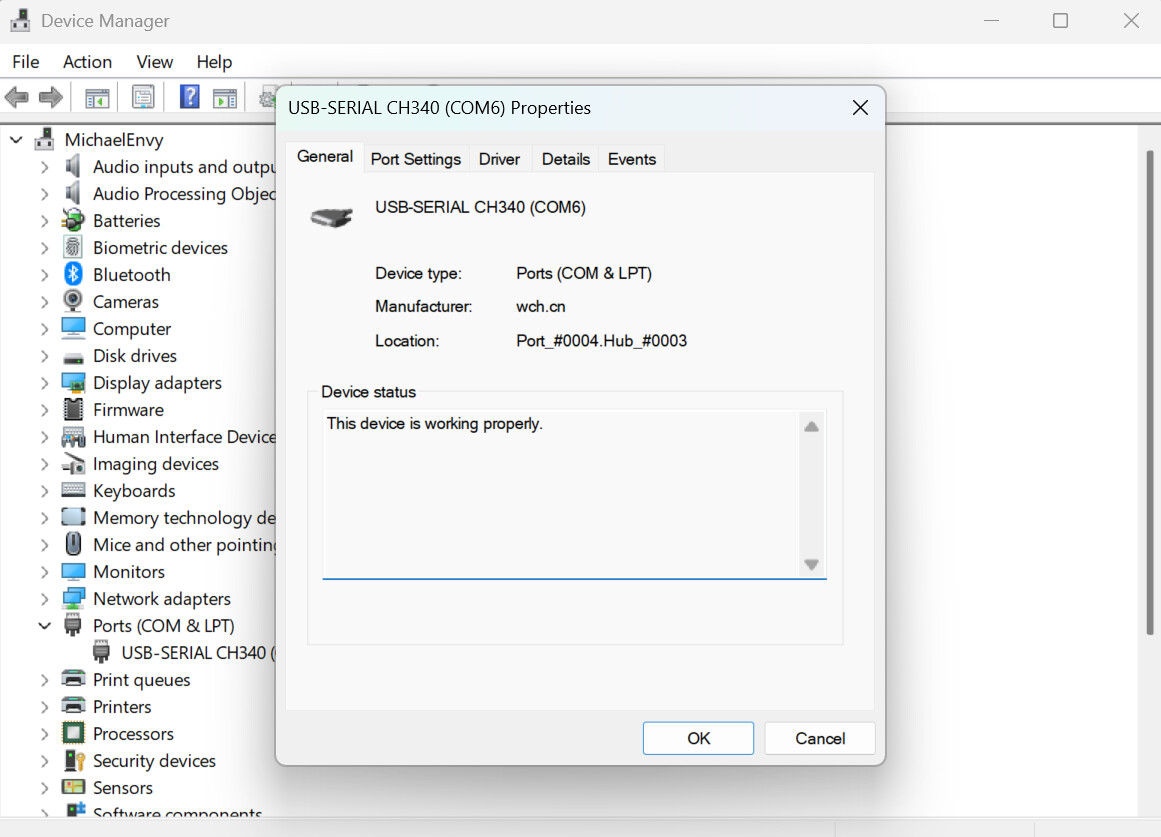
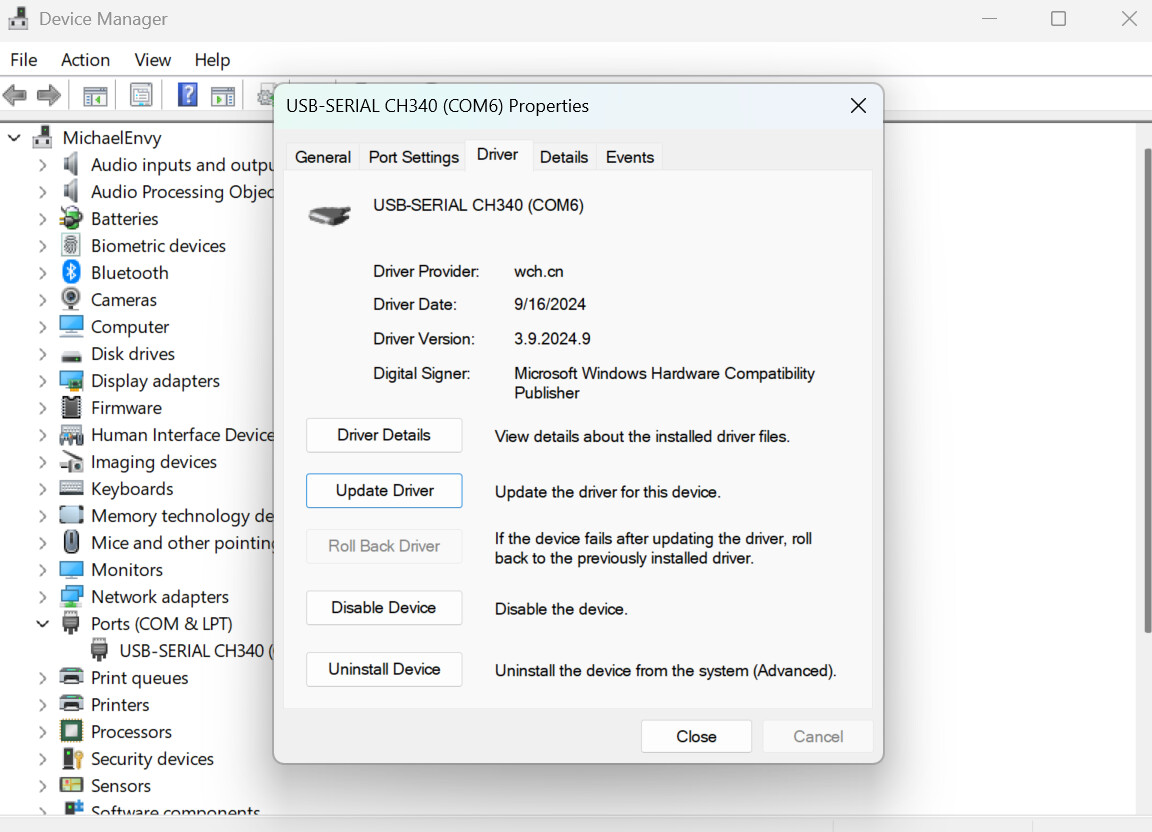
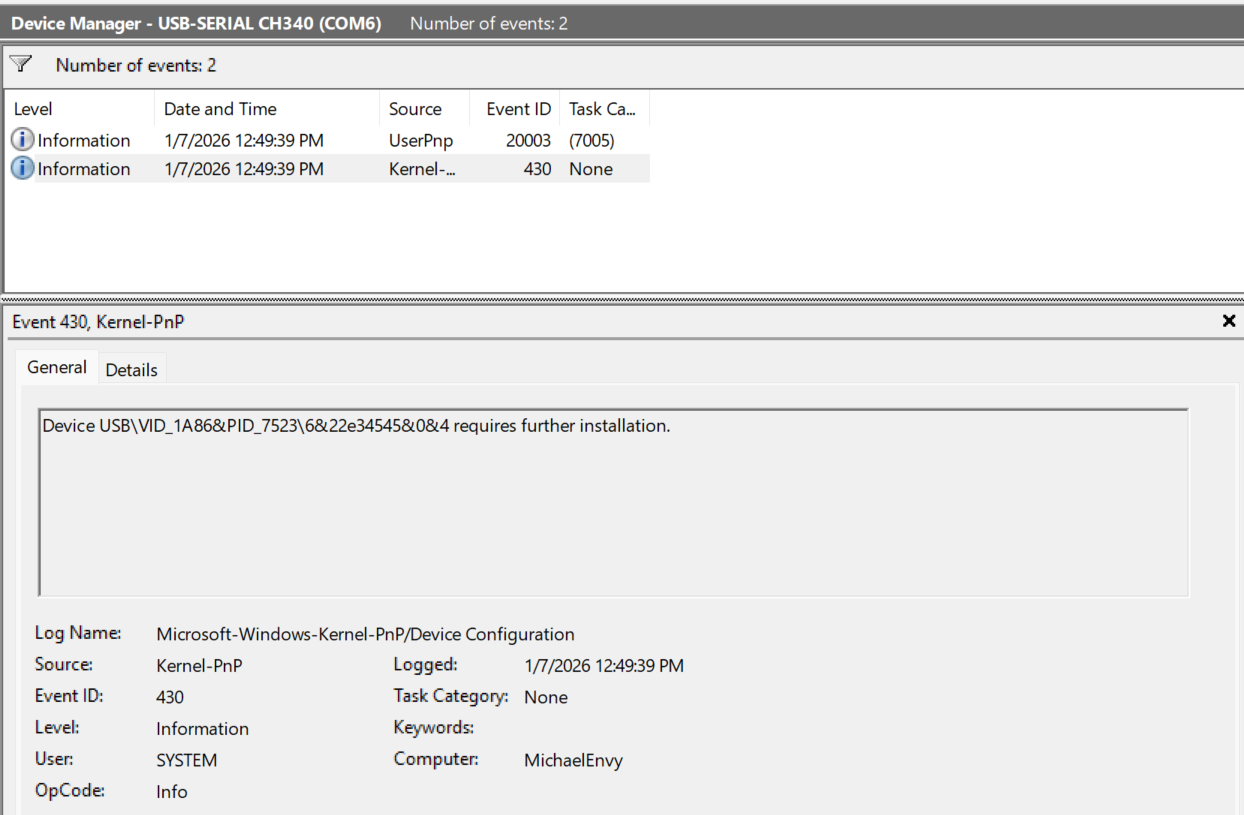
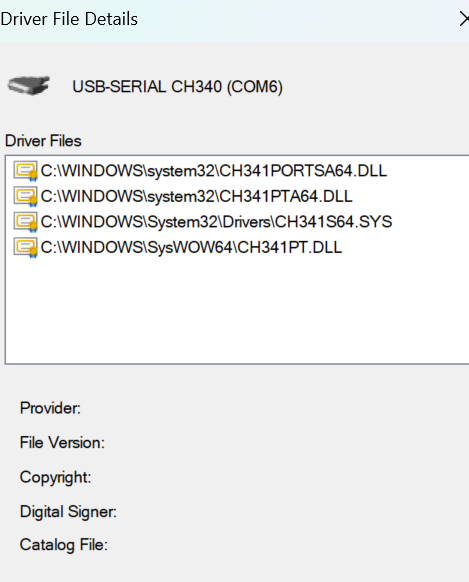
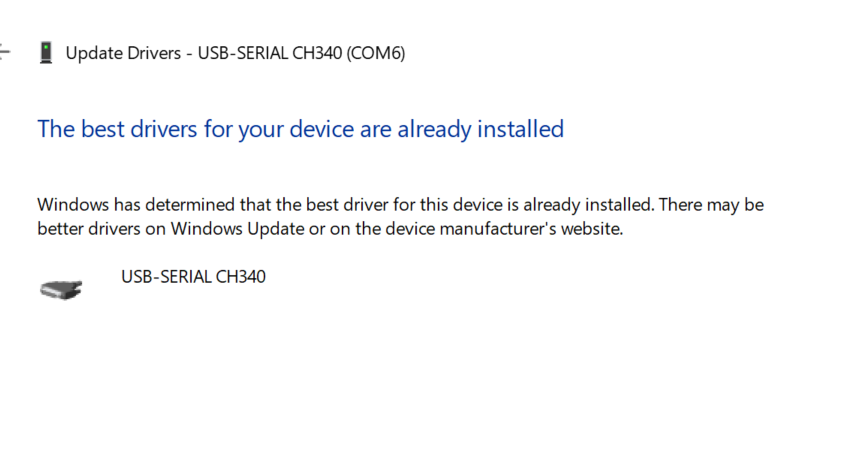
Here are a couple of screenshots that I hope are helpful. One indicates requiring further installation, but then the computer says that I have the most up to date version. ???
The WeCreat controllers are not playing nice with some of the GRBL commands we rely on.
For example, when we send the controller G53, or ?, it doesn’t always return an “OK” as it’s supposed to according to the specification.
It’s important to power-cycle the laser whenever you switch from MakeIt to LightBurn. The machine has two separate controllers, and requires a restart to switch to the other one.
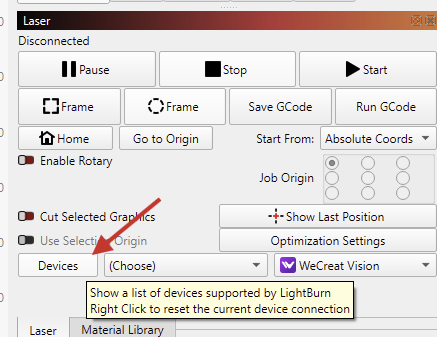
If it still comes back as “Busy”, try a right click on the “Devices” button in the laser window here to reset the current connection
We’re aware of those issues. WeCreat reached out to us and is willing to help.
We don’t have a Vista, but are working with the Vision for better support in the latest version.
Still no joy. I saw a suggestion that homing the laser head would help. JOY!
Manually moving the laser head out of home position does not work as the Visata automatically homes the head on startup and appears busy to lightburn.
But if I open WeCreat Makeit load a job and frame it this moves the laser head out of home position. Then I close Makeit, open lightburn and once lightburn shows the laser as busy I hold the start button on the Vista for a few seconds, the laser homes, and lightburn is happy. Then everything works fine until I close lightburn and restart or start from a hard boot.
This works for now, although I look forward to improved communications in the future.
Again, it’s very important to completely power-cycle the laser when switching between applications.
I can’t say if holding the start button alone does the trick.
(The controller needs a couple of minutes to boot back up)
(Probably too much) Background information:
When used with LightBurn, their firmware is some implementation of the popular GRBL firmware. We rely on many of the well-documented commands (Like $#, ?) to communicate with the machine. Some of these commands don't correctly respond with an "OK" message.
When connecting, we send the machine a G0 command to query the status. The laser does not always reply with an “OK” message, as it should according to the GRBL specification. Solution: Right click the Devices button TWICE to reset the current connection.
It’s needed twice, because eventually it’s capturing an OK response from another command ($I, or $H, if “Auto-Home at Startup” is enabled. → $H sends backtwoOK messages!, again, not how standard GRBL firmware is supposed to work)
We have reported this to WeCreat, and they will look into it after the Chinese New Year.