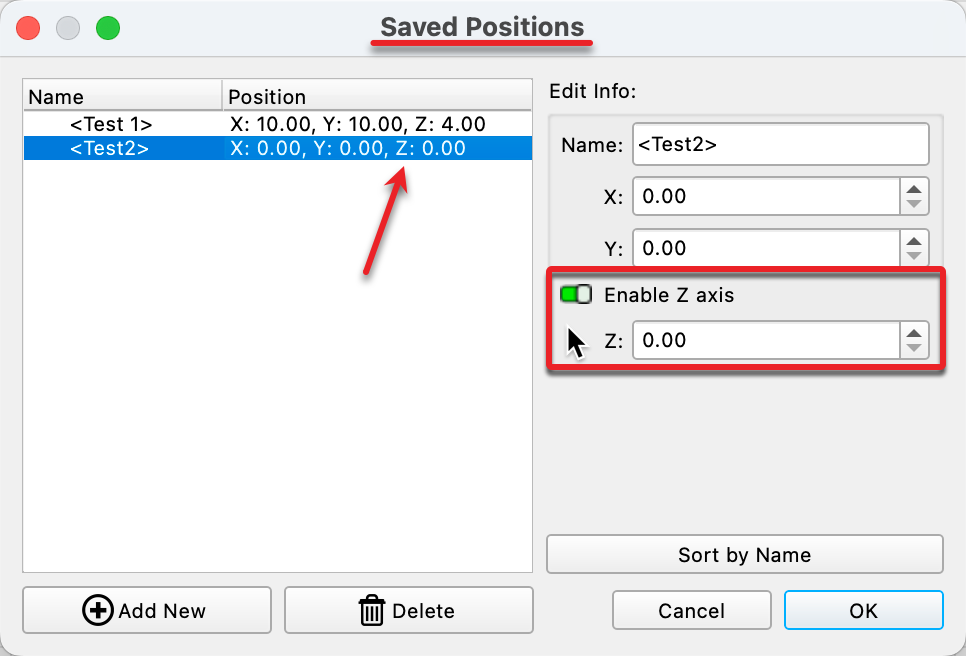
In the Move window - one can get the X and Y and Z and U positions. And make a change to X and or Y position, and then GO to that position.
Is there a reason that there is no option to adjust the Z value.
As after a focus - I often have a need to De Focus the laser for some jobs - and doing a manual move is often fraught with USER issues (I often have the shakes) and trying to make minor focus adjustments is rather Hit and Miss.
Thus along with Engrave/Focus and Cutting depth Macros - I have another 4 Macros on my Main system to set different Off set values.
Thanks in Advance