Please tell me more about the Windows 10 computer you’re using.
Is it a laptop? What is the screen size / resolution?
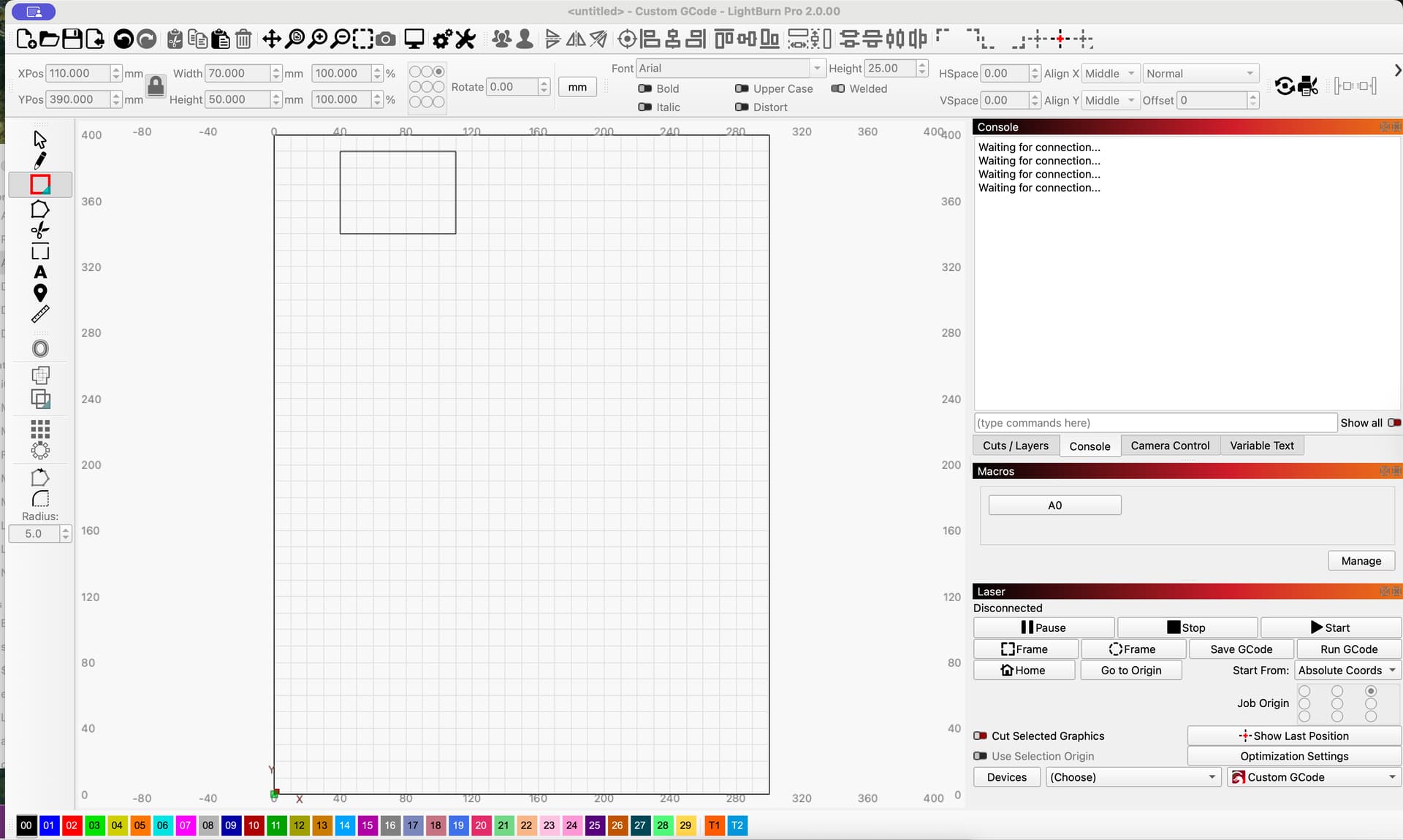
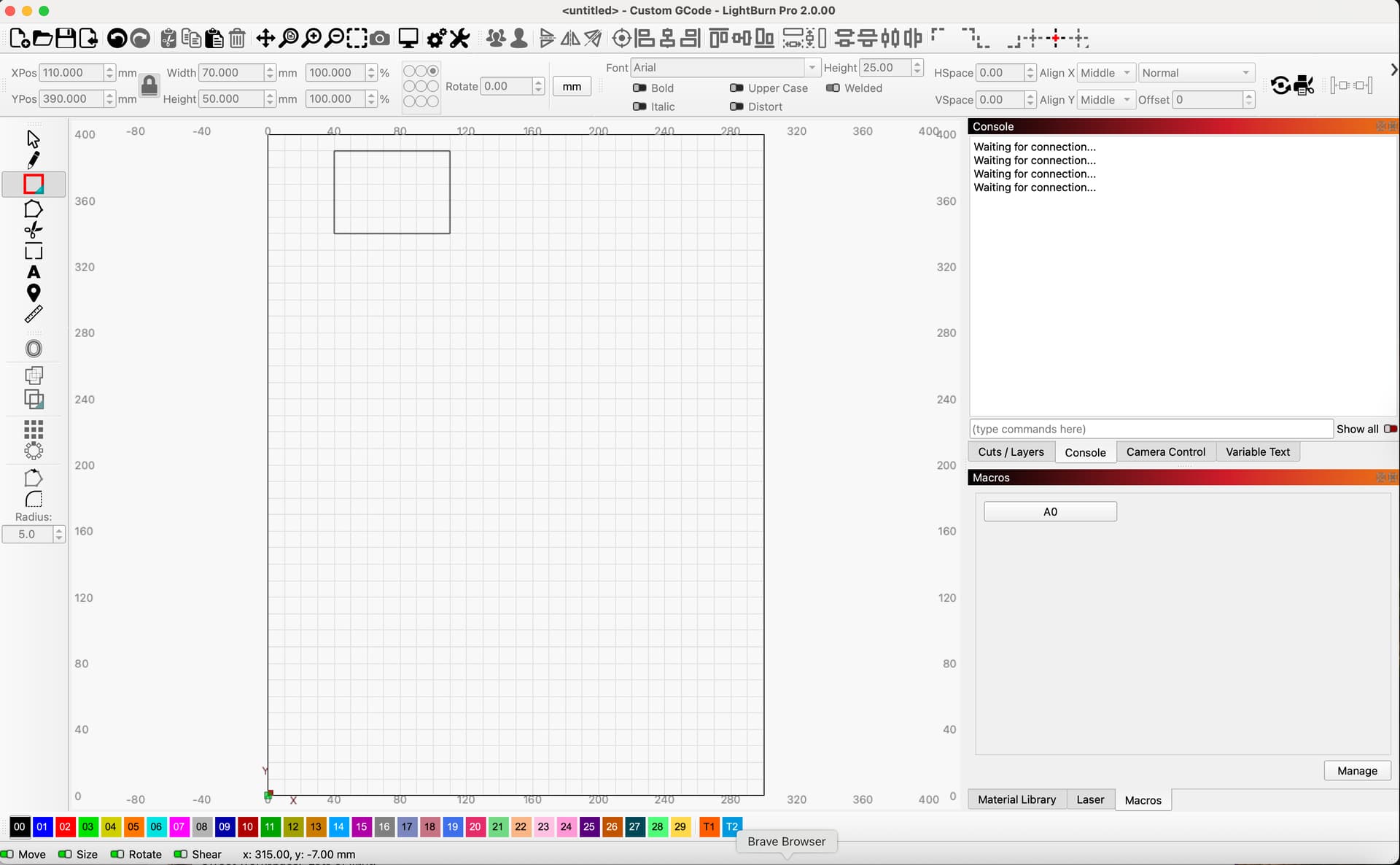
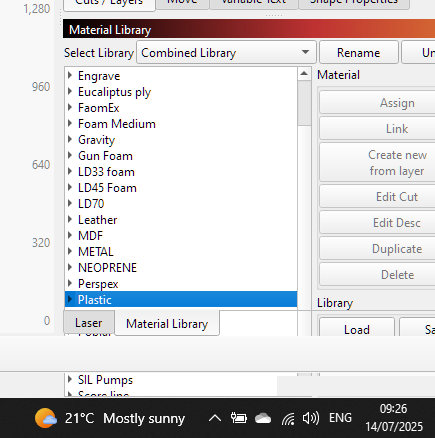
The Material Library is a little bit tall to stack three windows on the right, but without the Material Library - I can stack 3 Windows. You can also move the Macro window into the Lower position on the right if that makes things smoother.
Please test this and let me know if anything here might work for you.
res is 1920 x 1080 60cm screen and windows 10 Desktop. Does the same on my other 3 PC’s.
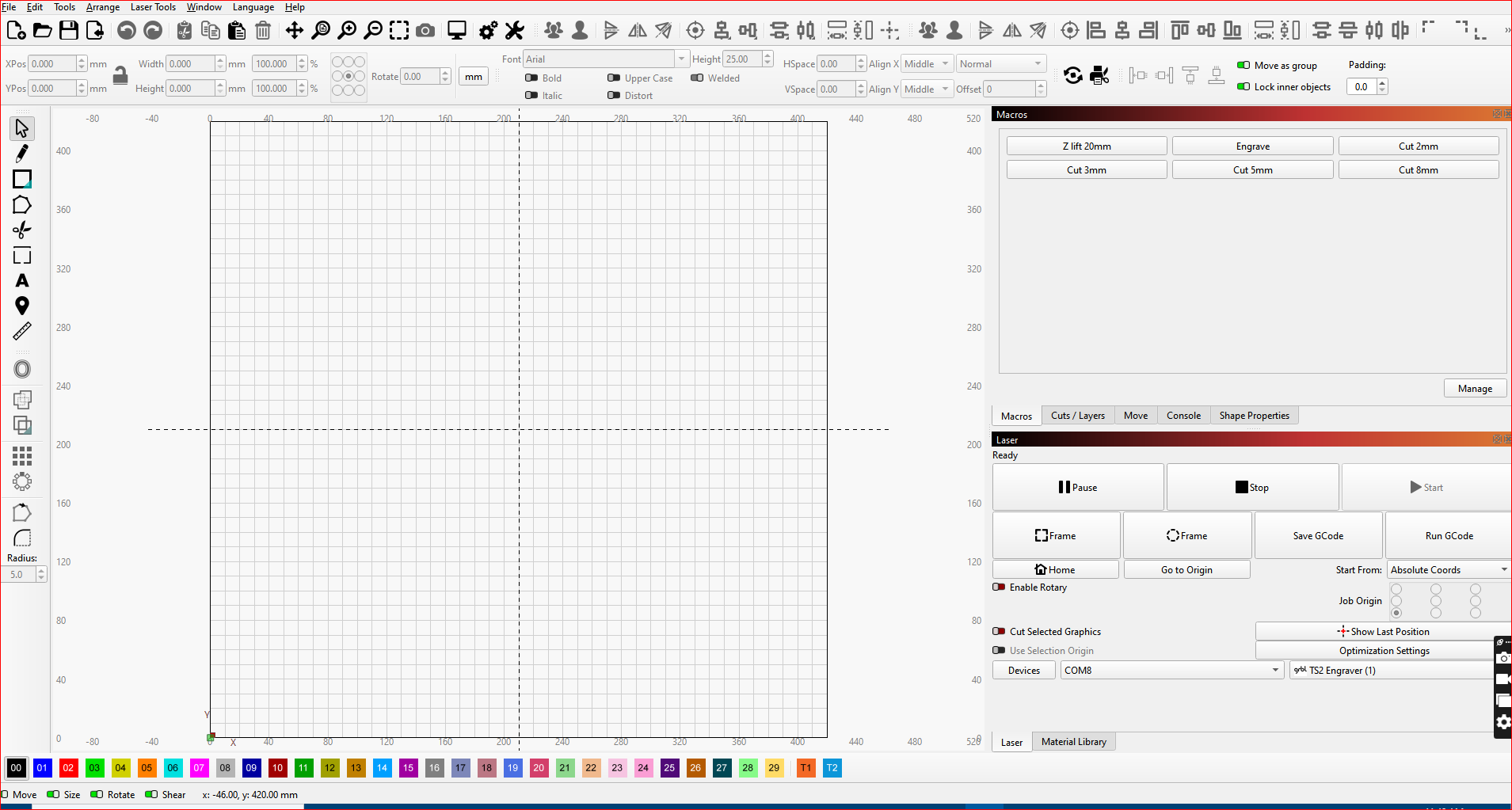
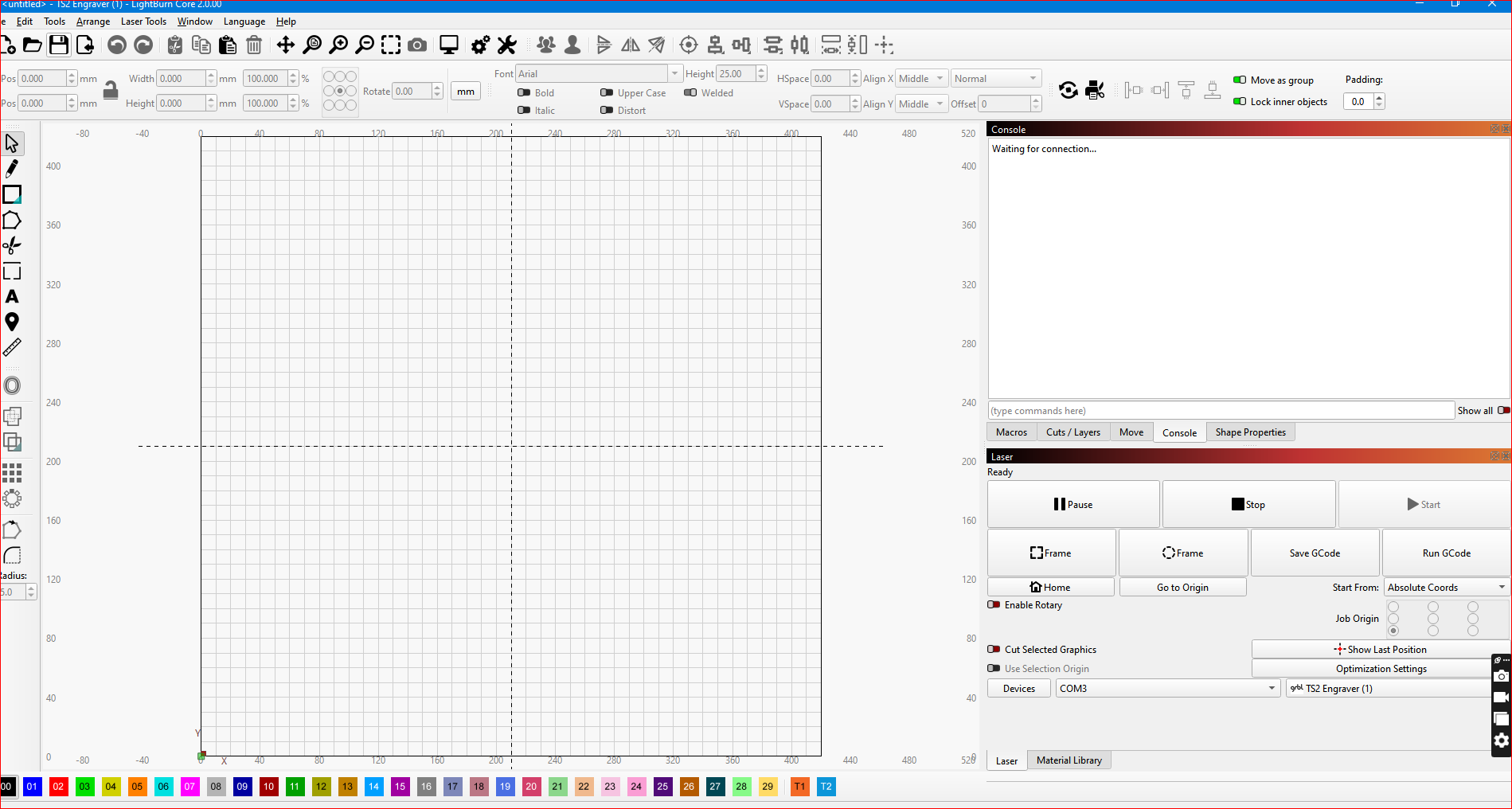
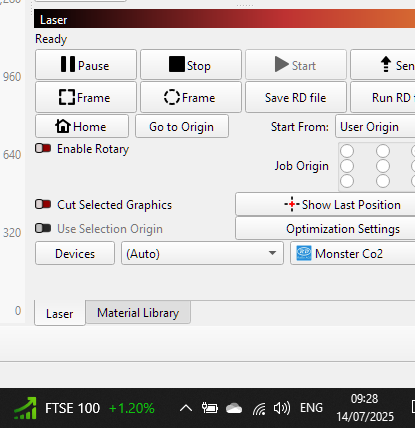
Can never get the Macro Window to shrink / resize to stick with the Console or any other Window. Can only have 2 Windows Active at any time. Can not stack 3 as per your first example - which was my default.
Even if I remove the Materials Library - Same issue. May be due to having a few Macro’s that the window defaults to a larger / fixed Size ?
The Macro Window has a Focus/Engrave and 5 other Cut macros and on my actual working PC it has another 4 Macros . So 10 in total but a change to the Move options would allow me to no longer need these 4 macros. (see my other post).
Along these same lines, after installing 2.0, all my existing macros are gone? I had several set up in the previous environment and shame on me for not exporting/writing them down. Any way to retrieve these macros?
On My laptop (which runs all 3 lasers) the material library extends and dissapears off the bottom of the screen and I cannot see the bottom of it, the tabs (LASER / MATERIAL LIBRARY) Then move up into the material library window, when selecting LASER, it goes back to normal.
Sent! Thank you for looking into this. Finger crossed.
PS… Looking in that folder, I saw prefs.ini.old. Inside that file are my Macro’s. I copied them and put them asside, but it would be nice to get them to import directly.
PPS… Not sure what happened, but after zipping the file and going back into Lightburn, my Macros appeared. So you can close my issue. Backing things up now. Sorry for the run around.
the screen size is not set to recommended (1920 x 1080 ) but is set to 1600 x 900. This is probably why, but it worked fine before v2. and I like the resolution I have as everything is a little bigger.