You can set or change as follows:
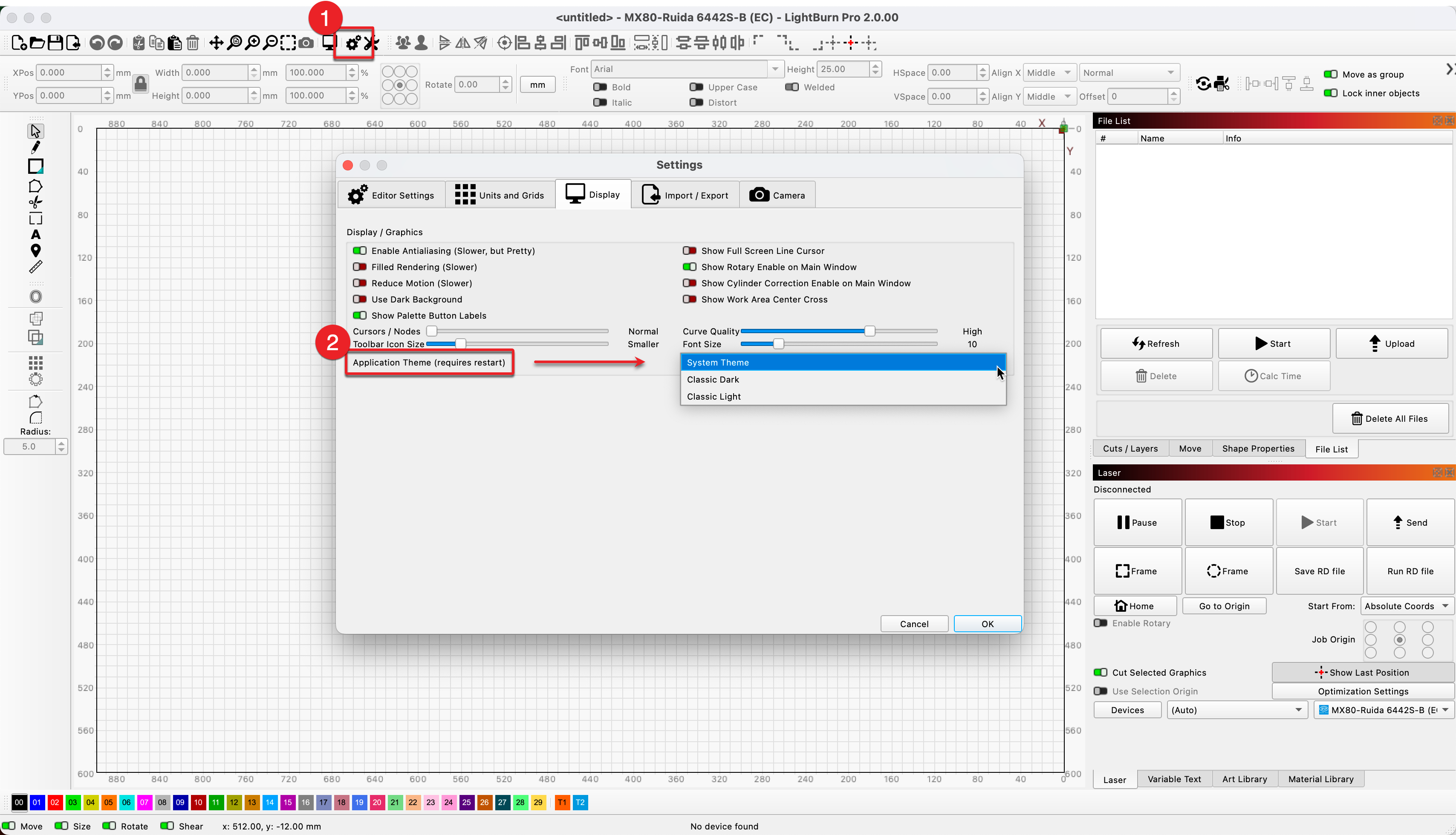
Yes, as revealed in the Release Announcement, our Blog and the Change Log presented when updating, Dark Mode is a new feature with the 2.0.00 release. You can read some more about the details here:
Dark Mode
You can now select from three Application Themes in the Display tab of the Settings window: System Theme, Classic Dark, and Classic Light. Important note: switching themes requires a restart.
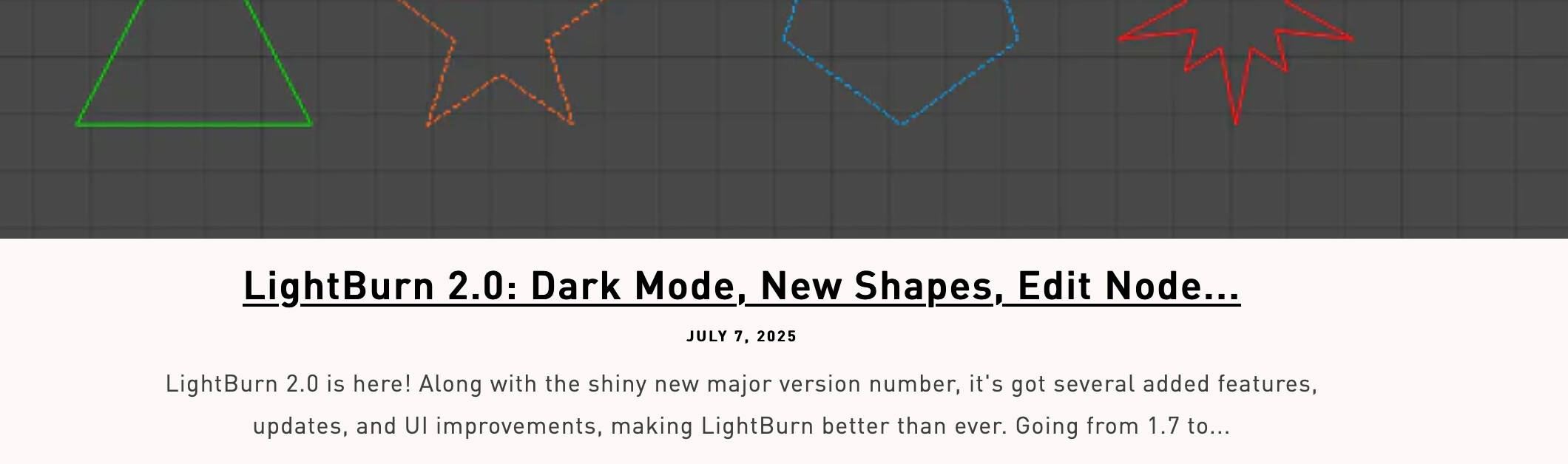
From the Announcement:
New Built-in Shapes
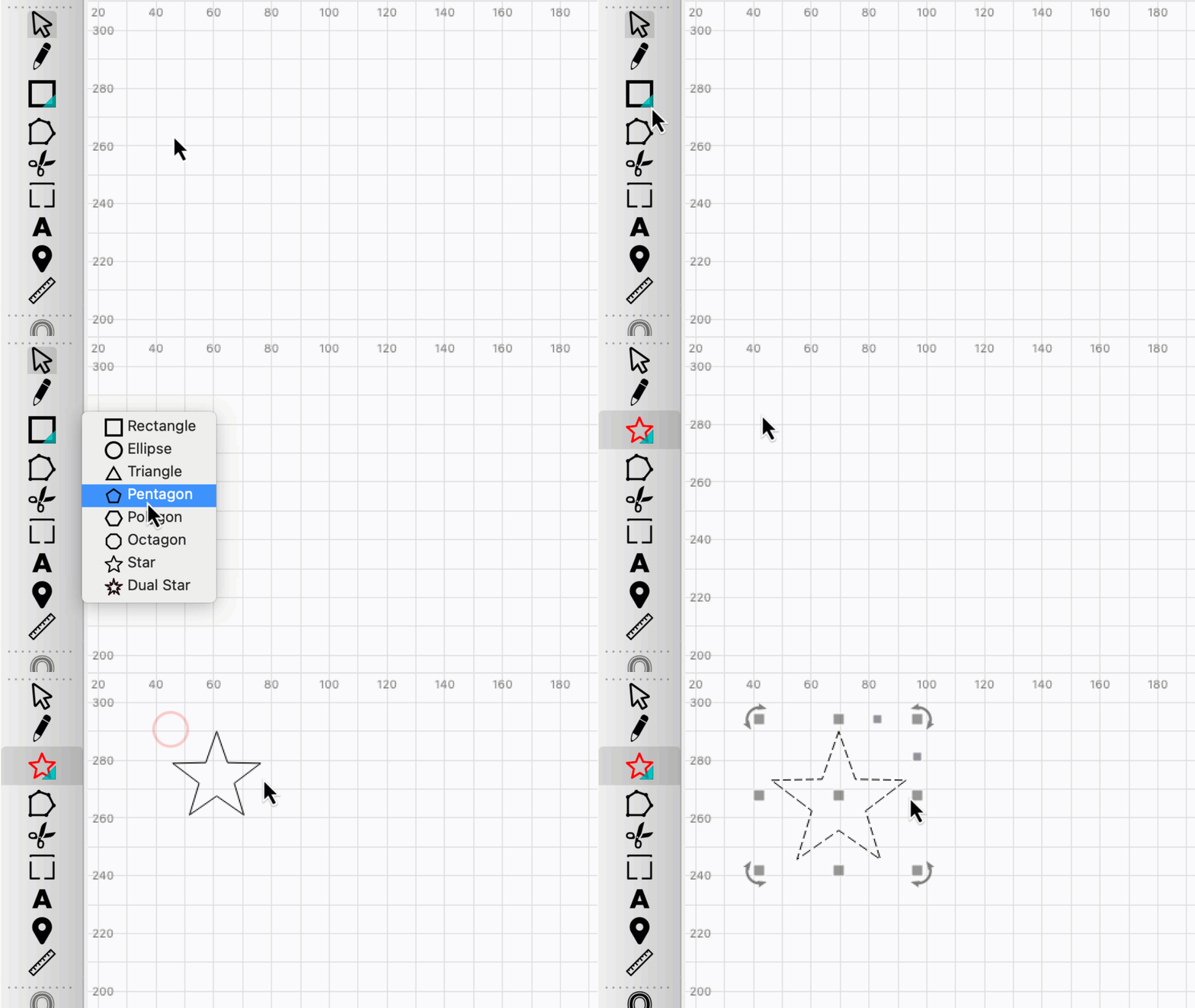
You can now select and create Triangles, Pentagons, Octagons, Stars, and Dual Stars, from a stacked menu of shape creation tools.
Click the arrow in the corner of the shape creation icon, or click anywhere on the icon and hold, to open the Shape Creation submenu and select the shape you’d like to create.
Stacked Boolean Operations Buttons
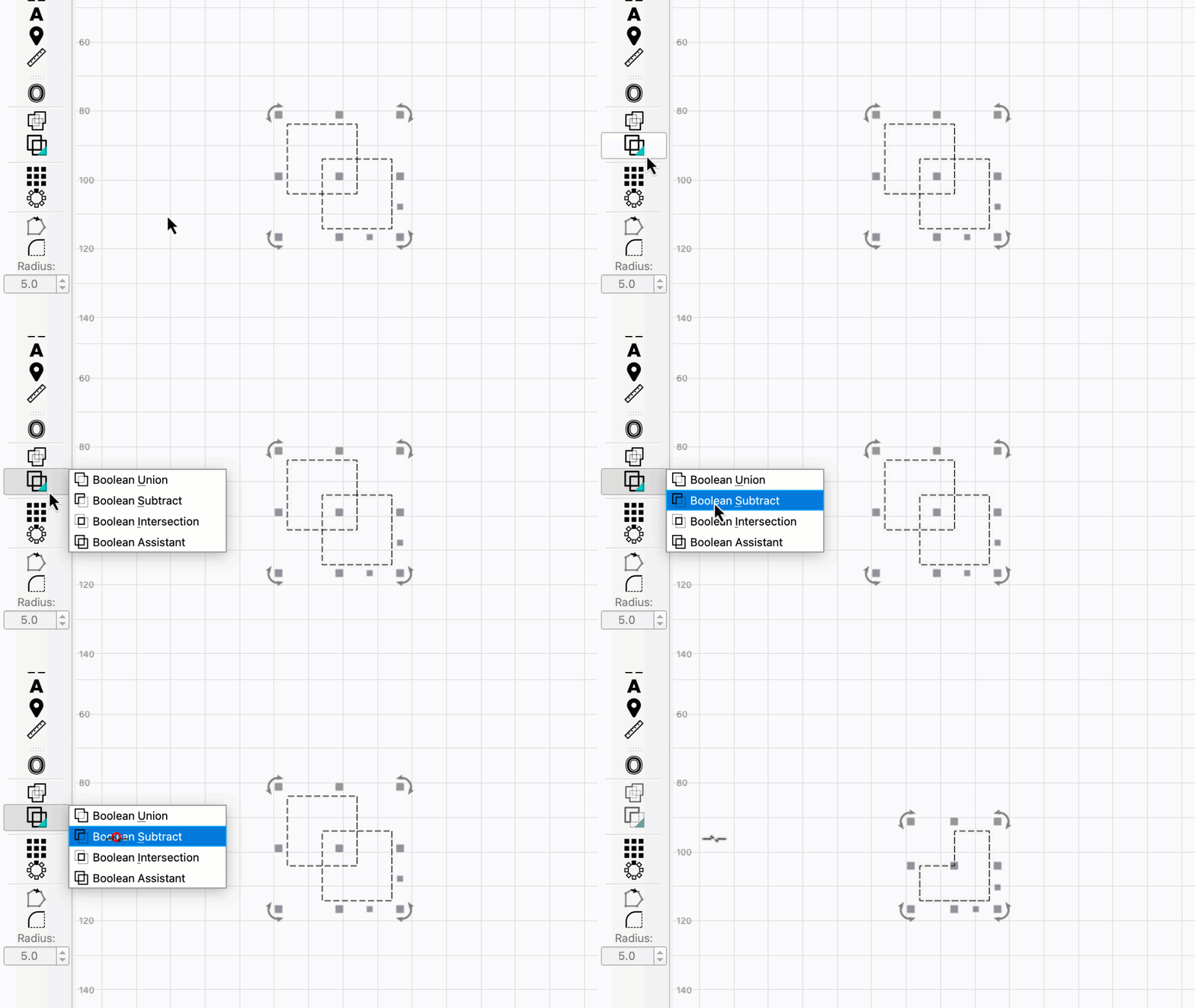
All Boolean operations are now stacked into a single button. The Boolean Assistant is now the default option, and clicking once will open it.
Click the arrow in the bottom left, or click anywhere on the icon and hold, to open a submenu with individual operations. Selecting an option will perform that operation, and will also make it the button’s active operation, meaning you can subsequently click the button once to perform that operation again.