Lightburn 2.0 Resolution Problem

Hey there i used to use lightburn 1.7, after a few time today i updated the software to 2.0.

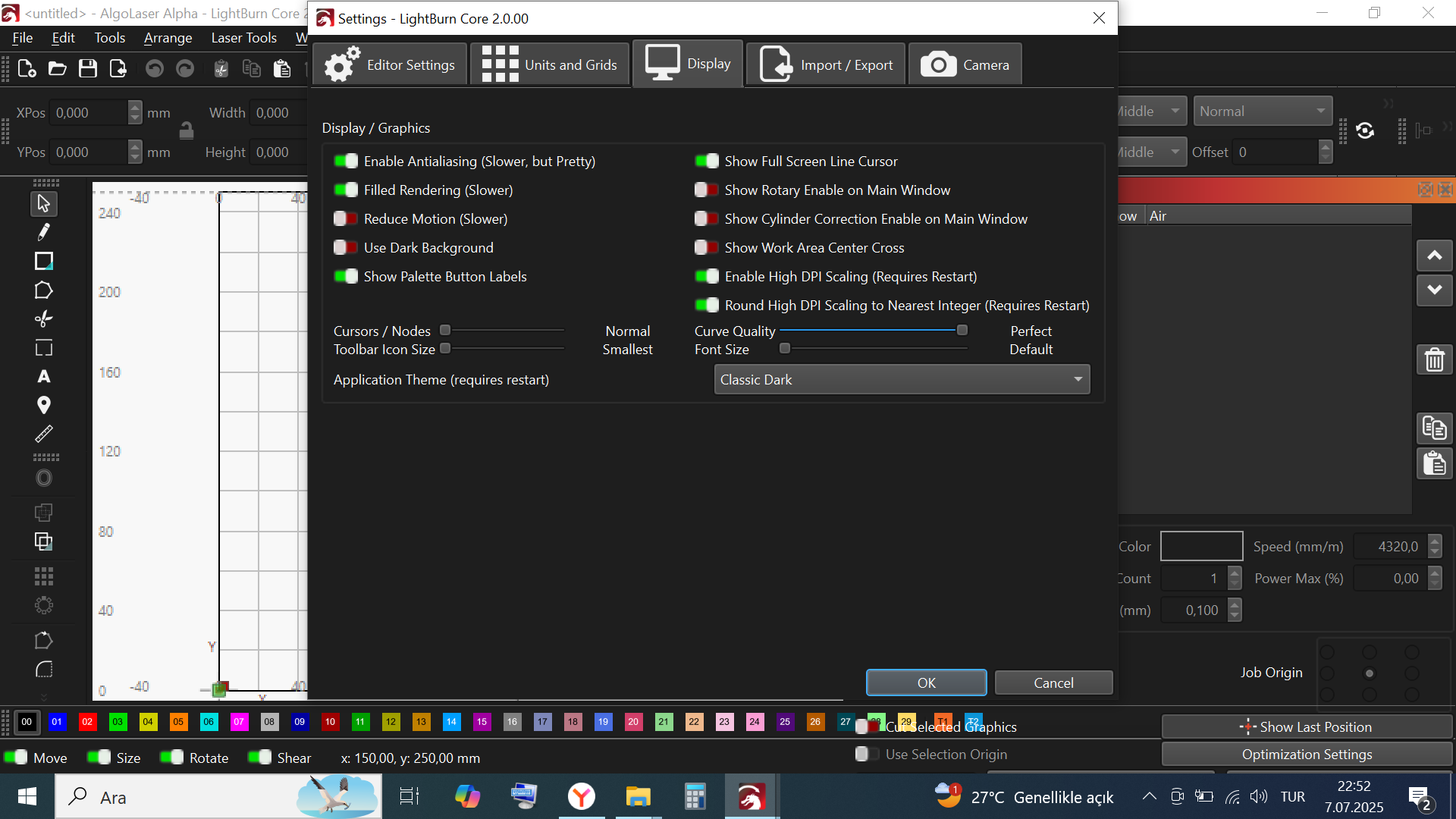
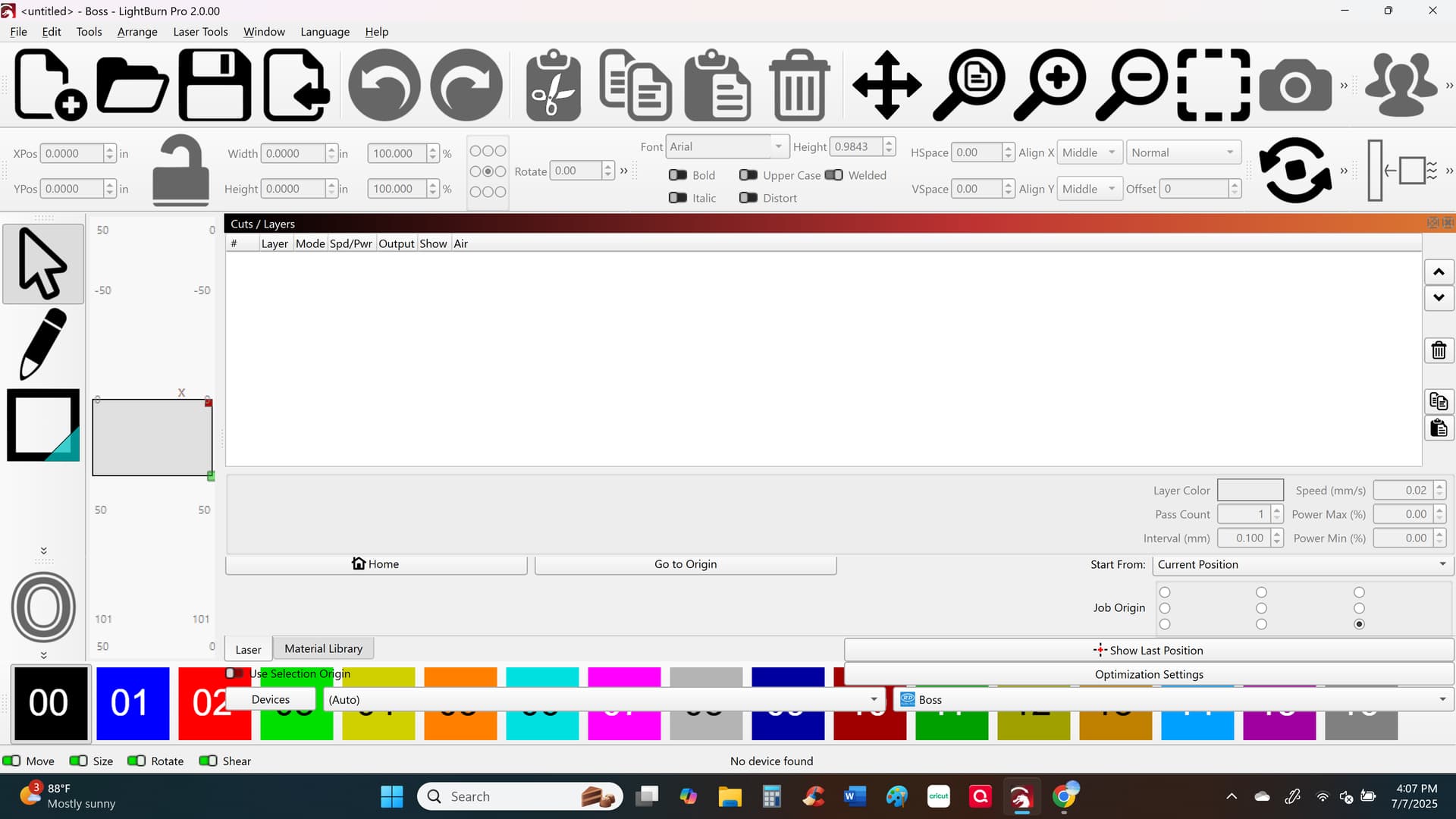
But because of new version my screen looks horrible. There’s a resolution problem.
What to do?

It’s unbelievable to see downgrading of the Lightburn with every update.


This new update is HORRIBLE. I can’t even use the program now it’s so screwed up. Does anyone even test these before putting them out. Now, i’m down until you guys put out a fix for this because I can’t use it due to my screen being so screwed up.

1 Like

[edit..]
Released..

[edit..]
Announced…

Please tell us more about the computer you’re using.

We’ve pushed through 9 versions of a ‘Release Candidate’ on our way to this release so it’s likely a setting that’s gone awry.

Are you using a laptop with a small screen?

Hundreds of folks..

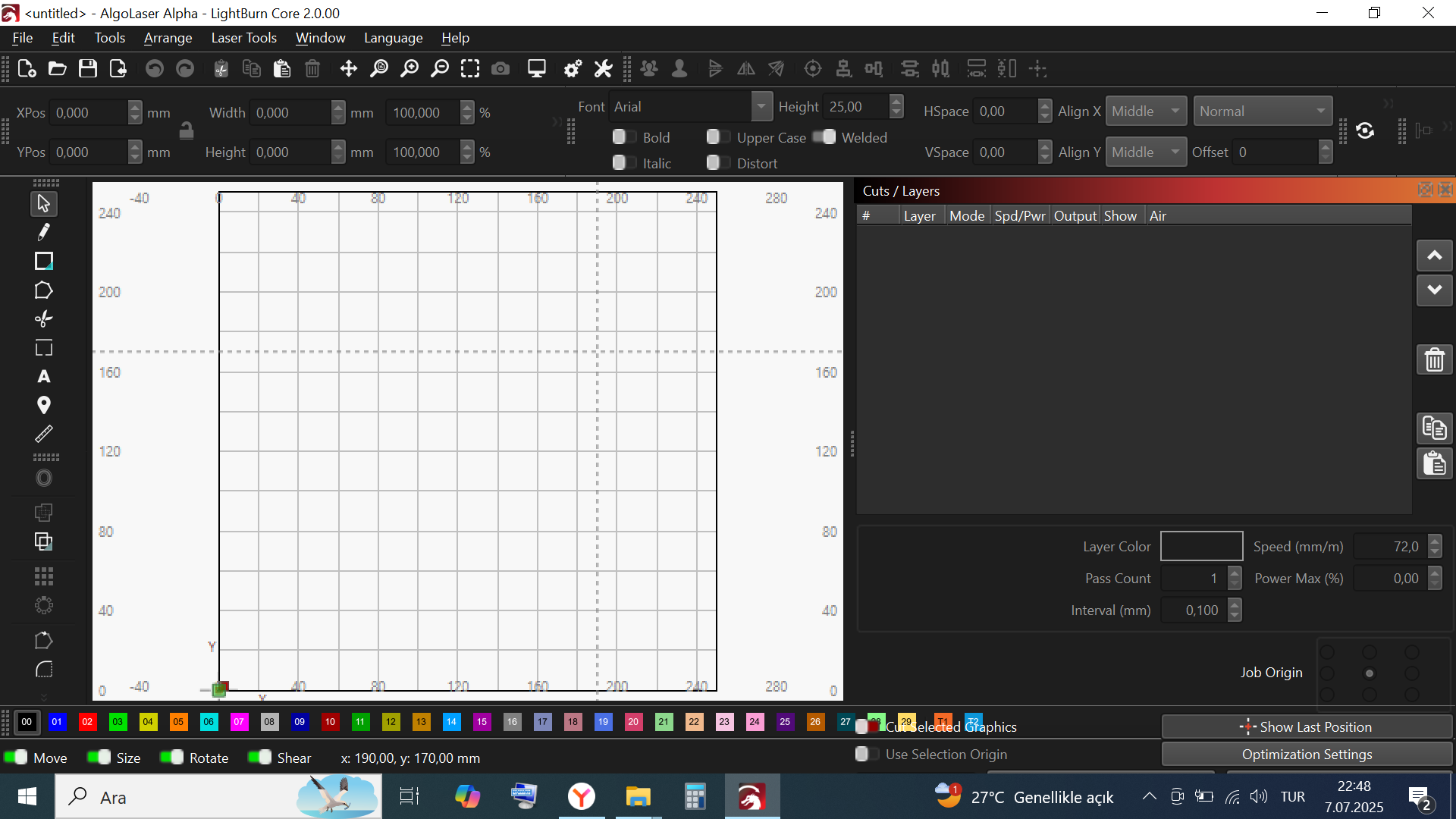
Click Edit, Settings, Display, then find the slider that says “Toolbar Icon Size”
Grab that and slide it to the left.

Click OK (bottom right) when you’re comfortable with the rescaled icons.

Feel free to slide the other sliders and click Cancel if things get worse.

1 Like

haven’t you released it yet? how?
I have run the software and seen the update question and clicked yes.
my laptop is a 14 inc Lenovo ThinkPad. but it’s not important because 1.7. was working well.

and as you can see on the 2nd photo icons are smallest.

fortunately I had 1.7. installation on my pc and installed it back.
if you say dozens of folks are trying the new version I’m sorry somebody is lying

We have released, and you are the first to report this. Hundreds have been testing and using this release for a few months now, and this is the first we have seen of this report.

@JohnJohn will continue to work with you and guide you through getting this set correctly. Thank you for your patience. :slight_smile:
2 Likes

This topic was automatically closed 30 days after the last reply. New replies are no longer allowed.