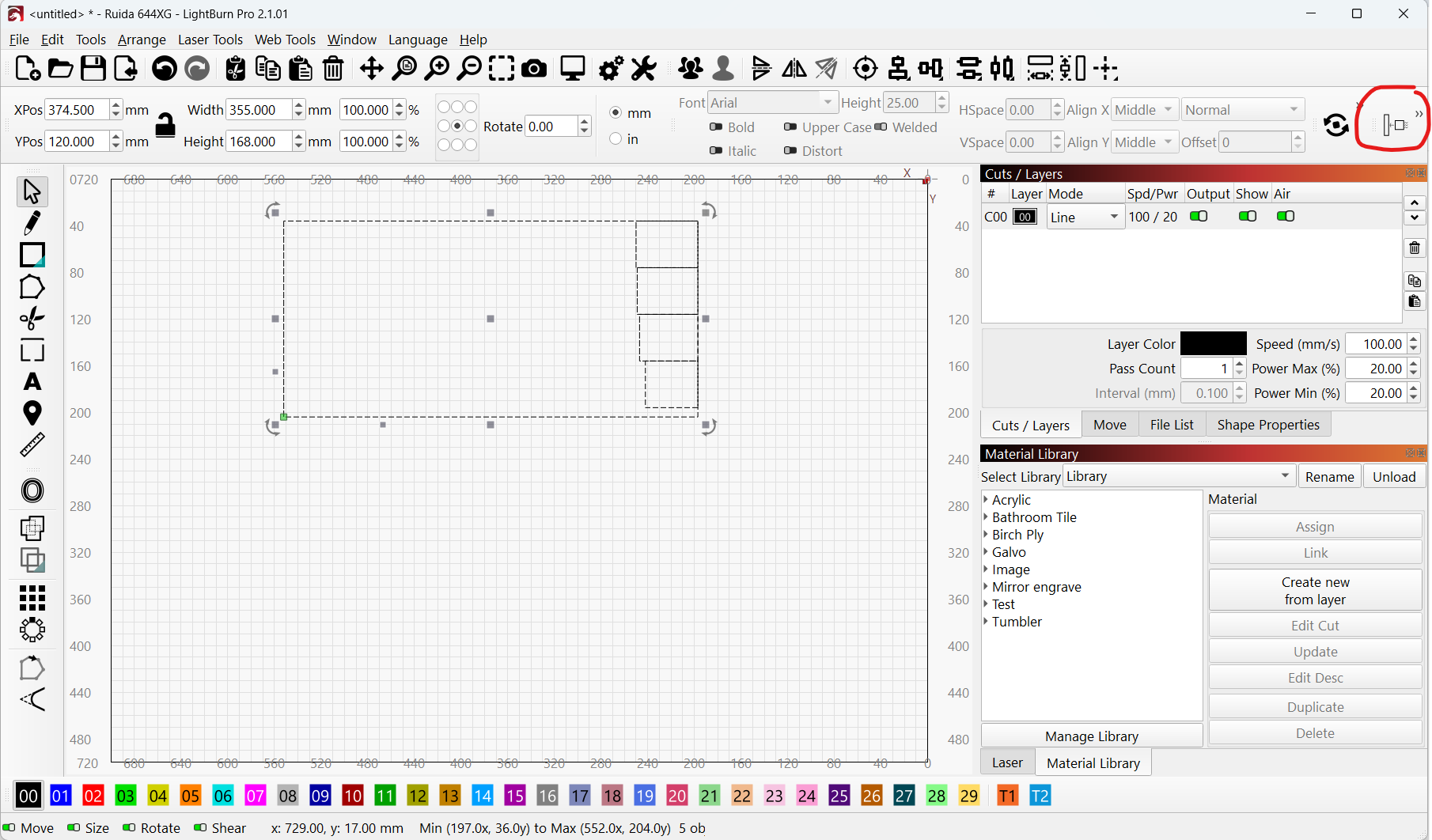
I have LightBurn 2.1 and there is no nest icon in the top icon areas. When I choose nest selected from “Arrange” - it brings me to SVGnest. I don’t have any of the icons that can set spacing, buffers, or anything like that. What do I have to do to get nest operating as it shows in LightBurn 2.1 on YouTube videos?