That doesn’t produce the desired result either; while the cutting time is reduced, the cuts are still erratic.
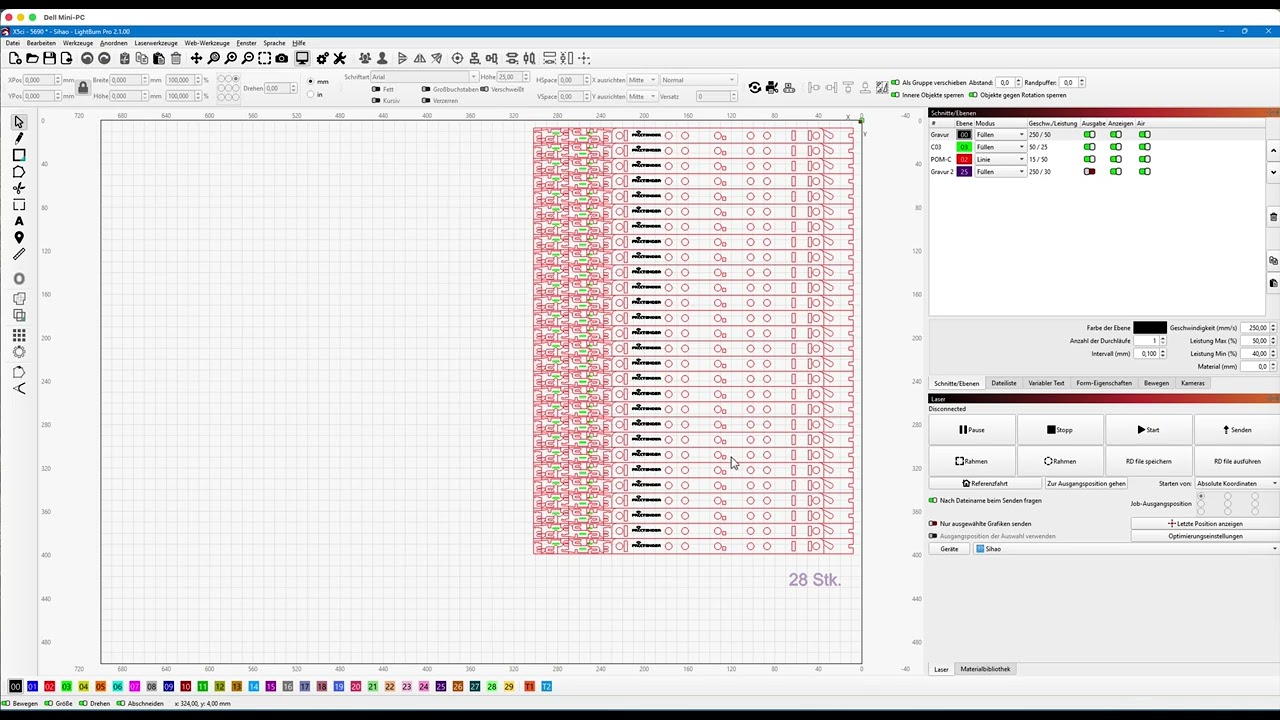
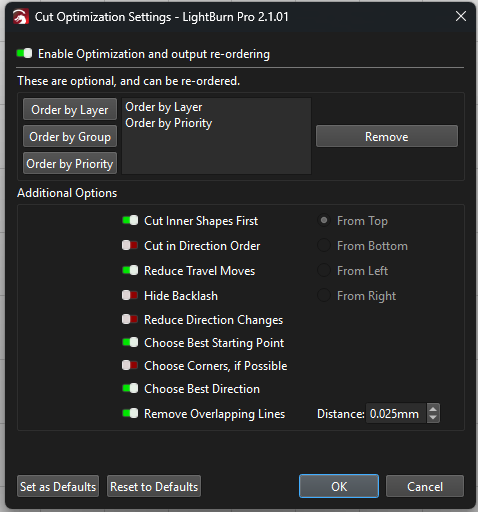
I’ve designed my cutting files to cut from bottom to top to prevent incorrect joints when the material expands. Why is the optimization feature intervening here, even though no such option has been selected? The “optimization” is only active to group the output by layers.
Here’s another video: without optimization, it cuts exactly as I saved it in the file. As soon as I enable optimization “by layer,” everything gets completely jumbled up:
I just don’t understand why a feature was “improved” in a way that broke it.
If you have designed your files with a specific order, just turn off all optimizations and the shapes will run in whatever order you created them.
Because you are using it in a way that 99.9% of people aren’t, and we improved it for them, not you. What you’re doing is a very rare case.
If you enable any of the optimizations, the shapes ordering is no longer guaranteed or preserved in any way. The shapes are added to a data structure that allows for fast neighbor lookup, and in doing so, no longer preserves their order in the file. (To be clear, adding that constraint would basically kill the speed gain). That said, by just setting the “layer” constraint, none of the proximity optimization is enabled. I might be able to change it to allow it to work this way, but I can’t promise - that code is exceedingly complex as it is.
If you can attach your project file here I can have a look (or email it to support with a link to this thread).
It is possible to enable bottom-up as a constraint, along with reduced travel moves, and that would likely get you close to what you had. Or you can turn off optimizations completely and just build the file in the order you want it. You can also assign Priority values to the shapes (on the shape properties page) and turn on Order by Priority, which will run them that way - shapes assigned the same priority will be run in the same “set”, and sorted by the other rules you have enabled.


 What you’re doing is a very rare case.