Hi!
I have a Sculpfun iCube Ultra with a camera. It requires calibration using a card with dots. In the old version of LightBurn, I had this option, but now I can’t find it.
Is this option still available?
Hi!
I have a Sculpfun iCube Ultra with a camera. It requires calibration using a card with dots. In the old version of LightBurn, I had this option, but now I can’t find it.
Is this option still available?
Hi Nico, We have a guide available here for how to calibrate your lens:
You can use the dots method, or the newer April Tags calibration. Those two files can be found here: Calibrate Camera Lens - LightBurn Documentation
You can use a tablet screen or print out and adhere the pattern to a piece of flat material, like a glass sheet.
Oh, nice! Thank you. If I have any questions about setting up the iCube Ultra, could I possibly reach out to you? 
Sure, go ahead. You can message me here or find my contact data on my page:
what if your table is not large enough. When I try, I am not able to move it over far enough over to the top left as my galvo fiber laser table is not large enough.
You mean the markers? Just print them smaller. I have a video using a galvo with the camera here:
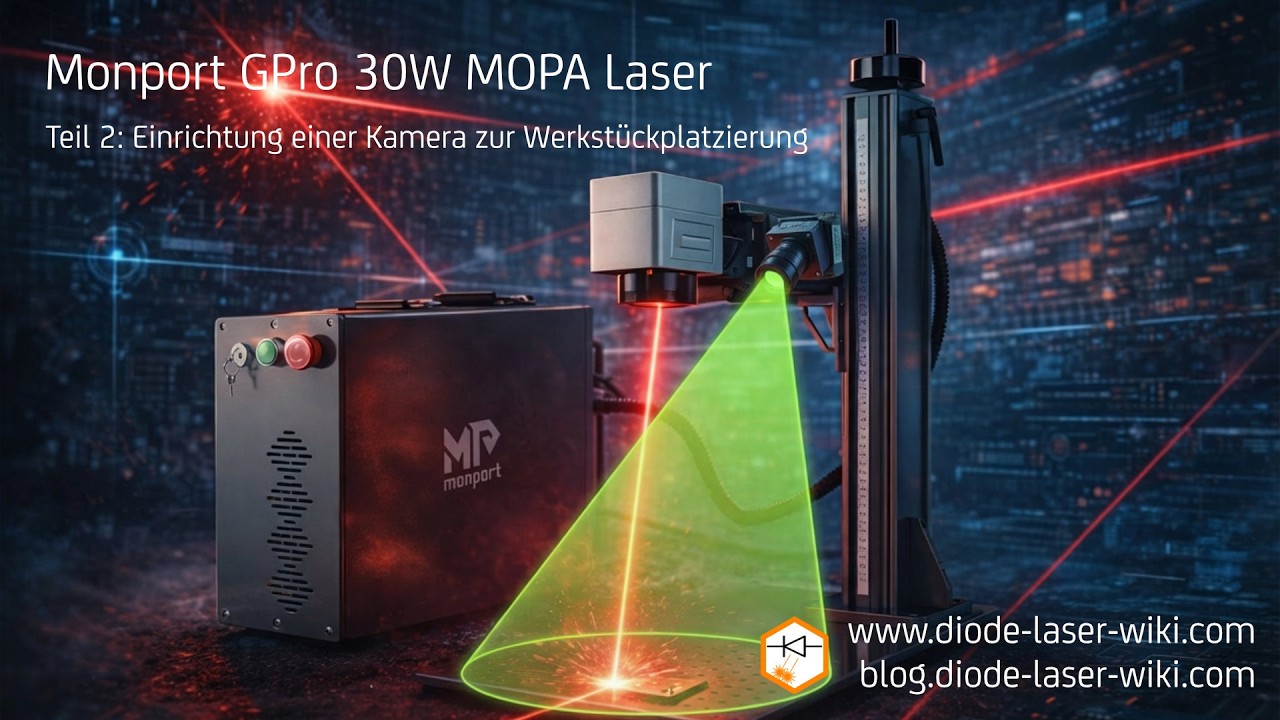
The problem is the location it wants me to put them in the green box for this latest update is occupied by the z axis.
You only need to place the markers in the usable workspace, not outside of it.
That is the problem. On this new version it wants you to place it in an area that is not in the usable workspace and you have to do that one in order to proceed. It senses when the pattern is in that area and no way to bypass that I can see. This is for version 2.1
