The second release candidate of the LightBurn 2.2 Early Access period is available now.
Download here:
As a reminder, you can install Early Access releases side-by-side with the latest official release. That means trying it out won’t overwrite any of your settings, and if you encounter any show-stopping bugs, you can immediately switch back to the live version and keep working.
LightBurn 2.2 is our first release to have a design/layout feature (True Nest) limited to Pro licenses only. If you have a Core license, head to Help → License Management and click the Trial Pro button to get access to LightBurn Pro for two weeks.
Be sure to report issues or give us feedback by email or here on our forum!
Changelog
Click to Read our Full Changelog
Changes Since LightBurn-v2.2.00-RC-1
Bug Fixes
- Fixing the rest api status behavior for reporting the job progress.
- Fixed ‘Enable Laser 2 Controls’ Checkbox style would not look disabled even if disabled.
- Making the Swap X/Y Axes functional on custom gcode device profiles
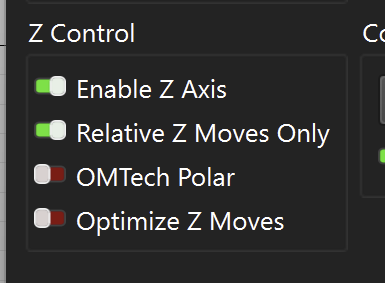
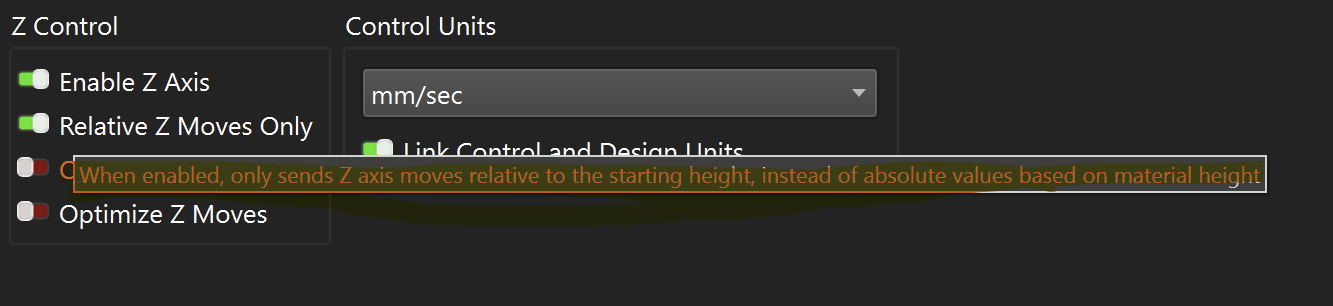
- The Z axis Enable Homing checkbox in Device Settings was bound to the limit switch flag instead of the homing flag.
- Turning Z axis homing on or off in Device Settings did not take effect until the dialog was closed and reopened.
- The Z axis homing direction, homing switch level, limit switch level and jog direction radio buttons could show neither option selected.
- Stepper speed and homing timeout spin boxes in Device Settings and External Axis Setup clamped imported values, silently halving a fast Z axis and capping its homing timeout.
- Framing or sending a design with split marking enabled from the main window no longer reports No shapes in bounds.
- The frame preview for a split marking or rotary job moved the external axis using the page axis number instead of the motor port.
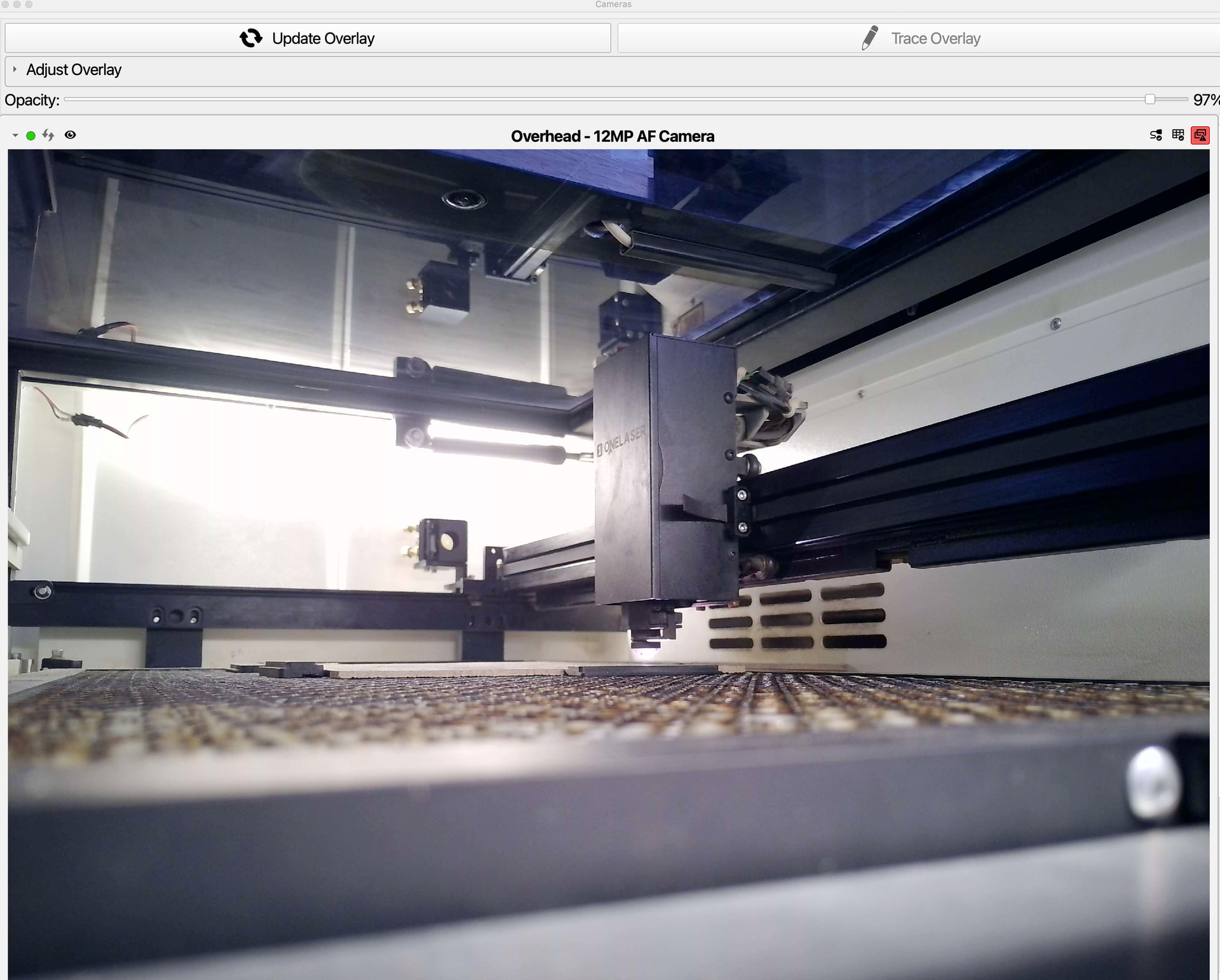
- Camera overlay was never updated for negative-W alignment matrices
New Features
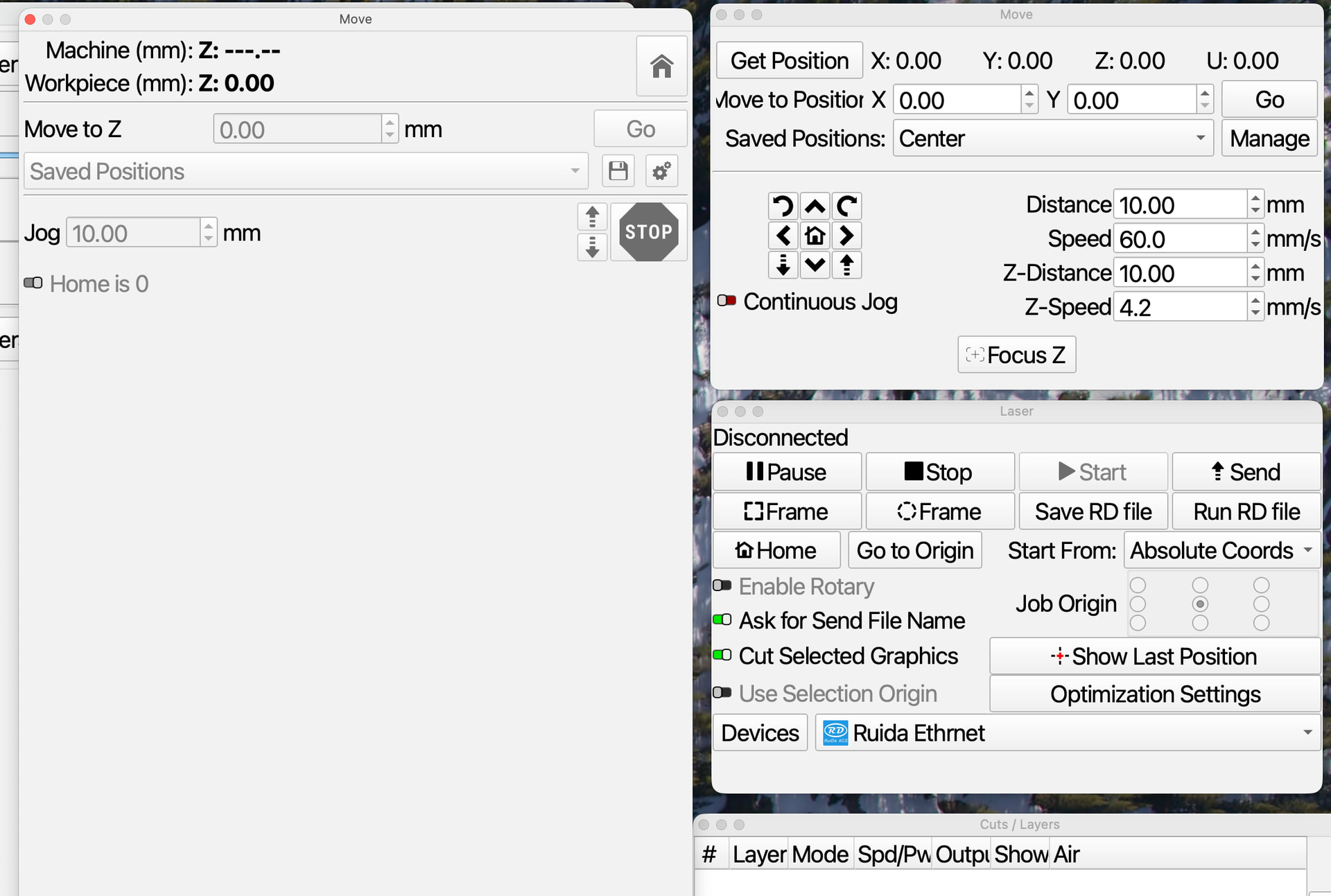
- Galvo Move panel as a dockable widget
- Add support for PCB file imports
- Add Gerber file import
- Add support for drill files
- Add support for Epilog lasers
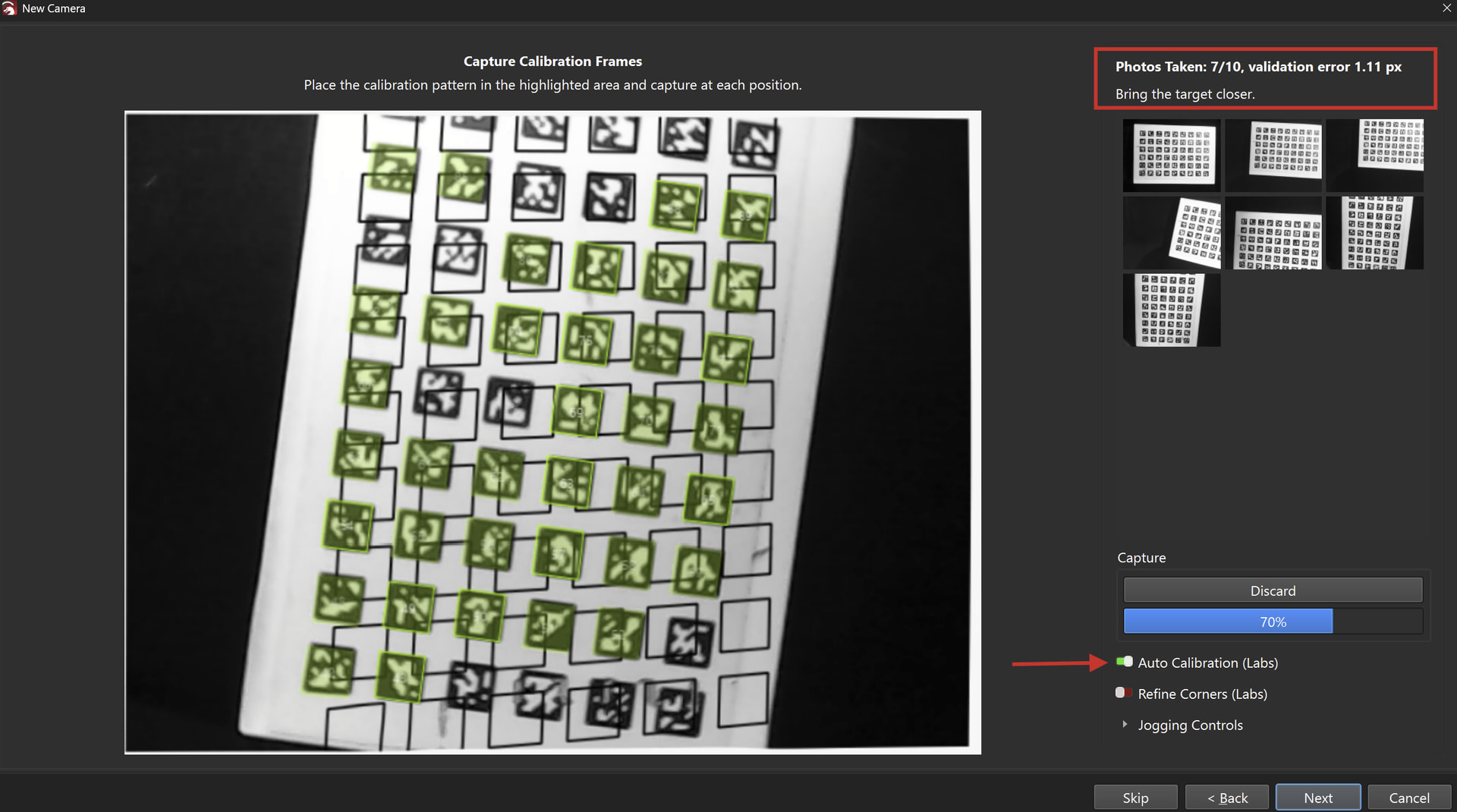
- Calibration Target Collector
- XTool Network Protocol Support (F1, and P2S only. The D1, and S1 are still serial.)
Existing Feature Updates
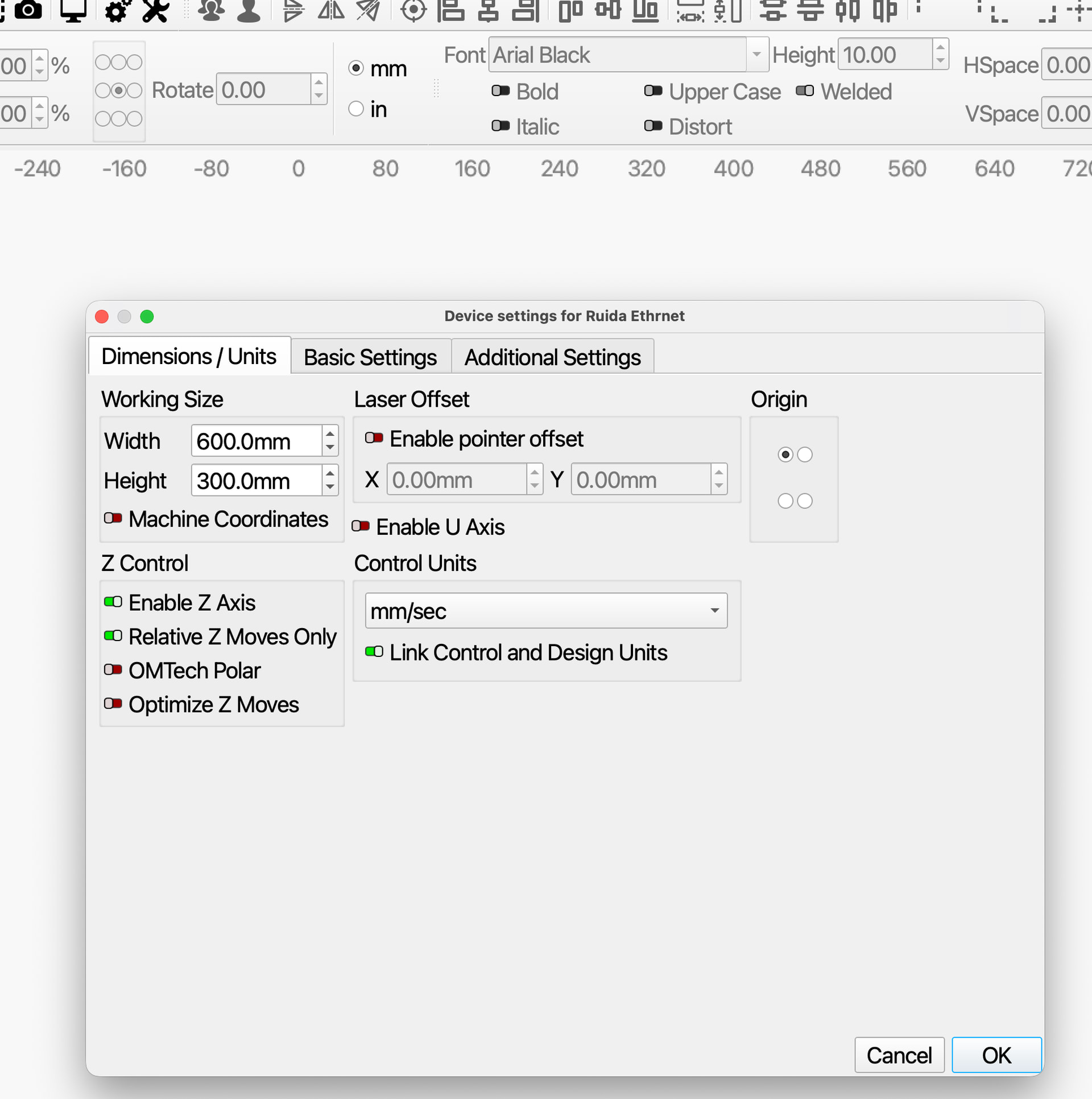
- New Device Wizard and Device Settings include Z axis height setup for galvo controllers
Other Changes Since LightBurn-v2.1.04
New Features
- Center Line Trace
- Adding a local & network-available REST API.
- Adding DragonDrop support per device profile.
- Adding target buffer override for gcode devices in case the firmware doesn’t or incorrectly reports the buffer size.
- Added 3D model import feature.
- Added depth map creation from imported 3D models.
- Adding extra controls to Custom GCode (similar to GRBL)
- Add filtering for FluidNC flavor to clean [MSG] spam in the Console
- New Creality Falcon HTTP flavor for Custom GCode
- New Duet/RRF HTTP flavor for Custom GCode
- Added AcceLaser hybrid Gantry + Galvo device support.
- Added LiDAR surface scanning with height-compensated engraving.
- Enable rotary setup on Emblaser Pro
- Accelaser Lidar ranging dialog Improvements
- Adding default gcode file extensions for custom gcode flavors
- Added Revert to Manual Alignment button on Overhead Auto Alignment Page
- Adding a new WeCreat_http flavor for Custom GCode to allow sending the job files to the WeCreat lasers.
- Accelaser feat 0820 requests
- Added Device Classification (Model and Source) to Device Settings to allow full offline design for adaptive protocols
- Adding REST API for inter-application communication
- Adding support for TopWisom rotary
Bug Fixes
- Fixed typos in Quick Nest messages
- Some Custom Gcode values were getting unit conversions when they shouldn’t
- Removing SSL certificate generation and usage for the API to be HTTPS
- Launching and immediately closing could cause a crash in the webtool loader
- Make virtual keyboard show when using tablet and touching a spin box or custom num editor (Windows only)
- Fixed issue causing viewport of 3D import dialog not rendering.
- Min tabs was not alwayws being respected
- Fix numeric entry equation parsing issue with comma vs period
- Updated dogbone tool to use double-precision math to reduce failure cases
- Handle new text width properly after a copy paste to prevent font position changes.
- Renderbuffer being rebuilt constantly due to incorrect comparison.
- Crash on SAVE
- Fix title case across all entries in the right click menus.
- Fix to trim tool not working for some cases.
- Select all shapes for an operation accidentally included shapes from other pages.
- Select all shapes for an operation accidentally grabbed shapes from other pages.
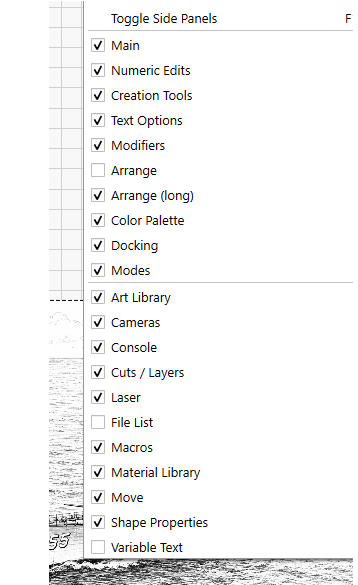
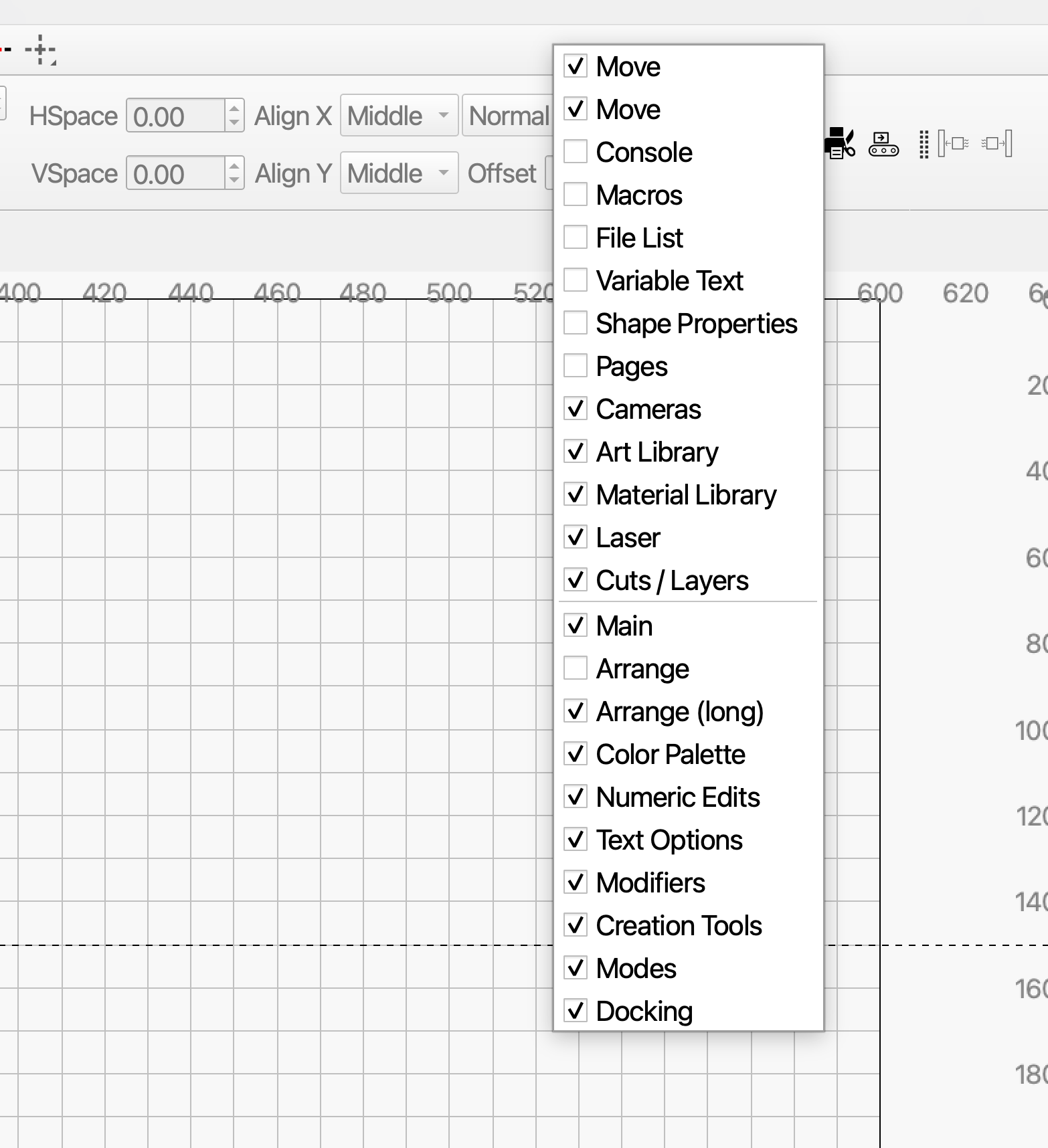
- Toggle Panel visibility was missing toggling the Pages panel.
- Ensure that 3D depthmaps are imported with an image cut setting
- CutSetting editor memory leak fix
- Fixed issue causing device settings dialog to cutoff custom gcode options.
- Fixed issue where framing could use the wrong origin offset
- Custom GCode was not using custom header when framing
- Fixed RestoreDefaultLayout to work in Qt 6.11
- Add network permissions to plist for Mac OS 27
- Fix 3 instances where device def was deleted but accessed later
- Re-Exported images would sometimes be rotated 180 degrees from expected
- Device settings dialog minimum size and stretch policy now set correctly to prevent widgets from being cut off of squashed.
- Newer Qt was no longer resolving host names in some cases
- Incorrect warning when cross-app file opening
- SVG Importer Improvements to fix “missing content” caused by newer SVG 2.0 features
- SVG Importer Improvements to fix text sizing bugs, enable skew, and implement SVG 2.0 / CSS unit types (%, em, ex, ch, q…)
- Uninitialized vars in QNumEntry cause erratic value changes randomly
- Fixing the pause/resume sending double pause commands during a g-code command stream.
- Shape Properties Panel needed to use QNumEdit to support flexible number input, units conversion, and formulas.
- Refresh position readout after discrete jog / work-offset change
- Fixed incorrect 3D model rotation when switching between rotating with mouse and manually setting rotation fields.
- Fixed tab order of controls in 3D import dialog.
- Connection buffers could block in rare circumstances on flakey grblHAL controllers
- Open LB or MM file from the other app should preserve pages just like the import does
- Open file from other app should preserve pages just like the import does.
- Stop reallocating the edit window render buffer on every repaint"
- Stop reallocating the edit window render buffer on every repaint
- Handle PDF files with # # obj entries split across lines
- Print and Cut label icons now route through QIcon at runtime to color to theme
- Fixed multiple checkable menu options not showing check mark icons.
- Emit separate laser enable flags for Thunder Titan controller.
- Increased PWM frequency limit to 4000 kHz
- Using MM or IN units (upper case) didn’t convert
- Prevent crash on Preview after importing or opening a MillMage File.
- Prevent crash on Preview after importing MillMage File.
- AppVersion never reported an unparseable version
- Shape Alt-Drag was not snapping properly to vertical positions
- Harden the cubiio protocol
- Edit camera page overwrite mount type fix
- Add missing Sparrow and jagua-rs license details
Existing Feature Updates
- Changed QNumEntry to allow comma or dot for the decimal place and ignore previous commas and dots, show thousands separator as thin space.
- Show ‘Cmd/Ctrl-Arrow:’ instead of ‘Ctrl-Arrow:’ in settings to indicate Mac command.
- Filter path & weird chars out of the document title in exported AI files
- Update to latest VC Redist and remove unneeded version from installer
- Break apart and Auto-join now preserve tabs
- Added custom shortcut keys for user defined macros.
- Add app version number to prefs
- Enabled split marking for BSL galvos
- Double-click in node edit to convert to path
- Show a warning when importing a Galvo or DSP device with a Core License.
- Improve theme so selected items and progress bars retain part of their original blue color instead of turning white for light theme and black for dark theme.
- NewDeviceWizard shows a message that user does not need to edit comms settings except when resolving problems
- Ensure consistent G-code in messages and gui, capitalize Error: in console.
- If user runs probe wizard after run start, show a warning before starting the job to remove the probe and wires.
- New comm status of Not Responding so error message can distinguish between disconnected and not responding.
- Changes to License dialog to be more clear and have links to web pages for help
- Faster bitmap loads for large projects
- Allow ESC key to close measure tool
- Exclude guide lines when generating thumbnail bounds
- Add support for Ruida UDP file retransmit
- Added vector troubleshooter
- Added better multi mesh support for 3D Import and depth map conversion.
Miscellaneous
- Allow trialing Pro mode with a valid Core license
- Update Buy and Upgrade links to be ready for MM Pro
- Allow pasting of valid URLs into Web Tool browser
- Added legal warning that must be accepted before SVGNest can be used
- Added ‘Paste in Place’ to right click context menu
Code Refactors
- Cleaning out some warnings
- Initial import of WebApi library and creation of connection type
- Modified device shutdown logic to cleanly release device resources
- Disallow LaserEvents after mainwindow has already closed
- Added GCodeDisplayFlavors and UserGCodeBlockManager::FillFlavorComboBox
- Split or reassign protocol destructors to Release methods
User Interface Updates
- Improved visibility of toolbar drag handles and overflow arrows.
- Added padding between items in the main toolbar.
- Changed style of buttons in 3D import and depth map settings dialog to better show when a button has focus.
 and all the other features