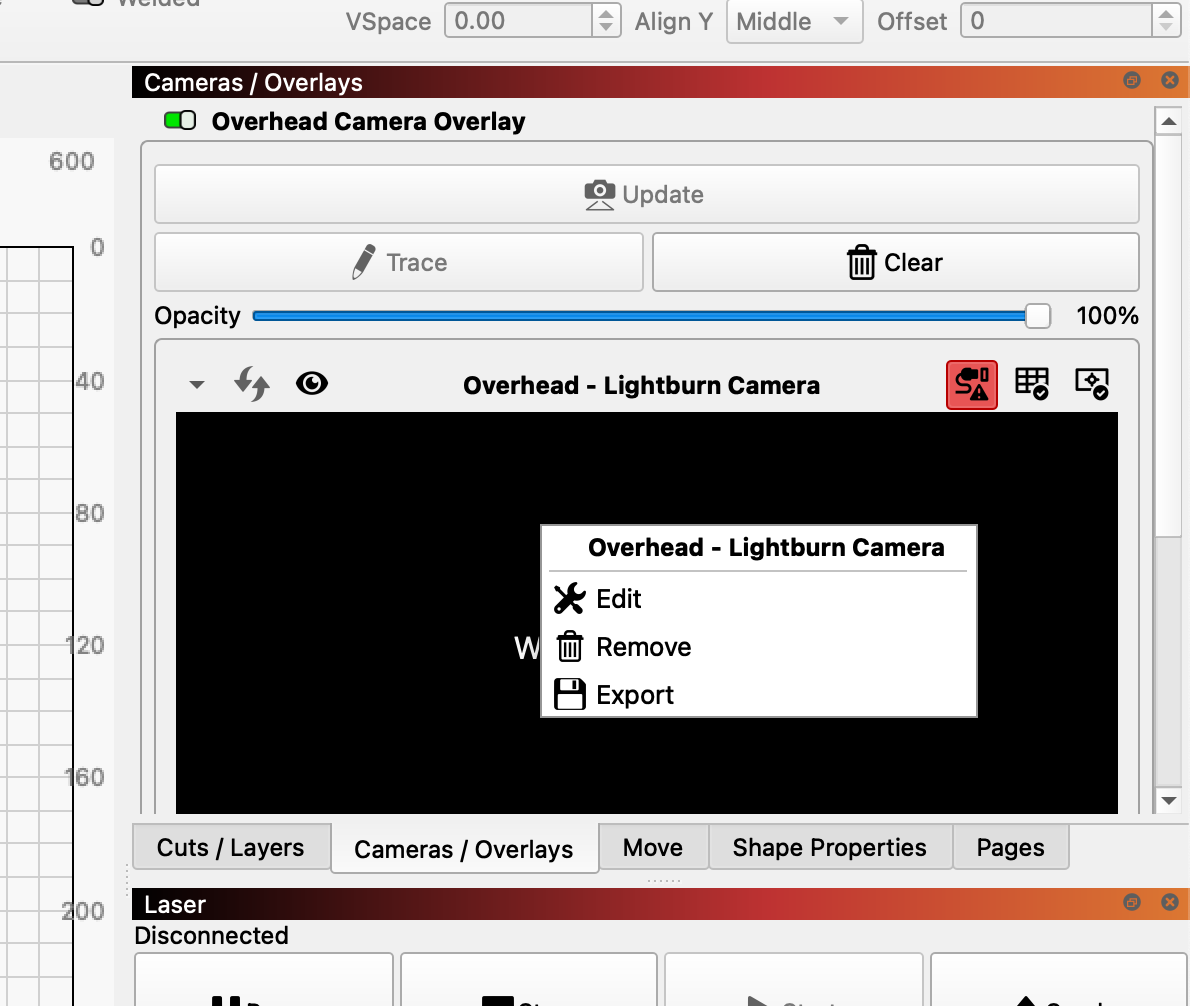
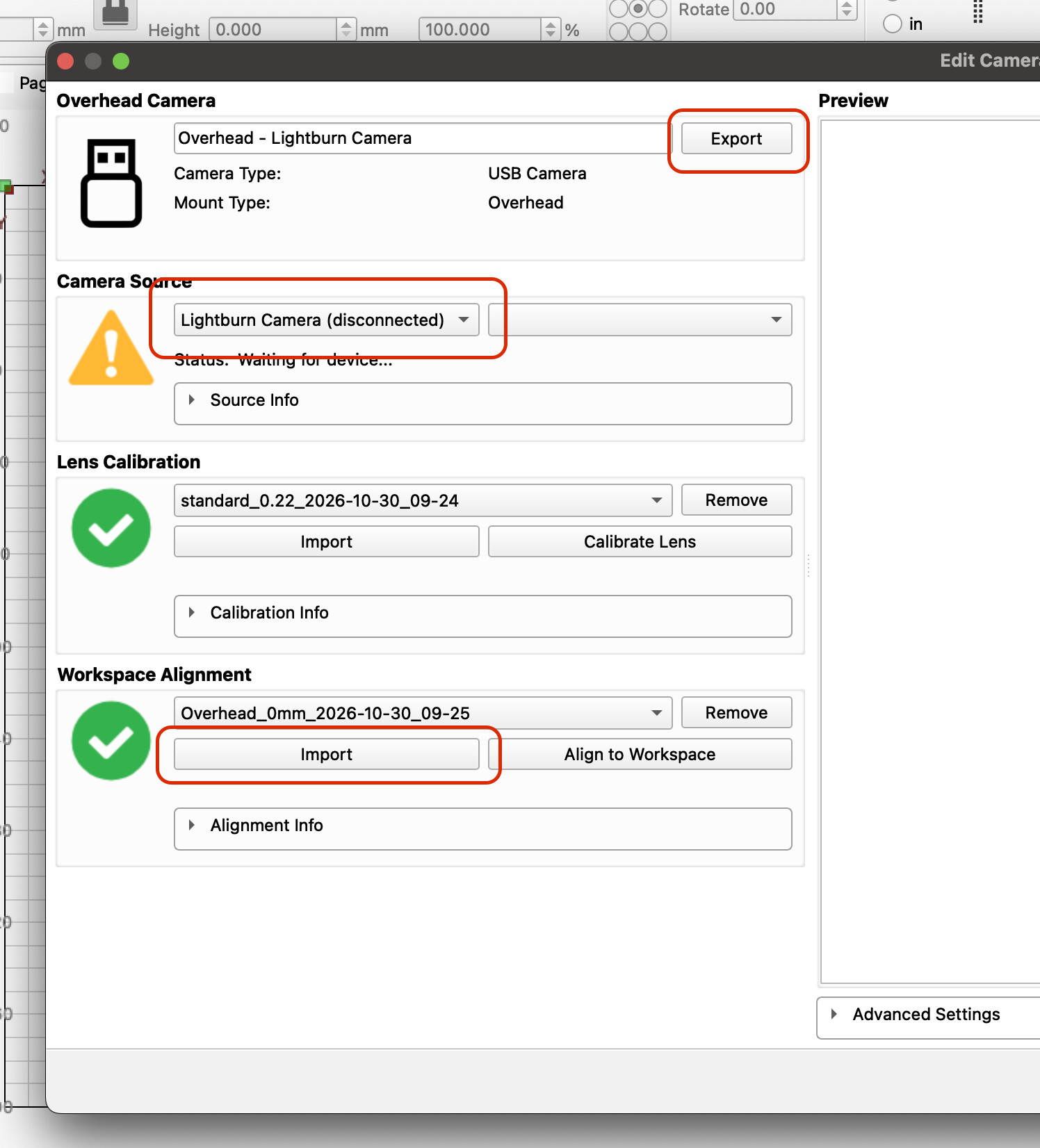
Is there a way to save your adjust overlay on 2.2 like previous versions? For some odd reason there is a home button instead of a save button. My settings are not staying the same. My X value changed about .5mm from what I had set, and width changed .1mm. I wrote the settings down because I noticed things where changing.
As soon as you enter the change it should be saved now - that’s what is happening for me at least. I checked again after restarting LightBurn and the values were still the same. I noticed it’s easy to accidentaly change the value youself if you move the scroll wheel while the cursor is hovering over the value.
The Home button is there for convenience I think.
It is an “unfortunate” behavior that the settings boxes are activated as soon as the mouse cursor rests over the fields. With some mice (e.g. Mac’s buttonless mouse) user error is almost programmed in.
In my opinion, input fields should first be “activated” before the possibility of changing the values is given. Furthermore, I think that the built-in up/down arrows for value change or a keyboard command should be the only options for value changes.
(this applies to all input fields in LB)
It was possible that settings changed because the focus was still on settings, but if there was still a save button that would take the focus off settings and you would know they were saved.
I just find a home button there to be rather random.
Also I don’t believe I was changing any settings during that session until I noticed that my greyscale test was shifting as I brought down each time.
As I played with it a little more I noticed that scrolling down to bring up the rest of the window and if you scroll over one of the settings it highlights and changes the settings as @bernd.dk pointed out. So this doesn’t seem to be a bug per se, but I think it is something that needs to be changed, to having to click on the setting to be able to change it.
…I bet there are many users who have changed their settings in the various menus without realizing it, and yes - it should be changed as soon as possible.
I can’t seem to find the adjust section anymore.??
Does the accuracy alter with job thickness, its fine at first then wanders off.
ahhh found it! that was well tucked away.
Yes, the precision changes. If you need accuracy in the 0.5mm range, workspace alignments must be made for all different heights/material thicknesses you are working with. However, you can save your settings individually and use the settings respectively when you change materials.
Hmm I can see import but no export or save? how do I save an alignment to a specific material thickness?