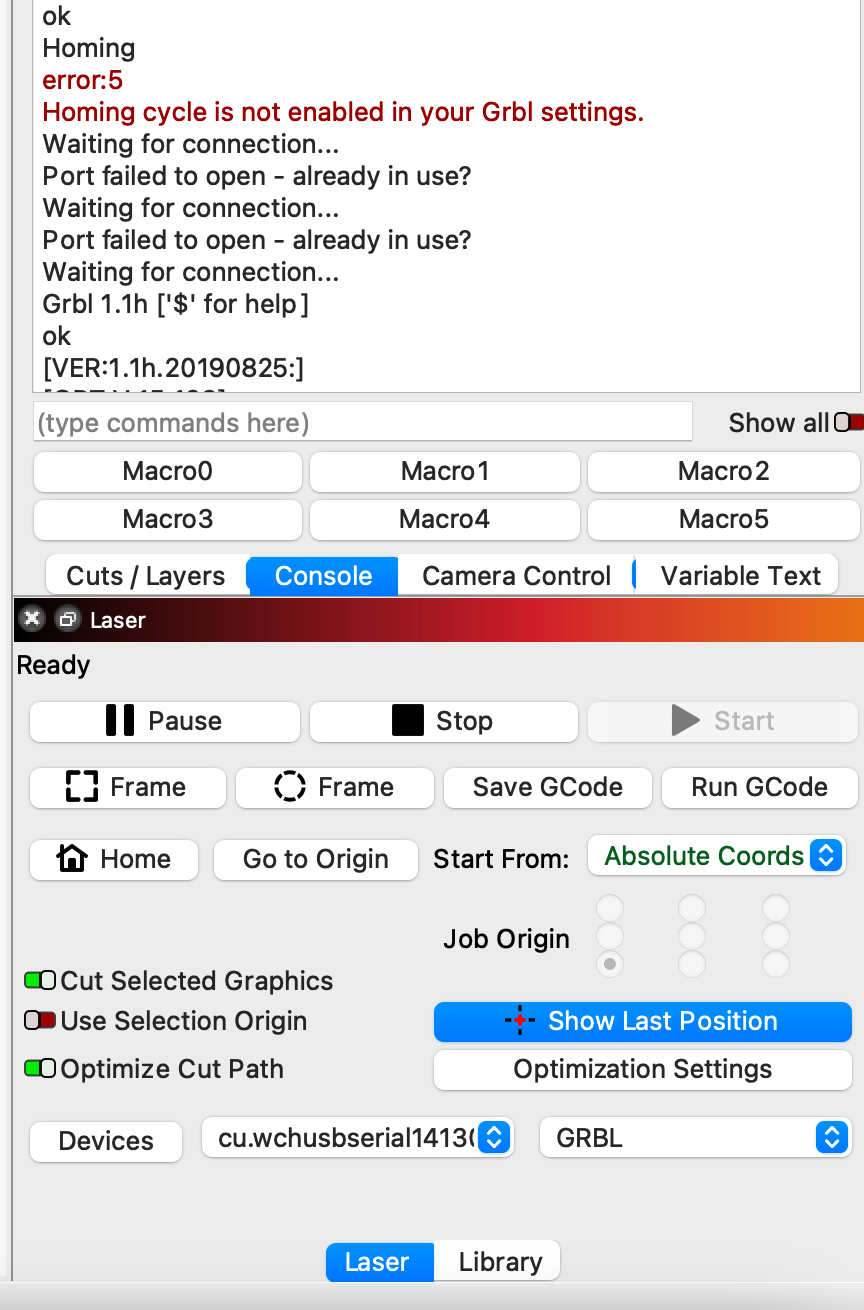
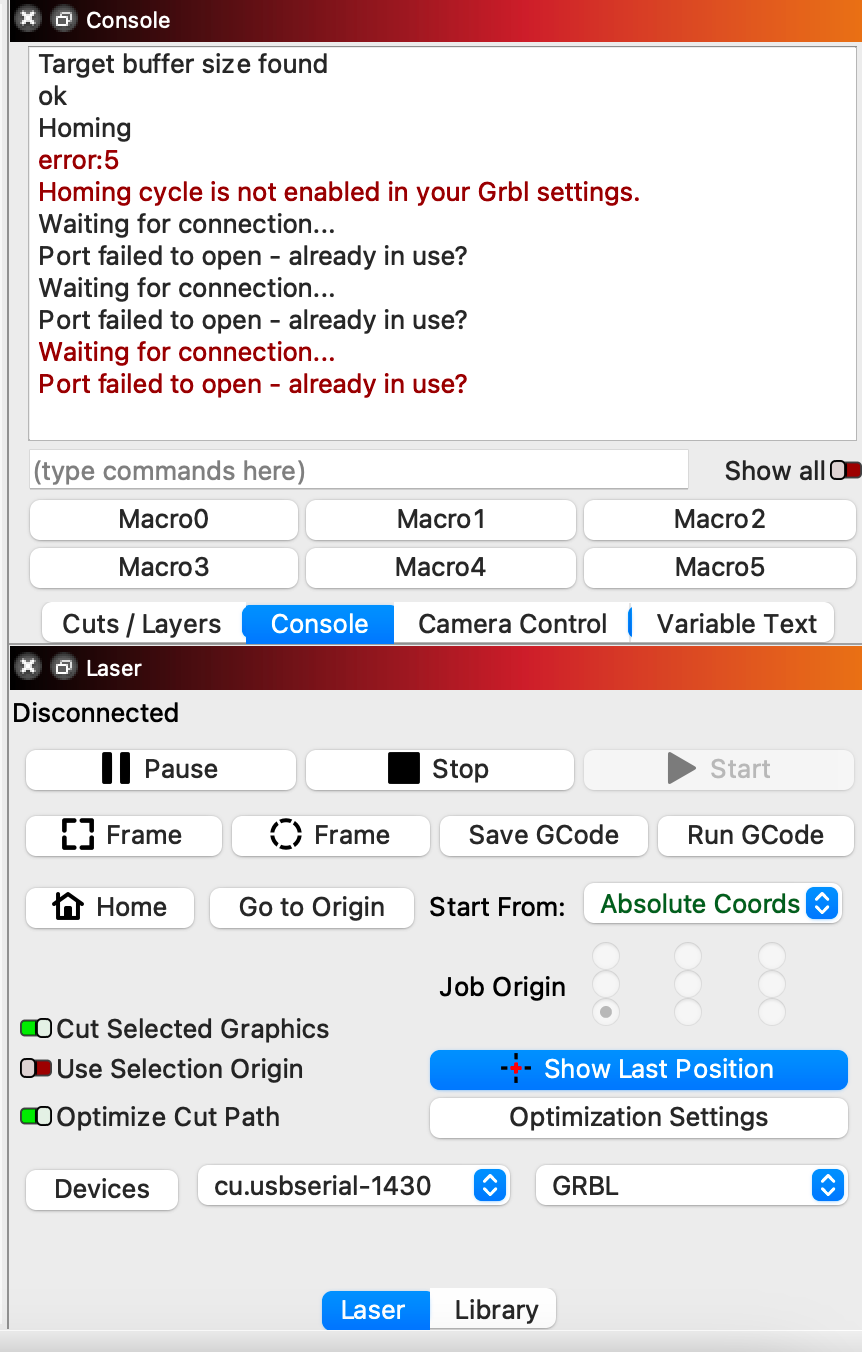
How about for the second command?
For sudo kmutil showloaded I get a looong list. I’m not very good at this, what am I looking for?
After providing my password, I get the text “No variant specified, falling back to release”
Anything associated to WCH, CH34x, USB Serial, or something similar. I’m not certain what exactly it will look like.
I find nothing when searching on these alternatives. I did uninstall the driver and then re-installed macOS Ventura. I haven’t re-installed the dirver as misken suggested the driver was already provided by the OS.
In that case then there’s something broken in loading the driver… here’s a rough overview of what needs to occur:
- Hardware is detected - this looks to be done and you get a detected USB serial device with vendor ID of 0x1a86 and Product ID of 0x7523. This correlates to typical WCH34x devices.
- Driver loaded for detected device - according to what you’re saying this looks like it’s not getting done. Normally this would be because the Vendor/Product ID may not be matching to an available driver or due to collisions between drivers
- TTY device created in /dev/ folder - this should be done once the driver is loaded. From what you saw this wasn’t getting done
Seems the key would be in understanding why that second step isn’t working.
OK, thanks berainlb. It helps to narrow it down. Unfortunately I have no idea how to proceed. 
I’d suggest looking into the kmutil utility to explore further.
Try running kmutil libraries. That should provide a list of drivers on the system.
I’m really thankful for you help.
When I try running the command, I get the following:
No variant specified, falling back to release
For arch x86_64:
Do you have an Intel Mac? If so, that should be fine. Are you getting any other output?
Yes, I’ve got an Intel. And no, I don’t get any other output. Mind you, I don’t have my laser plugged in a t m. It’s in a different building so I have to run out every time I need to test something 
When you ran the commands from post 19 were you plugged into the laser? If not, you would need to be for that to work.
The latest command would not require you to be plugged in.
Can you copy and paste the full output from Terminal? I’m likely missing something.
I don’t see anything obvious there.
Have you tried resetting SMC and NVRAM on your computer? Might be worth a shot.
Ok, I’ve now tried resetting SMC and NVRAM but I’ve still got the same problem.
Misken wrote: “On the GitHub page of the second driver, there is a note that on newer macOS versions, you should not install any driver because it conflicts with one that is provided by the OS already.” I’m not sure what is meant by “of the second driver”. I can’t find the description referred to by Misken. Not sure what to do.

Ah, thank you! And how do I check “data rate”?
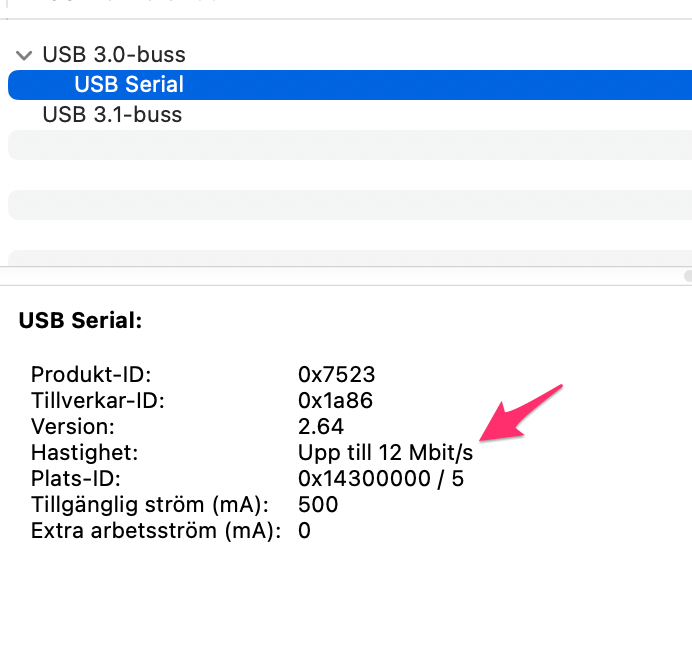
I believe this is referring to the speed that the application is configured to set the serial connection. It’s not something you need to set at the driver level.
Can you try one thing?
Run this in Terminal:
sudo dmesg
Note the last messages there. Then plug in the laser and rerun the command. Can you capture all the text generated from the plug in activity and post here?
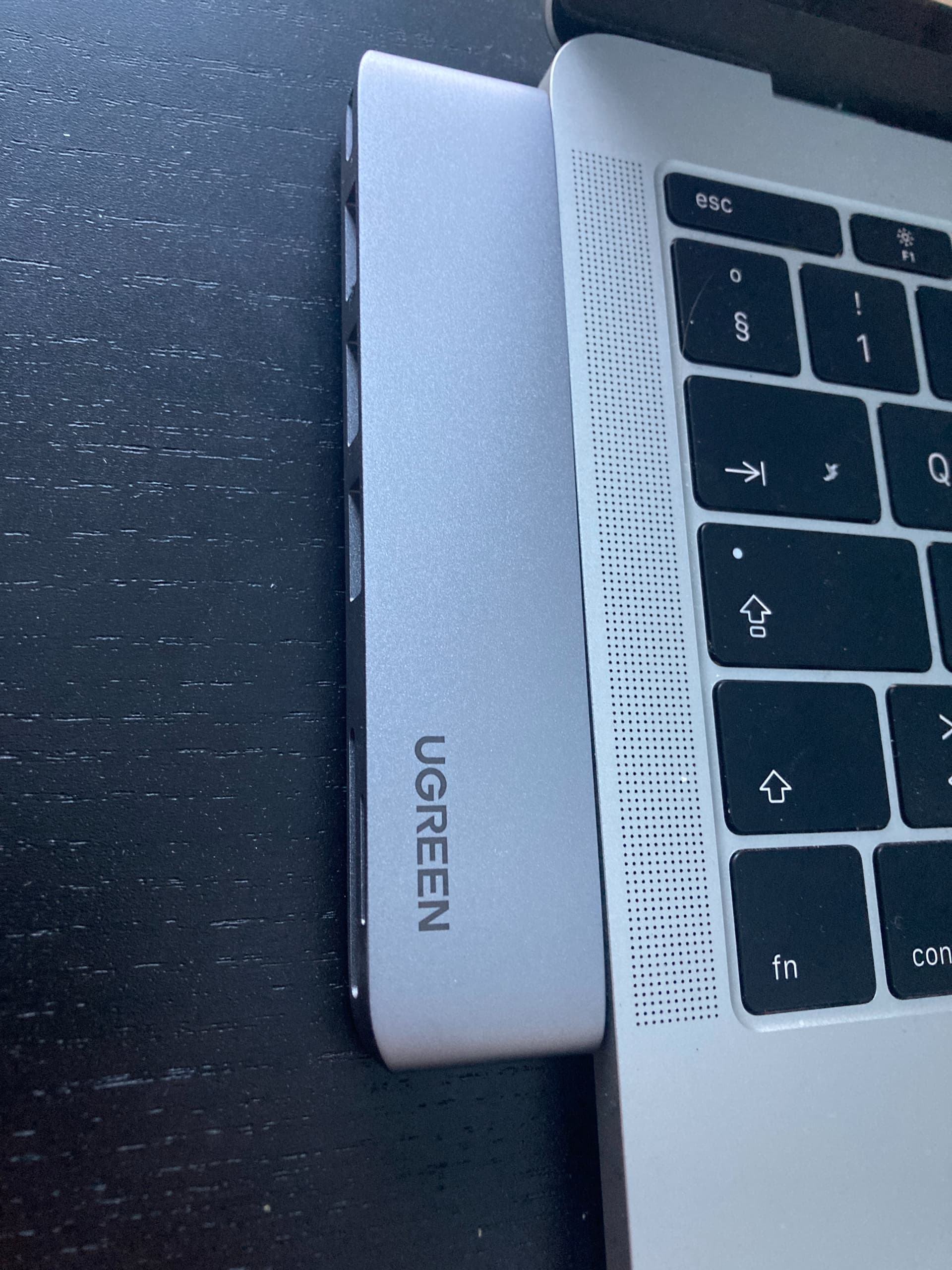
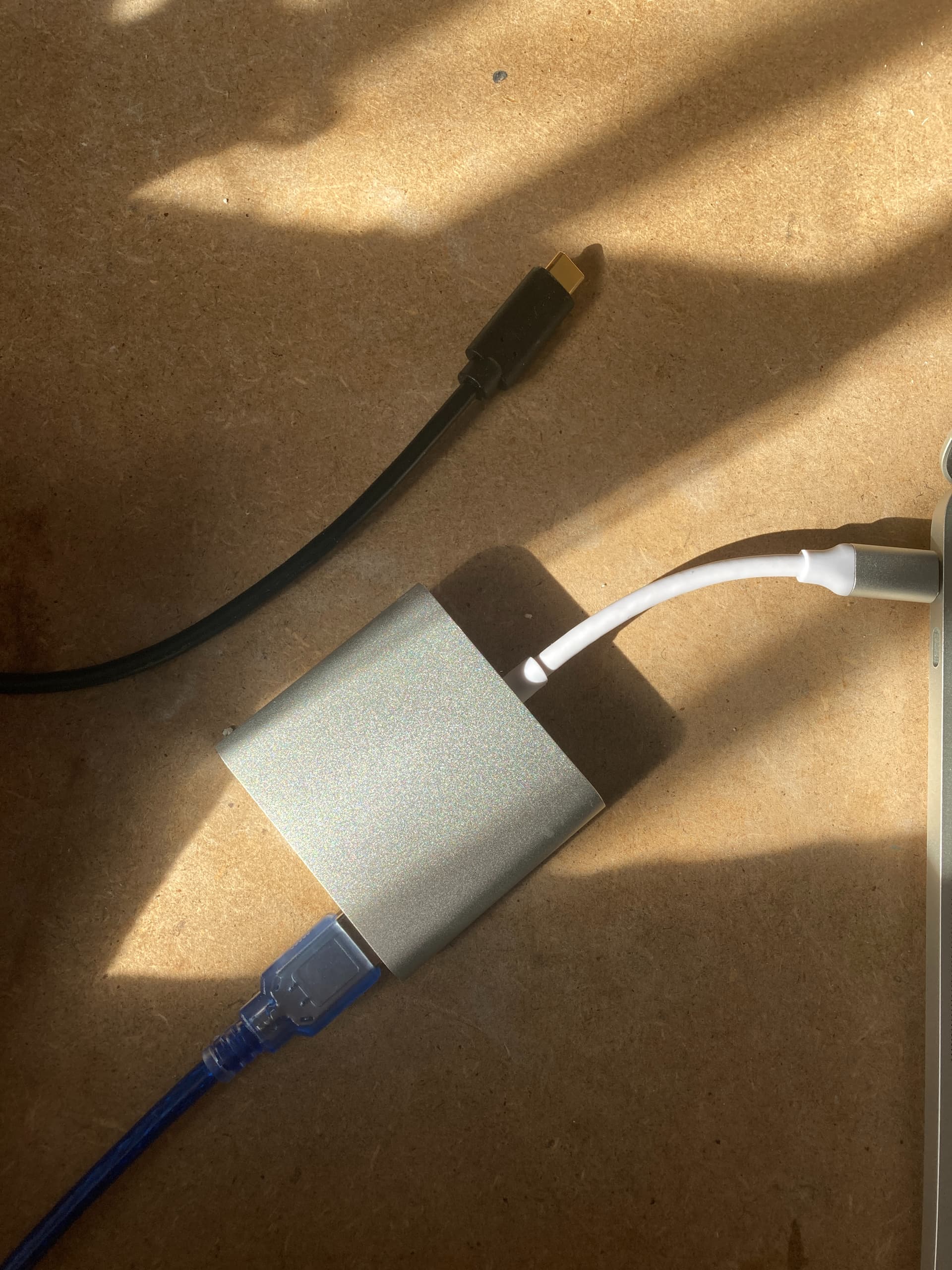
Also, can you confirm how you’re connected to the machine? Is it through a hub? If so, can you try eliminating the hub? If you have multiple USB ports, try different ports. If you have other high quality cables, try those other cables.
First: I’m trying two different cables
-
one that I’ve used before with a hub. Have tried it on my two USB ports (and with two similar hubs).
-
I’ve also bought a new cable that can be connected directly to the computer. That didn’t help.
I’ve now bought a different kind of hub to see if that makes any difference. It should arrive today. -
Ok, so regarding the last message (last sentence) when running “sudo dmesg” without being plugged in. I get this message:
[67692.933207]: AppleKeyStore:3467:128: user a63cc1c6caf1422f97e93057c0d25731 unlock successful (0)
As for text when plugged in I get a vast amount of information. Will post it as separate replies as I can’t fit it all in one message