Hello,
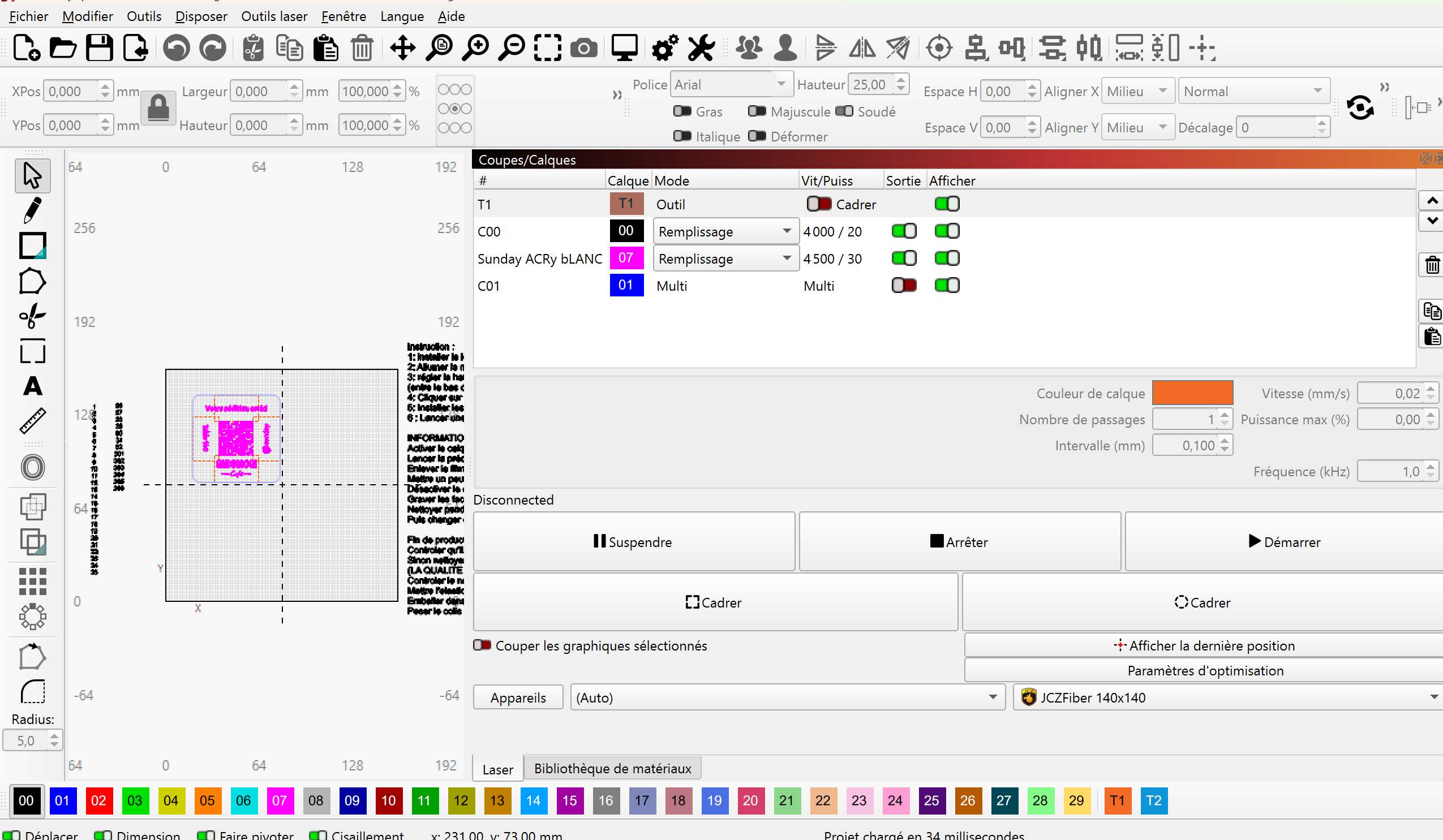
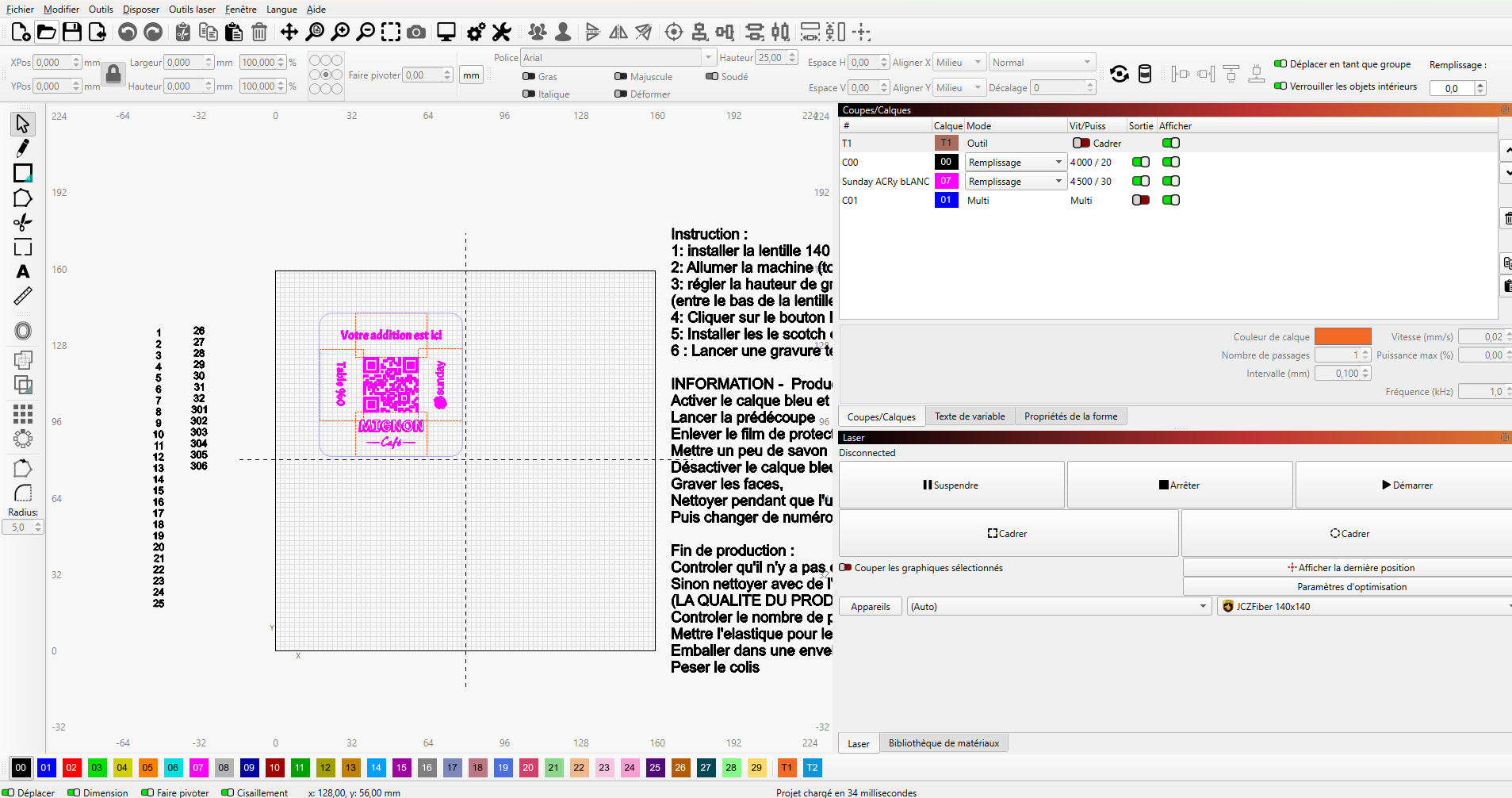
Since the latest LightBurn update, the software launches on my primary monitor with incorrect scaling: the proportions are off, the workspace appears blurry and too small, and I can’t seem to fix it.
Interestingly, everything looks normal on my secondary monitor.
Has anyone experienced this issue or found a solution?
I’ve attached two screenshots: one from the main monitor (with display issues)
I ran into the same issues with a laptop and 27" monitor. I also had the Win10 display set for 150%. Now the large screen is the only one used and I got it sorted out with this info…
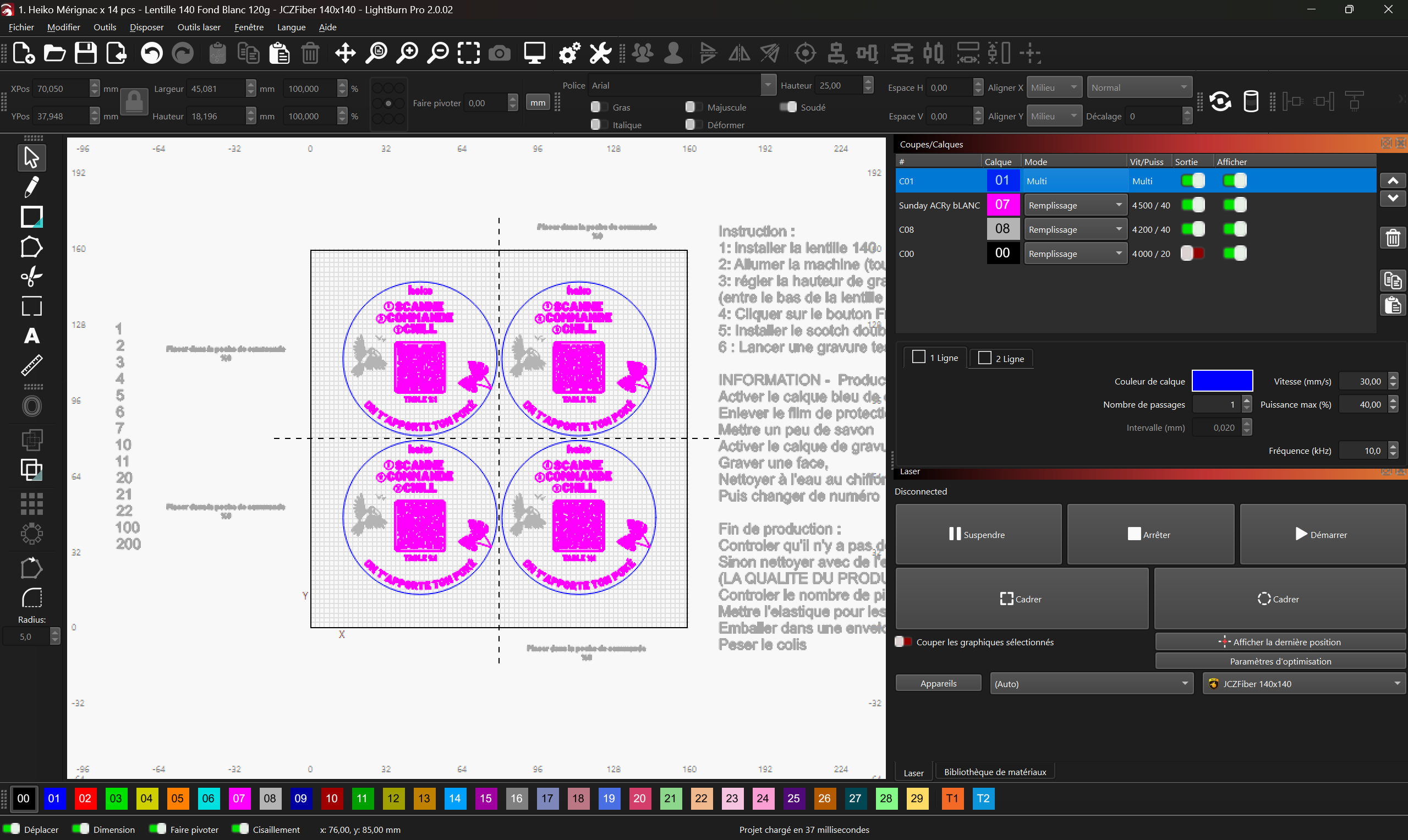
Mine fills up the screen nicely. All the control windows are now a single row of tabs, so all buttons are visible no matter which tab I select. It also leaves a larger grid than I had before. All the icons and text are larger, so it is easier to find what I want.
I had a boss that used to say, “People hate change.” The core Lightburn code got a major update, but it is coming together quite well in my opinion.
Oh thanks ! That helps ! I switched to filled /rough.
Now I just have the problem of having the whole windows of lightburn that doesn’t fit well my screen 2560x1600px. So most of the time the color palet at the bottom of the screen goes under my general Windows toolbar. So I have to reopen the file. Do you have some info on that too please ?
Thanks in advance.
To solve that one on my setup, I had to turn on the disappearing task bar and maximize the Lightburn window. Having the taskbar hide was not as irritating as I thought it would be.