Lightburn for Epilog lasers FINALLY HERE

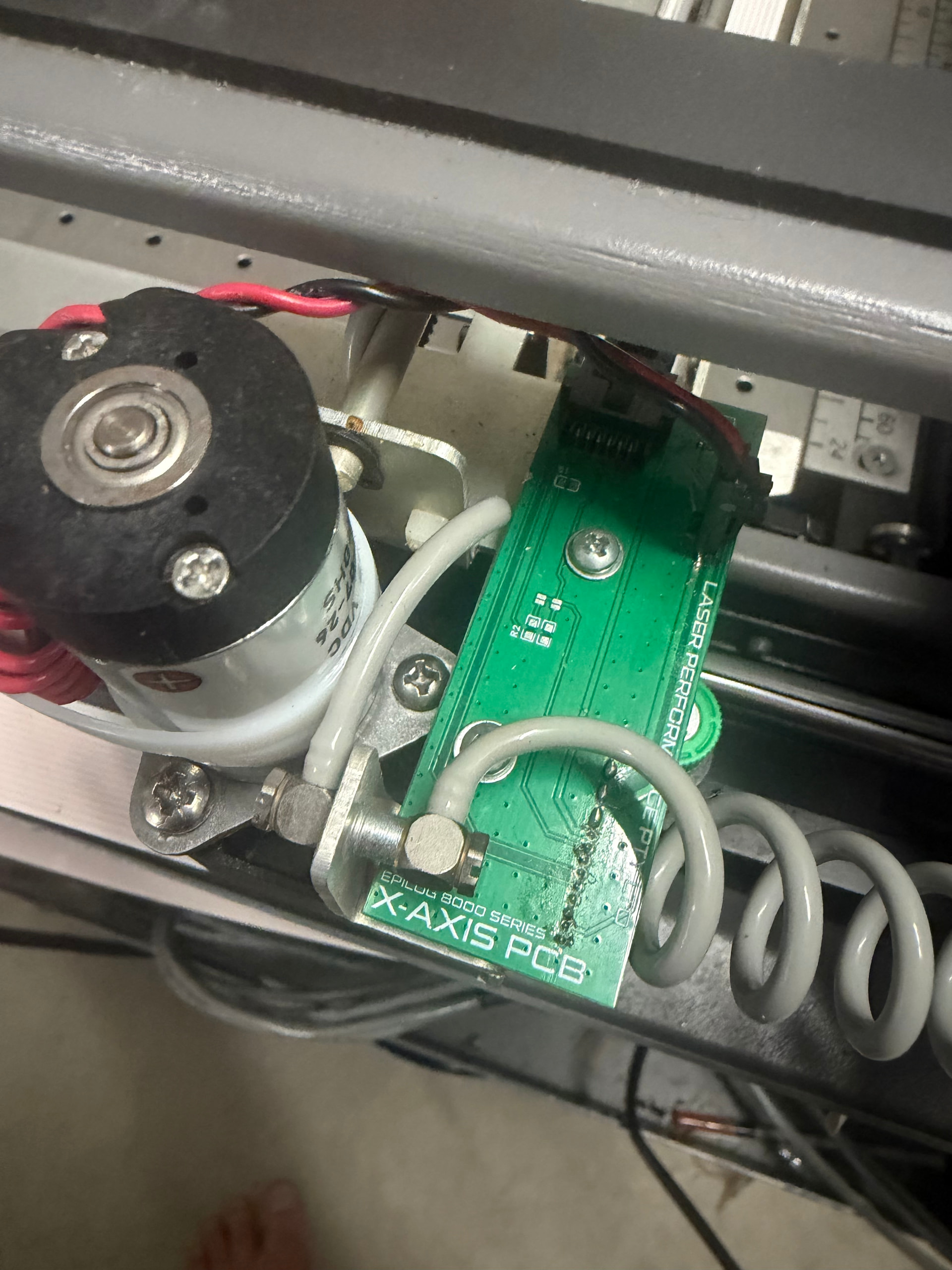
After a lot of reverse engineering, testing, and late nights, I’ve finally completed the first working retrofit control board for older Epilog laser machines that keeps ALL original mechanics intact.

The main goal from day one was:

  • No hacking up the factory harness
  • No destroying a perfectly good machine
  • No replacing motors, rails, optics, or mechanics
  • Keep the original high-quality Epilog hardware

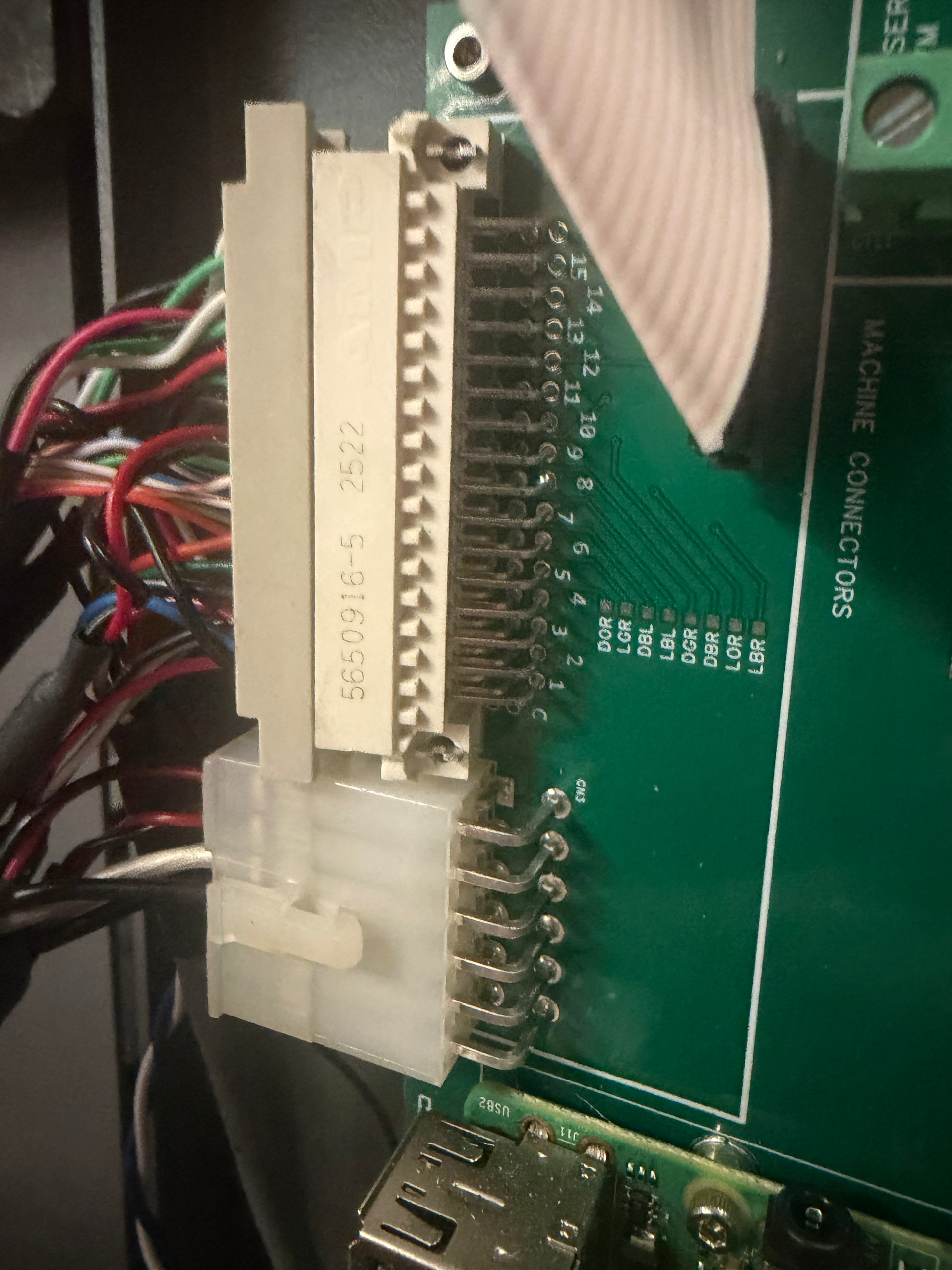
The retrofit board plugs directly into the original Epilog harness using the factory connectors. No cutting or modifying the machine wiring loom is required.

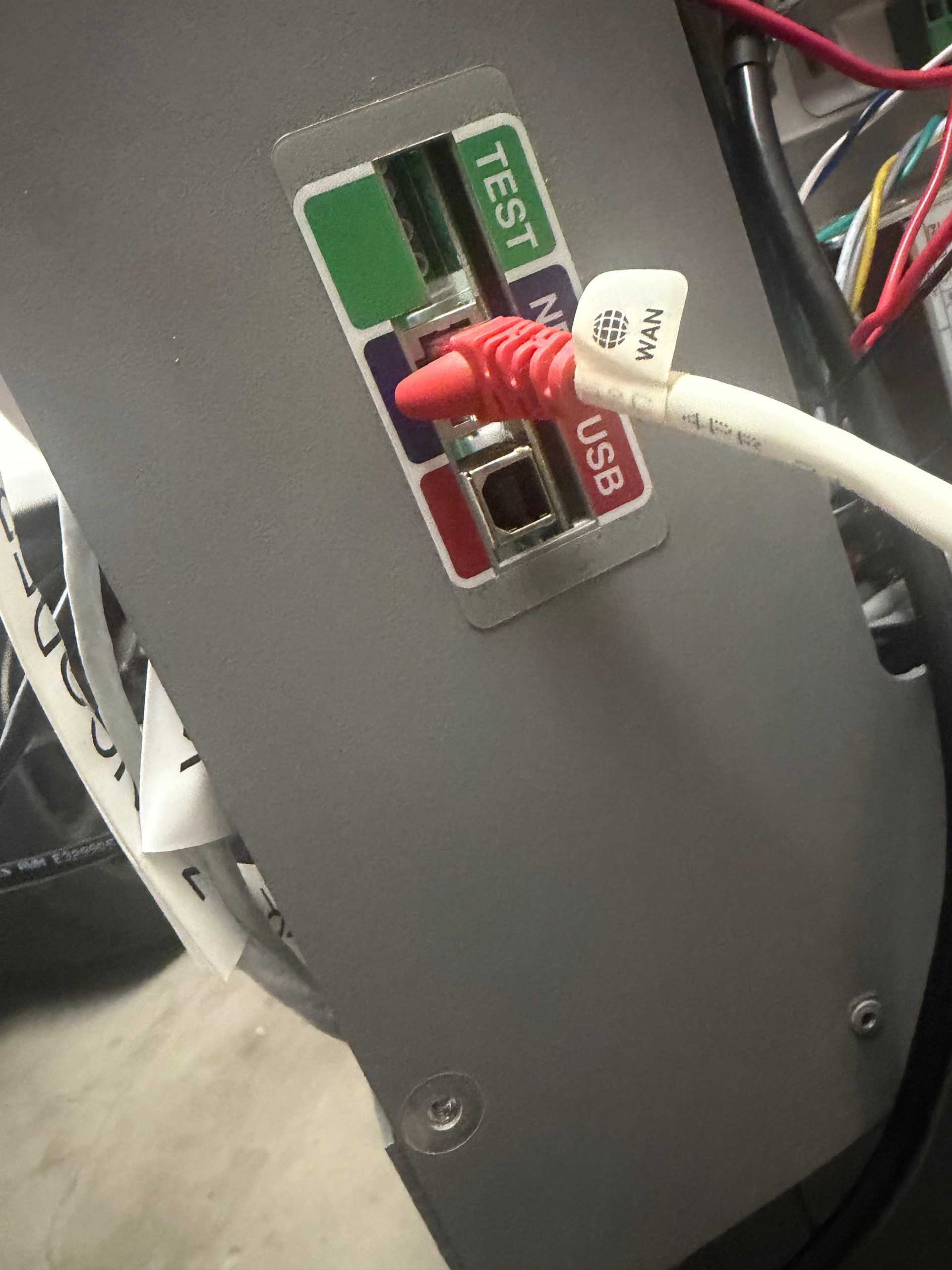
Even the factory rear panel connectors line up correctly with the retrofit setup to keep everything looking as factory as possible.

The system interfaces the original Epilog mechanics with a Ruida controller using custom modified servo drives running custom firmware specifically developed for the Epilog platform.

The board also includes provisions for an onboard Raspberry Pi for things like LightBurn Bridge, remote access, monitoring, future integrations, etc.

Current status:

  • Original mechanics fully retained
  • Factory harness plug-and-play
  • Rear factory connectors line up correctly
  • Ruida integration working
  • Motion control operational
  • Custom firmware running on modified drives
  • Raspberry Pi integration provisions onboard
  • Minimal additional wiring required (mainly drives + Ruida connections)

The idea behind this project was to save older Epilog machines from becoming scrap due to failed or obsolete controller boards, while still keeping the incredible mechanical quality these machines were built with.

A lot of retrofits out there require gutting the entire machine. This does not.

Still refining things and doing long-term testing, but the first board is alive and working.

Boards, pricing, installation information, and links should be available shortly. I’ll continue posting updates, testing results, and progress as development continues.

Video:

Bad video, I know — I’ll get some proper photos and a better demo video up within the next 24 hours.

Would love to hear from other Epilog owners interested in retrofits, repairs, or keeping these machines going long-term.
2 Likes


4 Likes

Daniel, glad to see someone with some success! Every couple months I check to see if anyone has been able to figure out how to use the OEM components of the machine. Looks like you have a Helix series machine, I have a legend 24TT but I’d be interested in learning more about the pieces you’ve reversed engineered since it looks like the motion systems are largely the same between these two machines. My 24tt is currently fully functional aside from the laser not homing over the rotary axis when it’s attached so if you have any information on that circuit I’d love to get some more information to see if i can get that working (i think the previous owner plugged in the rotary when the machine was powered on). I’m definitely interested in trying to modernized the software on my machine by switching controllers.

Hi mate, happy to help, I have a bunch of board here as minimum order is 5? Happy to send you one.

18 posts were split to a new topic: Epilog Laser Support - Which Models?

@MackayLasers

I wanted to restore the thread of your original post and separate your controller swap for older Epilog lasers from the new feature in LightBurn that supports newer Epilog devices.

Please feel free to share more here. I’ll move it to a proposed Controller Swap section as soon as it’s available.

The higher end Epilog RF CO2 lasers - the Fusion Pro models - engrave at 165 inches per second, or about 4200mm per second.

The Fusion Edge RF CO2 series engrave at 120 inches per second or about 3000mm per second.

Depending on the material thickness and wattage, their cutting times are very similar to a Chinese glass tube CO2, but in the Epilog software, they call out the speed as a percentage, paired with the power as a percentage. They will say something like 20% speed and 100% power.

I am pretty sure Roy is referring to a Epilog CO2 laser

So that 7200 is 7200% of max speed?

Just messing with you. But your message is important. The question would still be 7200 what or 20% of what. In the latter, the user must know the specs of the machine they are operating.

1 Like

I’m new to the group, I have an Epilog Legend 24 and am very interested in upgrading the controller. How is it available and what does it cost?

Ques.

Ans.

I have an Epilog legend 24 and am very interested in the possibility of replacing or upgrading the controller. Is this possible?