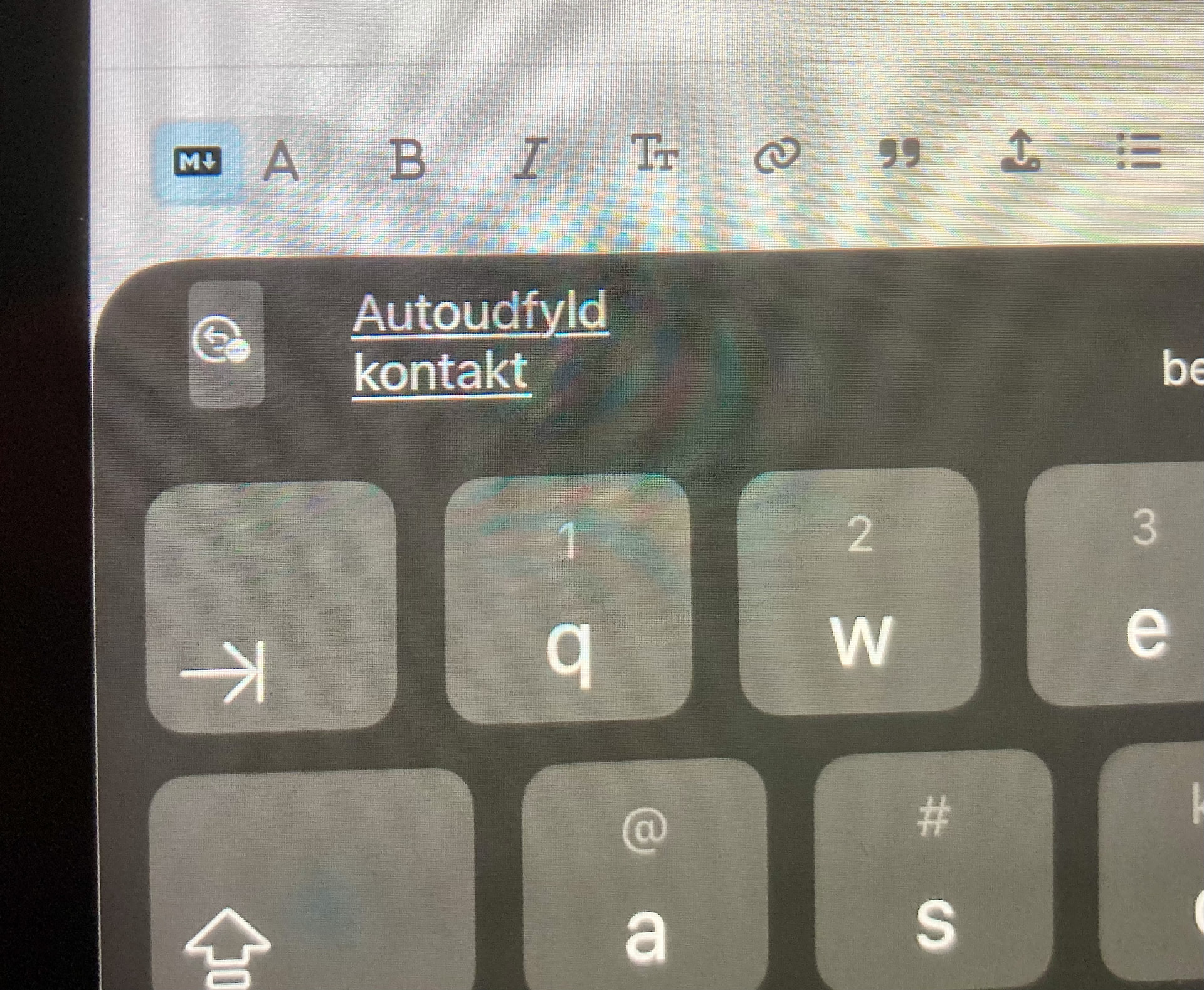
Since the modernization of the forum user interface, it has become (for me) more difficult to use post edding tools on a standard iPad. The insert button, for example, has disappeared here on my device, and even if an “insert” should be possible by double clicking on the screen, it is not easy to always work on a touchpad with only 11".
Could we get the button to insert clipboard contents into the text field back?
…(or, am I just not seeing it???)

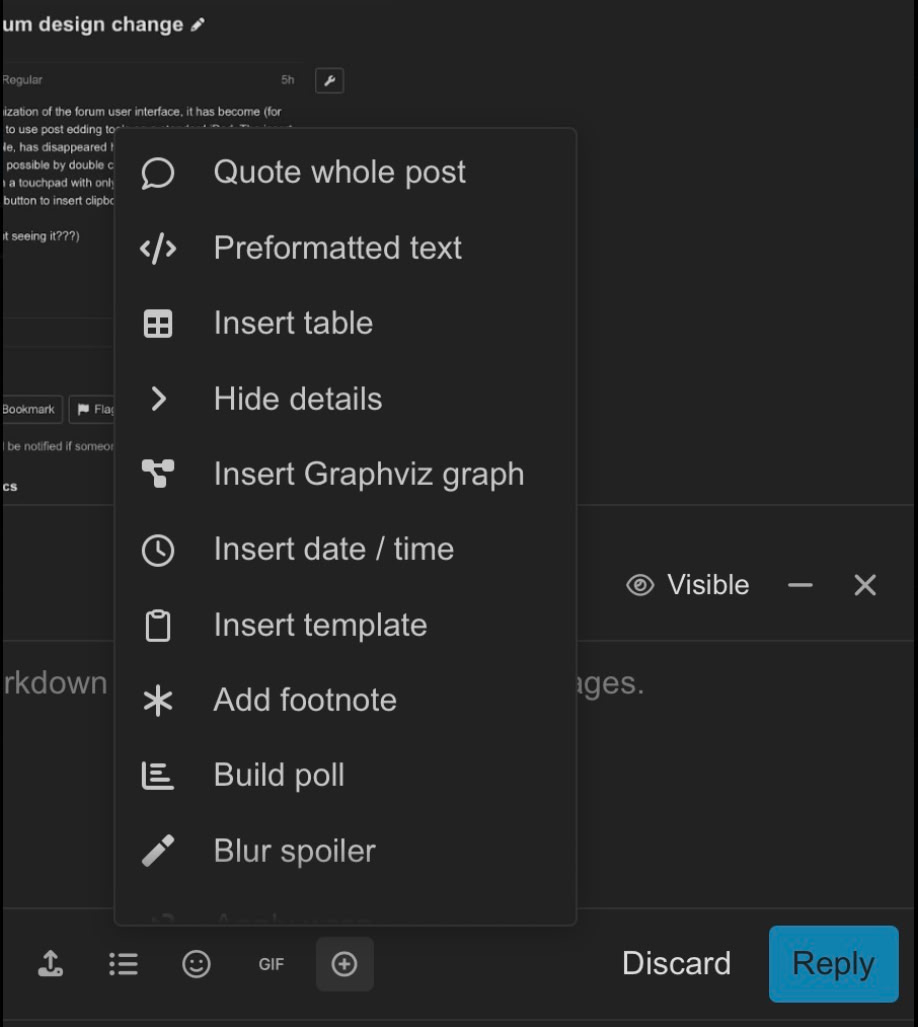
Thanks for the response, Colin.
On the iPad (which I have the problem with), the button/option to paste content from the clipboard does not appear when I want to reply to a post and double-clicking with your fingers in the text field does not work optimally here.
Copy and paste seems to work for me? The keyboard also has a paste button?
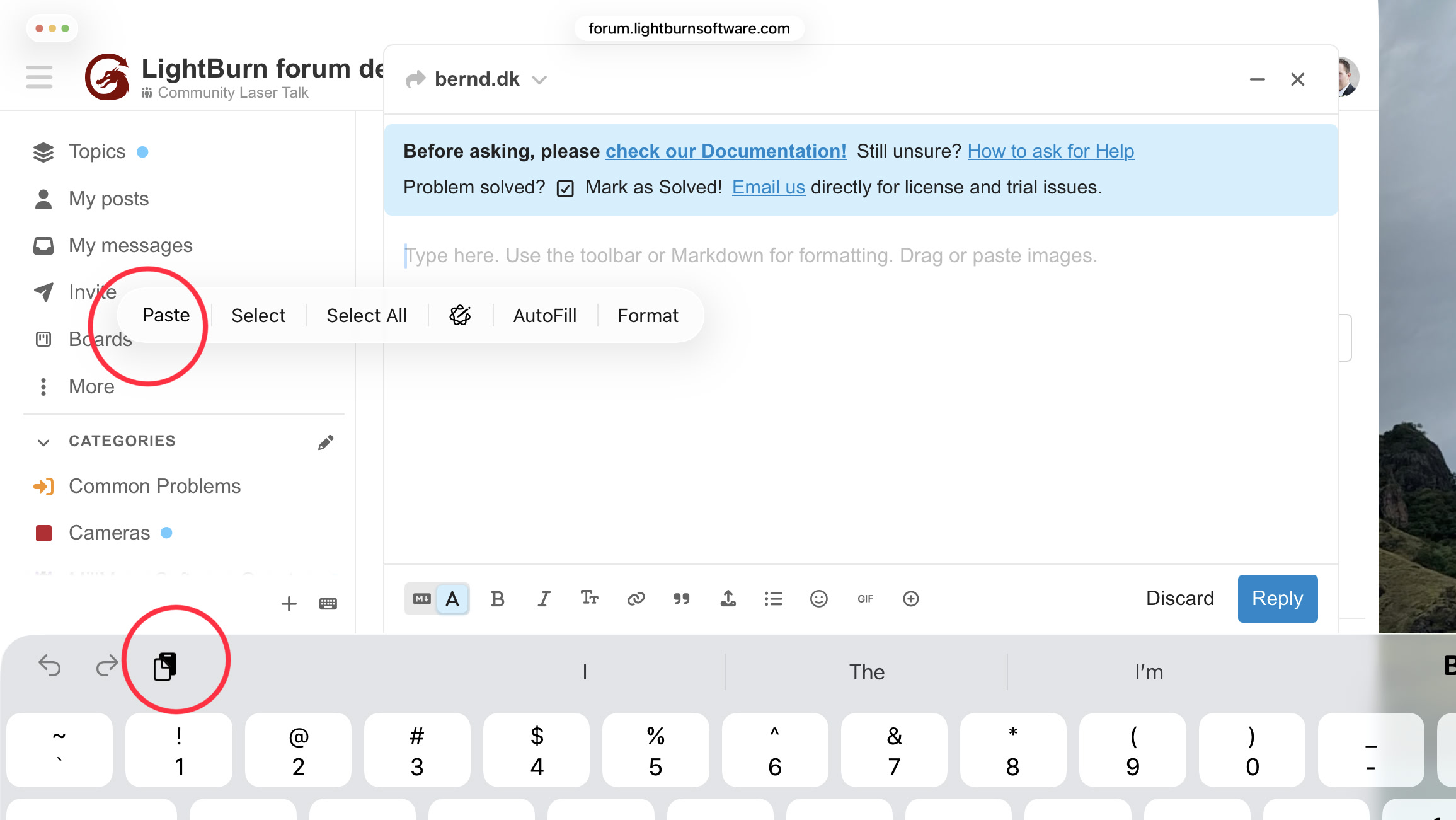
Alternatively, try tapping the screen with 3 fingers, which should also give you the copy/paste menu at the top of the screen:
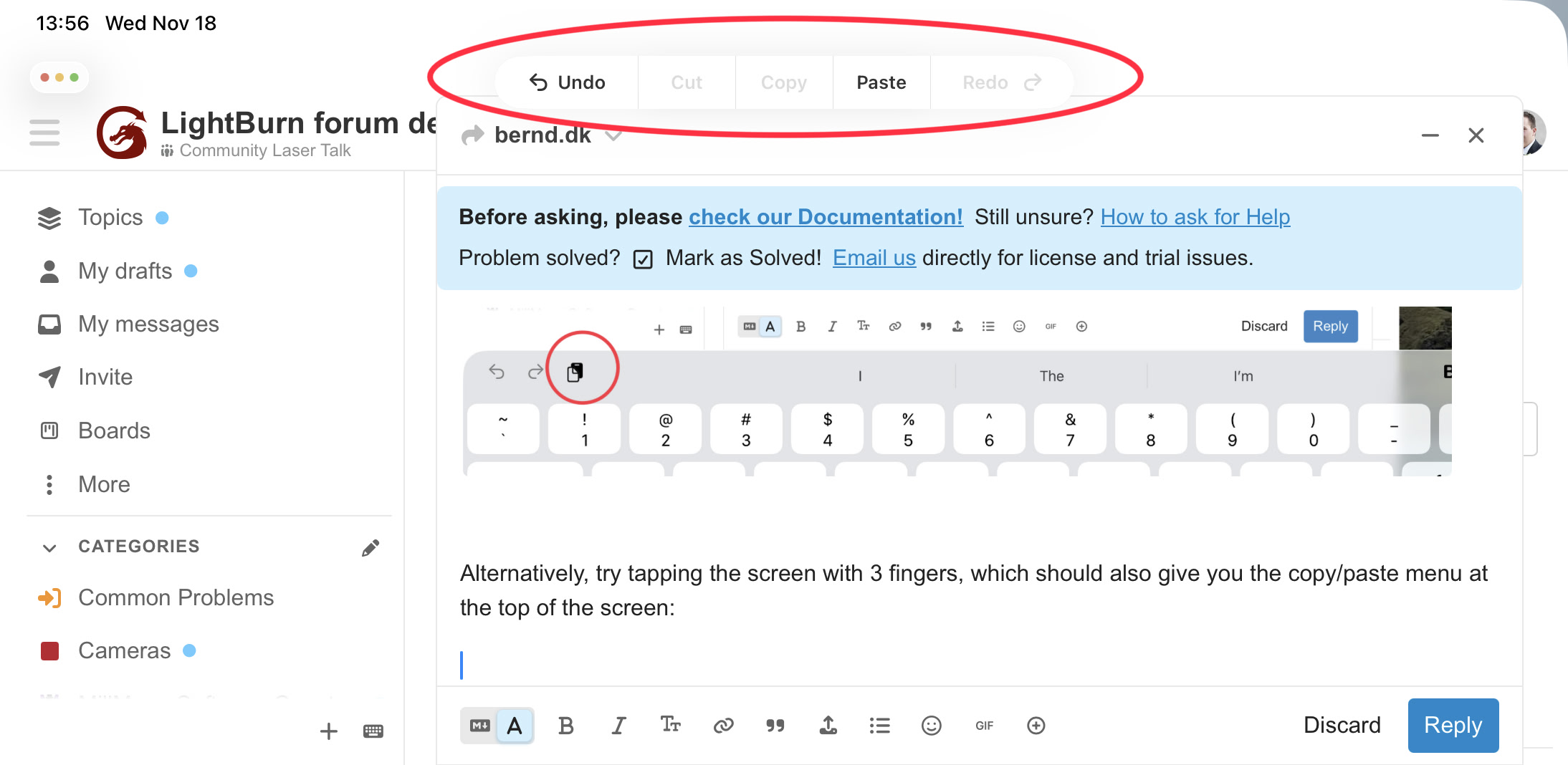
Alternatively still, holding and releasing on a spot should also give you the copy/paste options.
Hope that helps?
Thanks for your comment, but I get something different on my iPad and Mac OS. Maybe it’s not really a LB forum design problem but an iOS/macOS problem…? (on MBP the left mouse button works to insert content, but is no longer displayed in the LB menu)

MacOS
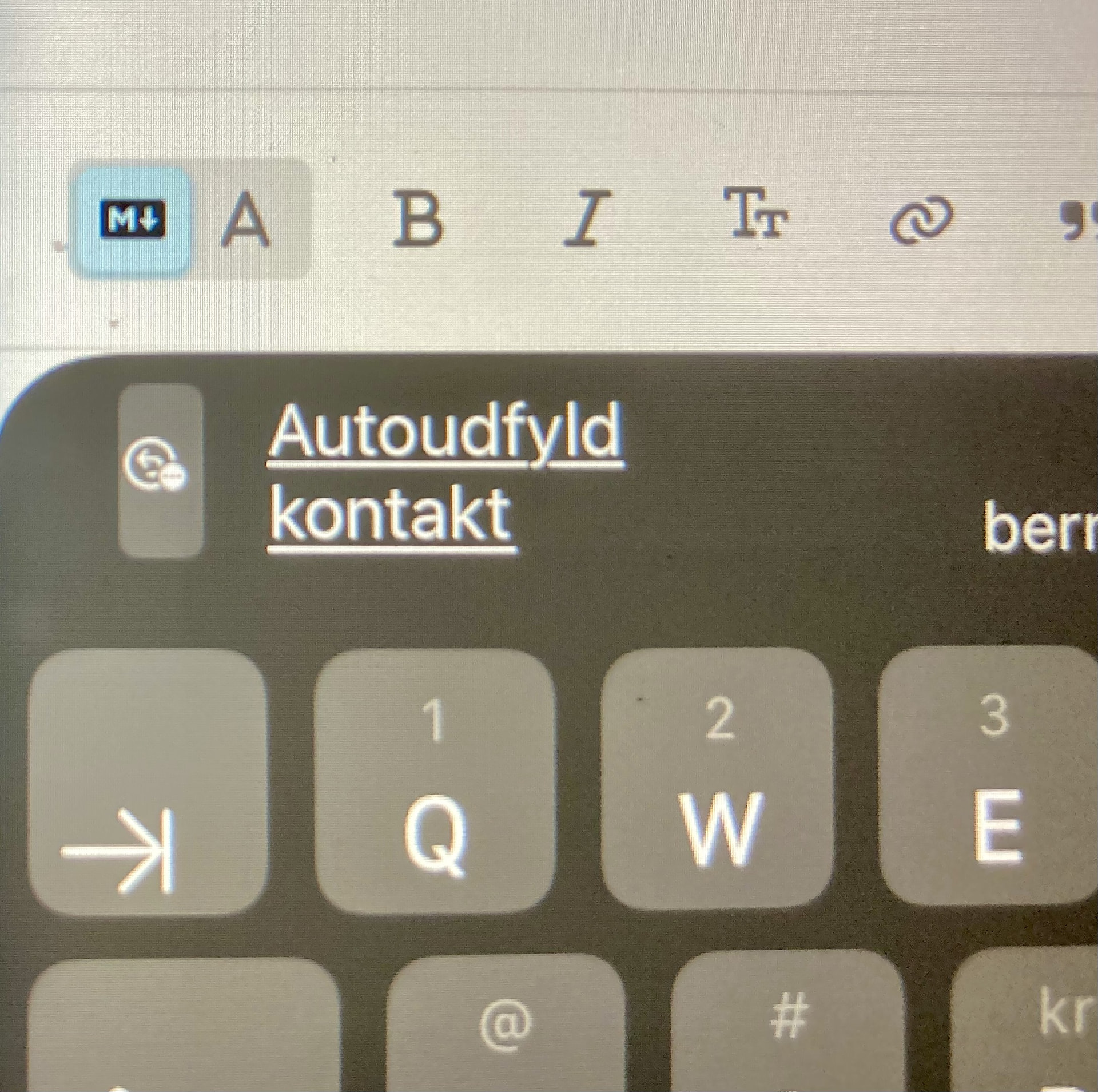
iOS
It could be an ipadOS keyboard issue
 which I didn’t see