Having issues sending jobs to the laser. Keep getting message “Problem sending data to laser. Machine may be busy or paused”. I have already reset the Ruida controller, pressed escape key. turned off/on the laser, unplugged USB cables to desktop computer. Nothing has fixed this issue. Please help.
There is a similar thread running, just with a different controller, it might be a good idea to gather the problem there.
Hi @HoustonTexans
The error you are describing
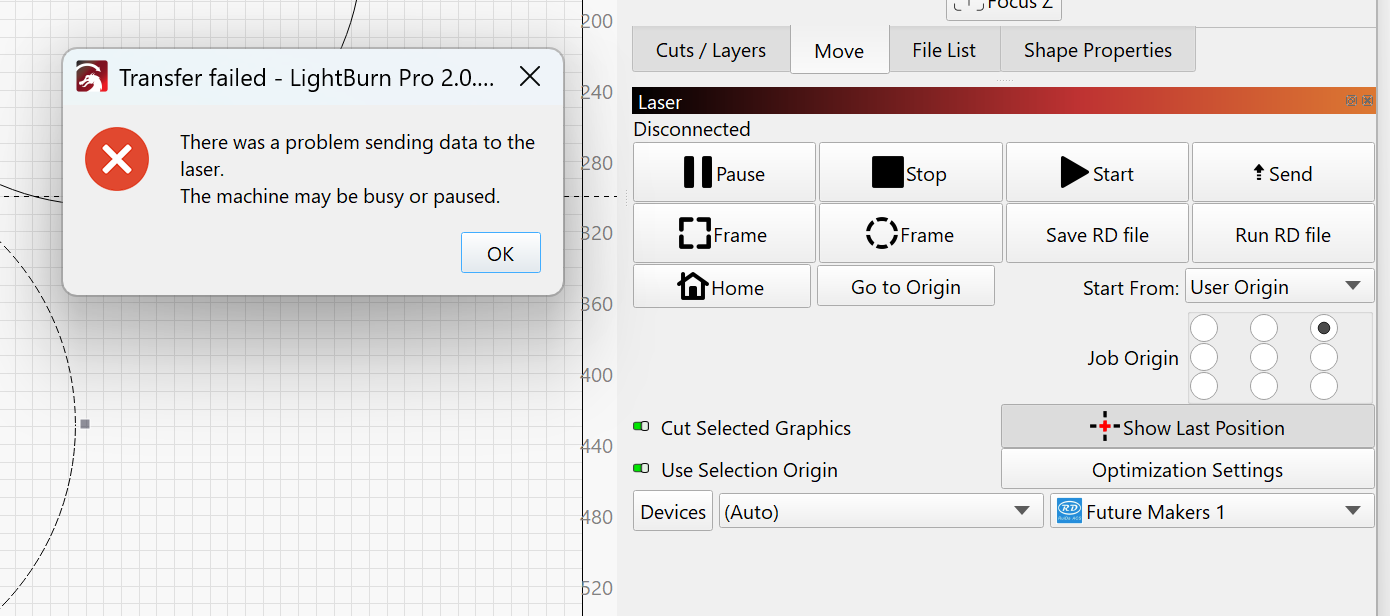
is a universal error where LightBurn is not connected to the controller. What is the status showing on the Laser window in LightBurn?
Check in Device Manager (assuming this is Windows) that your laser cutter is actually connected and being seen by Windows. Under Ports COM & LPT, find the laser cutter (plugging and unplugging the USB may help) and identify the COM# it is associated with, and then select that port on the Laser window.
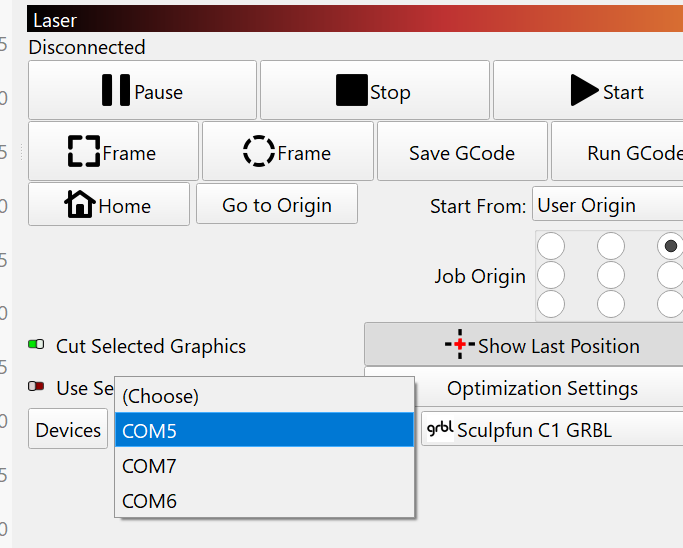
Feel free to share screenshots of your Device Manager and LightBurn → Laser window.