I’ve been using my AtomStack A20 pro V2 for a few months now. I started doing boxes and other cut designs lately and learned I need to use kerf in cutting.
When I used boxes.py, the kerf adjustment was fine and the cut was on point.
Today I wanted to do my own design and use Lightburn’s built in kerf adjustment tool.
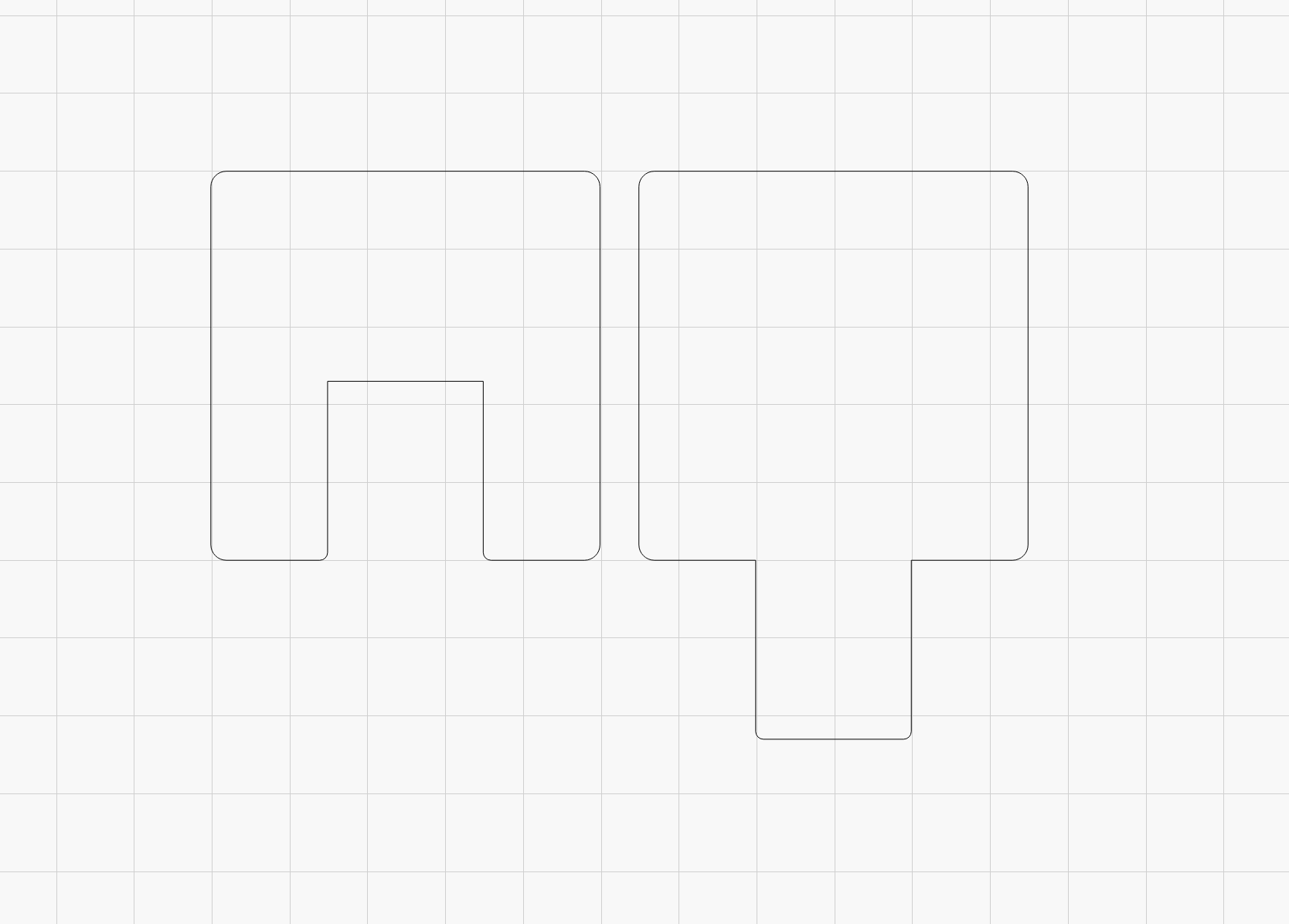
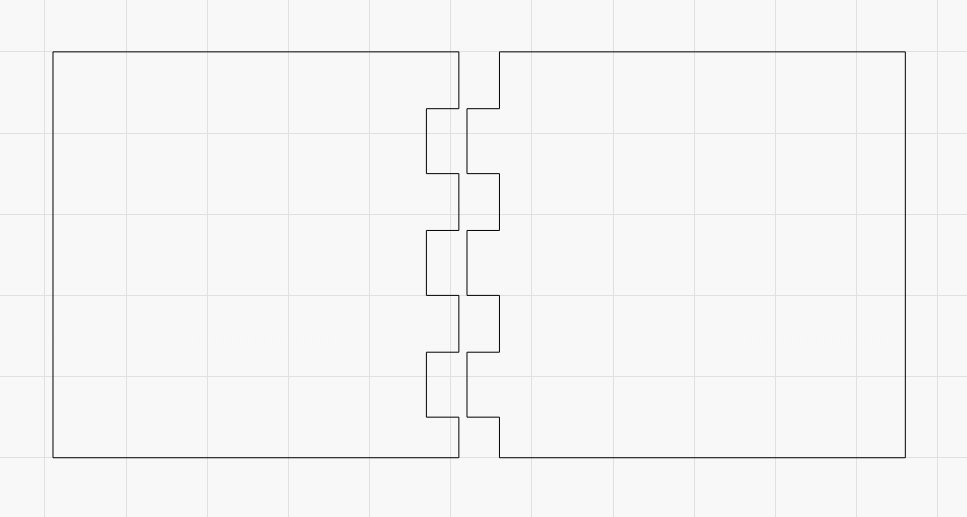
I quickly designed some finger joints and did some test cuts.
When I use Boxes.py I set their kerf to 0 and use my own setting that I find out every time I get a delivery of new material.
The difference varies a lot so I always test it with my very simple test template.
Remember, you set the kerf simultaneously for both parts, so only one value, LB does the rest. (typical here for me, for a tight fit is +0.075mm) And, as you write, the shapes must be closed.
Yes, the boxes py kerf burn works well on my laser, no issues with that.
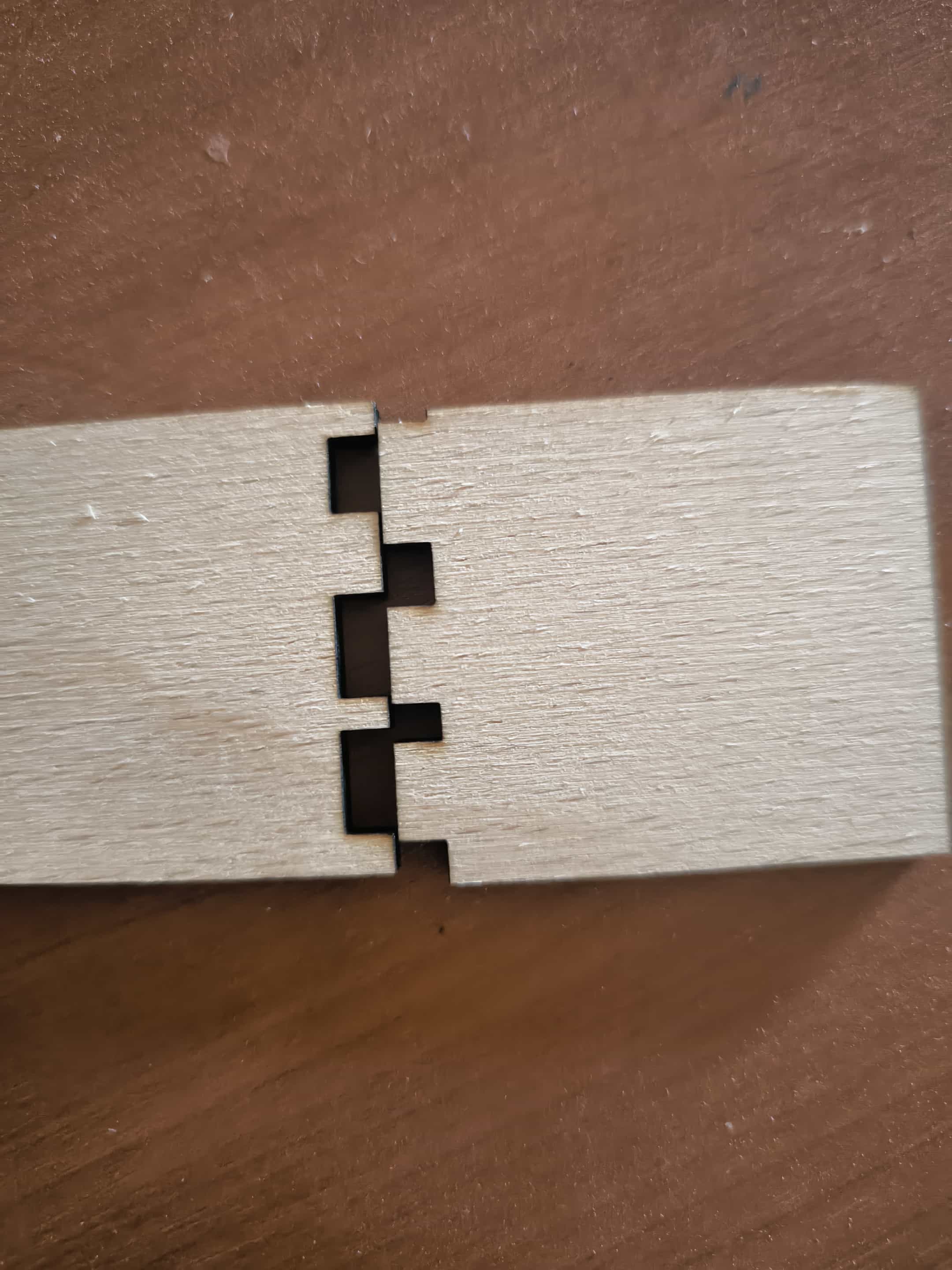
But when I try the built in kerf offset in LB the fingers get messed up(as shown on pictures)
And I don’t want to rely on boxes py, I’d rather do my own designs but this makes it impossible unfortunately.
This was designed with even lenght and width fingers and after the cut with 0.08 kerf this is how it came out.
It is very unusual, I design my boxes almost exclusively in LightBurn (and there are many different ones) without ever having the problem shown. There must be something in the process you are doing wrong.
Apart from a very slow cutting speed, I can’t see any problem with the file.
Unfortunately, my extraction system is currently disconnected for service, so I can’t test the file on my lasermachine. But I will test it during the day and report back.
Update. I managed to make it work. I have moved my setup to a new PC and it turns out all of my settings were messed up.
I wish I could tell you what made it act like this, but I just copied my settings from my old setup and now everything works as intended.