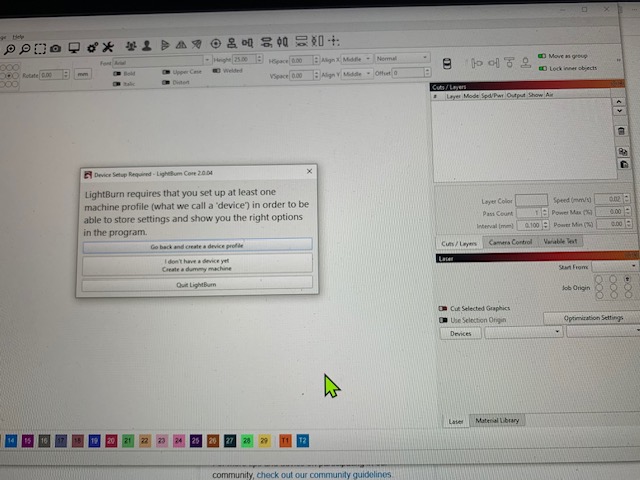
I’ve been using Lightburn with my Atomstack A20 for many months and without any issues. Today the program opens to a set-up page and asks me to set up a new device as no device is installed? It appears all previous device information and files are lost and I cannot progress beyond this page without going through, what appears to be an initial set up process. Have I lost everything? Can you help? I’m preparing for craft fairs soon and need to re-establish what was there before. Thank you.
I’m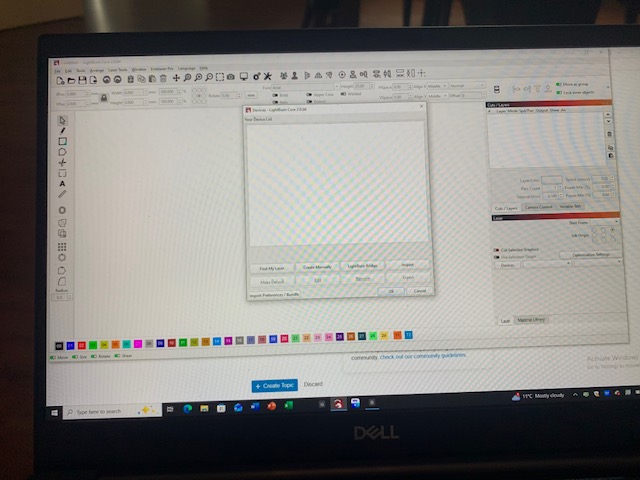
Brilliant, Tim. This worked and all is good again.
No idea why the profile was lost but relieved to have it back.
Huge thanks.
Appreciate your help.
Ray
1 Like
Somehow I accidentally deleted my post. Here it is again for anyone searching in the future.
Try this. Click I don’t have a device yet and set up a dummy machine. Once that’s done, go to File Menu> Preferences> Load Prefs Backup and select a preferences file from the last time you successfully used Lightburn. I believe that will reload your machine and other settings.
1 Like