I have an xTool D1 Pro and just acquired a Mintion LaserCam. Have it connected via wifi but the instructions wanted me to change the GRBL controller to Wifi (Ethernet) instead of USB (direct connect to computer). Only now, the laser engraver won’t work and I get an error saying “can’t send data to engraver, it may be paused”.
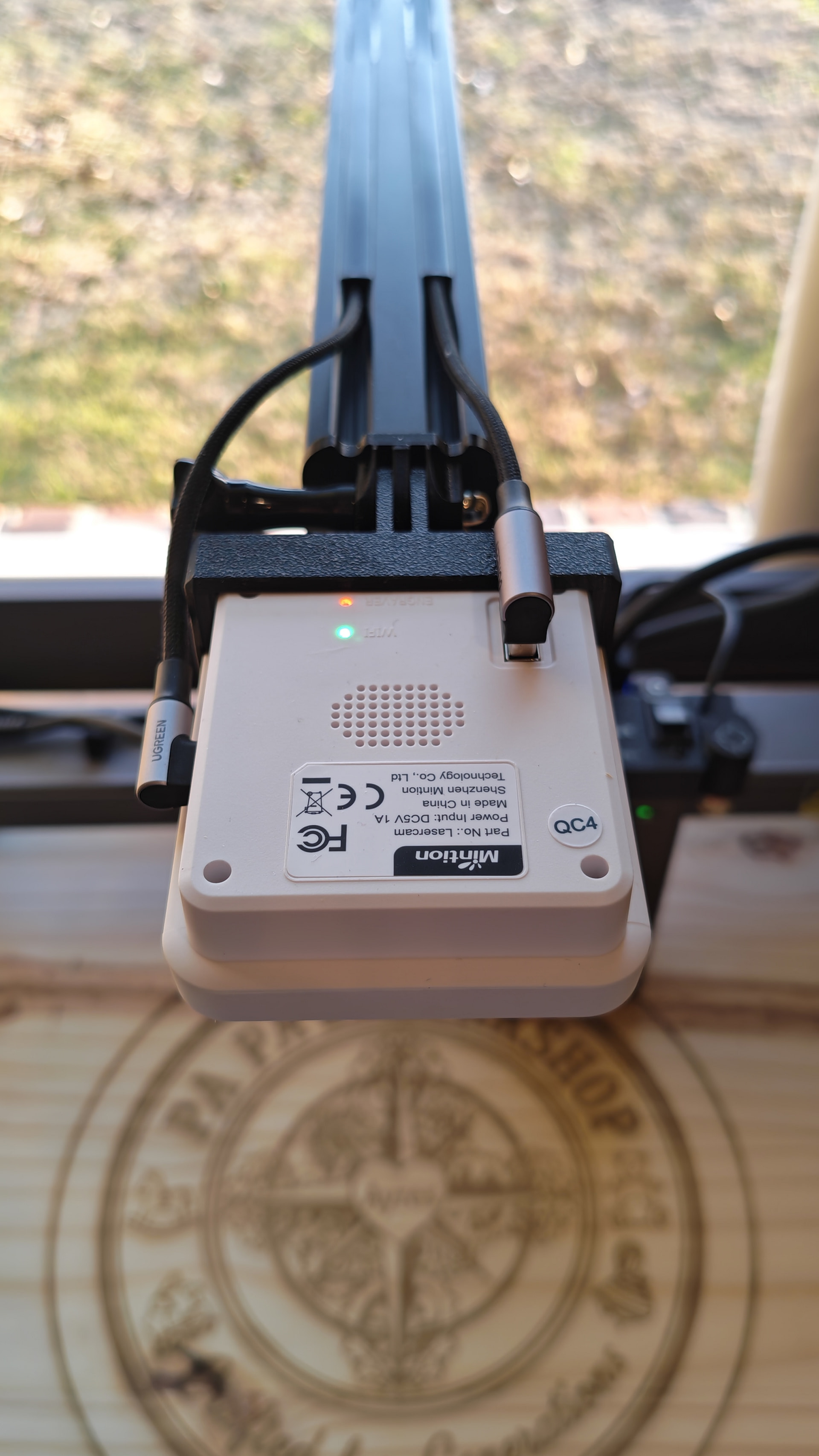
The cabling goes from the D1 Pro to the Mintion Lasercam and then from the Mintion Lasercam to the laptop (also has a power cable for the Lasercam.
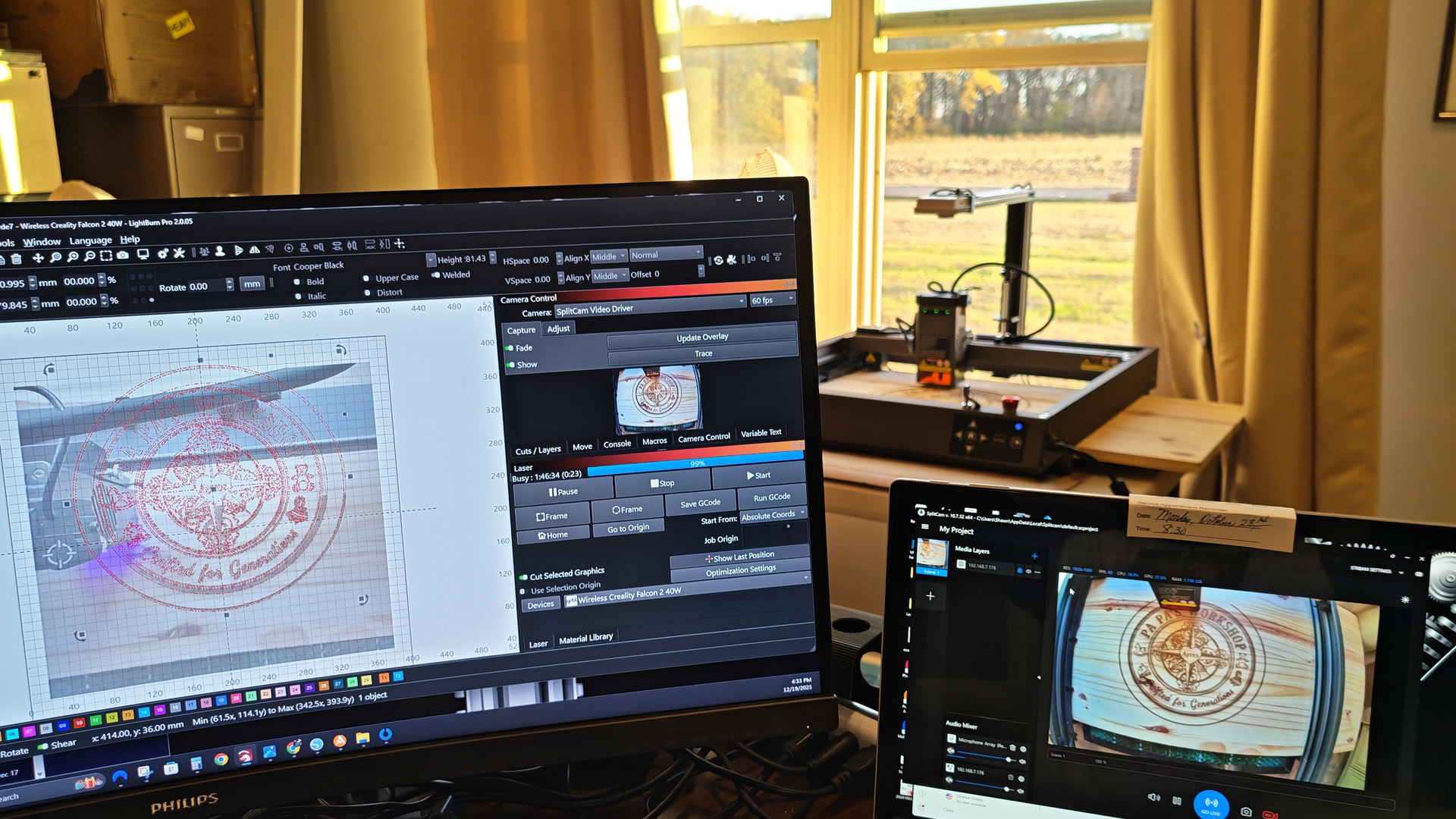
Do you still need help with this? I have the Mintion cam set up on my Falcon 2 40W with nothing plugged into my laptop. It is a totally wireless connection to the camera and the laser.
One cable from the camera for power (to a regular wall socket).
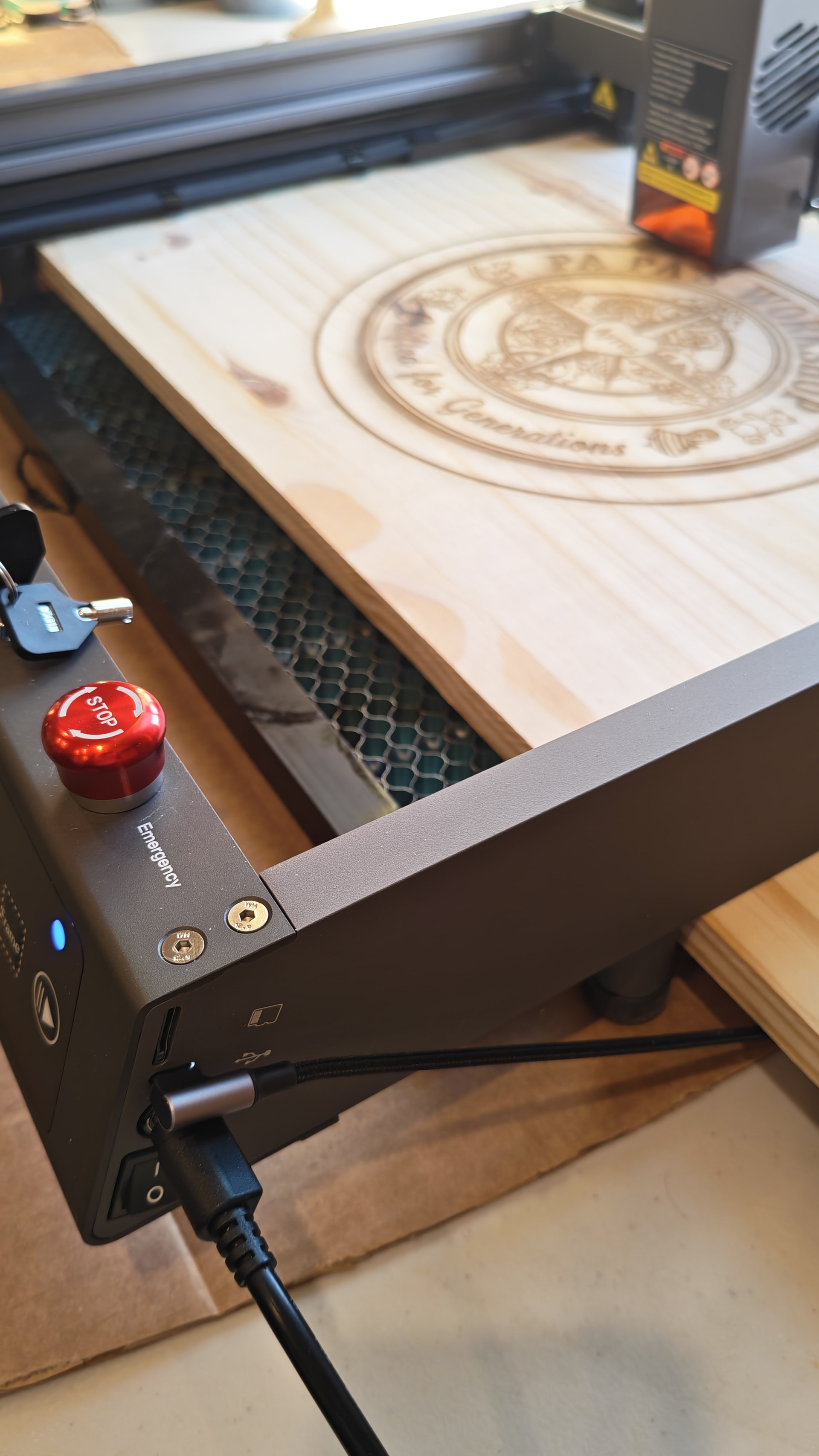
One USB-A to USB-C cable from the camera to the laser (it plugs into the laser where my laptop used to plug in). This is the “wireless bridge” cable that connects the serial port of the camera to the Falcon 2.
No other cables connected to the laptop.
Once you have this set up you can set up the laser connection in Lightburn.