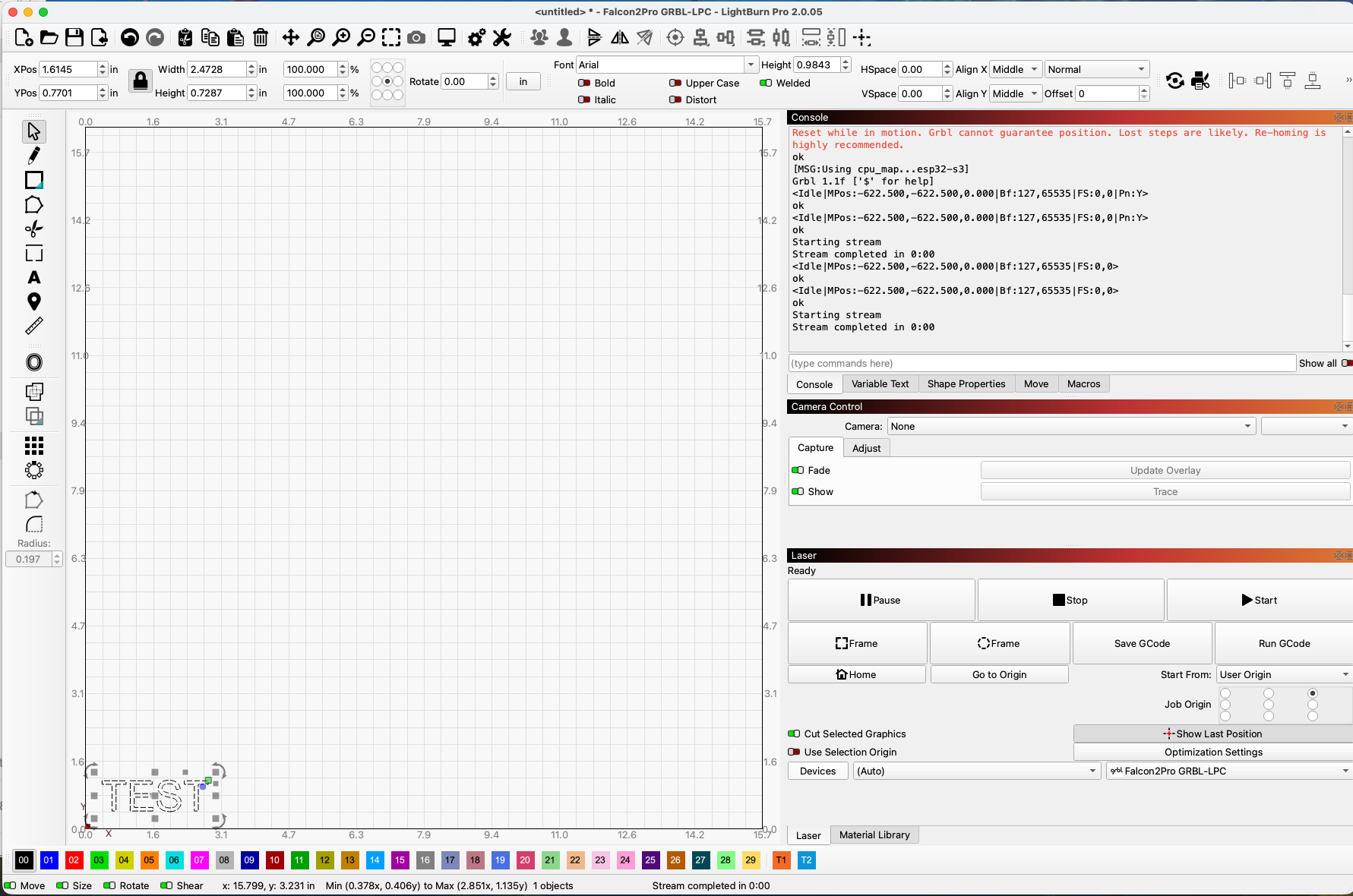
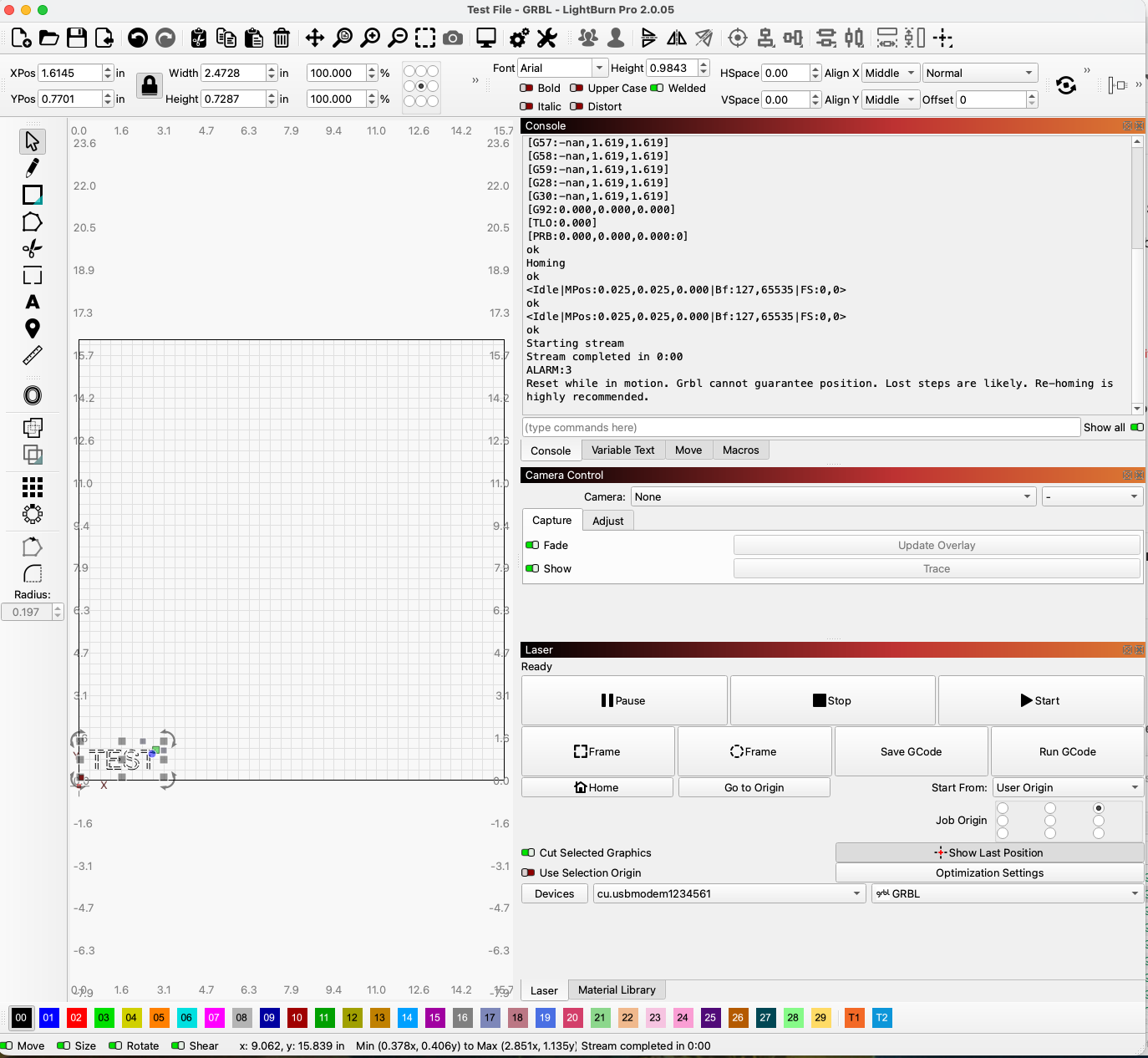
After v2.0.05 update, Lightburn has decided to no longer with my Creality Falcon2 Pro Laser.
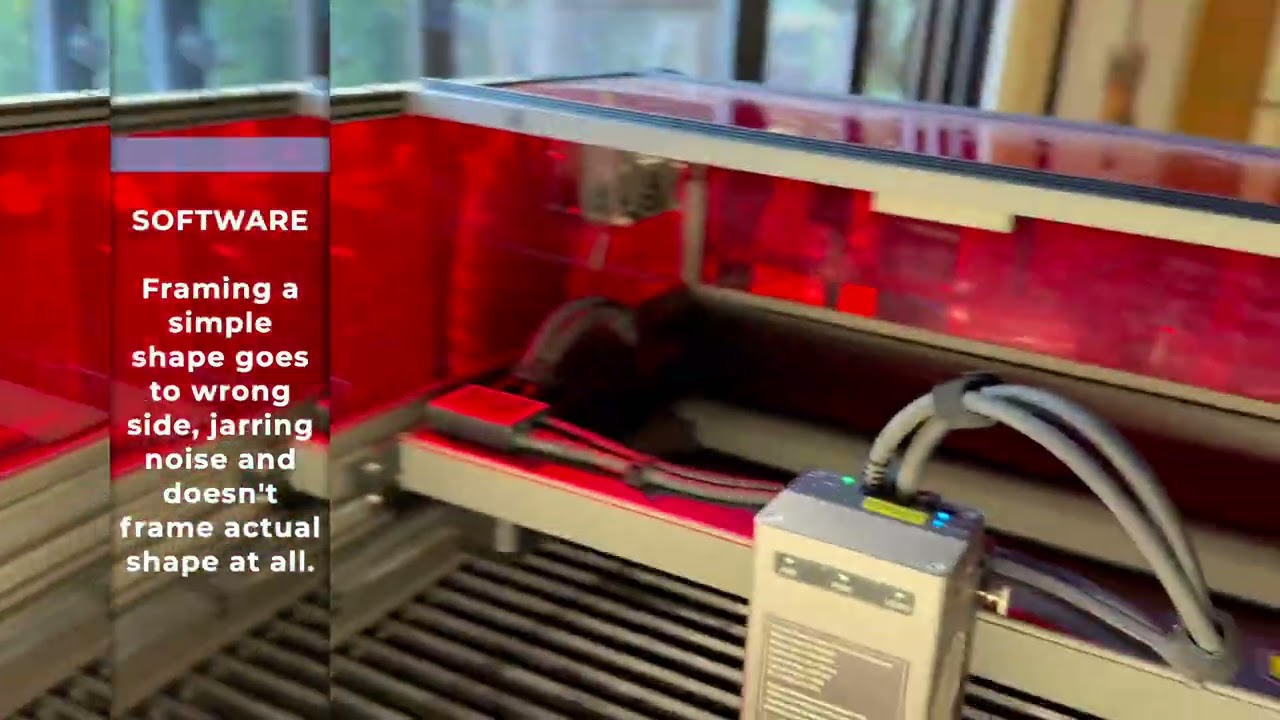
If anybody has seen this problem before, it sure would be nice to know how to fix it, for me and future frustrated makers. Here is a video showing the whole problem:
I just made a star with the native tools in Lightburn just to test the framing. Nothing special.
I did the same thing with my other existing files as well no matter which one I chose. The other files were ones that had cut/engraved fine in the past. Actually just last week. This all happened after the update, so it makes me think that was the problem, but not necessarily. I downloaded some past version of Lightburn and it didn’t fix it. I tried removing and regenerating the preference as well as loading from a backup. Always with the same result.
Right but where that star is, if you have your Start from set to User Origin, Absolute, or Current Position, If you have Geometery outside the area not being ignored etc all come into play.
If you send a full screen shot of your workspace that is useful too
I just updated to the latest available firmware and it did not change the behavior its all working still.
I am really interested and this is just me spit balling -
Close Lightburn so there is no connection - Plug the USB in and home from your front panel. I am really interested if this is a ground issue. The fact that its just ignoring the home switches when its plugged in is really odd and makes me wonder if the USB ground is pulling the whole machine down and causing an issue somewhere.
FWIW though my 40w Falcon 2 pro is working as expected with 2.0.05. and the latest firmware
This is unlikely to matter but the bundle you sent me was for a GRBL device and you are showing a GRBL-LPC device. LPC is made for smoothie boards running GRBL and is not the right protocol for that machine. I just tried changing to an LPC device type and homing still worked correctly so likely not your issue but something isn’t matching up here.
That file runs as expected for me as well. I think the last test other than the one I posted above is to try Falcon Design Suite (creality’s software) and see if it causes the same issues. If it doesn’t we can keep going. Please let me know. I am invested now
I have to run for the night but will check back in when I can.
A USB Cable plugged into the machine and plugged into my computer with Lightroom off (not open) results in correct home positioning when hardware button is pressed.
Opening Lightroom, selecting a simple object and hitting “frame” now results in nothing.
If I try to actually engrave something, like a small square, NO matter where I put it on teh bed diagram in Lightroom, I get a modal upon start that says “Cut might be out of bounds - Continue anyway?” I just say “okay” cut anyway and then it does nothing.
I deleted all the devices and re-added my device. Home “sort-of” works a little better via software. Frame does not work at all.
[VER:1.1f.20220810:]
[OPT:VHL,127,65536]
Target buffer size found
[software versions: CV50-Pro-MASTER-Release V1.0.0 20231129-1024]
ok
[G54:-nan,1.619,1.619]
[G55:-nan,1.619,1.619]
[G56:-nan,1.619,1.619]
[G57:-nan,1.619,1.619]
[G58:-nan,1.619,1.619]
[G59:-nan,1.619,1.619]
[G28:-nan,1.619,1.619]
[G30:-nan,1.619,1.619]
[G92:0.000,0.000,0.000]
[TLO:0.000]
[PRB:0.000,0.000,0.000:0]
ok
Homing
ok
<Idle|MPos:0.025,0.025,0.000|Bf:127,65535|FS:0,0>
ok
<Idle|MPos:0.025,0.025,0.000|Bf:127,65535|FS:0,0>
ok
Starting stream
Stream completed in 0:00
ALARM:3
Reset while in motion. Grbl cannot guarantee position. Lost steps are likely. Re-homing is highly recommended.
It seems your UI layout looks a bit different than mine, but more or less, I think it’s the same.
As a side note, pretty good idea to put the laser under the computer. Didn’t think of doing that. Would save space for me. SO regardless if I get this figured out or not, at least I learned something.
Which firmware file are you running on our 40W? I have the same laser and with a previously good cutting file, it’s not getting the end of the line cut before corners. Don’t mean to hijack this thread - just curious on which file name you’re running on your 40W. Thanks!