I have downloaded a trail version of Lightburn and for some reason not able to get it to work with my Sculpfun s9, if I play around turning it on and off and closing and reopening the app I can get it to frame but not turn the laser light on or get it to do a test image. I tried it with LaserGRBL and it connects fine and it will do a test burn with no problems I watched the connection information and on LaserGRBL it keeps communicating with the engraver but LightBurn all I get is:
You need to be a little more explicit. What did you expect to happen that did not, like “I clicked the Run button and it just sat there.”
Load my program, Home the machine, clear (right click) the Console window, click the Run button, then copy/paste everything from the Console window in a Reply..
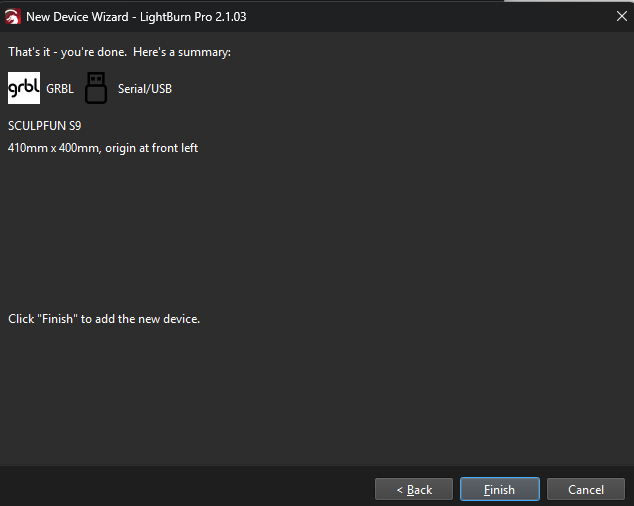
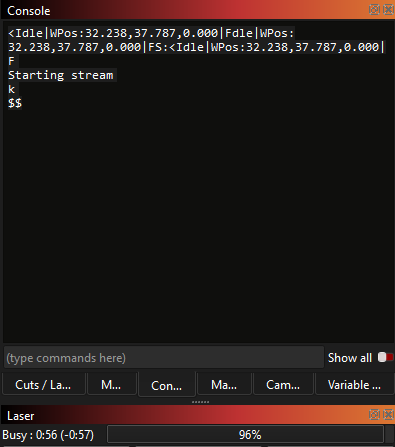
Click the up arrow it moved once then stopped clicked again and nothing happens says busy with a counter and 96% but it stopped… setting up the laser I GRBL Serial/USB set it up with Metric (Millimeters) used the default 410 mm x 400 mm Set to Front Left and Auto “Home” is off
Ok Cleared and hit the up button I it moved once and stopped output with $$ it says it’s busy and 96% and just stays there for about 5 minutes and then it clears and says ready
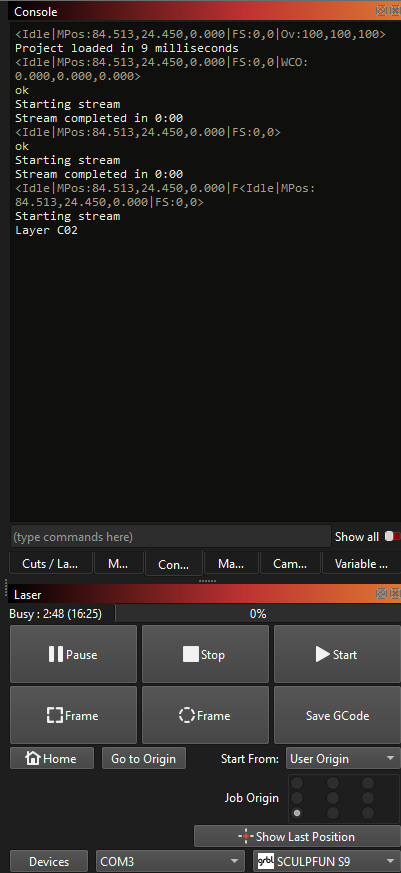
Ok, I opened one of my projects this time, I hit frame and the laser framed the test perfectly, I then hit start it started ran for 20 sec and stopped. Lightburn says Busy and 0% The output
<Idle|MPos:84.513,24.450,0.000|FS:0,0|Ov:100,100,100>
This is another indication it might be a communications issue. Try these:
A different USB cable.
Unplugging both ends and plugging them in a few times to clean the contacts.
A USB cable with a ferrite (knot) on it.
A USB cable that does not exceed 10’ (9M) length.
A quality shielded USB cable with a ferrite.
Use a powered USB cable hub. If PC USB is Type-C, insert a USB-A hub in between the PC and the Laser (PC USB-C cable to USB-A Hub USB-A cable to USB-C Laser).