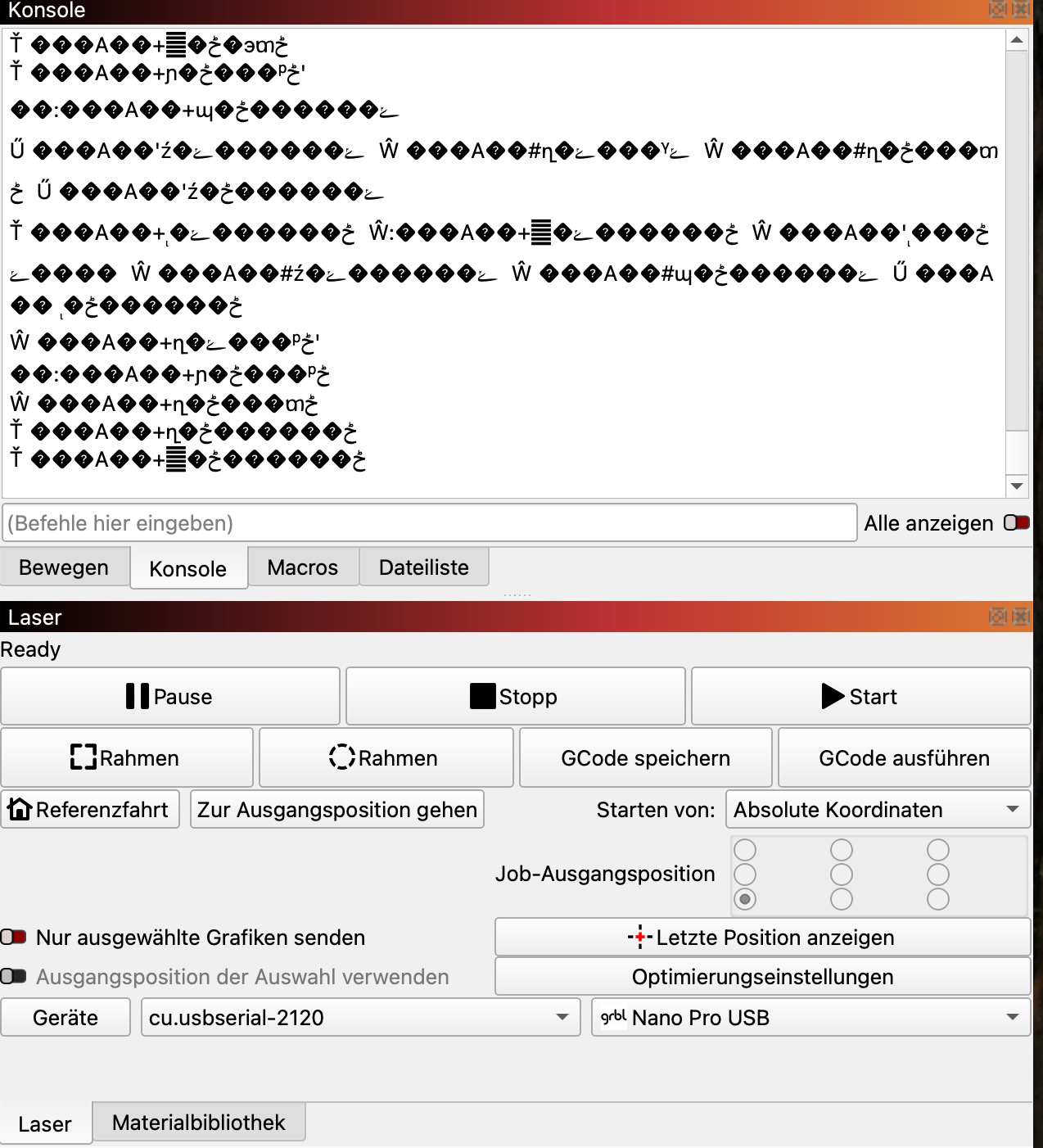
I’m trying to get my Longer Nano Pro 12W laser working with LightBurn on a MacBook M4 running macOS Sequoia 15.3.1, but the device isn’t being recognized at all. I’ve spent several hours trying different approaches, but the CH340/CH341 driver simply won’t load or appear in the system.
Here’s everything I’ve tried so far:
Installed the CH340 driver from Longer’s website
– Followed the official instructions (.pkg installer).
– No driver appears in /Library/Extensions.
– No security warning or “Allow” button appears under Privacy & Security.
Installed the official WCH driver from wch-ic.com
– Ran the CH34xVCPDriver.pkg installer (no error or prompt shown).
– After reboot, there’s still no /dev/tty.wchusbserial….
– Checking /Library/Extensions only shows HighPointIOP.kext and HighPointRR.kext.
Changed macOS security policy
– Booted into Recovery Mode → set Reduced Security → enabled
“Allow user management of kernel extensions from identified developers.”
– Rebooted, but still no CH34x driver in /Library/Extensions.
Tried manual and Terminal-based installation
– Attempted to extract CH34xVCPDriver.kext from the .pkg manually (not visible in current WCH package).
– Tried sudo kextload, but got No such file or directory.
So at this point LightBurn cannot detect the laser at all — ls /dev/tty.* shows no wchusbserial entries.
Has anyone successfully installed the CH340 driver on macOS Sequoia 15.x with an Apple Silicon (M1–M4) Mac?
Or can anyone share a working method or driver version that properly exposes the serial port for the Longer Nano Pro 12W?