Bummed by the sad news that LightBurn is dropping Linux support after v1.7… on a brighter note, I’m still happily using v1.3.01! And with renewed interest in this forum thread regarding LightBurn on Raspberry Pi… I, too, have successfully installed and run Lightburn on a RPi4 running Linux. While a comprehensive how-to seems virtually non-existent I was able to gather enough vital bits of information on how to pull it off with a bit of research.
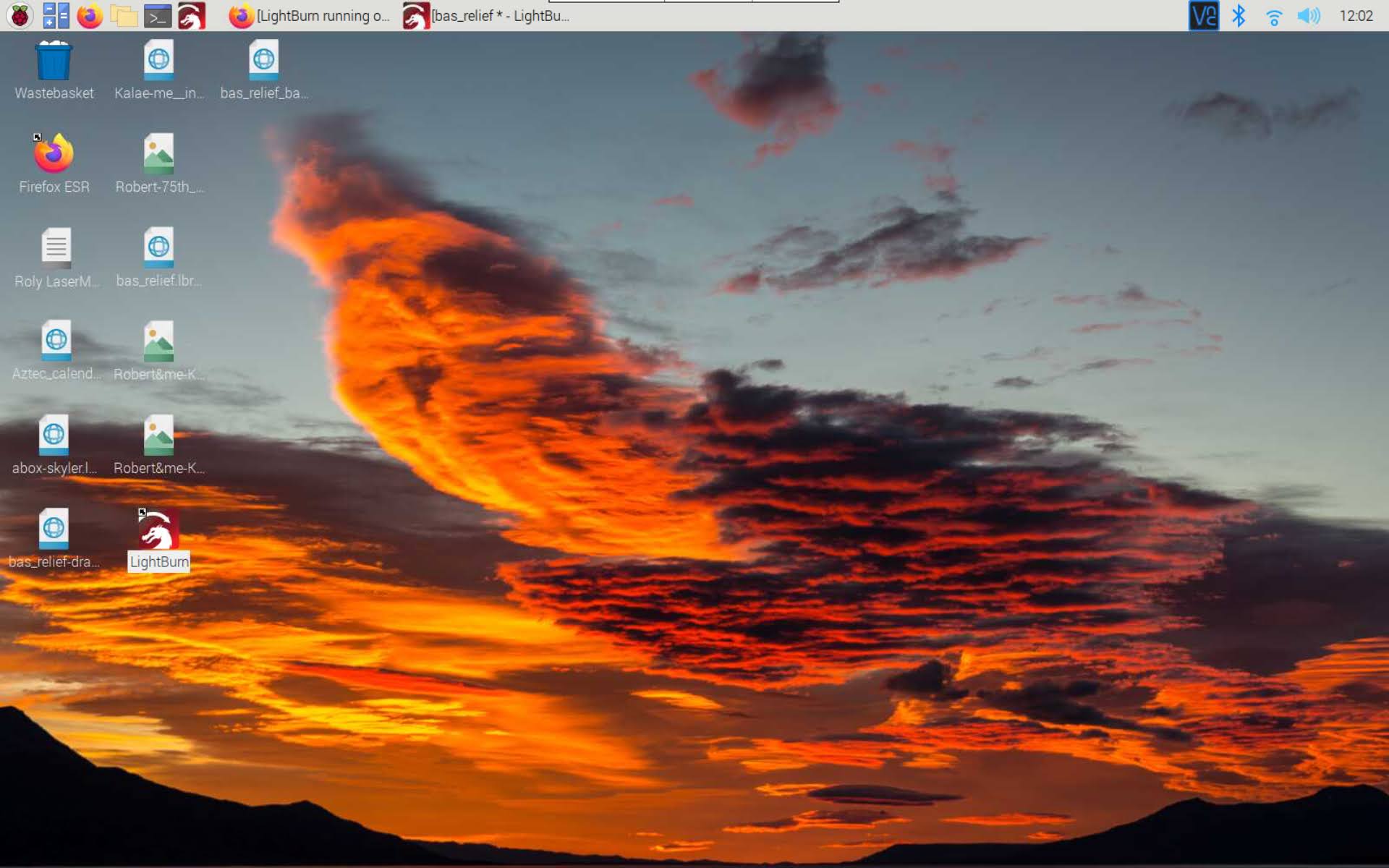
Lazy as I am, I’m still sitting in my recliner (I insist!) with my Acer Chromebook (Developer mode) in hand, talking wirelessly to RPi4 desktop through VNC, and running Lightburn that’s controlling the laser engraver through USB. The RPi4 (4Gig) runs RaspberryPi OS (Debian 11 “bullseye”) and Lightburn quite nicely.
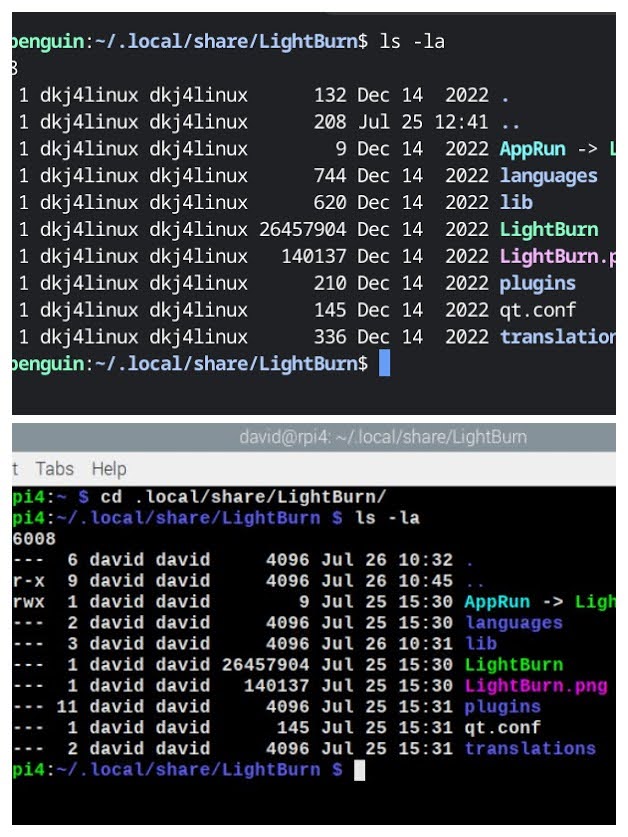
It is also somewhat instructive that my latest Chromebook in Developer mode is also running Debian 11 “bullseye” underneath… Chromebooks have been my primary Lightburn platform for years. I’ve always downloaded the .run file when updating… and it provides a simple install and a chance to look at where things are being put. This was helpful when trying to put all the “extra” libraries in the proper place on the RPi4. Chromebook above, RPi4 below…
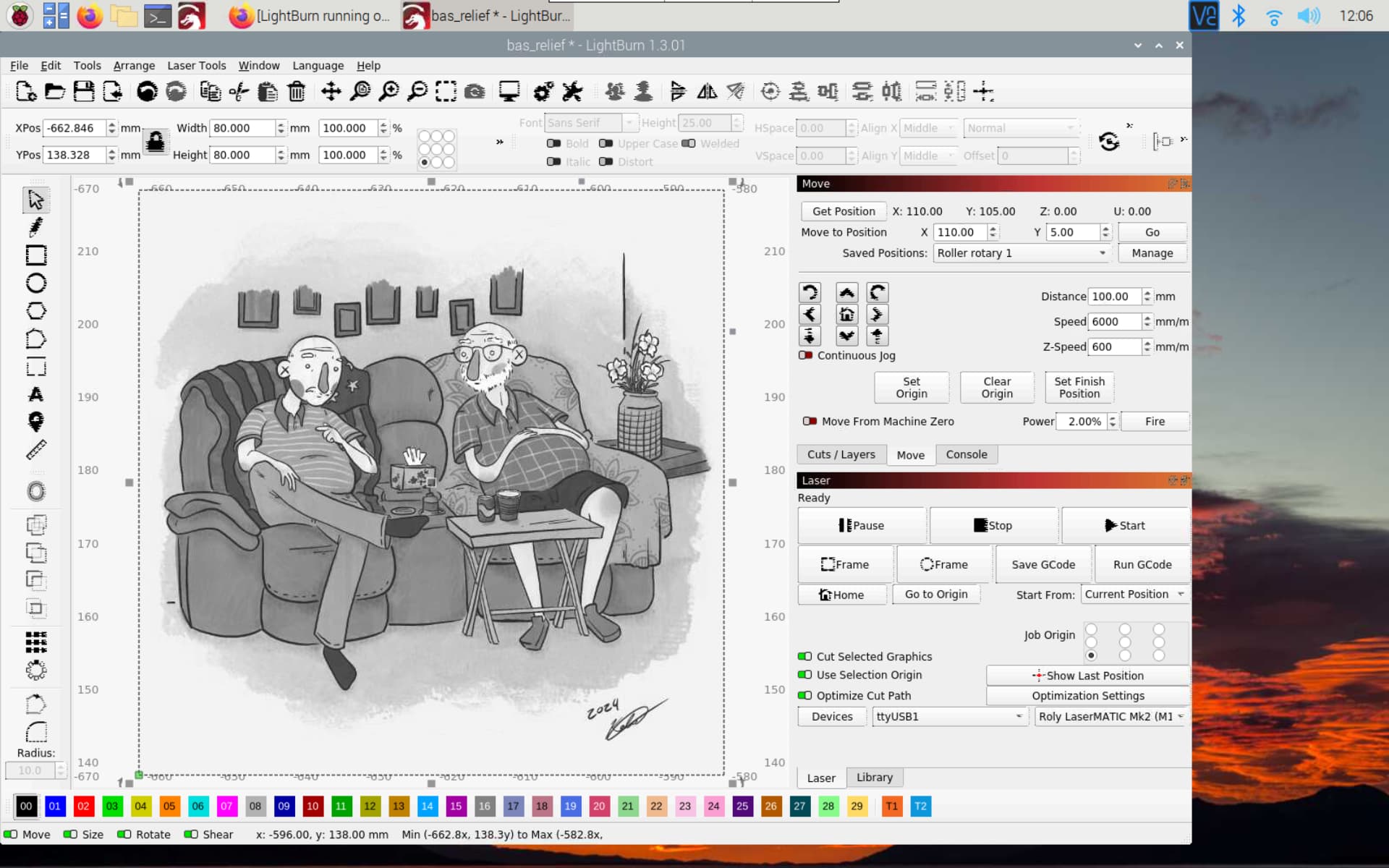
LightBurn on RPi4, displaying grand-daughter’s sketch of my “baby” brother and me at his 75th birthday get-together…
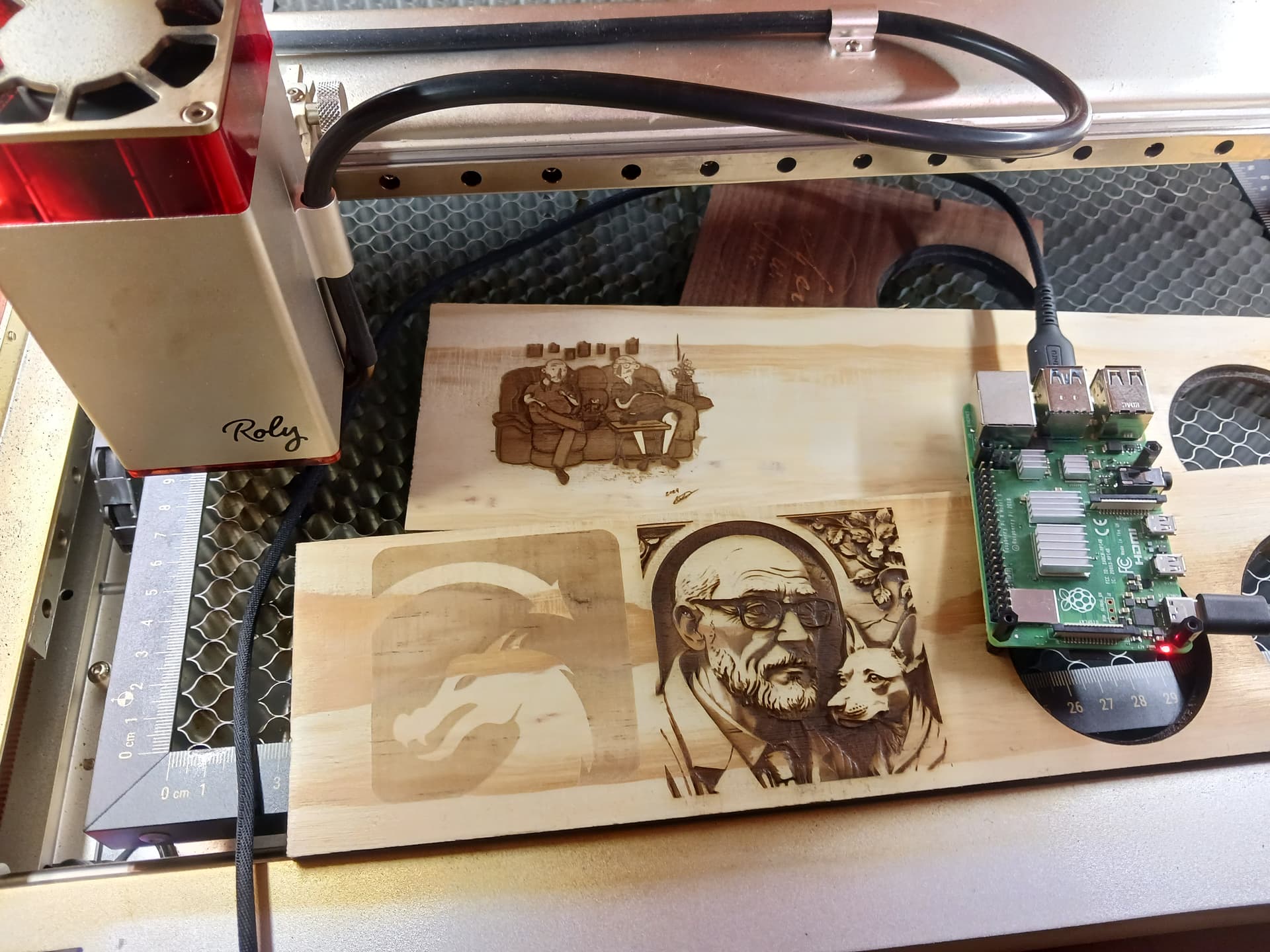
Daughter’s Roly LaserMATIC Mk2 30w laser engraver…

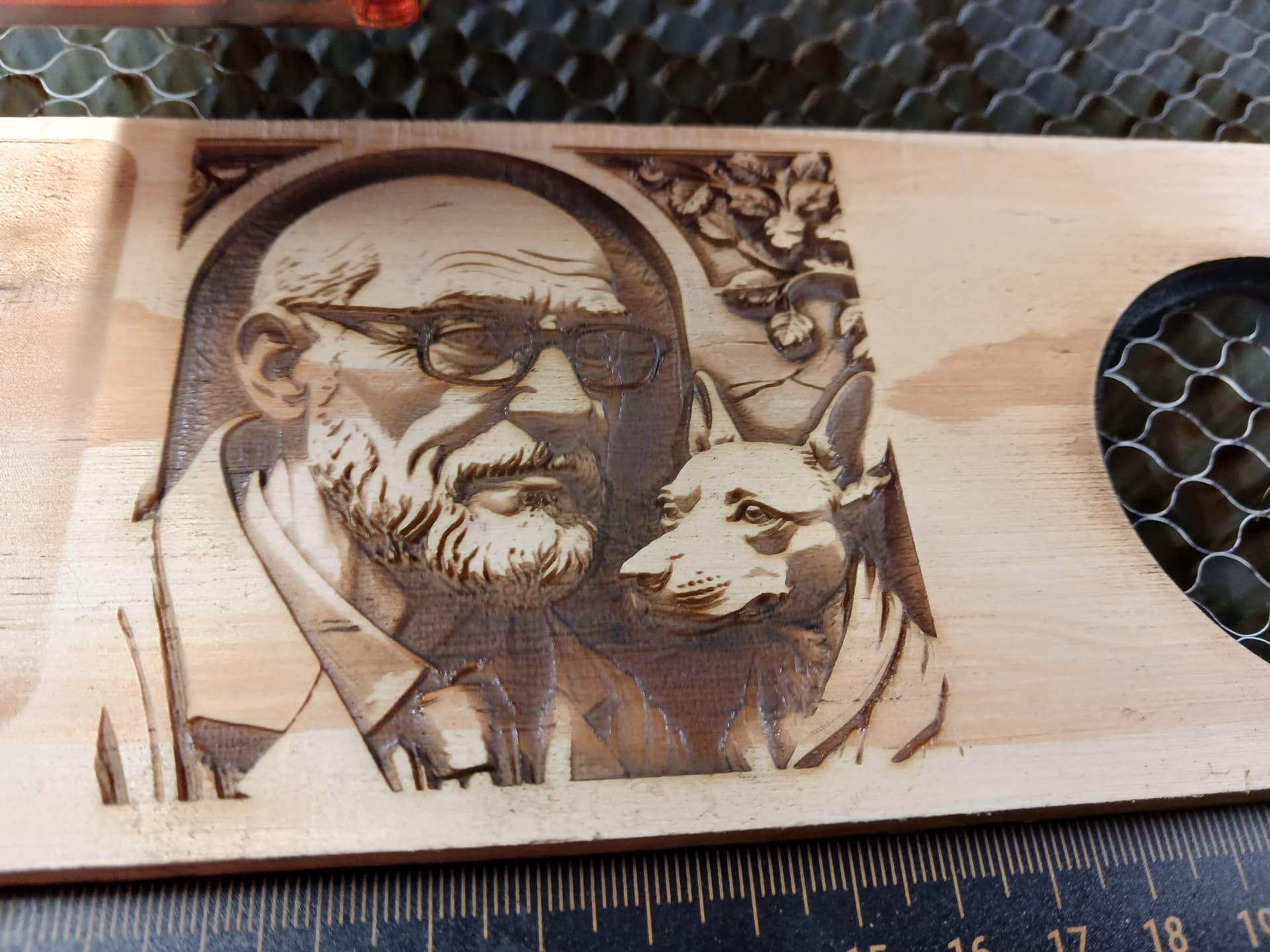

Fun project! 
– David